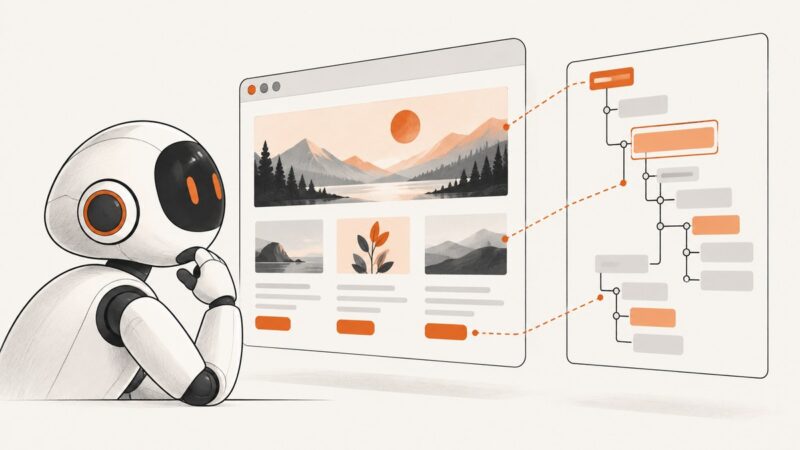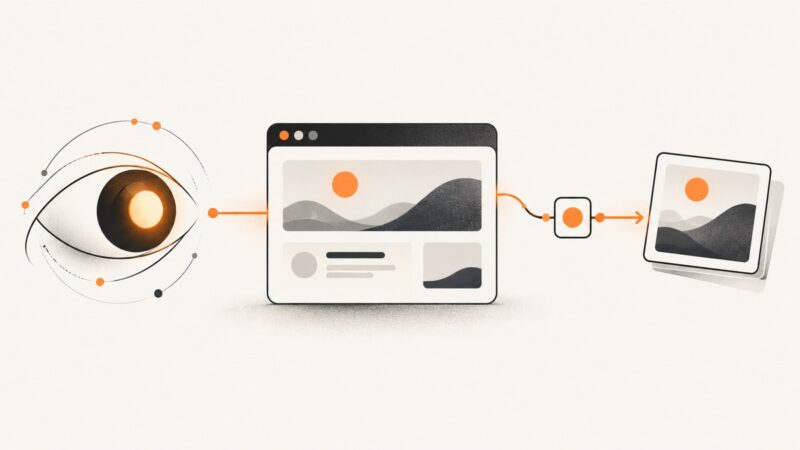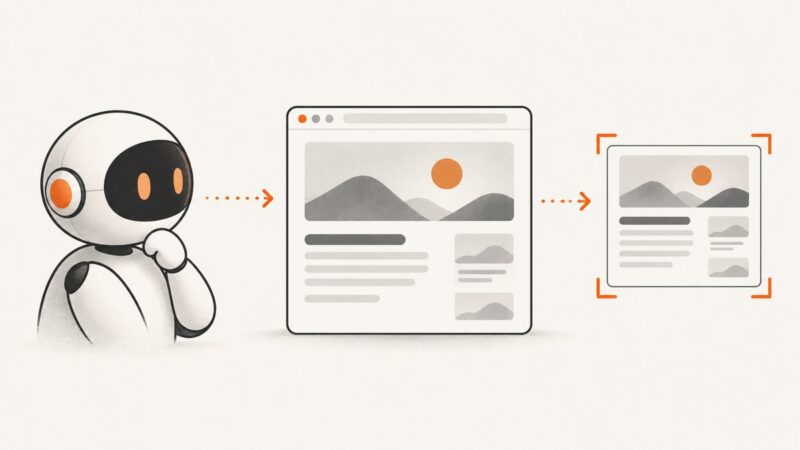
How to Give CrewAI Eyes: Web Screenshots with MCP
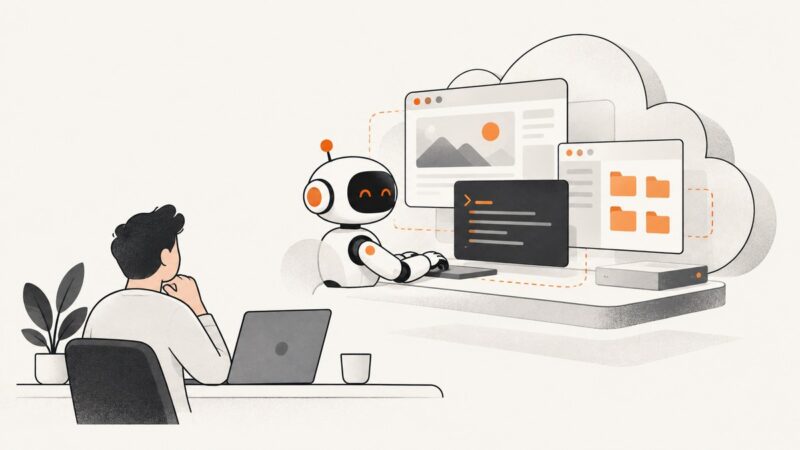
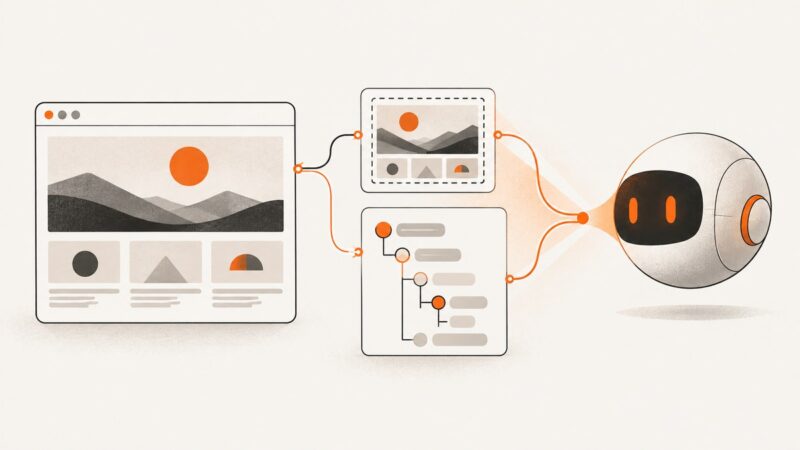
Connect CrewAI to Playwright MCP for screenshots, accessibility snapshots, reliable refs, and production-safe visual web inspection.
Connect CrewAI to Playwright MCP for screenshots, accessibility snapshots, reliable refs, and production-safe visual web inspection.
Connect an agent to browser tools with MCP, use accessibility snapshots for precise interaction, and add screenshots when visual context matters.
Connect Cline to Playwright MCP or Browser MCP, then capture viewport, element, and full-page screenshots with practical setup and fixes.
Learn what Replit MCP can create, how to build videos and slide-deck PDFs, and where image generation fits—with runnable workflows and limits.
OpenCode connects to MCP servers that provide media tools. Learn how to configure a server, verify what it can generate, and handle generated files.
Connect an AI client to Lovable MCP, build and inspect projects, and understand how to generate video, PDF, and image assets in a Lovable workflow.
Connect Model Context Protocol servers to VS Code, configure scopes and transports, secure credentials, use tools in Chat, and troubleshoot common failures.
Connect Cline to local and remote MCP servers in VS Code, fix 405 errors, secure credentials, and automate screenshots with ScreenshotNeo.
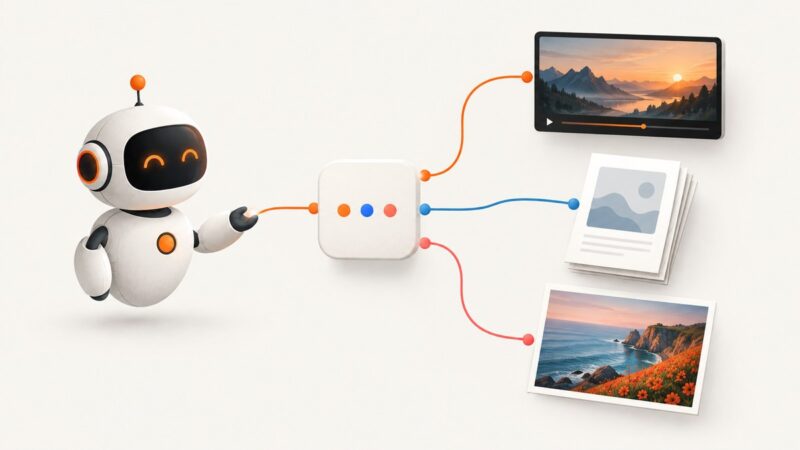
Connect Claude to a media service through MCP to render template-based images and PDFs, and learn how to verify video support and handle webpage captures.
Learn how Hermes connects to MCP servers, generates images and videos, and handles PDF workflows without assuming unsupported tools.
Connect an OpenAI Agents SDK agent to a browser screenshot tool through MCP. Learn how image results, runtime state, transport choices and approvals fit together.
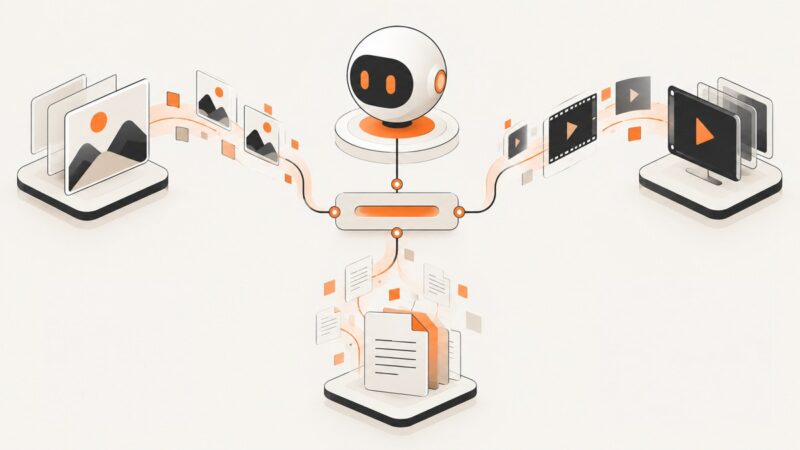
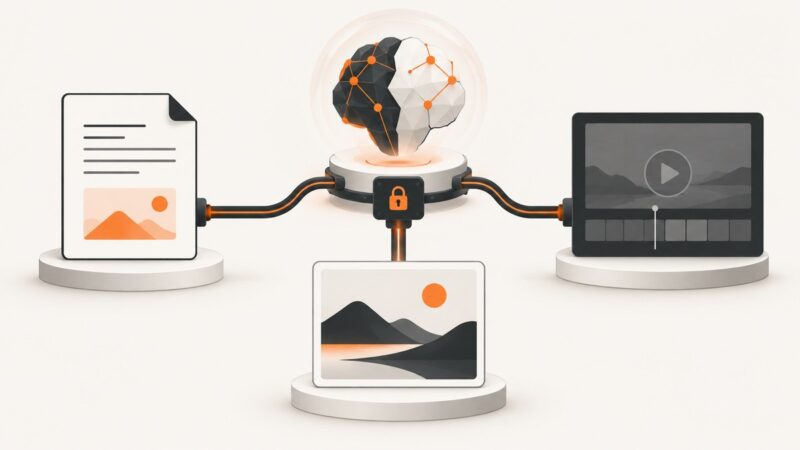
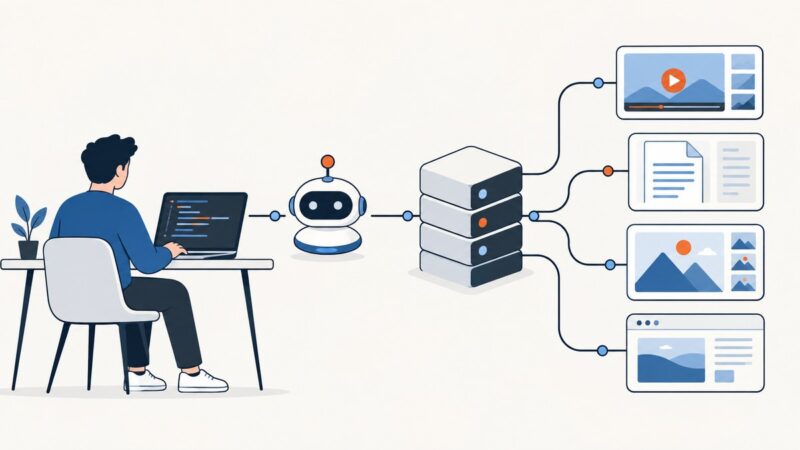
MCP connects an AI client to media tools, but each server supports different formats and workflows. Compare options, configure a client, and handle generated files reliably.
Learn how MCP connects ChatGPT to tools, how to analyze PDFs and generate images with OpenAI APIs, and why video generation is unavailable now.
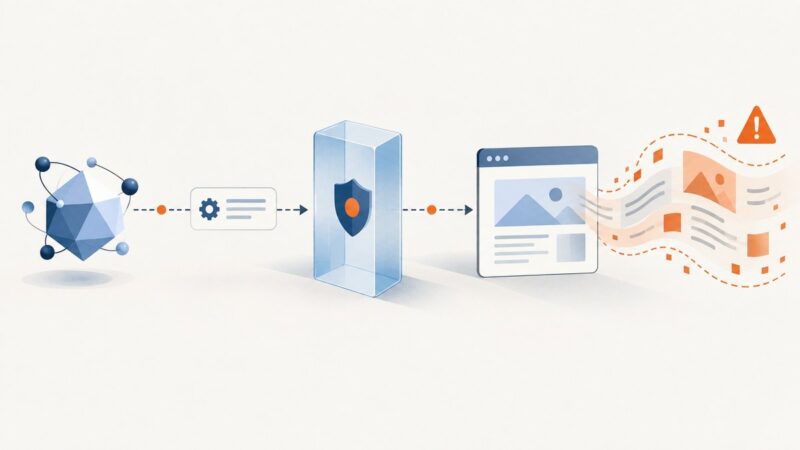
Learn how MCP scraping servers work, how to keep web content untrusted, and how to build a safer screenshot and browser workflow.
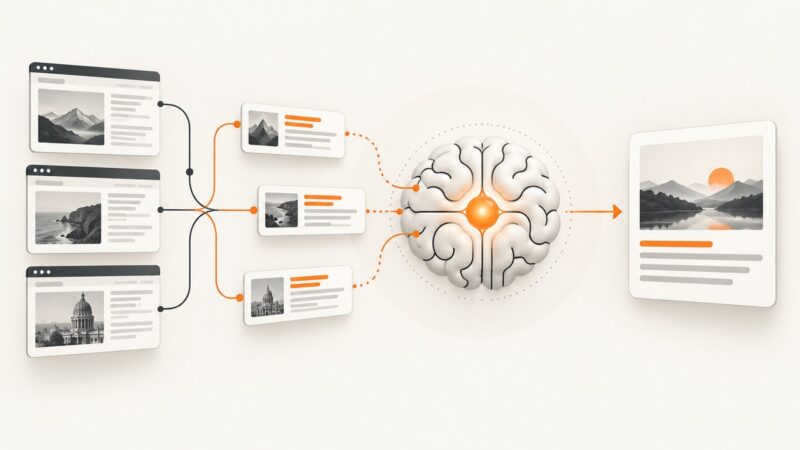
Learn how to ground an LLM with web search, citations, retrieval pipelines, code, failure handling, and ScreenshotNeo page capture.
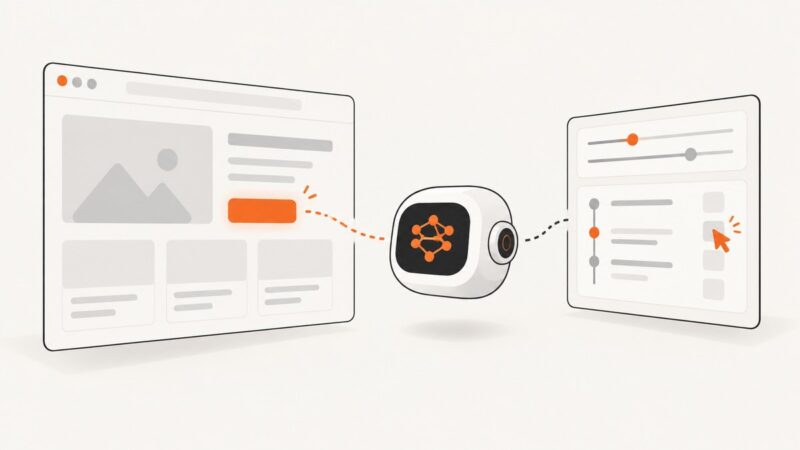
Learn how Gemini Computer Use works, build a supervised screenshot loop, secure the executor, and choose the right browser automation path.
Cursor can call media tools through MCP, but the connected server does the generating. Learn the setup, output handling, security tradeoffs, and where screenshots fit.
Learn what Grok Computer Use can do, how to set it up, where human approval is required, and how to build reliable browser workflows.