AI Agents for Ecommerce: How They Work and How to Prepare Your Store
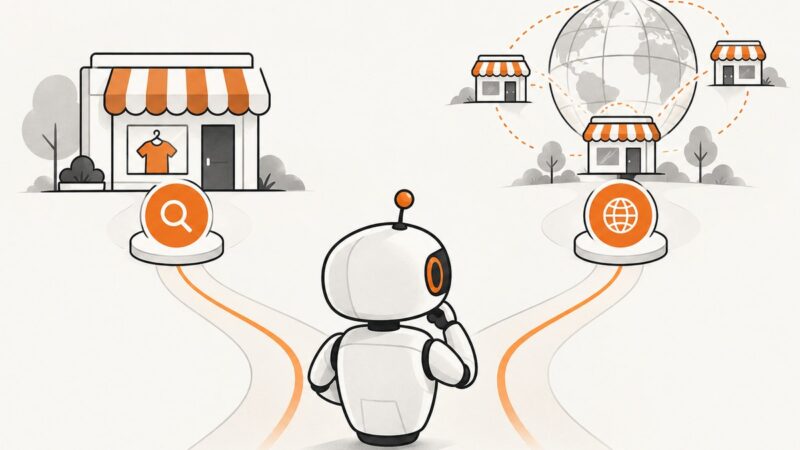
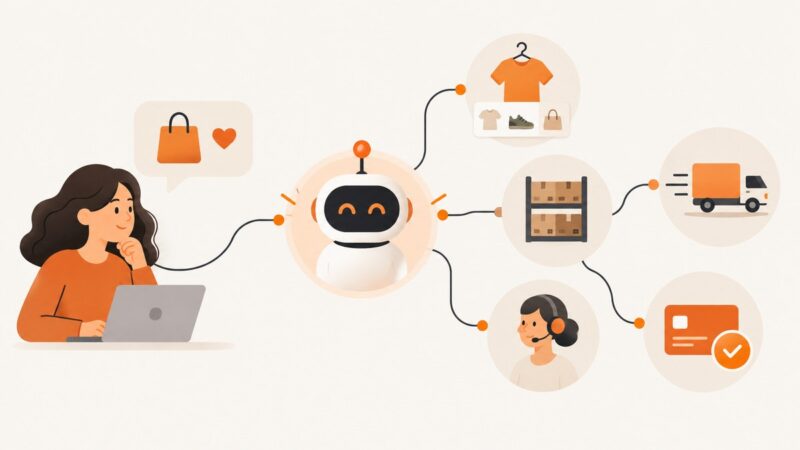
Learn what ecommerce AI agents can do, how they differ from chatbots, and how to prepare product data, integrations, and approvals for them.
Learn what ecommerce AI agents can do, how they differ from chatbots, and how to prepare product data, integrations, and approvals for them.
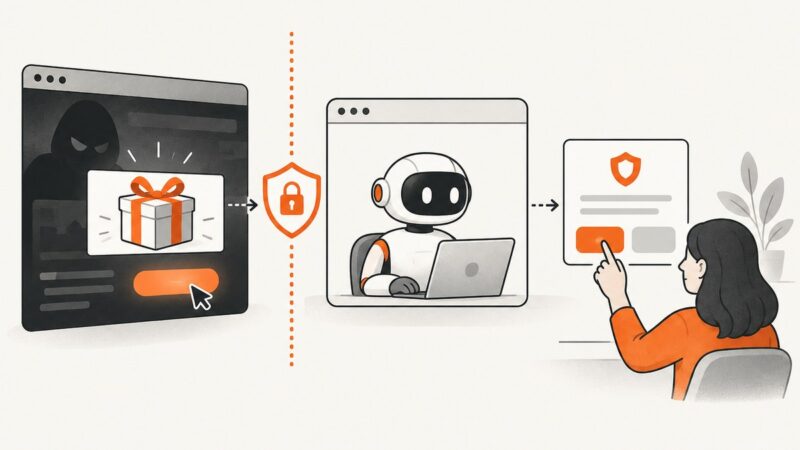
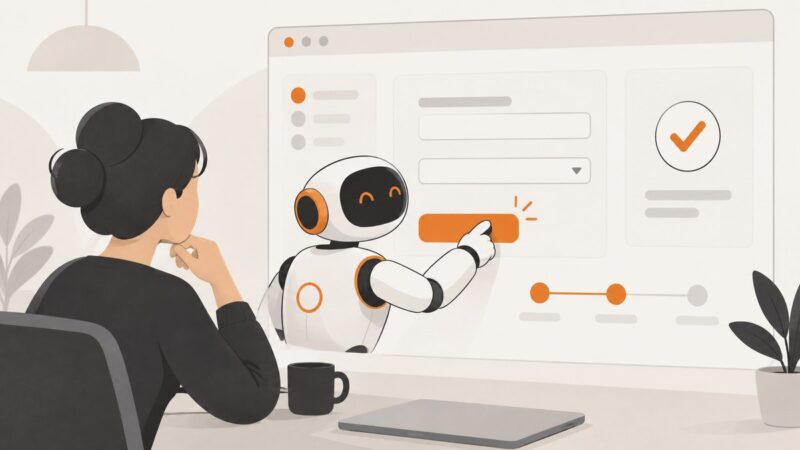
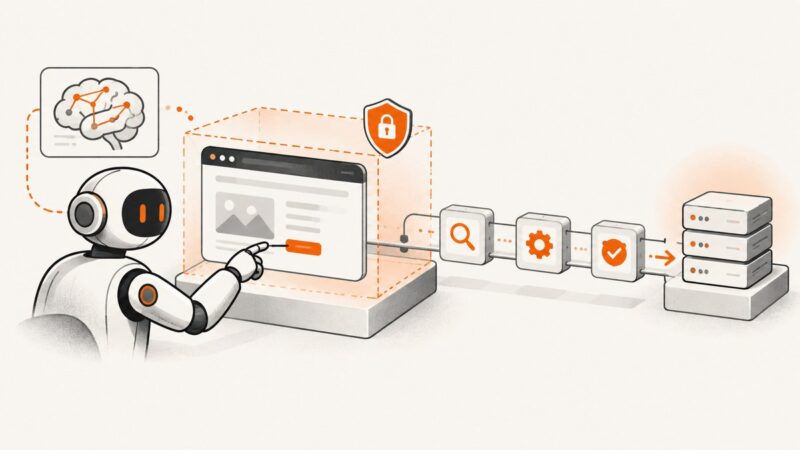
Learn how browser agents turn prompts into web actions, how to build a reliable workflow, and where human checks belong.
Build an MCP-connected agent that retrieves permitted web data with Playwright, validates its results, and keeps browser access scoped.
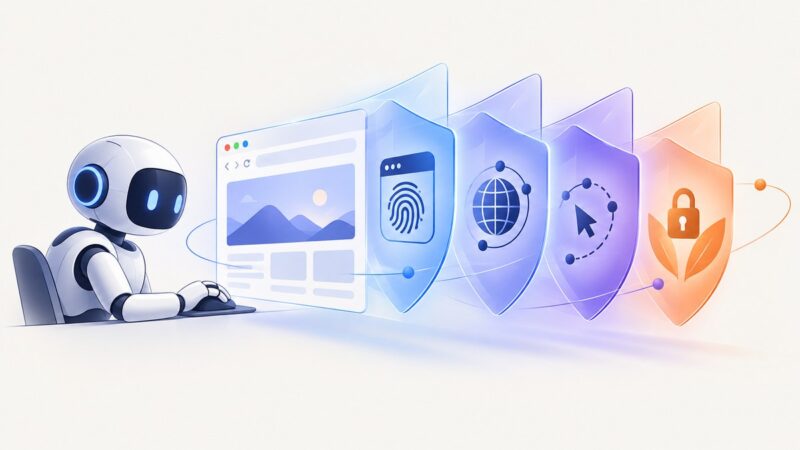
Learn how stealth browsers reduce automation signals, where they help AI agents, why detection still works, and how to build reliable workflows.
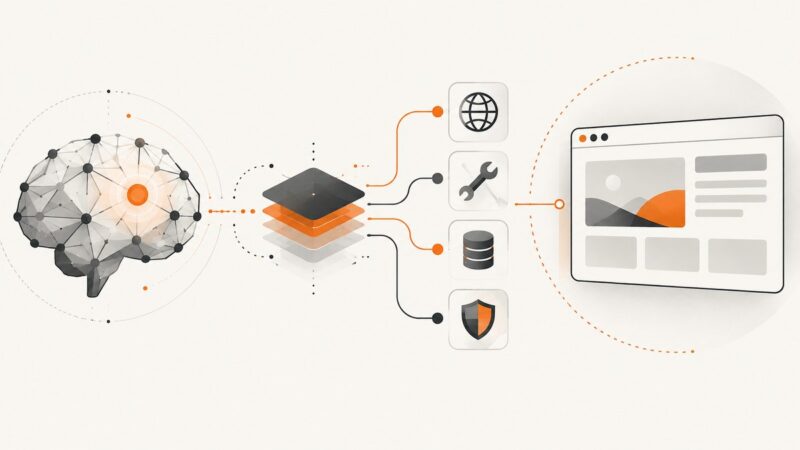
A browser agent harness connects an AI model to browser tools, session state, permissions, and verification. Learn how it works and how to build one safely.
Learn how URL screenshot APIs give AI agents visual evidence, when to use HTTP, MCP, or Playwright, and how to capture reliable screenshots safely.
Learn when to use CSS selectors, semantic locators, browser protocols, and ReAct agent loops for reliable web automation.
Capture a webpage with Playwright, pass it to a LlamaIndex agent as an ImageBlock, and handle multimodal tools, failures, and production trade-offs.
Build a Cartesia voice agent with Pipecat or Managed Agents. Compare the paths, run a browser demo, estimate costs, and plan tests for real calls.
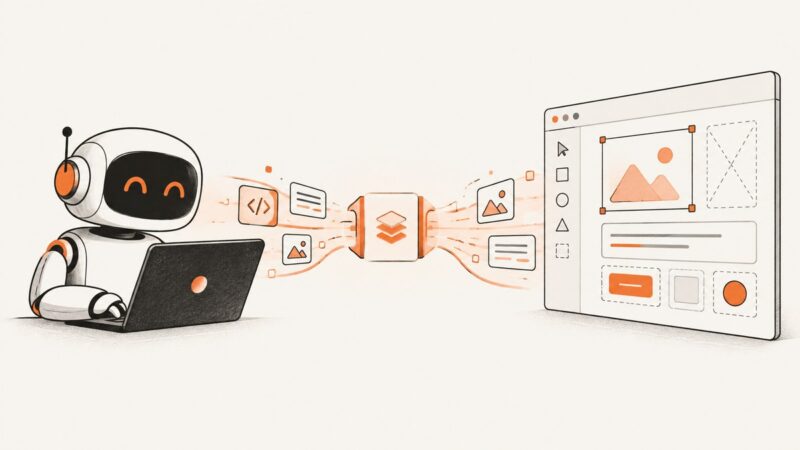
Connect Claude Code, Cursor, VS Code, or Codex to Figma with MCP, inspect design context, implement a screen, and manage write access safely.
Learn how Browser MCP connects AI agents to real browsers, with Playwright setup, Chrome session modes, security guidance, troubleshooting, and screenshots.
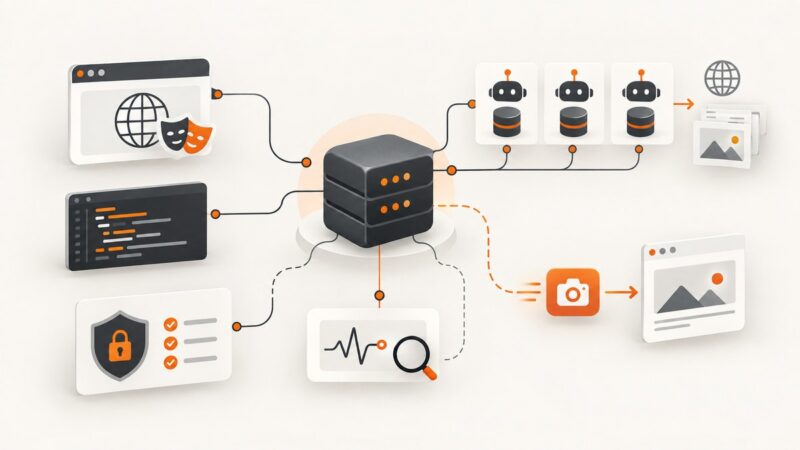
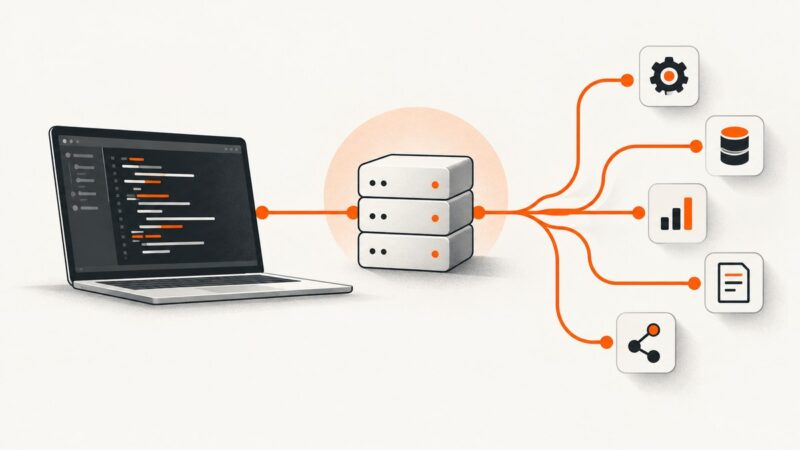
Learn how MCP hosts call Playwright browsers and Apify Actors, with architecture, code, security guidance, troubleshooting, and a ScreenshotNeo shortcut.
Install and use browser automation skills with Playwright, Browser Use, MCP, and computer-use tools. Learn session setup, safe workflows, troubleshooting, and when to use a screenshot API.
Learn how to add current web search to an AI agent, preserve source citations, and choose between OpenAI, Bing and Brave.
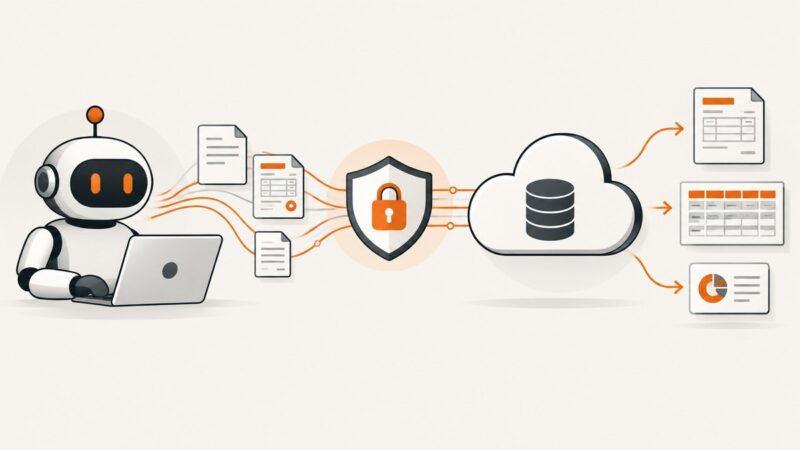
Connect an AI agent to QuickBooks Online with OAuth, company-scoped queries, safe token handling, and webhook-based synchronization.
Learn how to export Shopify data with GraphQL bulk operations and build AI agents with the right catalog scope, tools, and safeguards.
A production guide to deploying browser-capable AI agents with Playwright, Browser Use, computer-use loops, sandboxes, safety controls, and ScreenshotNeo.
Connect local or remote MCP servers to Cursor with mcp.json, environment variables, OAuth, team scopes, troubleshooting, and a ScreenshotNeo shortcut.