How to Take a Screenshot Manually on Any Device
Learn the exact screenshot shortcuts for Windows, Mac, iPhone, Android and Chromebook, plus where captures are saved and how to fix common problems.
Taking screenshots on Windows, Mac, iPhone, Android and in the browser.
Learn the exact screenshot shortcuts for Windows, Mac, iPhone, Android and Chromebook, plus where captures are saved and how to fix common problems.
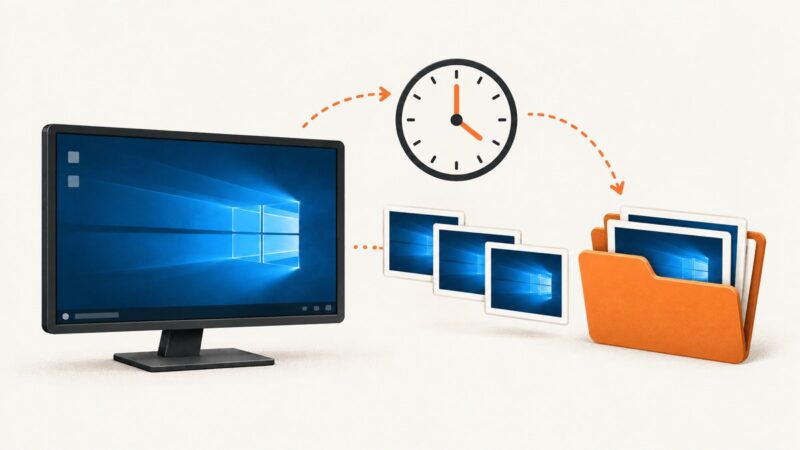
Learn reliable ways to capture Windows 10 screenshots automatically, from Snipping Tool shortcuts to scheduled PowerShell tasks and ScreenshotNeo.
Learn how to turn getDisplayMedia() into a downloadable PNG, handle permissions and errors, capture elements, and automate screenshots with ScreenshotNeo.
Edge full-page captures can miss lazy images, nested panels, and content that loads on scroll. Find the cause, fix the capture, or use a screenshot API.
Learn every Windows screenshot shortcut, capture menus and windows, find saved files, edit images, and automate webpage captures with ScreenshotNeo.
Learn three reliable ways to automate Mac screenshots, from timed captures to scripts, schedules, and browser screenshots without local setup.
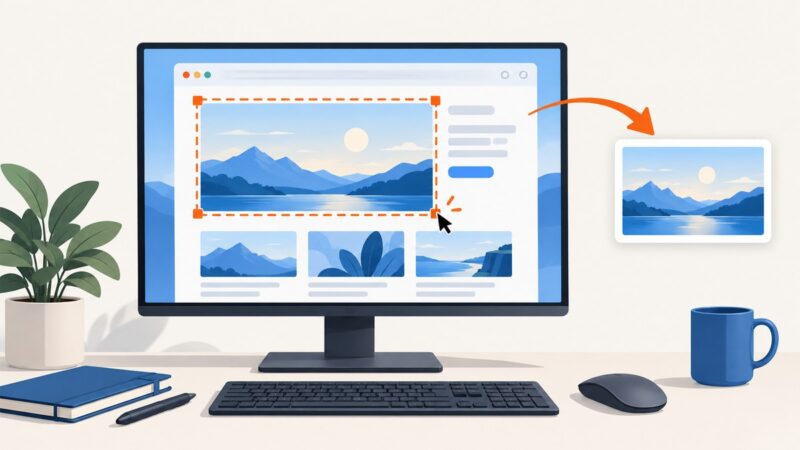
Find the correct website screenshot shortcut for Windows, Mac, Firefox, Chrome and Chromebook, including full-page and partial captures.
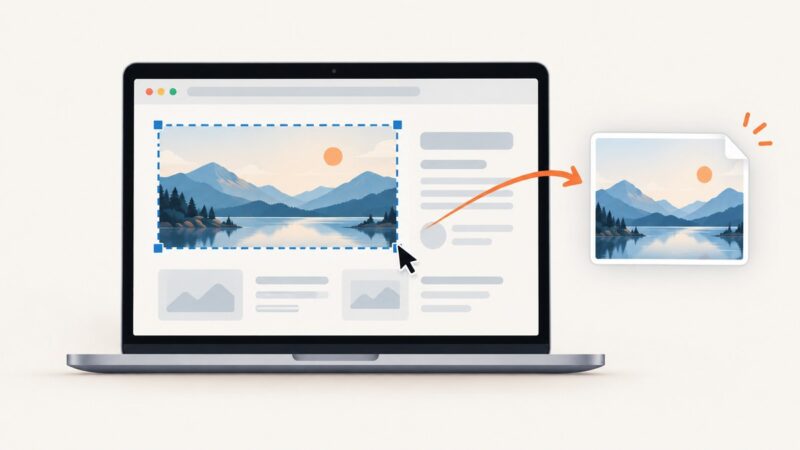
Find the right Windows or Mac shortcut for a screen, window, selection, or full webpage—and learn when to use your browser instead.
Capture a visible screen, browser window, selected element, or an entire webpage on Windows, macOS, Chrome, Firefox, Edge, and with an API.
Use Mac shortcuts for the screen or Chrome window, and Chrome DevTools for webpage areas and full-page captures. Here are the steps and fixes.
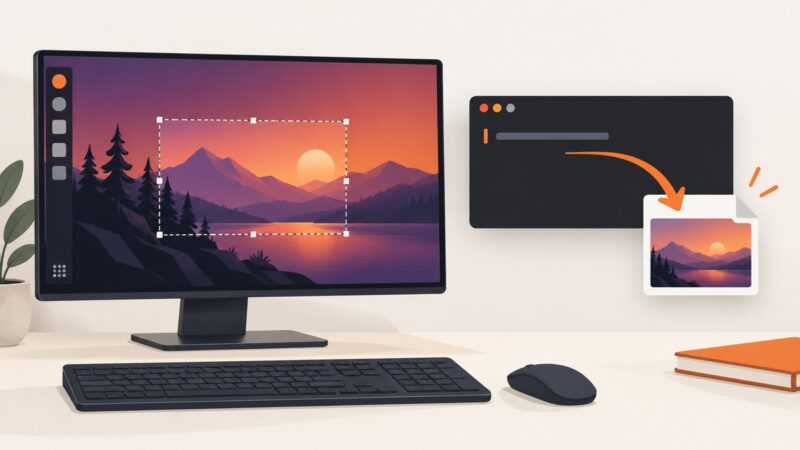
Capture your Linux desktop from the terminal with Flameshot, ImageMagick or scrot. Choose the right command for X11, Wayland, files, the clipboard and scripts.
Choose the right Windows screenshot API for a selected window, a desktop frame, or a repeated capture stream, with practical C++ examples and tradeoffs.
Capture a specific window in Python with the right method for Windows, macOS, or Linux. Learn when to use Pillow, a native picker, or a screen crop.
Capture an entire webpage in Chrome, Firefox, and Edge, troubleshoot dynamic pages, and automate reliable screenshots with practical commands.
There is no universal full-page screenshot shortcut. Learn the exact Edge and Firefox keys, what Windows and Mac shortcuts capture, and how to automate screenshots.
Capture an entire webpage on any laptop with Edge, Firefox, Chrome DevTools, or a reliable ScreenshotNeo API workflow.
Capture an entire webpage in Microsoft Edge with its built-in Screenshot tool or a full-page add-on, plus automation options for developers.
Capture a webpage on Windows with keyboard shortcuts, Snipping Tool, Edge print, and an automated ScreenshotNeo workflow for long pages.