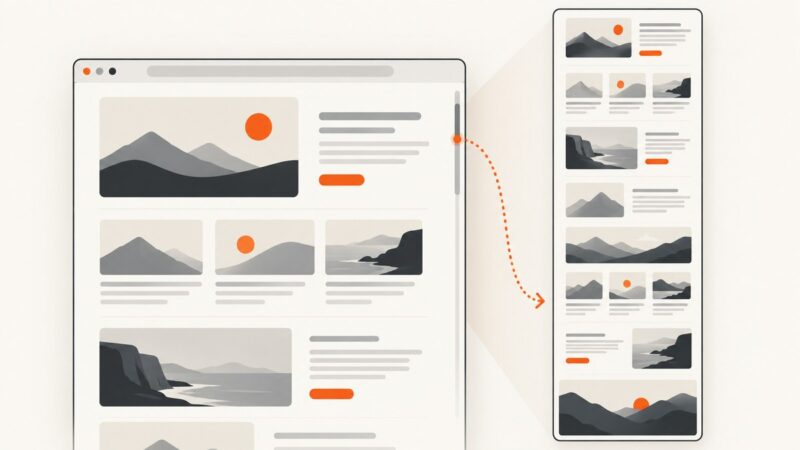
How to Capture a Scrolling Screenshot on a PC
Capture an entire webpage or a scrollable app window on a PC. Choose the right built-in browser or desktop tool, and fix common stitching problems.
Taking screenshots on Windows, Mac, iPhone, Android and in the browser.
Capture an entire webpage or a scrollable app window on a PC. Choose the right built-in browser or desktop tool, and fix common stitching problems.
Capture an entire webpage on Windows with Edge, ShareX, or PicPick. Learn which method handles scrolling content, tricky pages, and saving best.
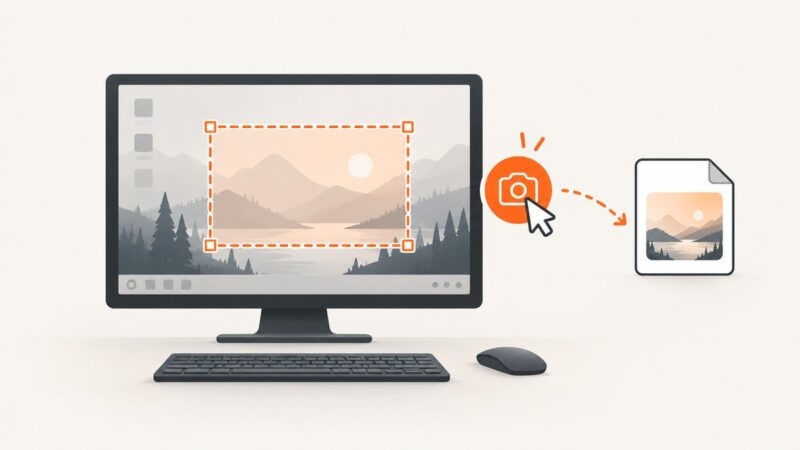
Learn every reliable way to capture a region, window, full screen, or video in Windows 10 and 11, plus save, edit, troubleshoot, and automate shots.
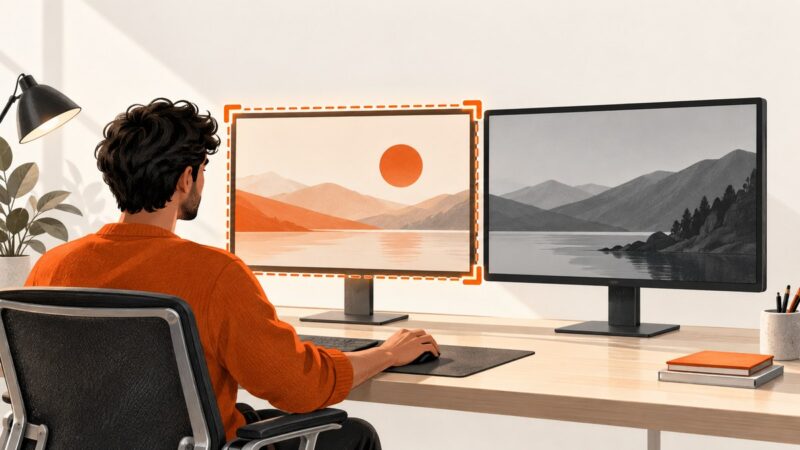
Capture one display cleanly in a dual-monitor setup on Windows or macOS, with shortcuts, troubleshooting, saving, editing, and automation tips.
Learn the Mac shortcuts and browser workflows for capturing an entire webpage, including Chrome, Safari, Firefox, troubleshooting, and an API option.
Capture an entire webpage in Arc for macOS with the built-in Capture Full Page command. Here’s where to find it, set a shortcut, and troubleshoot missing or incomplete captures.
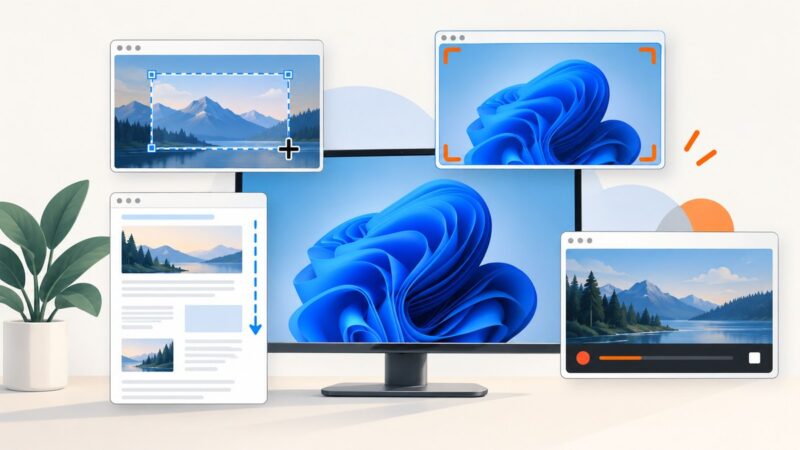
Compare Windows 11’s free screenshot tools, learn the right shortcuts, and choose between Snipping Tool, ShareX, Greenshot, and ScreenshotNeo.
Learn which Power Automate Desktop screenshot action to use, save images reliably, capture web elements, and diagnose unattended-flow failures.
Capture an entire webpage in Zen Browser, use the keyboard shortcut, improve resolution with DevTools, and fix common screenshot problems.
Press Ctrl+Shift+S in Microsoft Edge, choose Capture full page, then copy or save the entire webpage—not just the visible screen.
Learn how to capture an entire webpage on Mac with Chrome extensions, fix stitching problems, export to PDF, and automate captures with ScreenshotNeo.
Capture an entire Safari webpage on Mac, iPhone, or iPad, choose the right extension, fix missing content, and automate screenshots when needed.
Capture a Windows desktop, display, or screen region in PowerShell with .NET, save it as PNG, and handle scheduled tasks and common failures.
Capture an entire webpage on iPhone, understand Mac’s limits, save the right format, and automate clean full-page shots with ScreenshotNeo.
Capture a full display or region in Go, save it as PNG, and handle multi-monitor coordinates, permissions, Linux backends, and common errors.
Capture your screen, a region, or a monitor in Python with PyAutoGUI, Pillow, and MSS, including setup, scaling, troubleshooting, and automation tips.
Capture a visible Safari page, window, or full display with built-in Mac shortcuts. Learn what to use for full-page images and saved webpage files.
Capture sharper, clearer screenshots on Windows, macOS, and the web with the right resolution, format, cropping, privacy, and export settings.