Capturing a Screenshot of a Webpage in ASP.NET Core
Use Microsoft.Playwright in ASP.NET Core to capture a webpage as an image or byte array, with full-page and element examples, configuration guidance, and troubleshooting.
Use Microsoft.Playwright in ASP.NET Core to capture a webpage as an image or byte array, with full-page and element examples, configuration guidance, and troubleshooting.
Learn how to screenshot any Instagram post on iPhone or Android, find the saved image, understand notifications, and automate captures with ScreenshotNeo.
Build a reliable e-commerce scraper with Scrapy, direct requests, Playwright, validation, retries, and compliance controls.
Use Chrome DevTools to copy a CSS selector, check what it matches, and handle common problems such as duplicate matches and Shadow DOM.
Learn how to capture pages behind a login with saved cookies or credentialed crawls, including limits, security, troubleshooting, and an API option.
Capture a URL manually in Chrome or automate viewport, full-page, and element screenshots with Playwright, Puppeteer, or ScreenshotNeo.
Build a Zap that captures a webpage URL, creates a screenshot, and sends the image wherever your workflow needs it.
Crawl a site from a seed page, control link depth and scope, then choose screenshots, offline pages, or a web archive for the result.
Use Playwright to sign in, reuse authenticated state, wait for protected content, and capture secure pages safely in Python.
Set or restore browser cookies before a Java screenshot, verify the visitor state, and capture the right page with Selenium or Playwright.
Prevent accidental duplicate screenshot jobs with a synchronous in-flight guard, clear pending UI, and server-side deduplication for retries.
Extract, clean, and debug HTML document titles with Cheerio, including encoded pages and JavaScript-rendered applications.
Learn what can and cannot stop website screenshots, from browser controls and watermarks to managed Edge policies and DRM.
Capture HTML tables with Python using pandas or Beautiful Soup, handle dynamic pages, clean results, and troubleshoot extraction failures.
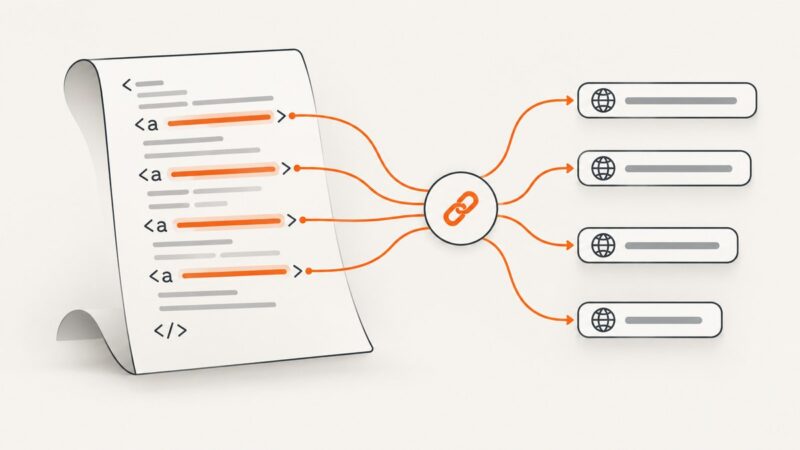
Use Cheerio to read one or every anchor’s href, keep raw paths or resolve them against a page URL, and handle markup that needs a browser.
Load HTML with Cheerio, select every element with a class, and refine the result with tag, relationship, and scoped selectors.
A practical, reversible workflow for profiling, normalizing, deduplicating, validating, and exporting scraped data with OpenRefine and code.
Build a viaSocket Flow that captures a website and sends the image where your team needs it, with practical guidance for timing, errors, and recurring workflows.