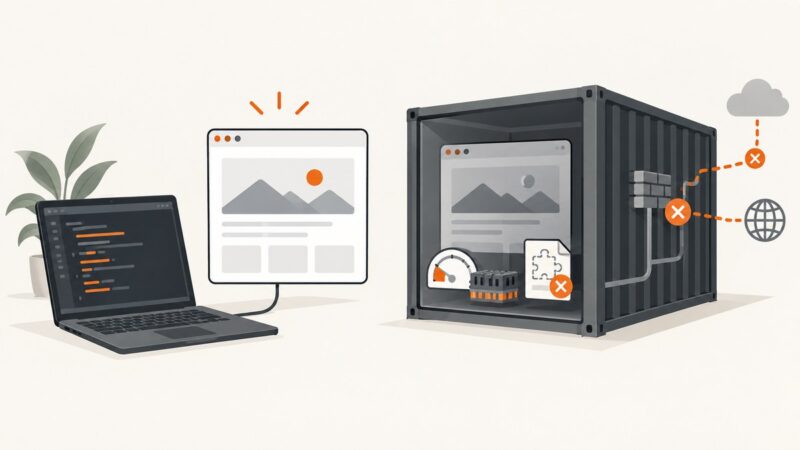
How to Capture Website Screenshots with a Cloudflare Worker
Build a Cloudflare Worker endpoint that captures website screenshots through Browser Rendering, with runnable code, safe URL handling, options and troubleshooting.
Build a Cloudflare Worker endpoint that captures website screenshots through Browser Rendering, with runnable code, safe URL handling, options and troubleshooting.
Set viewport, DPR, user agent, and capture scope in Chrome or Firefox for repeatable website screenshots, then automate or use ScreenshotNeo.
Learn how SERP location changers work, what Google can change by region, and how to capture repeatable country-specific results.
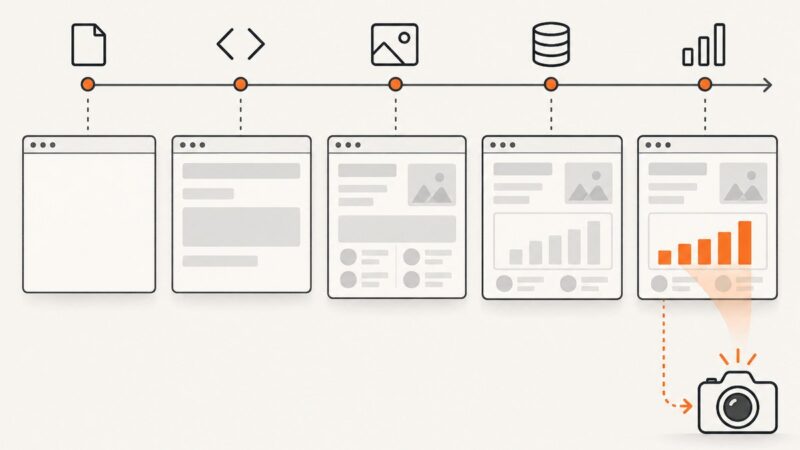
No browser event guarantees that the content you need is ready. Wait for a meaningful page state, then capture with animation and timeout behavior in mind.
Build query strings safely, navigate with Playwright, and wait for the page condition your automation actually needs. Includes runnable Node.js, Python, cURL, and ScreenshotNeo examples.
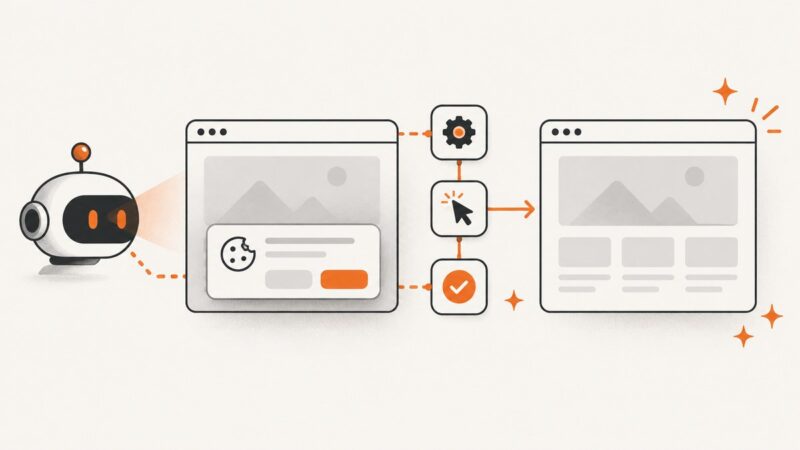
Build reliable cookie-banner automation with Playwright, CMP rules, verification, troubleshooting, and a hosted ScreenshotNeo shortcut.
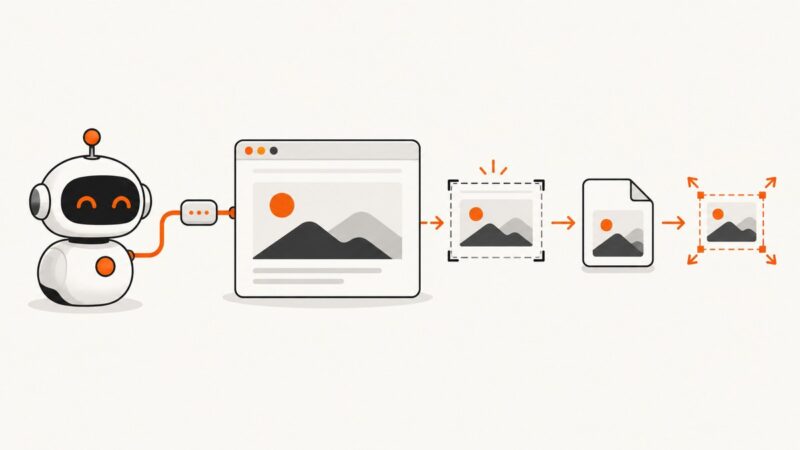
Use Chrome DevTools MCP to capture pages or elements, save files, choose formats, and resize output reliably.
Learn how to monitor a whole page or one element, choose a useful check interval, and get alerts without drowning in false positives.
Puppeteer directly captures PNG, JPEG, and WebP stills. Learn what that means for GIF, JP2, TIFF, AVIF, HEIF, and SVG, and how to build a reliable capture workflow.
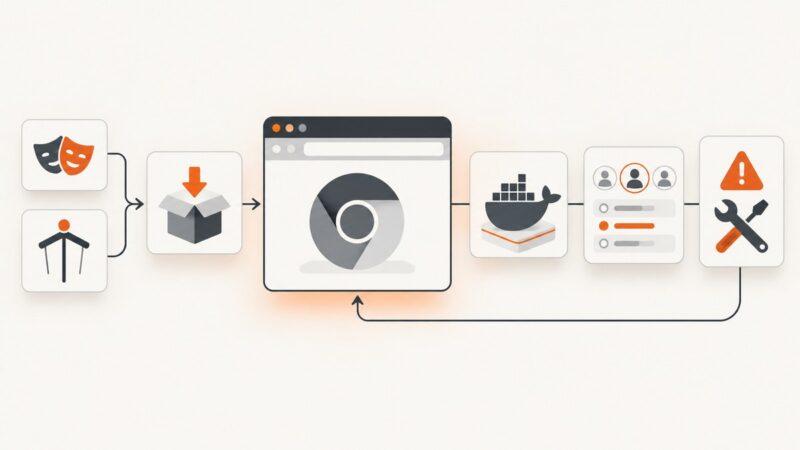
Install Chromium for OpenClaw with Playwright or Puppeteer, configure Docker, verify profiles, and fix the most common browser errors.
Build a reliable pipeline for capturing directory listings at scale with Playwright, bulk APIs, stable filenames, retries, and ScreenshotNeo.
Build a version-pinned Playwright Docker image, push it to ECR, and run it on ECS Fargate or EC2 with the right IAM, networking, and browser settings.
Build a reliable product-thumbnail pipeline with consistent crops, platform-safe exports, validation, and optional AI-generated backgrounds.
Deploy Playwright on Heroku with matching browsers, Linux dependencies, buildpack and Docker paths, troubleshooting, and a managed screenshot alternative.
Automate viewport, full-page, and element screenshots with Playwright or Puppeteer, then scale captures with a hosted API.
Use Browserless’s REST API to capture full pages, elements, and clipped regions with reliable waits, lazy-load handling, and production troubleshooting.
Use Puppeteer request interception to block selected URLs or resource types while allowing the rest of the page to load. Includes safe handler patterns, options, limits, and fixes.
Learn when to export a Google Slide, print a deck to PDF, or capture the entire Slides webpage—and how to automate clean captures.