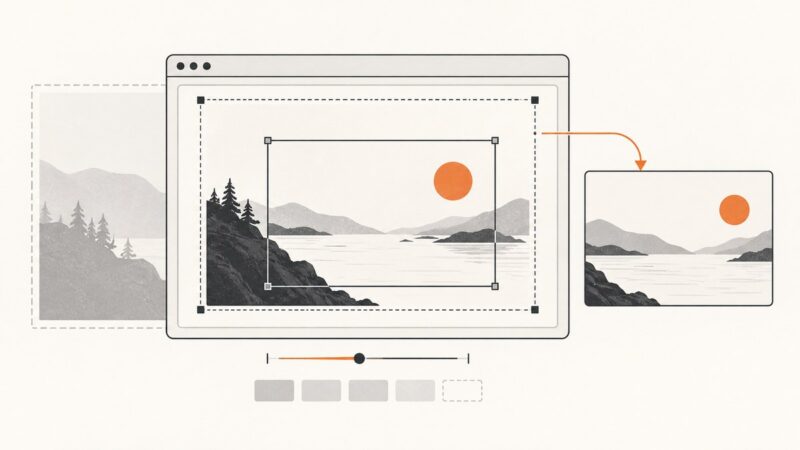
Fixing Cropping Issues in Website Screenshots
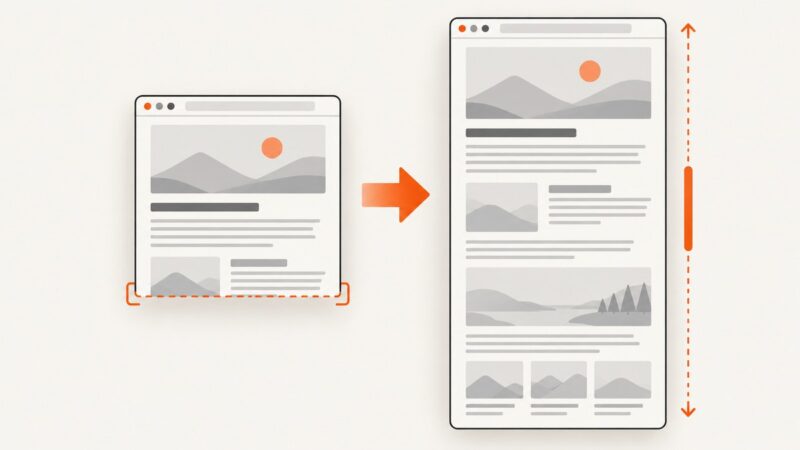
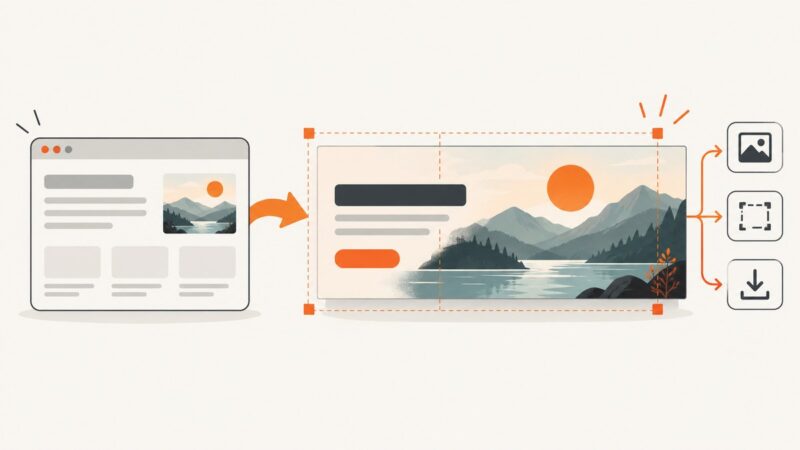
Learn why website screenshots are cropped and fix viewport, full-page, element, clip, scale, and dynamic-content problems with runnable examples.
Learn why website screenshots are cropped and fix viewport, full-page, element, clip, scale, and dynamic-content problems with runnable examples.
This Playwright error usually means navigation replaced the document while an evaluation was running. Coordinate the navigation or wait for the specific UI state you need.
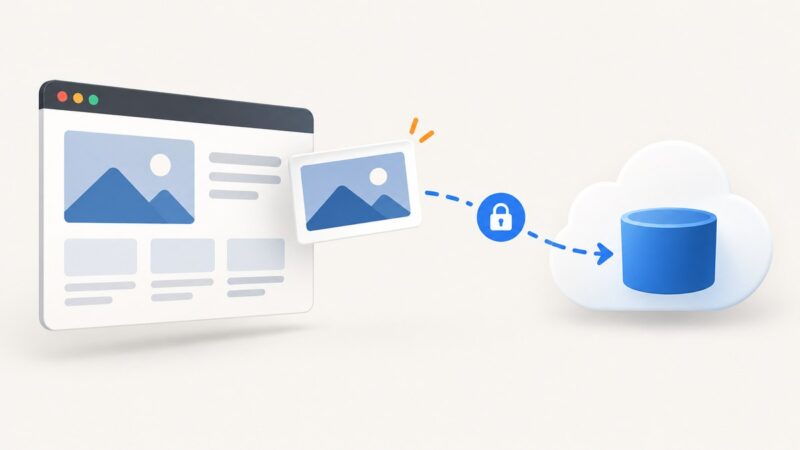
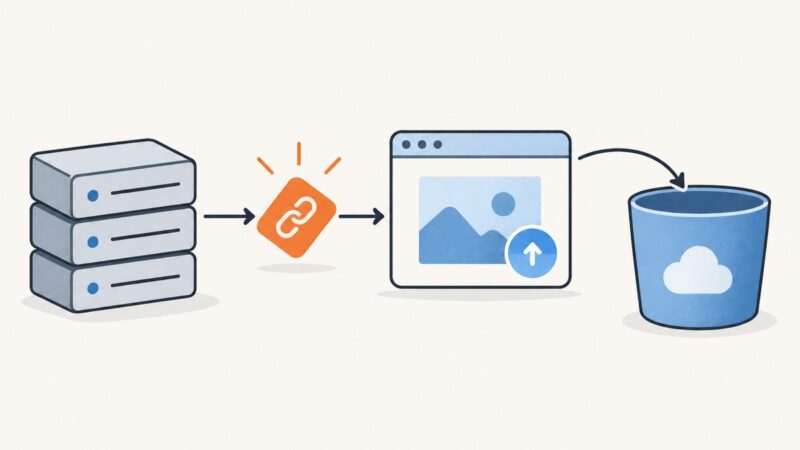
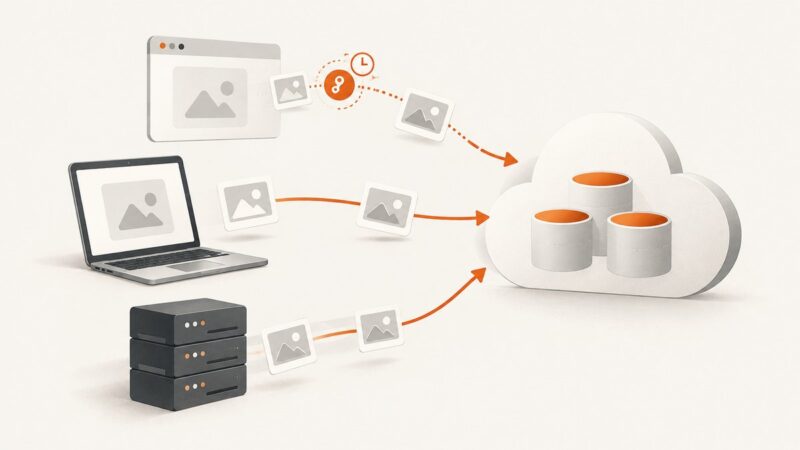
Upload screenshots straight from the browser with a short-lived signed URL, keep the bucket private, and fix the CORS and permission errors that commonly break the flow.
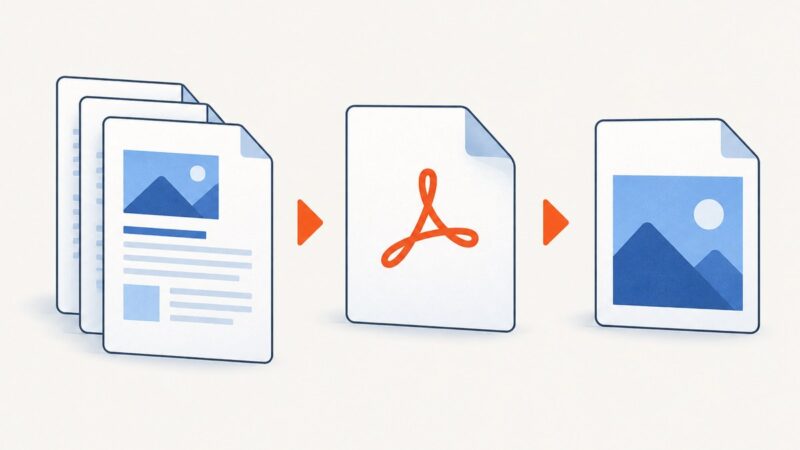
Google Docs doesn’t export directly to JPEG, PNG, or WebP. Choose a screenshot or PDF workflow based on whether you need a visible crop or a full page.
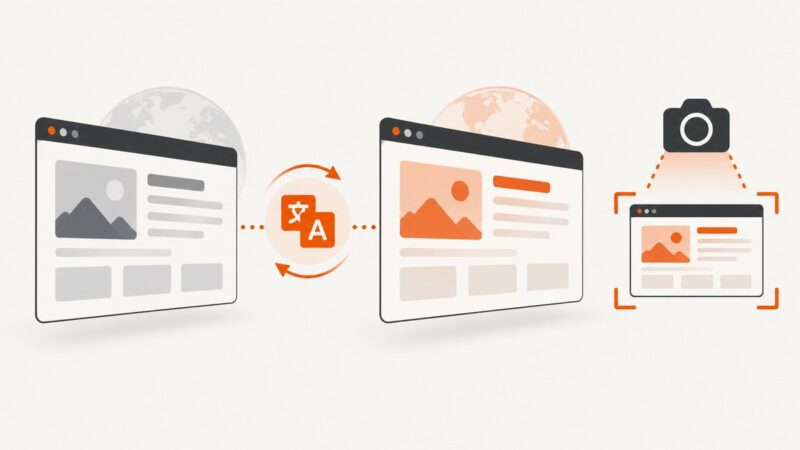
Translate and verify a webpage before capturing it, with browser steps, full-page options, troubleshooting, automation, and ScreenshotNeo.
Make custom fonts render reliably in website screenshots. Load or inject the font before capture, check that it applied, and keep screenshot conditions consistent.
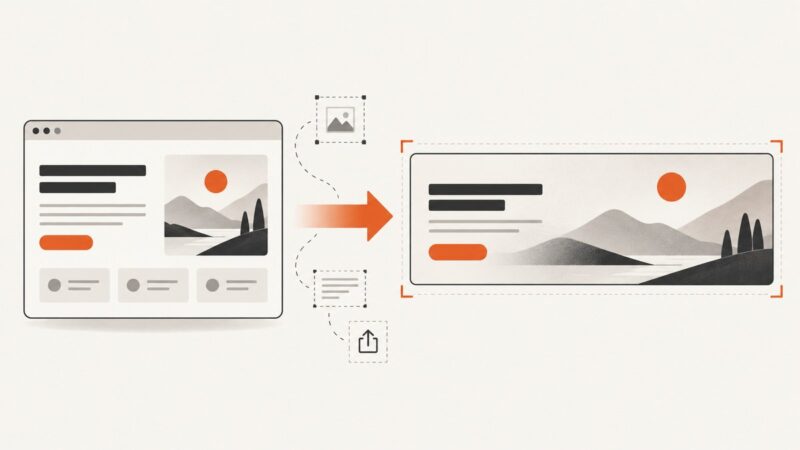
Turn permitted web content into banners that fit their placement, survive responsive cropping, and export cleanly for the web.
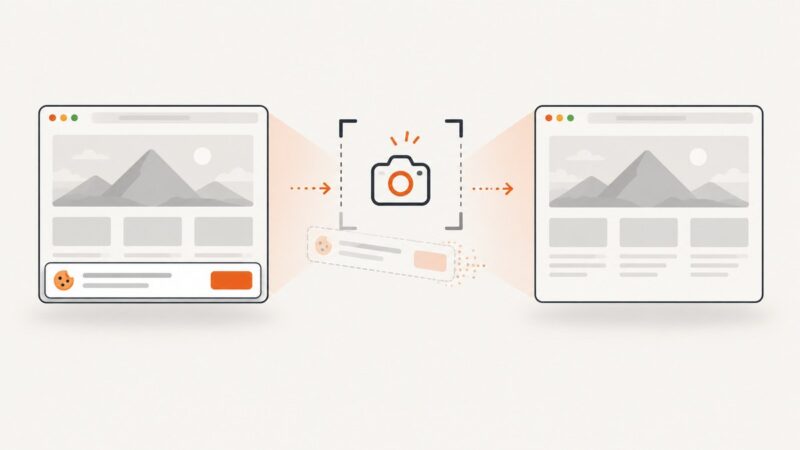
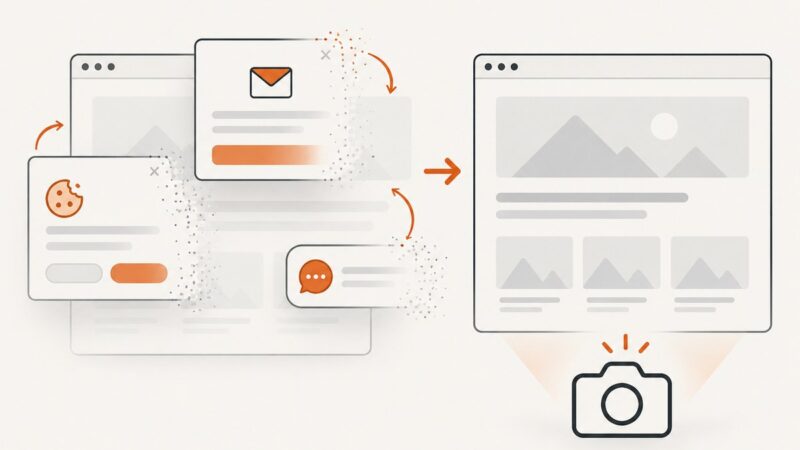
Remove cookie consent overlays from screenshots with Playwright, CSS, hosted APIs, and reliable troubleshooting for repeatable captures.
Capture a webpage as a transparent PNG with Playwright or Puppeteer. Learn when transparency works, how to capture a page or element, and how to troubleshoot opaque backgrounds.
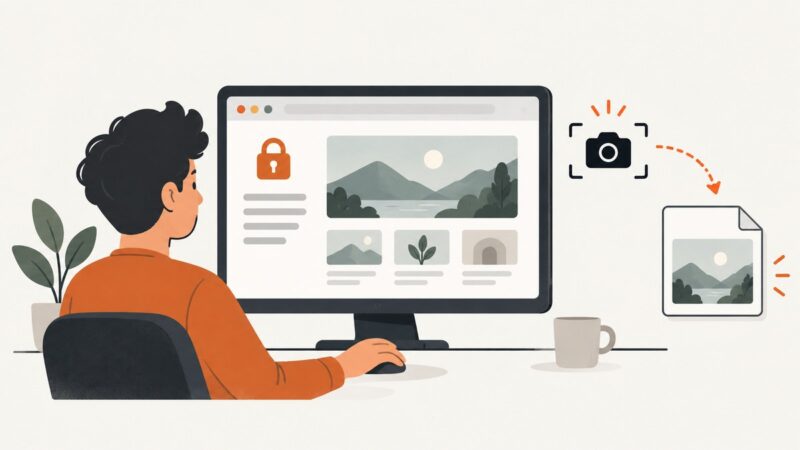
Learn safe, authorized ways to capture logged-in pages with Firefox, Playwright, and ScreenshotNeo, including full-page, element, masking, and troubleshooting.
Upload screenshots safely to Cloudflare R2 with presigned URLs, browser code, S3 SDKs, CORS, multipart guidance, and a ScreenshotNeo shortcut.
Capture an entire page with Puppeteer’s `fullPage` option or Chrome DevTools Protocol. Learn how to wait for content, choose formats, handle tall pages, and troubleshoot failures.
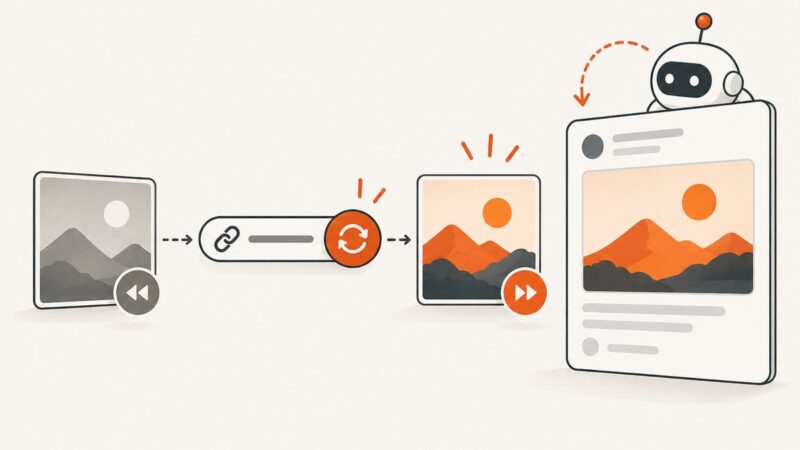
Fix stale Open Graph previews with a cache-layer workflow, versioned URLs, platform inspectors, and reliable refresh tactics.
Capture a social media post or page on your phone or computer, save its context, and choose a full-page capture or platform download when needed.
Hide a floating chat widget before capturing a page with Puppeteer. Choose a site-specific selector, handle late loading, and avoid common screenshot timing issues.
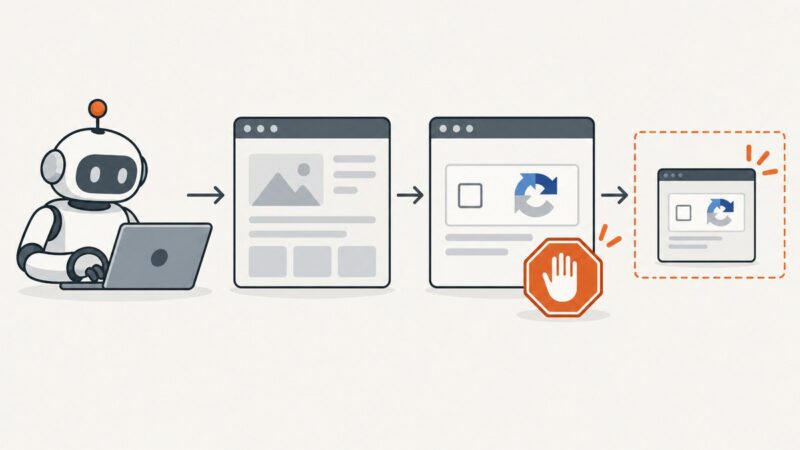
When screenshot automation hits a CAPTCHA, stop at the access gate. Learn how to document the blocked state safely and choose an authorized route to the page.
Upload screenshots to Backblaze B2 manually, from a server, or directly from a browser using a short-lived upload capability.
Deploy Puppeteer on Heroku with the right buildpack, cache, launch flags, and troubleshooting steps, plus a browser-free ScreenshotNeo option.