Playwright PDF Generation: URL and HTML to PDF Guide (2026)
Generate reliable PDFs from URLs or HTML with Playwright, control print layout, debug rendering issues, and compare a managed ScreenshotNeo workflow.
Blog
How to take clean screenshots, turn HTML into images and PDFs, run headless browsers, and give AI agents eyes. Written by the team that builds ScreenshotNeo.
Generate reliable PDFs from URLs or HTML with Playwright, control print layout, debug rendering issues, and compare a managed ScreenshotNeo workflow.
AI can help generate extraction logic, interpret messy pages, and navigate dynamic interfaces—but reliable scraping still needs validation, a conventional baseline, and clear limits.
Set recovery targets, protect backups, document response, and rehearse restoration so your website can survive outages and platform failures.
Learn how to scrape web pages into clean, structured Markdown for LLMs, RAG pipelines, and AI agents—with rendering, validation, and provenance.
PNG is the safest default for crisp screenshots; lossless WebP can reduce bytes, while JPEG suits photographic pages where artifacts are acceptable.
Learn how to scrape JavaScript sites with Playwright using ethical scope, resilient locators, reliable waits, isolated sessions, and bounded scaling.
Prepare a focused federal FOIA request: find the right agency, describe existing records, plan fees and timing, and follow up effectively.
Render your HTML invoice in Chrome or Playwright, control print CSS and page layout, and avoid common PDF generation failures.
Capture a website, place it in a Google Sheets cell or over cells, and automate repeatable screenshots with IMAGE formulas, Apps Script, or ScreenshotNeo.
Add reliable custom fields to metadata pipelines with clear schemas, scoped rules, rendered-page extraction, validation, and troubleshooting.
Learn a reliable Python workflow that fetches web pages first, then uses Gemini to extract structured data—with URL Context limits and fixes.
Capture a visible view or full-page screenshot of a product, cart, or checkout in Firefox or Chrome, then check the image before sharing it.
Build a repeatable ICO monitoring log with official date checks, timestamped screenshots, and alerts—without treating a screenshot as proof of legitimacy.
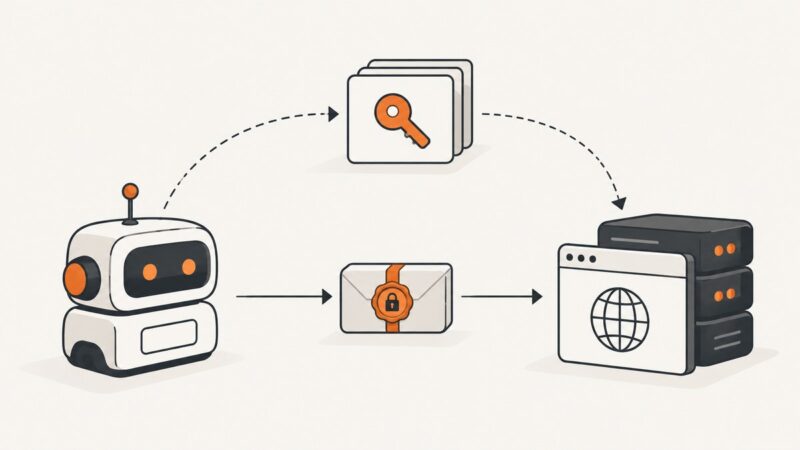
Learn how Web Bot Auth signs automated requests, discovers agent keys, and what verified identity can—and cannot—tell a website.
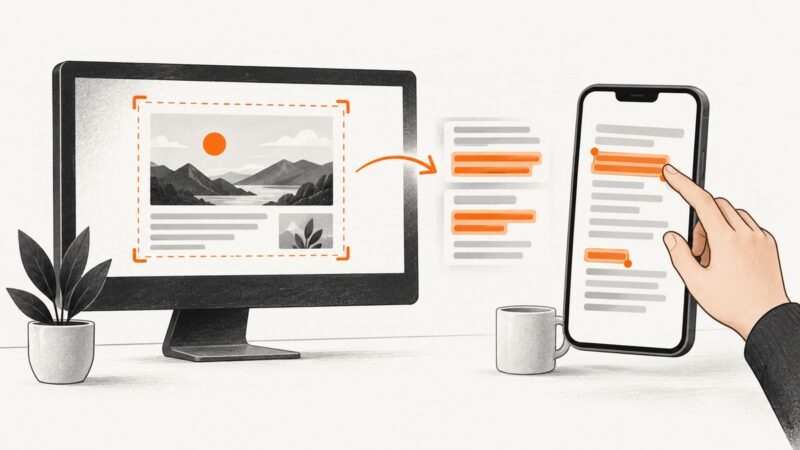
Copy text from a screenshot with Live Text, Windows Snipping Tool, or Google Lens. Learn what to try when recognition misses text or privacy matters.
Add useful website screenshots to directory listings with a reliable capture, storage, and refresh workflow—and handle Google integrations separately.
Use this practical social card checklist to set image dimensions, metadata, fetchability, cropping, and preview validation before publishing.
Build a scheduled Make.com scenario that captures a website, turns the result into a file, and uploads it to Google Drive.