Placid Pricing in 2026: Plans, Limits and Cheaper Options
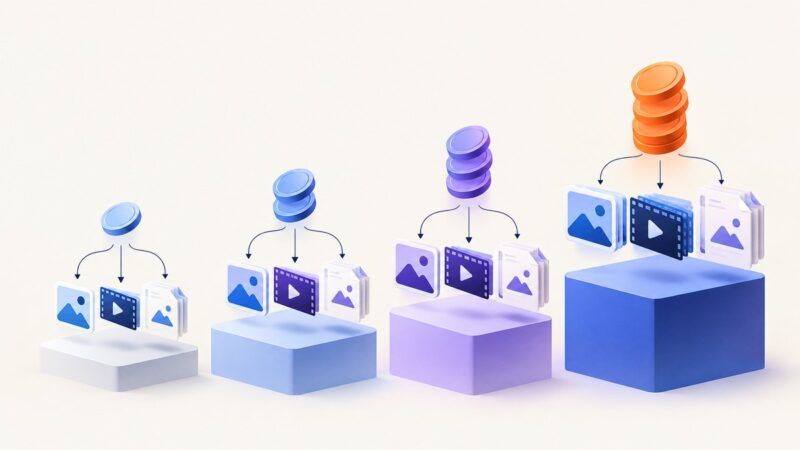
Placid offers four credit tiers, rollover limits and no overage fees. Learn how to estimate usage and compare alternatives without misleading credit math.
Blog
How to take clean screenshots, turn HTML into images and PDFs, run headless browsers, and give AI agents eyes. Written by the team that builds ScreenshotNeo.
Placid offers four credit tiers, rollover limits and no overage fees. Learn how to estimate usage and compare alternatives without misleading credit math.
Compare Cloudflare Browser Run with dedicated screenshot APIs, including code, options, costs, troubleshooting, and when ScreenshotNeo fits best.
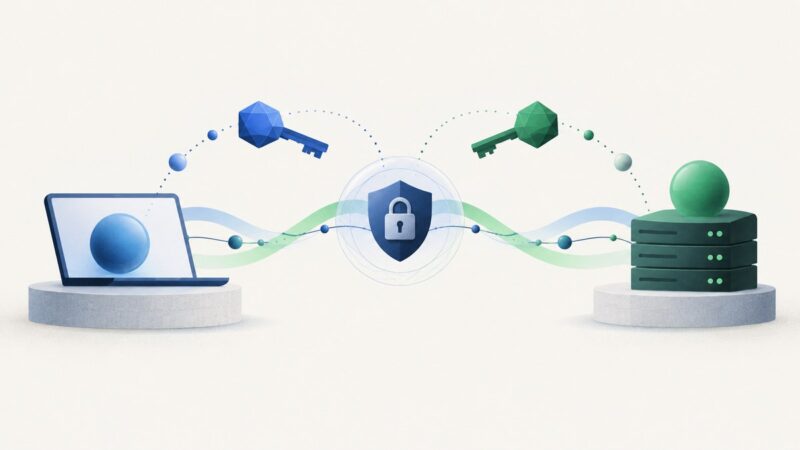
Learn how TLS chooses a protocol version, why TLS 1.3 keeps legacy fields, and how supported_versions prevents compatibility and downgrade problems.
Compare ScreenshotNeo and ScrapingBee on screenshot features, pricing, credits, controls, and the workflows each API suits best.
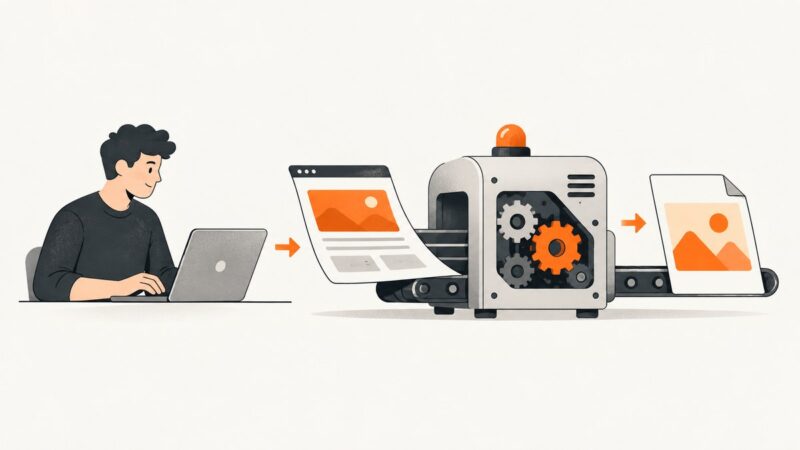
Install wkhtmltoimage, convert URLs or local HTML to images, choose capture options, and troubleshoot common issues with this headless Qt WebKit tool.
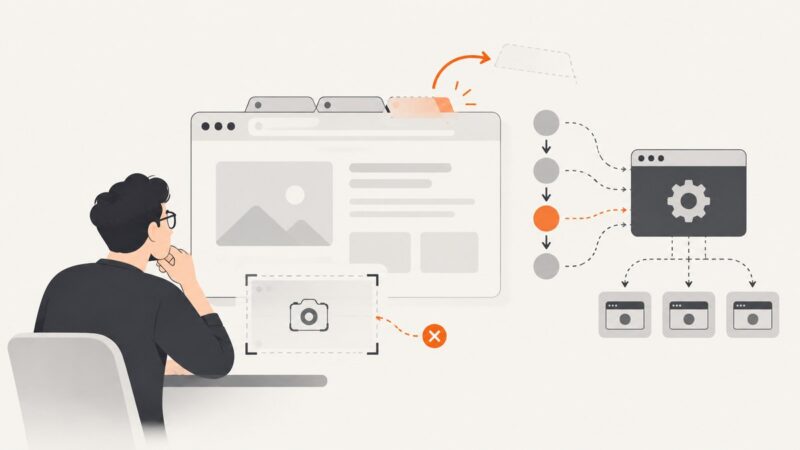
Choose a screenshot API for routine URL captures and a headless browser for workflows that need interaction and control. Compare tradeoffs, code, and failure modes.
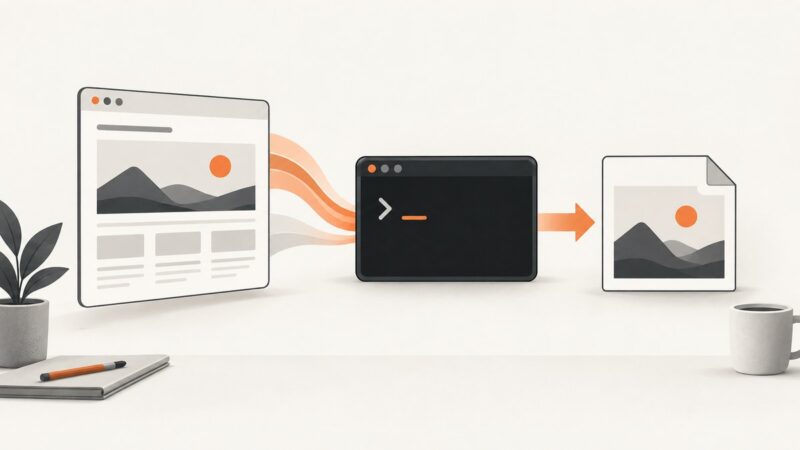
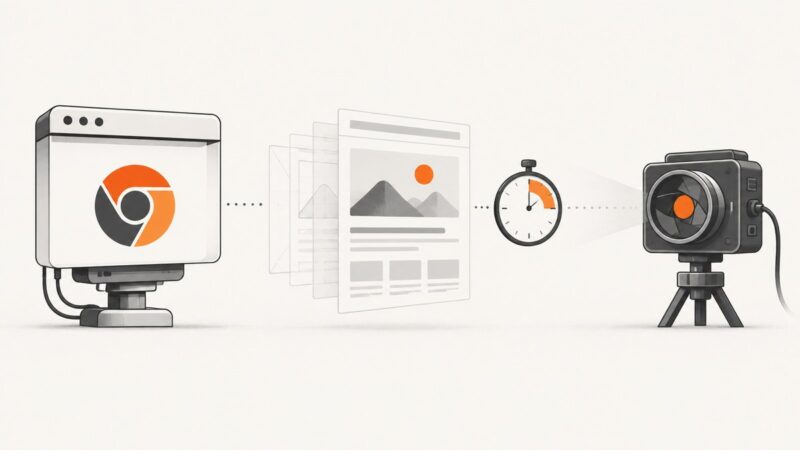
Capture web pages from Chrome’s command line, Puppeteer, or Playwright with reliable viewport, full-page, timing, and troubleshooting guidance.
Automate Webflow screenshots with Playwright, scheduling, full-page and element capture, troubleshooting, and a no-browser ScreenshotNeo option.
Build a secure screenshot API with Playwright, managed browser services, or ScreenshotNeo. Includes runnable code, API design, security, reliability, and costs.
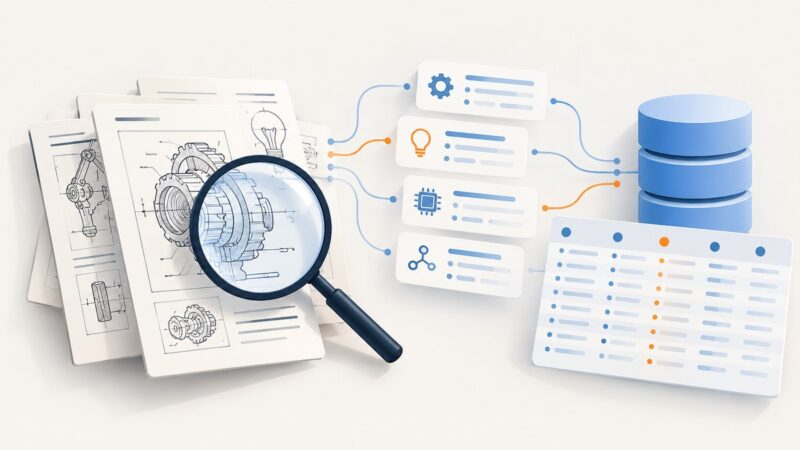
Learn a reliable workflow for searching Google Patents, exporting results, extracting metadata, and verifying records with USPTO and EPO sources.
Install wkhtmltoimage, render URLs or HTML from PHP, configure output and timing, and troubleshoot common Linux deployment failures.
Puppeteer’s `Page.captureScreenshot: Target closed` means the page target disappeared. Trace page cleanup, pending promises, and Chromium crashes to find the cause.
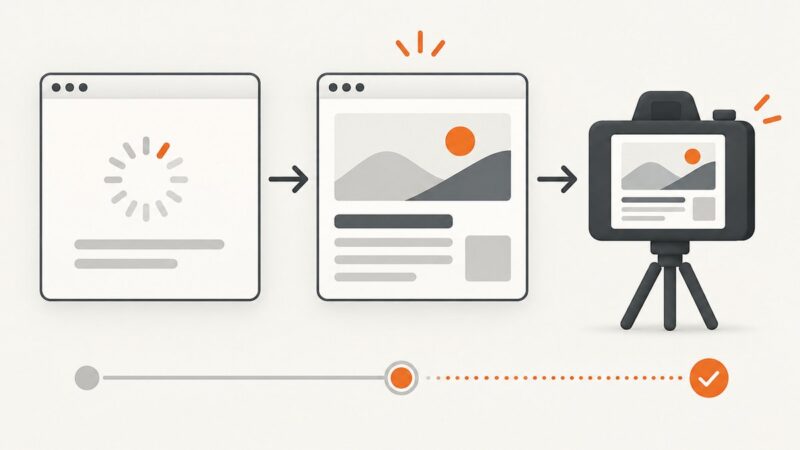
Use Chrome’s millisecond timeout, virtual time, or a readiness signal to capture pages after they finish rendering.
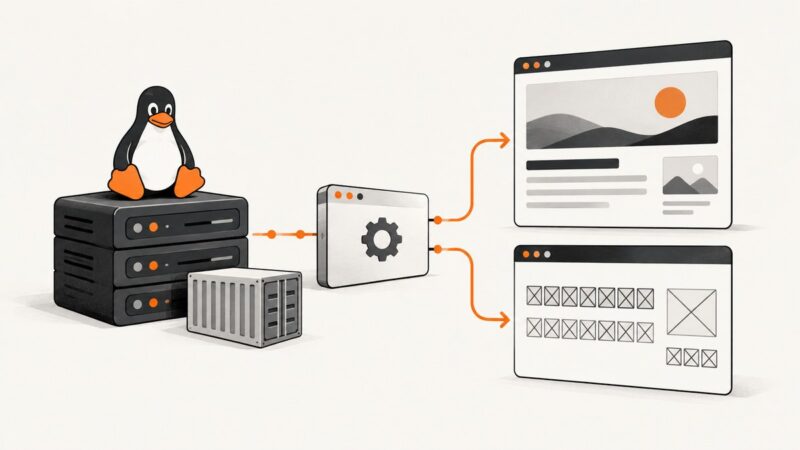
Fix tofu boxes, fallback fonts, and inconsistent Headless Chrome screenshots with Fontconfig checks, Docker packages, and repeatable CI verification.
Understand FFDHE4096 in TLS: negotiation, validation, forward secrecy, TLS 1.3, ECDHE tradeoffs, troubleshooting, and implementation guidance.
Capture one DOM element with Selenium in Python or Java, save PNG or bytes, fix common errors, and compare a hosted API alternative.
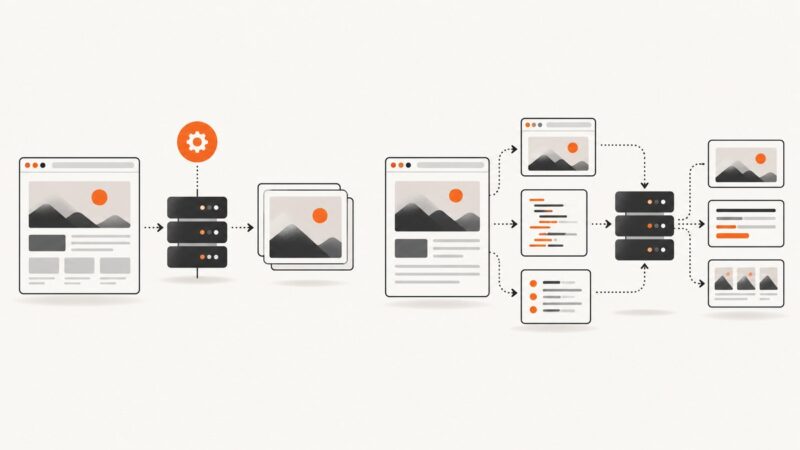
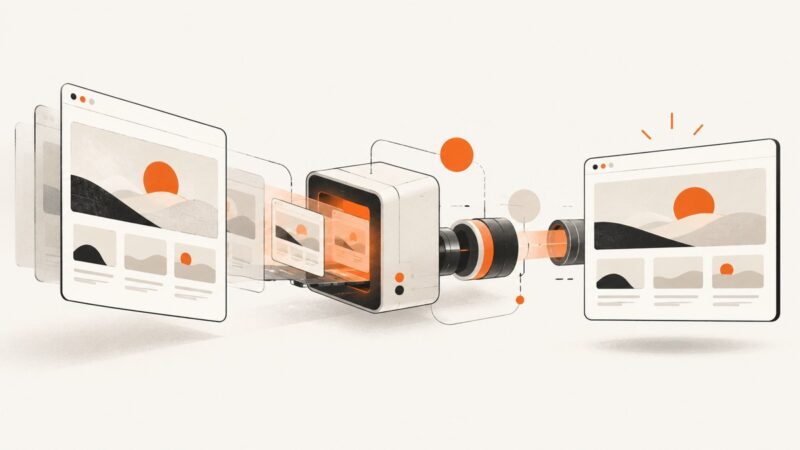
Learn how screenshot APIs render pages, wait for content, capture pixels, handle authentication, and return reliable images—with runnable code.
Capture a Windows screen or selected rectangle in PowerShell with System.Drawing, then save it as PNG, JPEG, or another supported image format.