Best Screenshot API for Visual Regression Testing in 2026
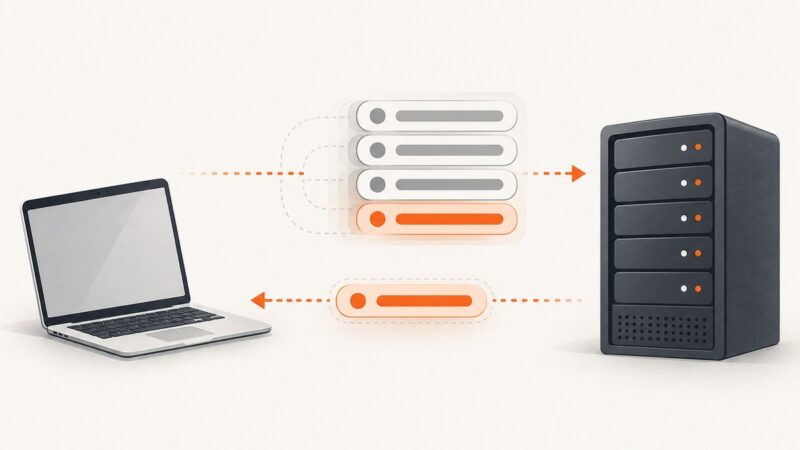
Choose a screenshot API or browser workflow for visual regression testing by separating page capture from baselines, diffs, and review.
Blog
How to take clean screenshots, turn HTML into images and PDFs, run headless browsers, and give AI agents eyes. Written by the team that builds ScreenshotNeo.
Choose a screenshot API or browser workflow for visual regression testing by separating page capture from baselines, diffs, and review.
Capture an entire scrollable page with Playwright, Puppeteer, or Selenium, including waits, lazy content, formats, troubleshooting, and an API option.
Compare ApiFlash and ScreenshotAPI.net on formats, limits, pricing, automation and failure handling, then choose the right screenshot API.
Build a reliable screenshot pipeline for directory listings with Playwright or an API, background jobs, cached thumbnails, refreshes, and failure handling.
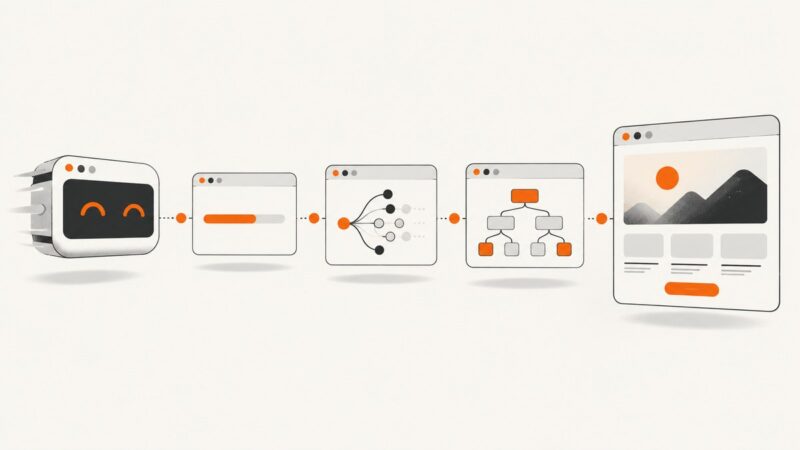
Compare website screenshots against approved baselines with Playwright, BackstopJS, or a self-hosted review service. Choose a repeatable workflow and keep visual changes under control.
Record browser interactions to MP4 with Puppeteer’s experimental Page.record() API, handle cleanup and failures, and compare it with the obsolete screencast API.
Build a Playwright visual regression test, approve its baseline, control screenshot noise, and investigate diffs without mistaking them for functional tests.
Learn how to extract every URL from XML sitemaps, including sitemap indexes, namespaces, gzip files, limits, errors, and scalable Python code.
Build a single Cypress HTML report with screenshots using Mochawesome, CI artifacts, failure capture, and practical troubleshooting.
Save screenshots as PNG on Windows and Mac, convert HEIF captures, automate PNG output, and avoid common format and quality problems.
Choose whether to test consent, returning visitors, or a clean visual capture. Then use scoped Playwright CSS and controlled page state to get the screenshot you actually need.
Extract metadata from the rendered page, preserve duplicates and redirects, then use a screenshot to verify how the page appears.
Capture values from text with regular expressions in Python, JavaScript, and C#. Learn named groups, all-match APIs, edge cases, and when to use a parser.
Learn what Puppeteer’s four waitUntil values actually wait for, how to choose one, and how to combine navigation waits with selectors.
Learn when to use addScriptTag, evaluate, and evaluateOnNewDocument in Puppeteer, with iframe examples, timing guidance, troubleshooting, and production patterns.
A screenshot captures what a browser can render; it cannot grant access to a site that blocks bots. Here’s how to capture pages you can access, and what to do when access is denied.
Restpack costs $9.95–$499.95 per month. Compare quotas, overage rules, concurrency and cheaper screenshot API options for 2026.
Compare ScreenshotOne and ApiFlash pricing, features, limits, and integration details, then choose based on your workload—not an unverified speed claim.