How to Use CSS Selectors for Website Screenshots
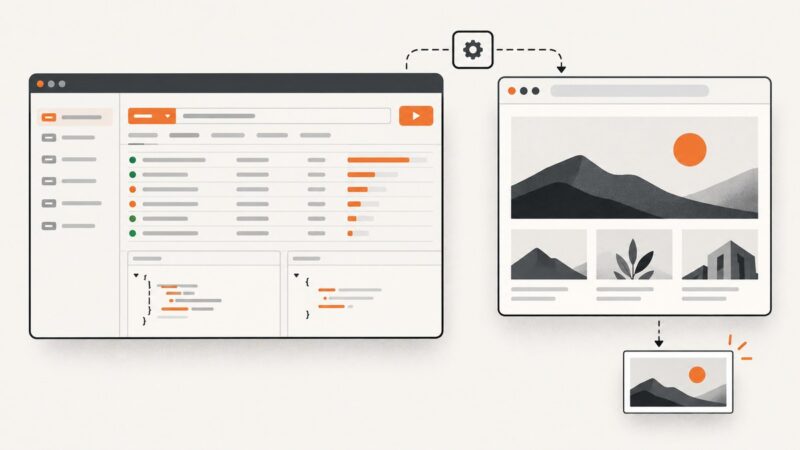
Capture a specific page element with CSS selectors in Playwright or Puppeteer. Learn stable selector patterns, waits, troubleshooting, and a no-browser API option.
Blog
How to take clean screenshots, turn HTML into images and PDFs, run headless browsers, and give AI agents eyes. Written by the team that builds ScreenshotNeo.
Capture a specific page element with CSS selectors in Playwright or Puppeteer. Learn stable selector patterns, waits, troubleshooting, and a no-browser API option.
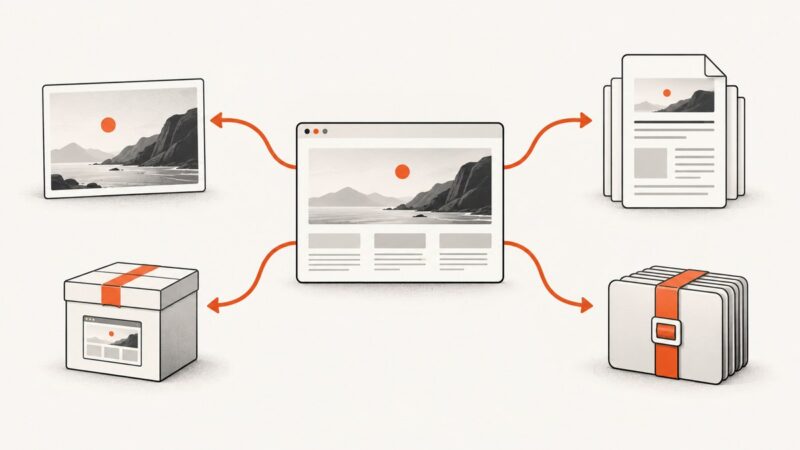
Choose an image for a visual snapshot and PDF for a paginated, print-oriented document. Learn how Puppeteer renders each and how to verify the result.
Postman inspects web traffic; Playwright captures the rendered page. Learn the exact workflow, full-page options, testing patterns, and an API shortcut.
Find dataset metadata, files, and project details through official APIs and download routes first. Use HTML scraping only when structured access falls short.
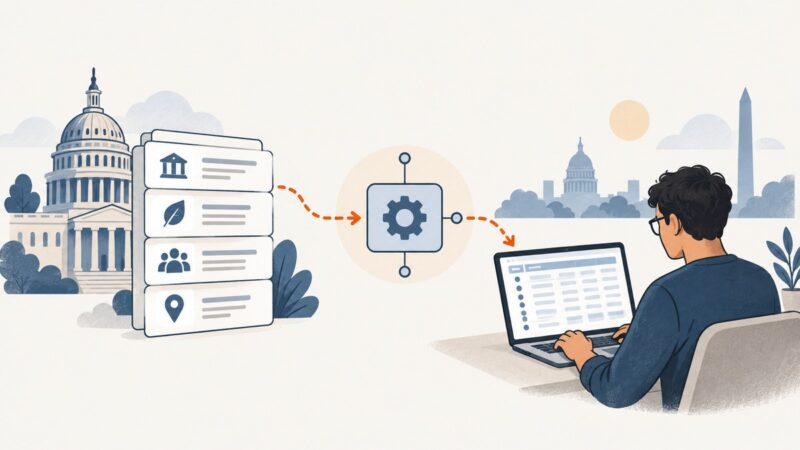
A practical, responsible workflow for finding official datasets, using APIs or bulk files, handling limits, and validating public government data.
“Capture” can mean a screenshot, a content export, a theme export, or a complete backup. Choose the right WordPress workflow for what you need to keep.
Set reliable screenshot timeouts with Playwright, direct HTTP clients, readiness rules, troubleshooting, and a hosted ScreenshotNeo option.
Google Shopping results and merchant product catalogs are different data sources. Learn what you can collect, how to preserve useful context, and how to build a permitted product-data workflow.
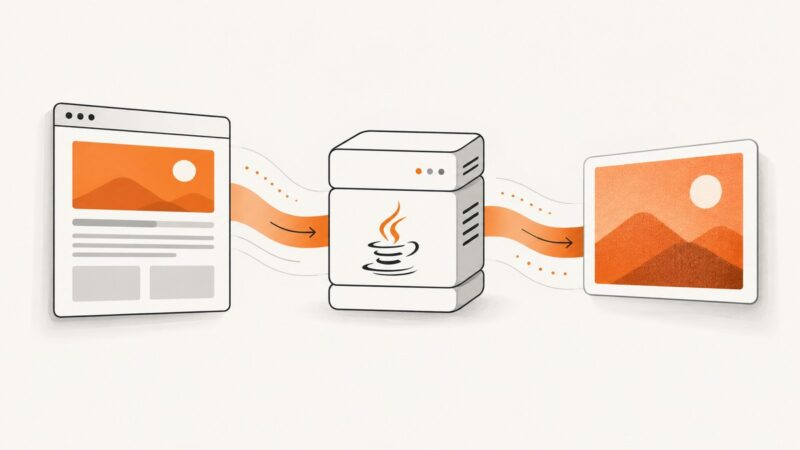
Convert HTML to PNG or JPEG in Spring Boot by choosing a renderer that fits your CSS, JavaScript, image-size, and deployment requirements.
Learn the authorized, contract-first way to collect ZoomInfo data at scale, with governance, integration patterns, troubleshooting, and safer alternatives.
Capture an entire scrollable Next.js page with Playwright or Puppeteer. Set up reliable readiness checks, save the image or return its bytes, and troubleshoot common failures.
Capture a clear screenshot of any post on X from iPhone, Android, Windows, Mac, or code, with context, privacy, and automation tips.
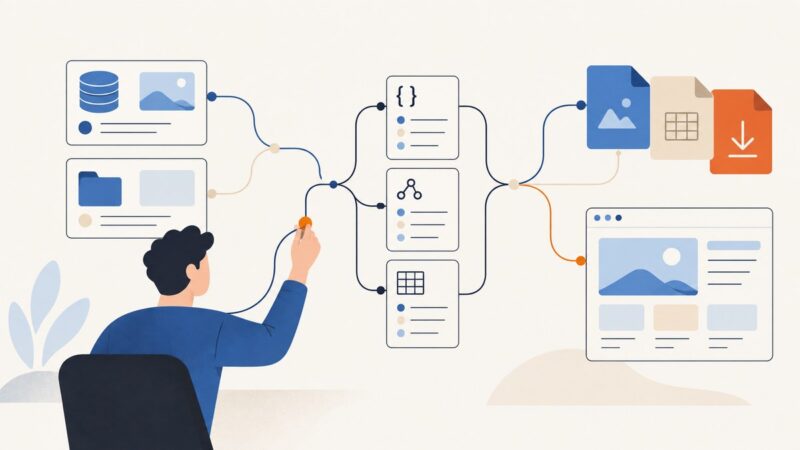
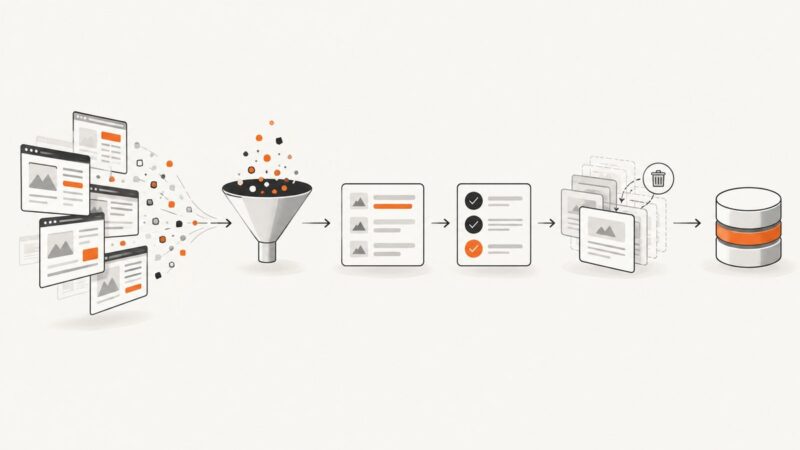
Build a reliable scraping pipeline that normalizes, validates, deduplicates, stores, and monitors records without losing source context.
Make automated screenshots use the intended typeface by loading the font correctly, waiting for font readiness, and avoiding fallback renders.
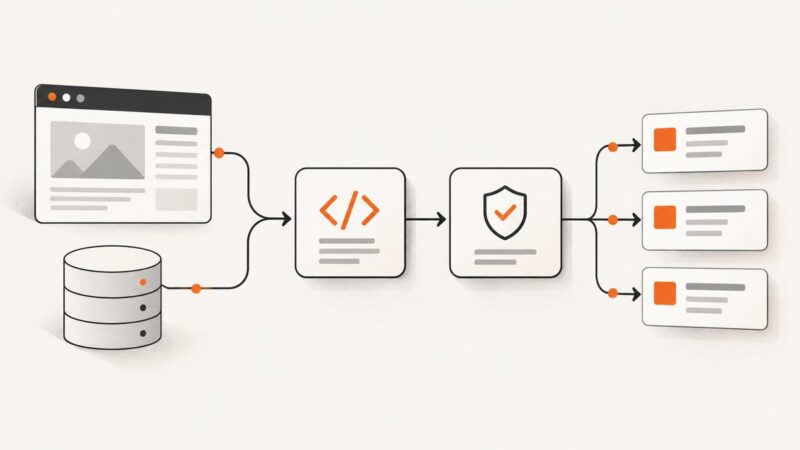
Learn how to find a page’s real data source, extract it with the right tool, validate records, and handle JavaScript, crawl controls, and failures.
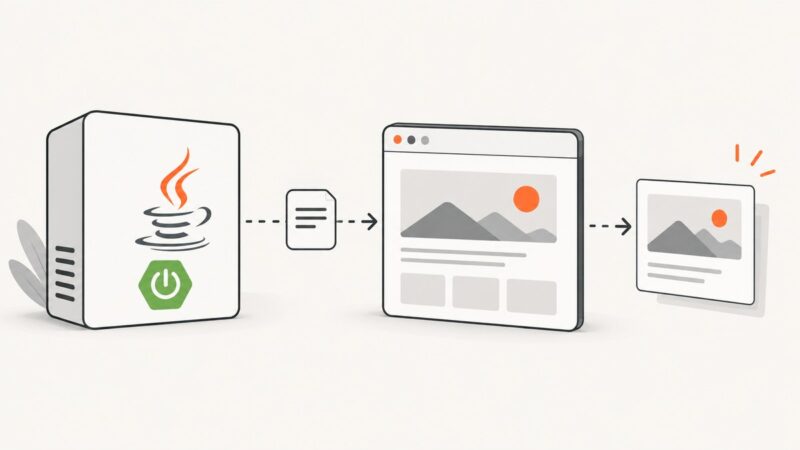
Capture viewport, full-page, or element screenshots in Spring Boot with Playwright, Selenium, configuration, troubleshooting, and a hosted API option.
Convert PDFs and Office files to Markdown with Docling, or use format-specific tools for PDFs and Office documents. Learn what to review after conversion.
Convert a local HTML file to editable Word, shareable PDF, or image output with fidelity checks, troubleshooting, and automation options.