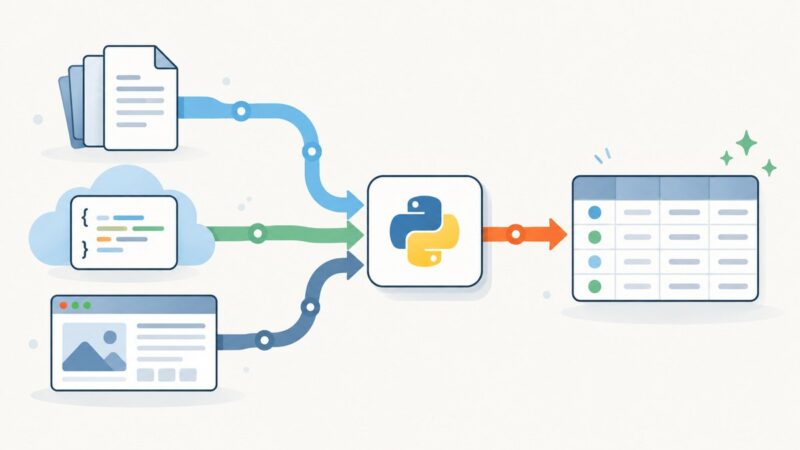
Data Extraction in Ruby: HTML, XML, JSON, YAML, and Text
Learn how to extract reliable data in Ruby by matching your parser to HTML, XML, JSON, YAML, or plain text input.
Blog
How to take clean screenshots, turn HTML into images and PDFs, run headless browsers, and give AI agents eyes. Written by the team that builds ScreenshotNeo.
Learn how to extract reliable data in Ruby by matching your parser to HTML, XML, JSON, YAML, or plain text input.
Convert web pages to clean Markdown with free tools, code examples, extraction controls, limits, troubleshooting, and practical API guidance.
Connect Claude Code to remote and local MCP servers with the right transport, scope, authentication, verification, and security checks.
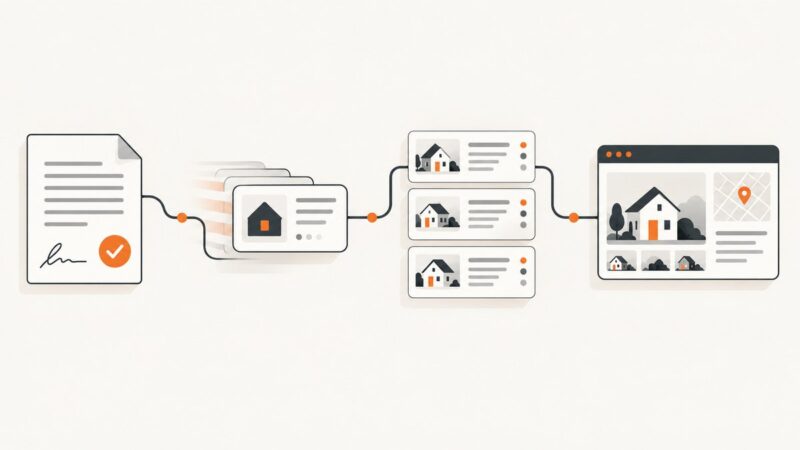
Homes.com terms require written permission before scraping. Learn approved feed routes, lawful pipeline design, data fields, and screenshot workflows.
Add browser-enforced HTTP security headers safely: configure a baseline, roll out CSP in report-only mode, and verify responses across your site.
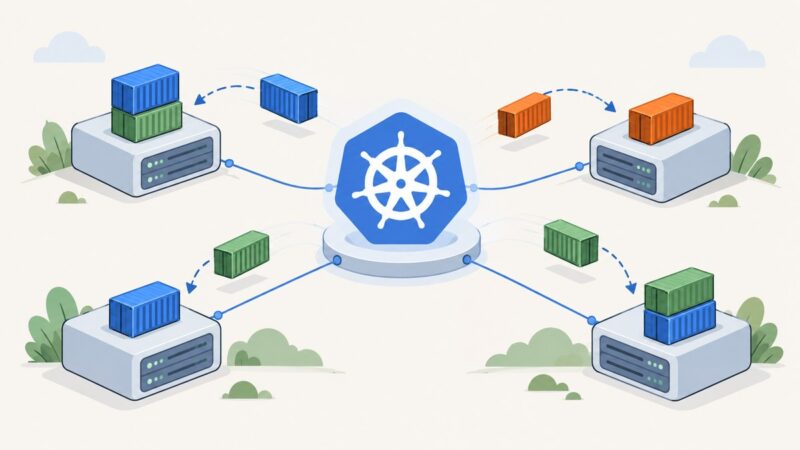
Learn what Kubernetes does, create your first local cluster, deploy and expose an app, scale it, update it, and debug common problems.
Choose a Markdown editor by your documentation workflow. Compare VS Code, Typora, Obsidian and Zettlr, then build a reliable publishing process.
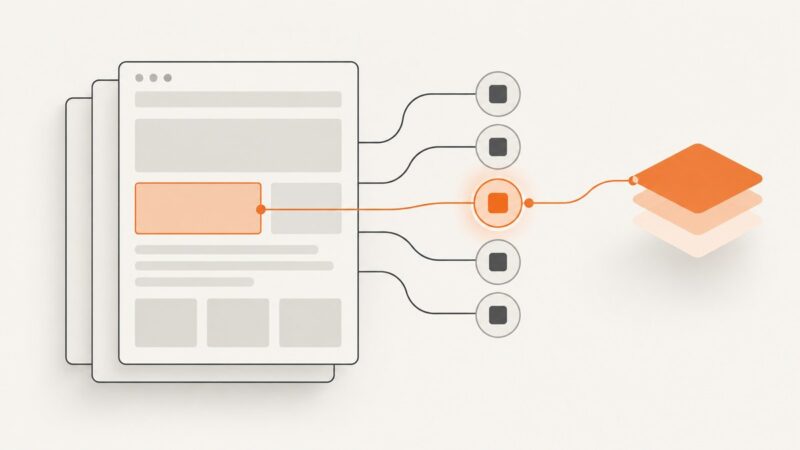
Learn how to handle changing CSS classes in scraped pages, distinguish unstable selectors from JavaScript-rendered content, and extract data reliably with Python and Playwright.
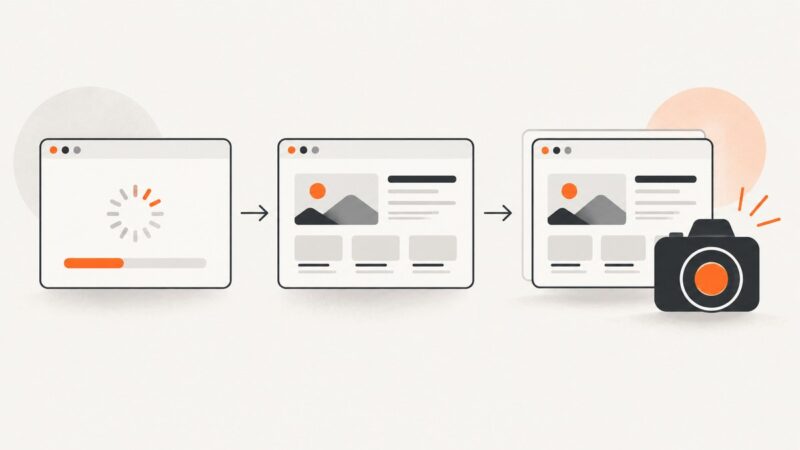
Learn reliable waits for Selenium, Playwright, and Puppeteer so screenshots capture finished pages instead of half-rendered states.
Use a whitespace-aware XPath 1.0 expression to match a class token exactly, even when an element has multiple classes. See runnable examples, pitfalls, and fixes.
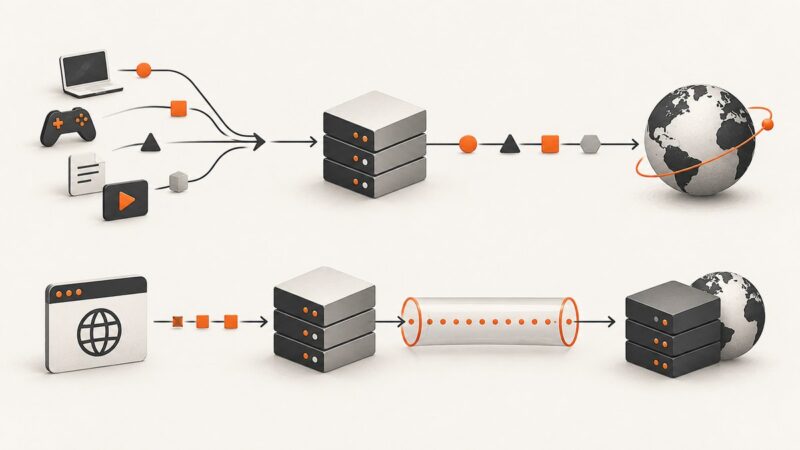
SOCKS5 relays application traffic while HTTP proxies understand web requests. Compare HTTPS tunneling, DNS, security, compatibility, and setup.
Compare Requests, HTTPX, aiohttp, and urllib3 for static HTML scraping, async workloads, and browser-rendered pages—with runnable examples and practical trade-offs.
Compare ecommerce scraping platforms by target coverage, data quality, delivery, maintenance, and total cost—and find the right fit for your catalog or pricing workflow.
Connect Playwright MCP to an MCP client, capture screenshots, and choose the right browser mode for local, remote, or authenticated sessions.
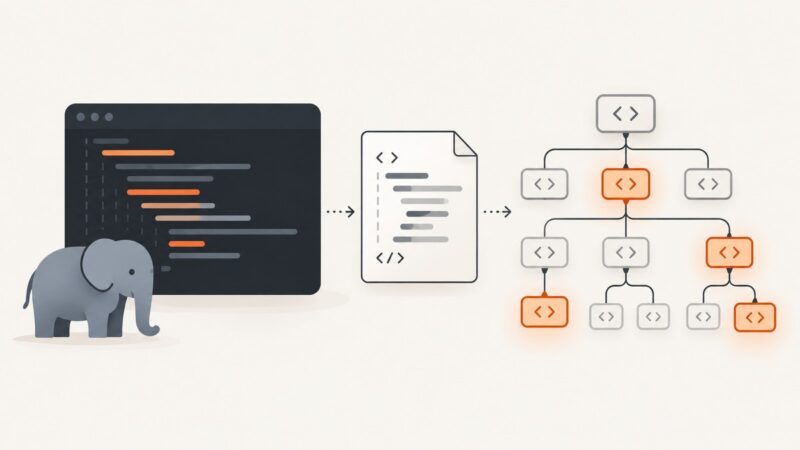
Learn the reliable PHP ways to find every HTML element by class using DOMXPath or Symfony DomCrawler, with selectors, edge cases, and fixes.
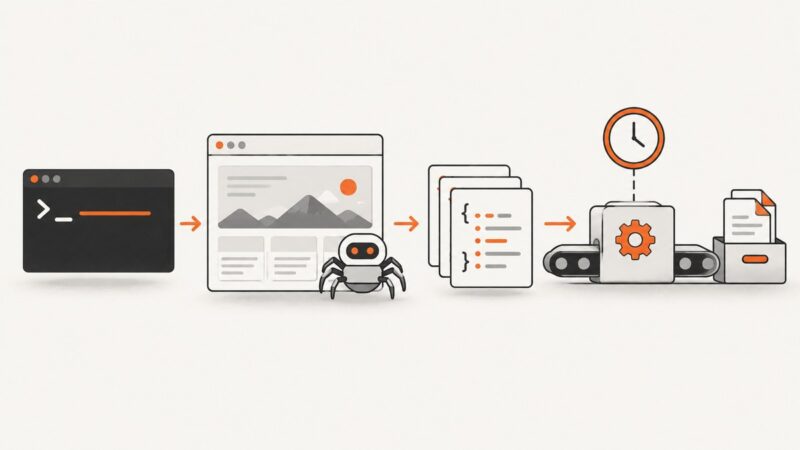
Build reliable command-line scrapers, run JavaScript pages in CI, schedule jobs, store artifacts, and troubleshoot Playwright failures.
Register a new-document script before navigation, then wait for the page state your screenshot needs. See working Playwright, Puppeteer, and Chrome DevTools Protocol examples.
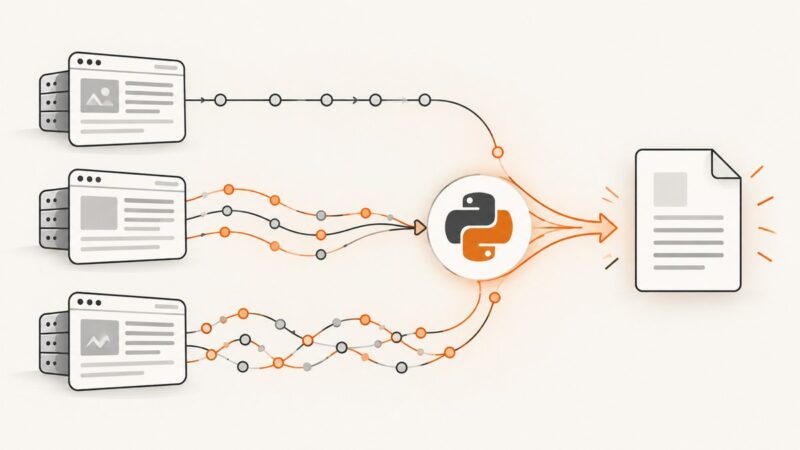
Learn a practical Python workflow for extracting data from CSV, JSON, HTML, XML, APIs, and web pages, with runnable code and troubleshooting.