How to Import Templates into an Image Rendering API
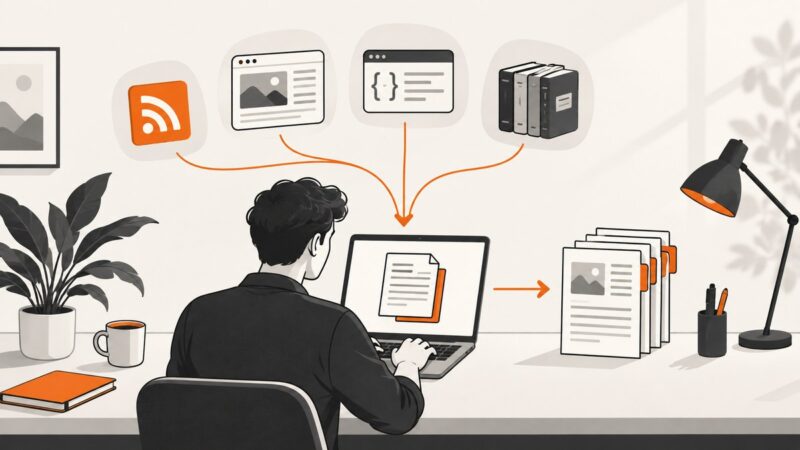
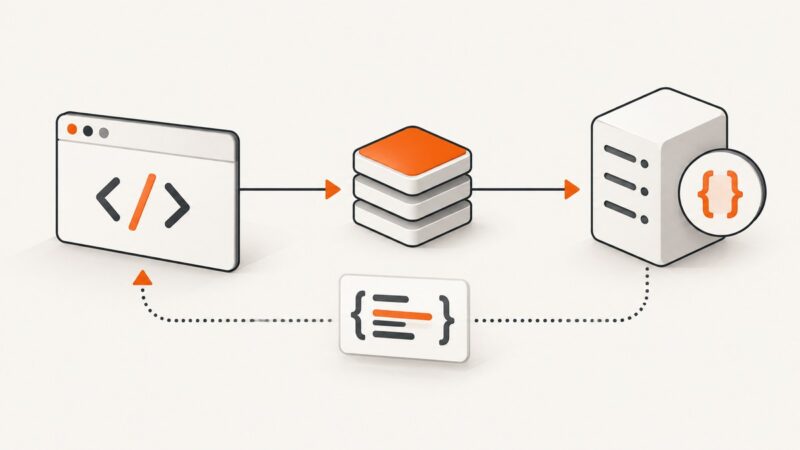
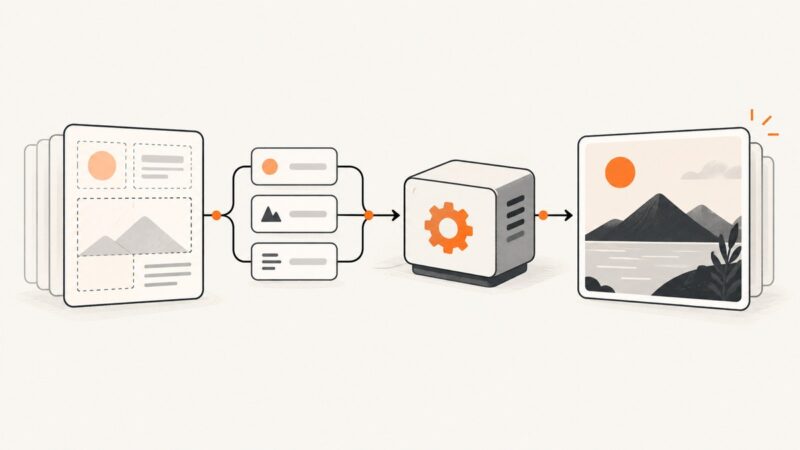
Learn how template imports work across rendering APIs, with reusable IDs, uploads, inline content, jobs, troubleshooting, and runnable code.
Blog
How to take clean screenshots, turn HTML into images and PDFs, run headless browsers, and give AI agents eyes. Written by the team that builds ScreenshotNeo.
Learn how template imports work across rendering APIs, with reusable IDs, uploads, inline content, jobs, troubleshooting, and runnable code.
Submit a URL list, collect asynchronous results, handle per-page failures, and choose batch settings that fit your scraping workload.
Learn lawful ways to find, extract, save, and monitor news articles with RSS, browser tools, APIs, archives, and a screenshot workflow.
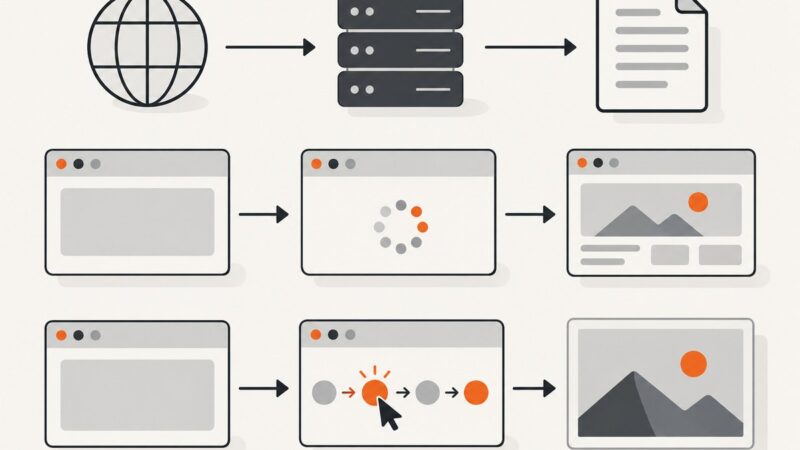
Learn how URL-to-HTML APIs execute JavaScript, wait for dynamic content, and return usable rendered HTML—with code, options, errors, and alternatives.
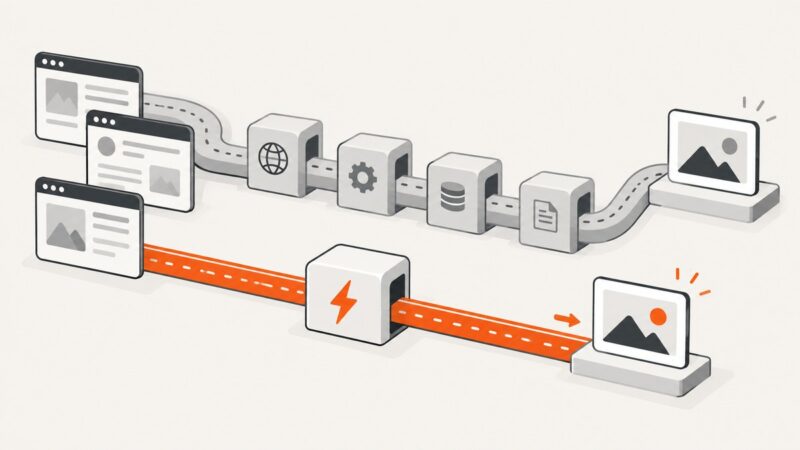
Microlink led a March 2026 cold-request test, but the fastest API for your workload depends on your URLs, capture settings, caching, and latency targets.
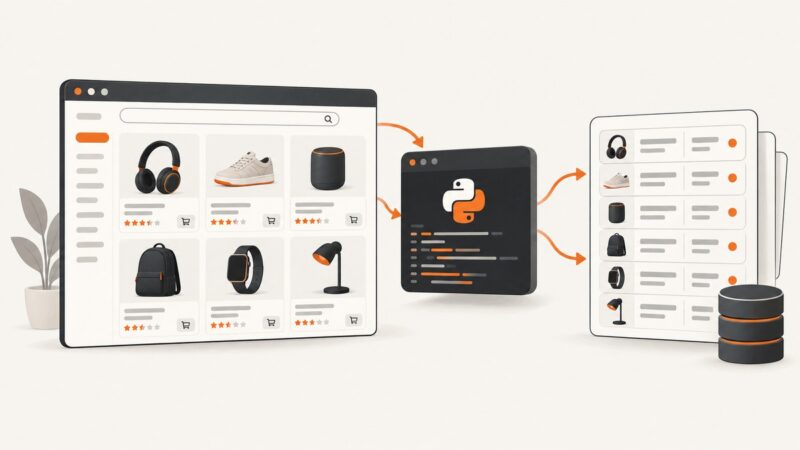
Build a respectful AliExpress scraper with Requests, BeautifulSoup and Playwright, handle JavaScript pages, robots.txt, retries and API alternatives.
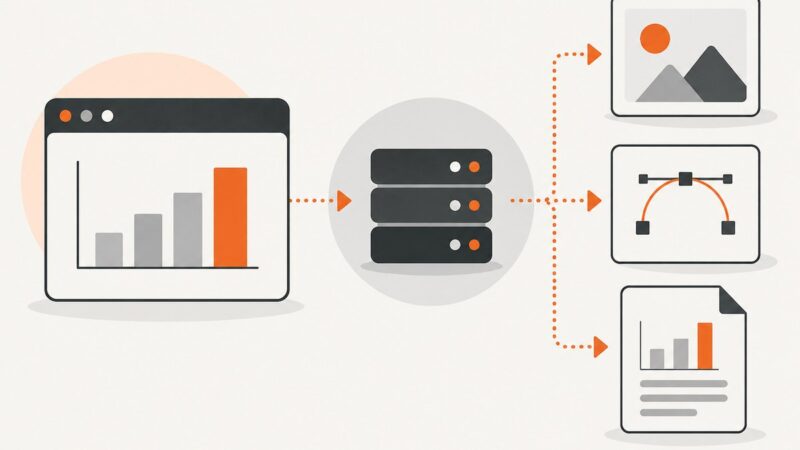
Generate bar graph images with QuickChart or Image-Charts, choose formats and options, troubleshoot failures, and automate production rendering.
Build a Node.js screenshot API with Playwright, returning PNGs or base64 from URLs and image payloads. Includes runnable code, security limits, and troubleshooting.
Choose between HTTP extraction, browser rendering, and proxy APIs for difficult sites, with runnable examples, provider tradeoffs, and a compliance checklist.
Export charts with their native APIs when possible; use a screenshot API when you need a consistent capture of the rendered page, a PDF, or a shareable image.
Fetch JSON once with JavaScript, handle errors correctly, and choose browser cache modes without confusing cache hits with network requests.
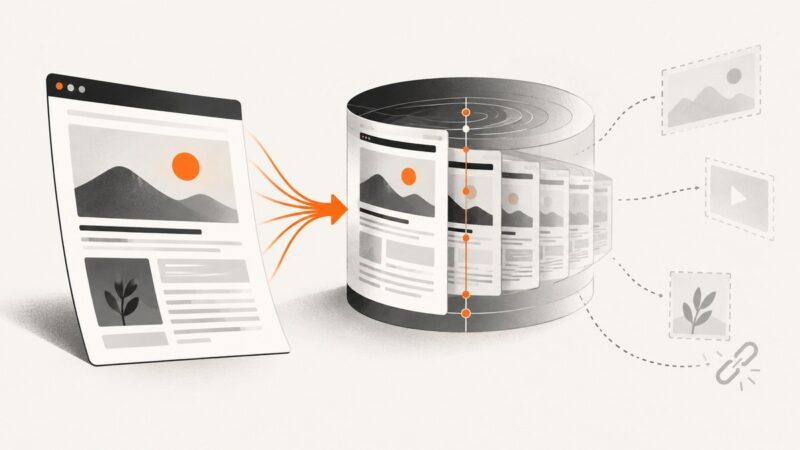
Save a page to the Wayback Machine, find archived versions, and understand what Save Page Now can—and cannot—preserve.
Learn how to run Playwright remotely, connect over CDP, choose a cloud browser API, and ship reliable screenshots, PDFs, and workflows.
Learn how to protect location data, secure BYOD devices, and build resilience against positioning, navigation, and timing failures.
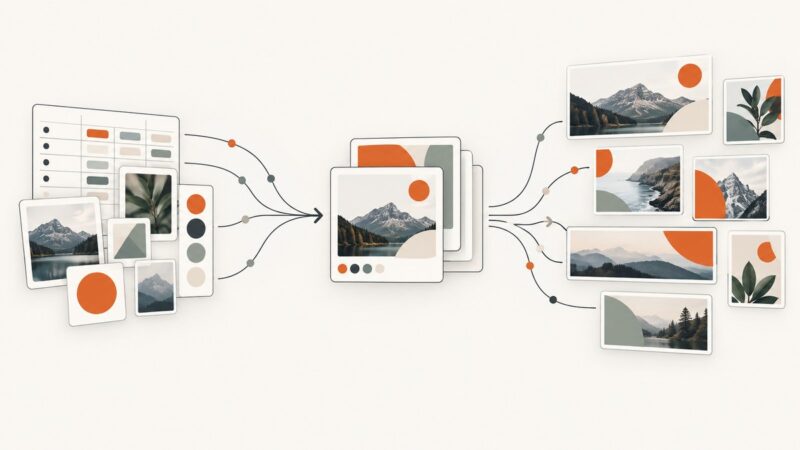
Compare template-first and transformation-first image APIs, then build reliable branded campaign automation with code, webhooks, caching, and cost controls.
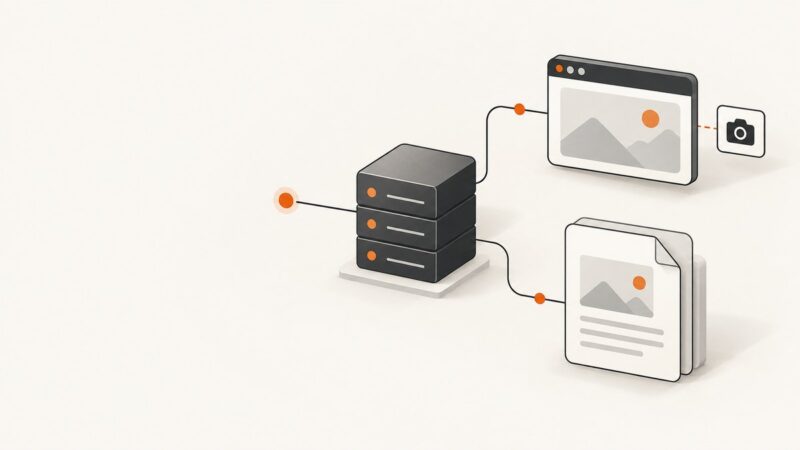
Learn when to use Playwright, Puppeteer, or PDFKit, with complete Node.js code for reliable PDFs and screenshots.
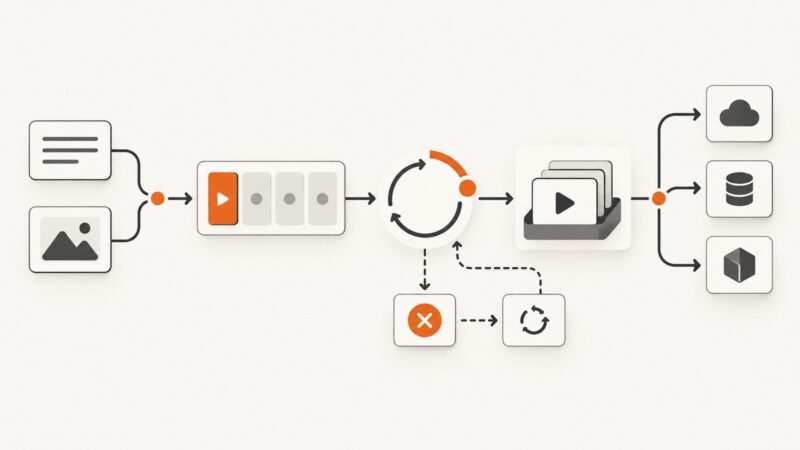
A practical guide to text-to-video and image-to-video APIs: submit jobs, poll status, retrieve files, handle failures, and choose a provider.
Capture a webpage once with Airtable Web Clipper or automate URL-to-attachment screenshots with an Airtable automation and API.