How to Add Text Watermarks to PDFs in C#
Add a transparent, diagonal text watermark to one or every PDF page in C#. Compare Aspose.PDF and iText 7, with runnable examples and troubleshooting.
Blog
How to take clean screenshots, turn HTML into images and PDFs, run headless browsers, and give AI agents eyes. Written by the team that builds ScreenshotNeo.
Add a transparent, diagonal text watermark to one or every PDF page in C#. Compare Aspose.PDF and iText 7, with runnable examples and troubleshooting.
Compare five website change monitoring tools, choose the right schedule and filters, and build a reliable alert workflow for pages, prices and documents.
Learn five practical web RPA workflows, choose the right browser automation method, and build reliable, secure automations with runnable examples.
Learn how WebMCP exposes typed website tools to AI agents, with implementation patterns, security controls, managed browsers, and practical code.
Add, sync, and mix audio in generated videos, then choose between selectable SRT or WebVTT tracks and captions burned into the picture.
Compare five practical HTML-to-image workflows, with runnable code, options, troubleshooting, costs, and guidance for choosing an API.
Learn how to use screenshots as Lovable design references or build a secure URL-to-image feature with storage, signed URLs, retries, and ScreenshotNeo.
Generate a PDF as bytes, upload it to Amazon S3 with Boto3, and handle metadata, permissions, memory use, and common failures.
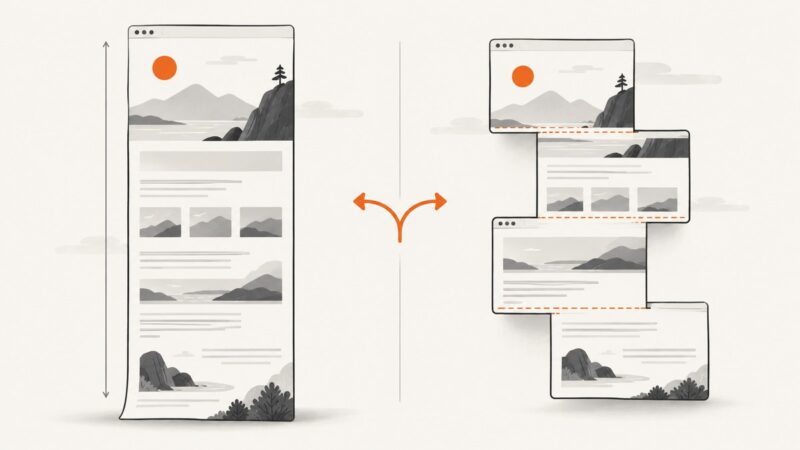
Choose browser-native full-page capture for most pages; use scroll-and-stitch when you need control over tiles, seams, or unusual layouts.
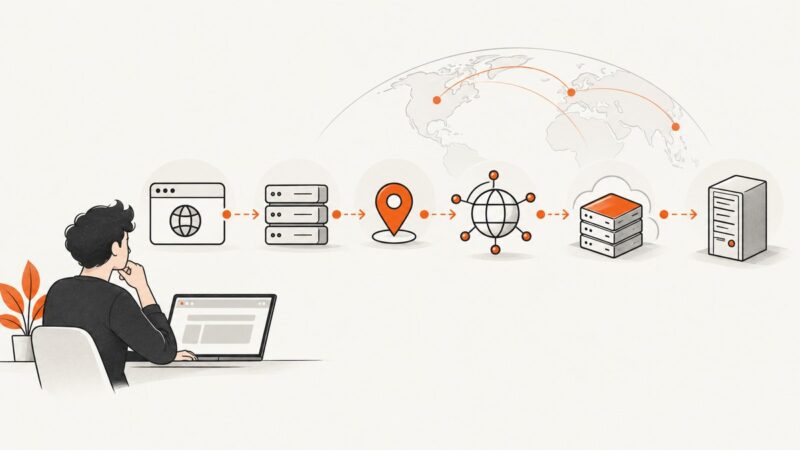
Learn how to identify a website’s host with five reliable tools, DNS checks, WHOIS data, CDN caveats, commands, and a repeatable workflow.
Use Playwright traces, screenshots, DOM snapshots, and OpenTelemetry to reconstruct every browser-agent action and diagnose failures safely.
Learn six coding fundamentals that help you understand AI-generated code, predict what it will do, and catch problems before they reach users.
Compare Coolify, Dokploy, CapRover, Dokku, and Easypanel by workflow, requirements, backups, and operational trade-offs.
Use multiple AI models to expose disagreement, then verify important claims against primary sources. Here is a practical workflow for reliable answers.
Use eight Docker CLI tools to inspect containers, diagnose incidents, track resources, and manage Compose applications from the terminal.
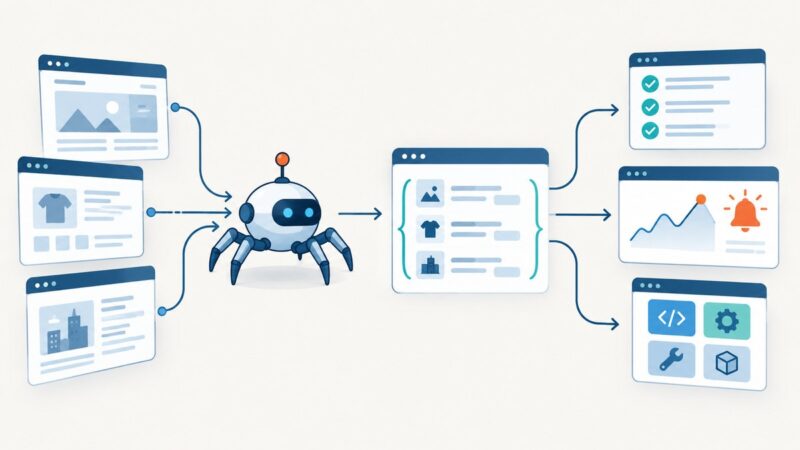
See five practical ways scraping improves developer workflows, from structured data and tests to monitoring, browser automation, and reusable outputs.
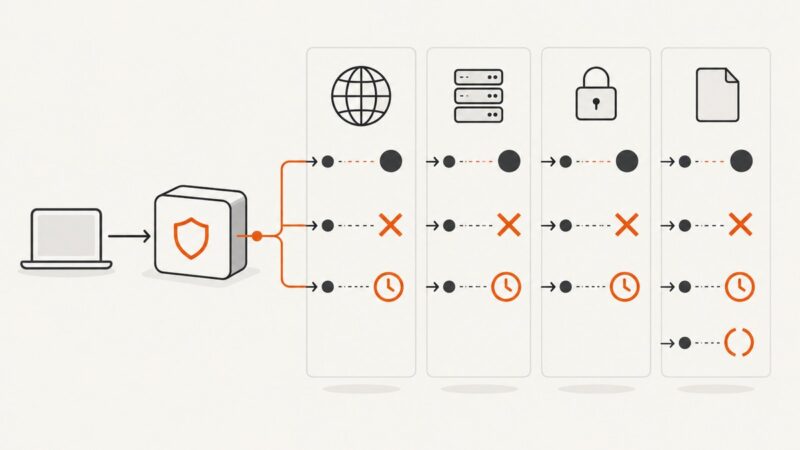
HTTP 451 means a legal demand blocked access. Learn who may be enforcing it, how to inspect the response, and how it differs from 403.
HTTP 505 means a server rejected the major HTTP version in a request. Learn what visitors can do and how site operators can trace the failure.