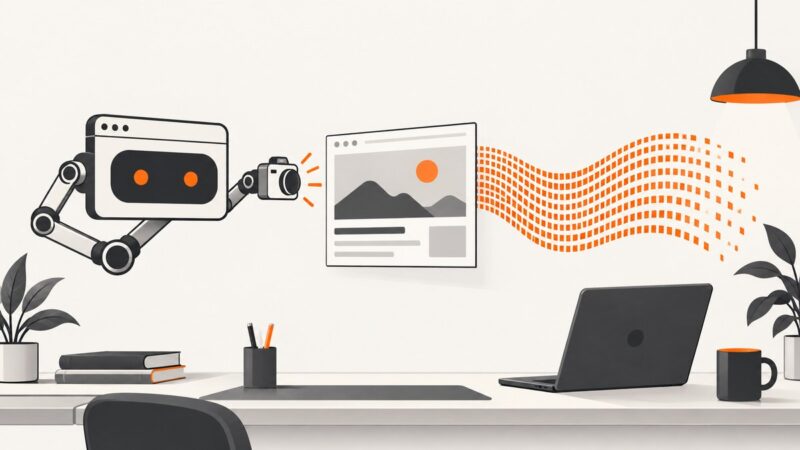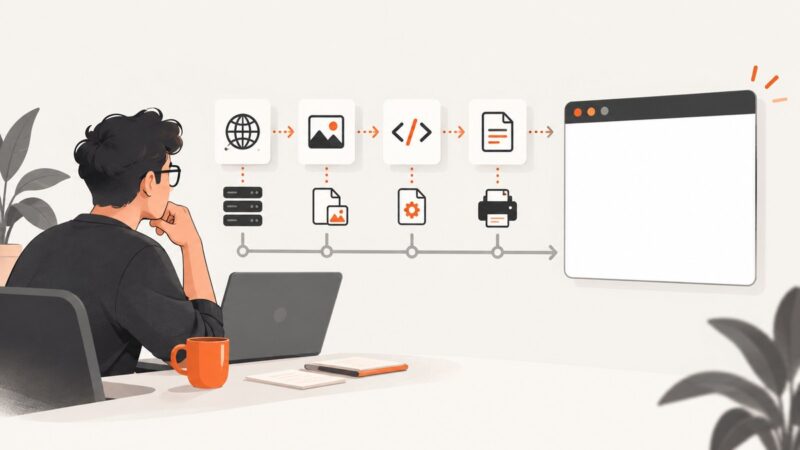
wkhtmltopdf Screenshots Are Blank: Causes and Fixes
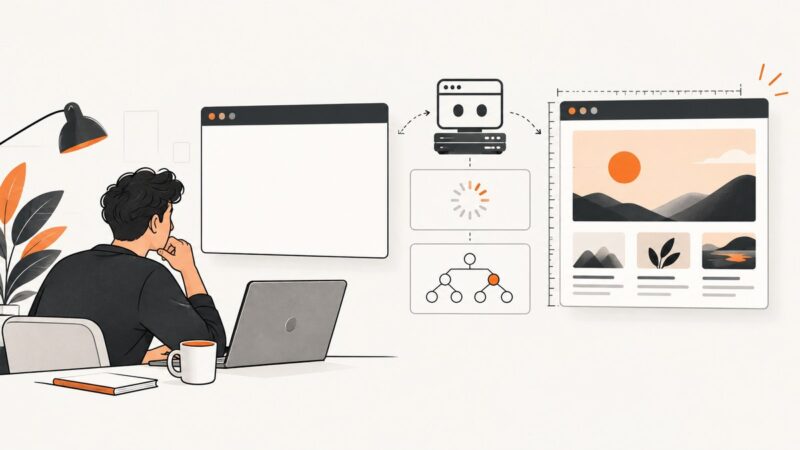
A blank wkhtmltopdf result can mean a failed page load, missing assets, JavaScript that never rendered, or print CSS hiding content. Diagnose the cause with a small, reproducible checklist.
A blank wkhtmltopdf result can mean a failed page load, missing assets, JavaScript that never rendered, or print CSS hiding content. Diagnose the cause with a small, reproducible checklist.
Convert Puppeteer screenshots to Base64 strings, data URIs, files, and API payloads with complete options, troubleshooting, performance guidance, and a hosted alternative.
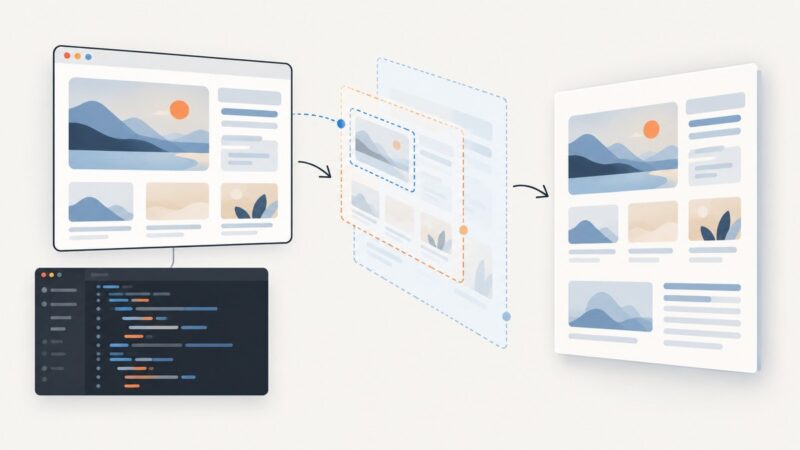
wkhtmltoimage crops by pixel coordinates, not CSS selector. Learn how to measure and capture an element, handle dynamic pages, and choose a selector-based alternative.
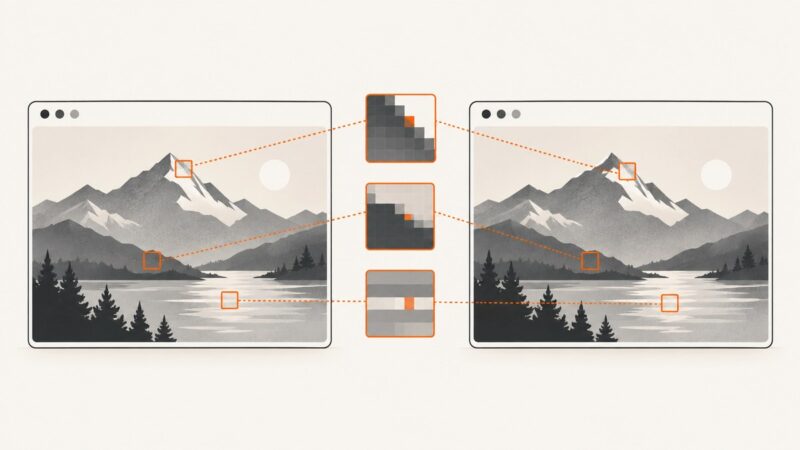
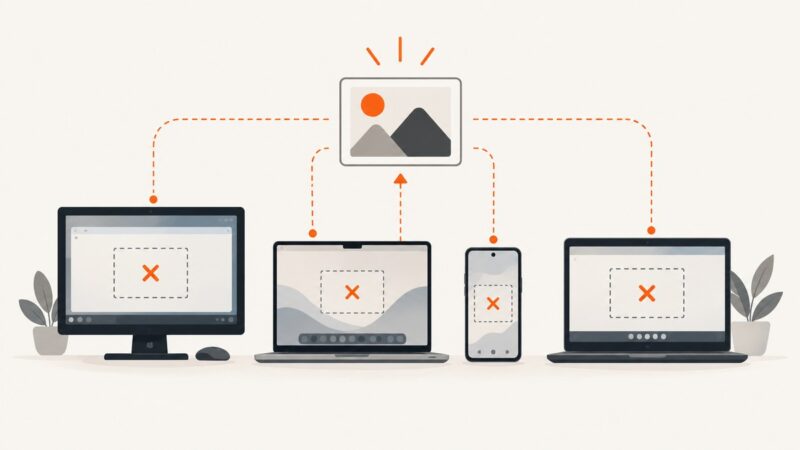
A broken thumbnail can come from a bad URL, lazy loading, browser security, network failure, or stale cache. Trace the image request to find the cause and fix it.
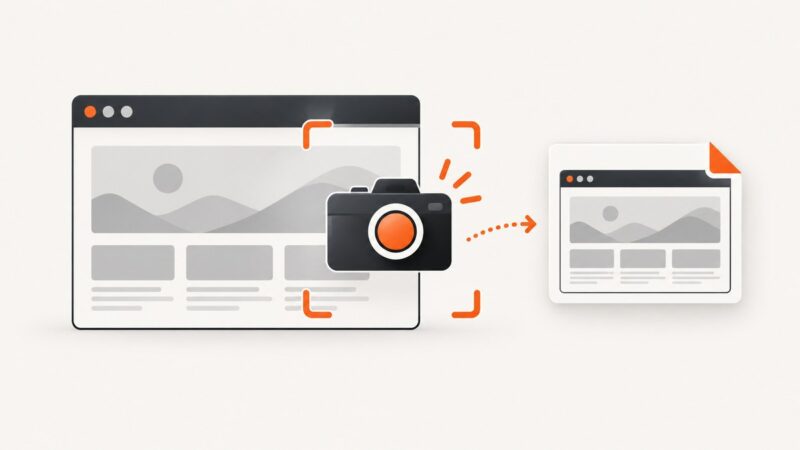
Capture a browser viewport, full page, or element with Playwright. Learn the options, visual test workflow, and fixes for common screenshot problems.
A blank Playwright screenshot can be white, transparent, cropped, or missing a region. Identify the symptom, inspect the page state, and isolate capture settings.
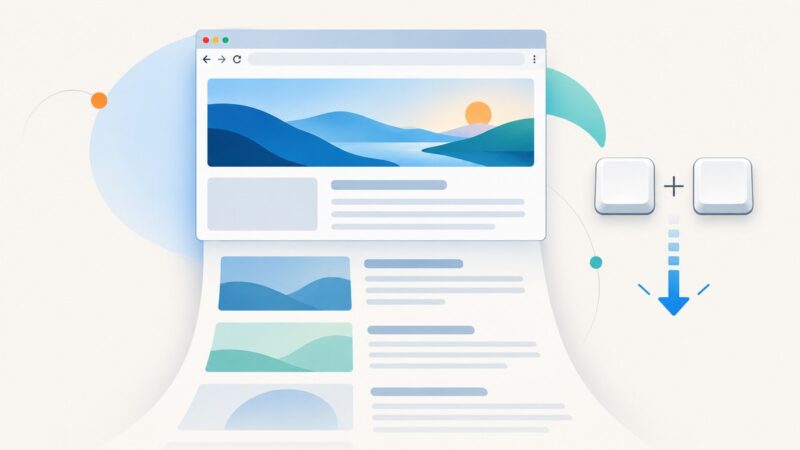
Press Ctrl+Shift+S in Microsoft Edge, choose Capture full page, and save the entire webpage without scrolling. Here is the complete workflow and alternatives.
Capture Selenium screenshots for debugging and visual checks. Learn the Python workflow, output options, failure handling, comparison basics, and common fixes.
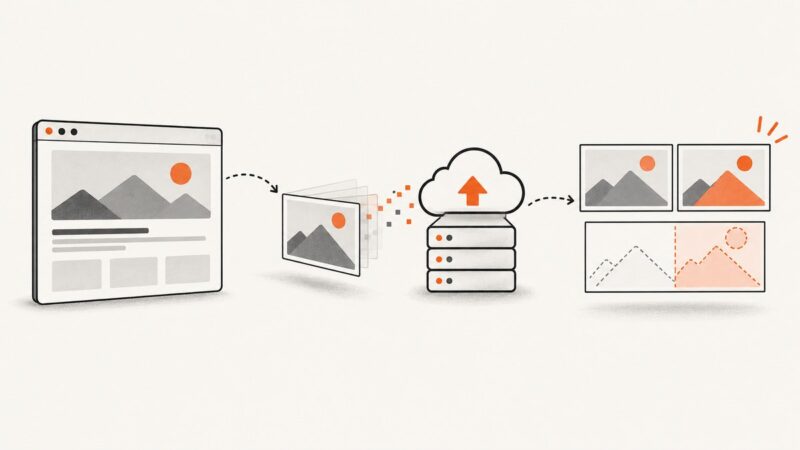
Learn how to capture Playwright screenshots in memory, configure output bytes, encode or upload them, and use buffers in visual regression tests.
Set a page’s Open Graph image in Webflow, publish it, and troubleshoot missing or stale social previews for static pages and CMS templates.
Learn how Playwright’s screenshot threshold and pixel limits work, where to configure them, and how to make visual tests more reliable.
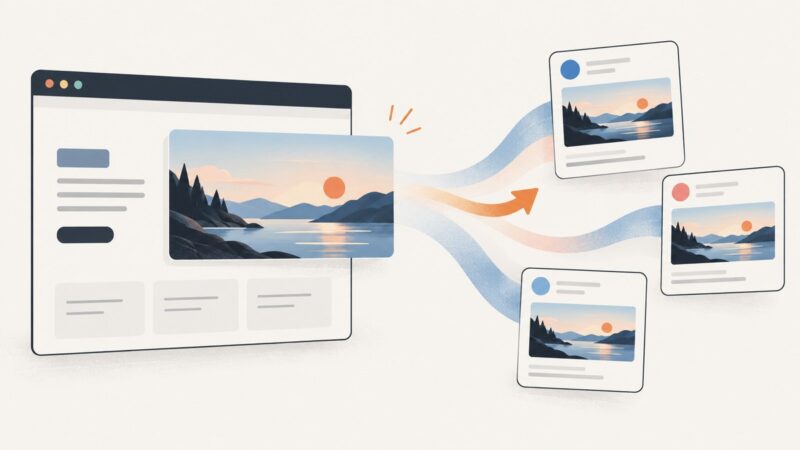
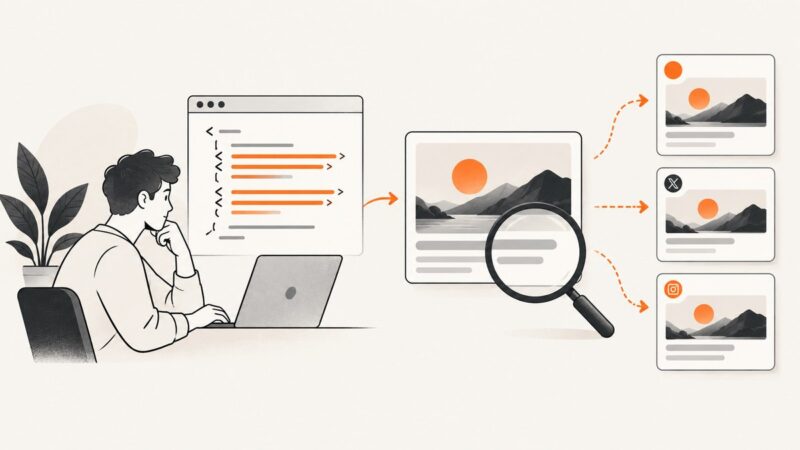
Learn how to verify Open Graph images, debug missing link previews, refresh cached cards, and automate screenshot checks with ScreenshotNeo.
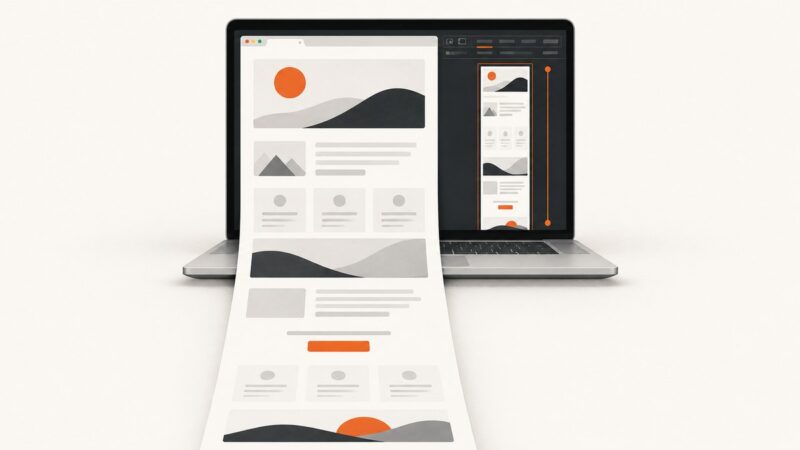
Capture an entire webpage in Chrome on a Mac with DevTools, troubleshoot dynamic pages, and automate reliable screenshots with ScreenshotNeo.
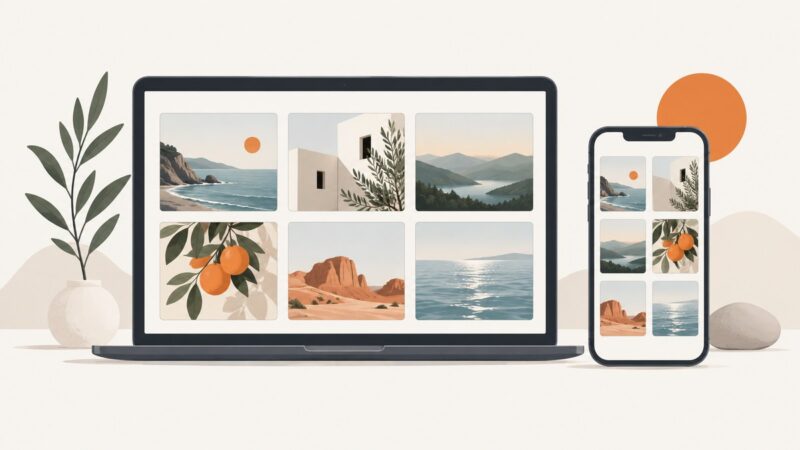
Create consistent, responsive card images with CSS using aspect-ratio, object-fit, accessible HTML, responsive grids, and practical fixes for cropping and stretching.
A blank Headless Chrome screenshot is usually a timing, navigation, viewport, or runtime problem. Use this diagnostic sequence and working fixes.
Change a Wix page’s social thumbnail, set a site-wide fallback, and fix old or missing previews on Facebook and other channels.
Find out why screenshots fail on Windows, Mac, Android, or Chromebook—and fix shortcuts, capture tools, missing files, and app restrictions.
Install Puppeteer on Windows, fix missing Chrome errors, use an existing browser, configure cache paths, and capture screenshots reliably.