How to Perform Geolocation with Django
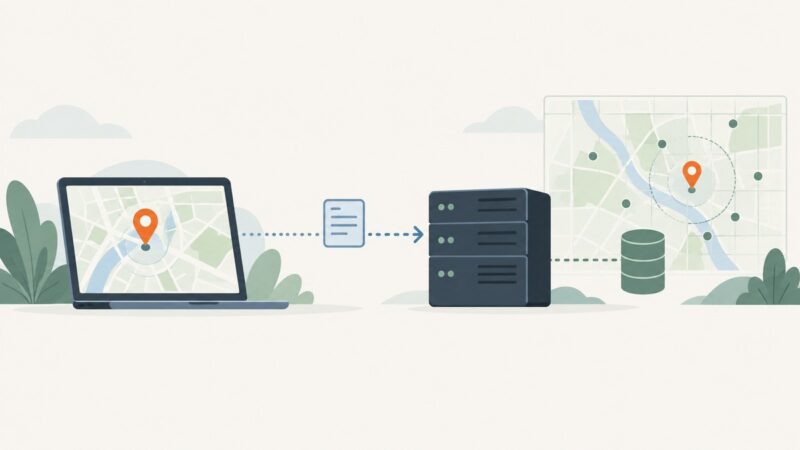
Django geolocation can mean an IP-based estimate, device coordinates from a browser, or spatial queries. Choose the right method and implement it safely.
Django geolocation can mean an IP-based estimate, device coordinates from a browser, or spatial queries. Choose the right method and implement it safely.
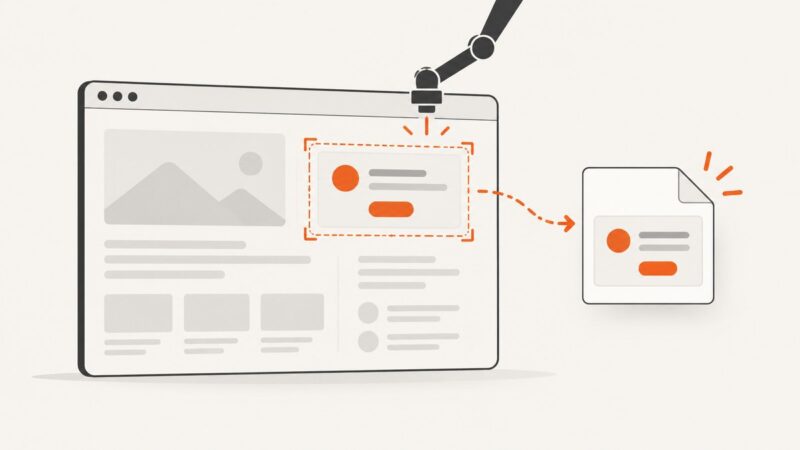
Capture one Cypress element reliably with selectors, padding, clipping, timing controls, file paths, troubleshooting, and a ScreenshotNeo alternative.
Use Symfony Panther to capture a website in a real browser, with JavaScript support, reliable setup, and practical fixes for common screenshot problems.
Use Symfony Panther to capture browser screenshots, and learn what it takes to include content below the viewport reliably.
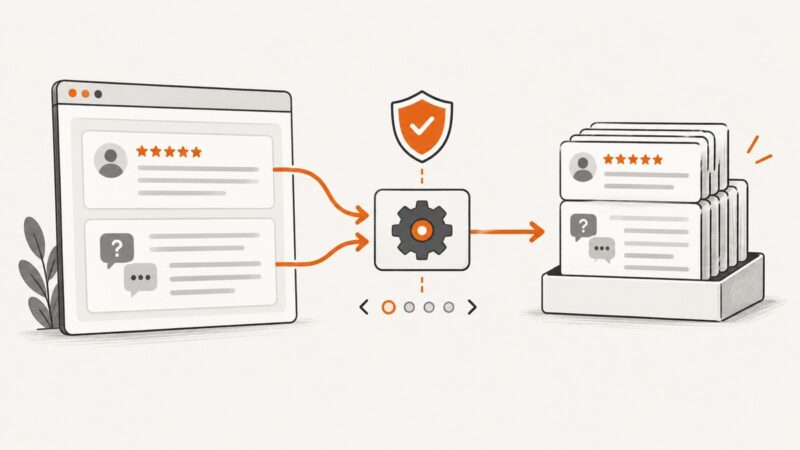
A platform-aware guide to collecting reviews and Q&A data with APIs, authorized crawling, pagination, provenance, and safe storage.
Learn to select and extract web page data with Cheerio and Puppeteer in Node.js, with runnable examples, selector patterns, and fixes for common errors.
Parse human-readable dates into Python datetime values with dateparser. Learn to control formats, date order, languages, timezones, relative dates, and failure handling.
Capture an entire SvelteKit page with Playwright, wait for dynamic content, choose image formats, troubleshoot failures, or use ScreenshotNeo.
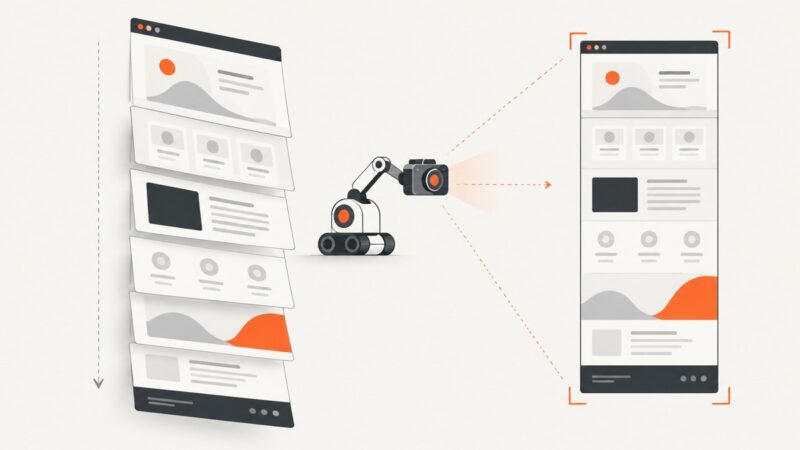
Capture an entire WordPress page with Chrome or Firefox, handle long pages and lazy content, and choose the right workflow for repeat screenshots.
Capture a specific page element with CSS selectors in Playwright or Puppeteer. Learn stable selector patterns, waits, troubleshooting, and a no-browser API option.
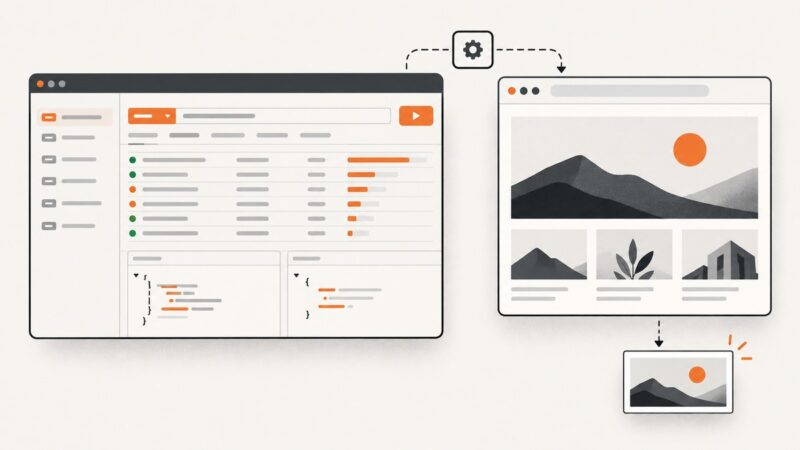
Postman inspects web traffic; Playwright captures the rendered page. Learn the exact workflow, full-page options, testing patterns, and an API shortcut.
Find dataset metadata, files, and project details through official APIs and download routes first. Use HTML scraping only when structured access falls short.
A practical, responsible workflow for finding official datasets, using APIs or bulk files, handling limits, and validating public government data.
“Capture” can mean a screenshot, a content export, a theme export, or a complete backup. Choose the right WordPress workflow for what you need to keep.
Set reliable screenshot timeouts with Playwright, direct HTTP clients, readiness rules, troubleshooting, and a hosted ScreenshotNeo option.
Convert HTML to PNG or JPEG in Spring Boot by choosing a renderer that fits your CSS, JavaScript, image-size, and deployment requirements.
Learn the authorized, contract-first way to collect ZoomInfo data at scale, with governance, integration patterns, troubleshooting, and safer alternatives.
Capture an entire scrollable Next.js page with Playwright or Puppeteer. Set up reliable readiness checks, save the image or return its bytes, and troubleshoot common failures.