How to Use a Screenshot API with RapidAPI
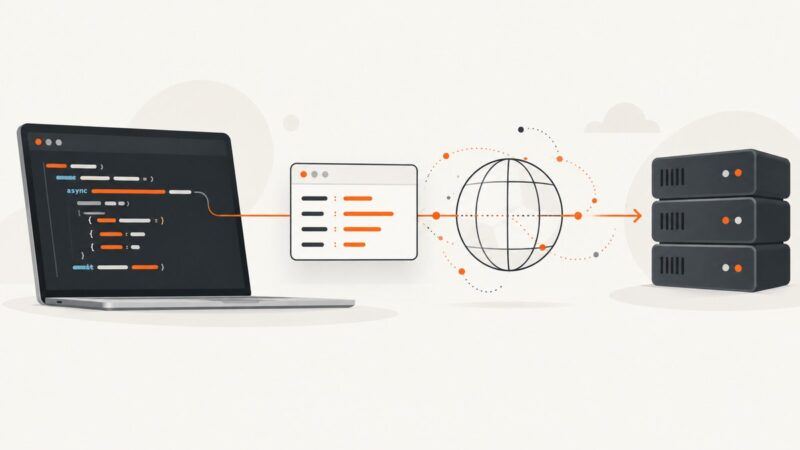
Use RapidAPI to find, authenticate, test, and call a screenshot API. Get runnable cURL, Python, and Node.js examples, plus fixes for common errors.
Use RapidAPI to find, authenticate, test, and call a screenshot API. Get runnable cURL, Python, and Node.js examples, plus fixes for common errors.
Extract favicons and logo candidates reliably with HTML parsing, fallbacks, validation, and browser rendering when static requests are not enough.
Configure IPv6 listeners for Nginx or Apache, then verify DNS, routing, firewall access, and real IPv6 requests.
Learn how to send, share, override, debug, and secure custom HTTP headers with aiohttp, including async patterns, JSON requests, retries, and API examples.
Use aiohttp.ClientTimeout to bound total request time, tune connection and read limits, and catch timeout exceptions reliably.
Learn how to collect Alibaba product, price, and supplier data with authorized APIs, structured comparison code, and a safer capture workflow.
Add, customize, and troubleshoot headers and footers in Word DOCX files and PDFs, including sections, page numbers, fields, and Acrobat workflows.
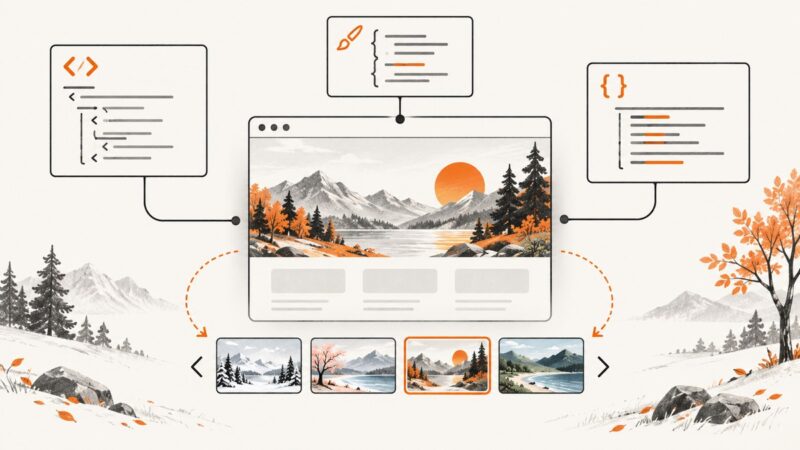
Learn when to use CSS backgrounds or semantic images, swap header artwork with JavaScript, build responsive headers, and avoid layout shifts.
Capture responsive website screenshots at any mobile width with DevTools, Playwright, ChromeDriver, real devices, or ScreenshotNeo.
Learn how to watermark screenshots in Ruby with RMagick or MiniMagick, including text, logos, placement, transparency, tiling, and automation.
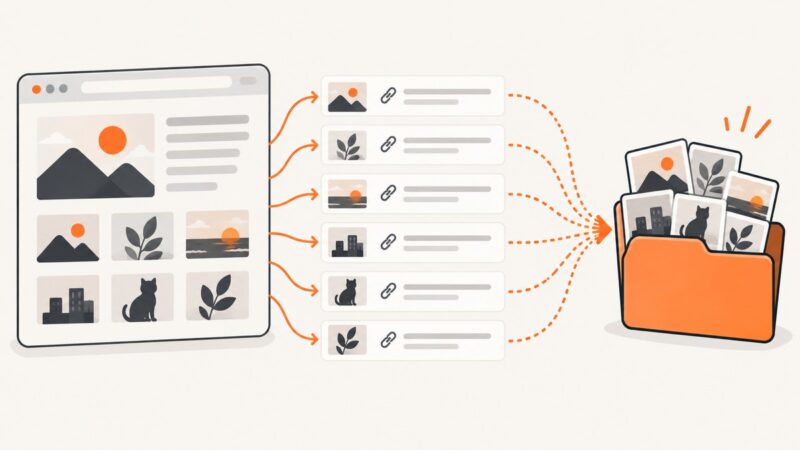
Learn how to save one image, bulk-download page images, find original URLs, handle lazy loading, and avoid copyright and extension-permission mistakes.
Create a text watermark with ReportLab, merge it onto every PDF page with pypdf, and control its layer, position, rotation, and opacity.
Capture websites from Ruby with hosted APIs or Ferrum, including full-page, selector, authenticated, reliable and production-ready examples.
Build repeatable, on-brand social graphics with structured data, reusable templates, AI assets, batch review, and production automation.
Learn how to collect JavaScript-rendered web data with Playwright or Selenium, handle sessions and waits, and avoid common automation failures.
Build an n8n scraper that fetches pages, extracts reliable fields, optionally adds AI summaries, and routes results with retries and troubleshooting.
Add transparent text or a logo to a screenshot with Pillow. Learn corner placement, sizing, opacity, CLI options, and fixes for common problems.
Build a reliable Node.js website screenshot API with Puppeteer or Playwright, then compare hosted capture when you need clean, scalable results.