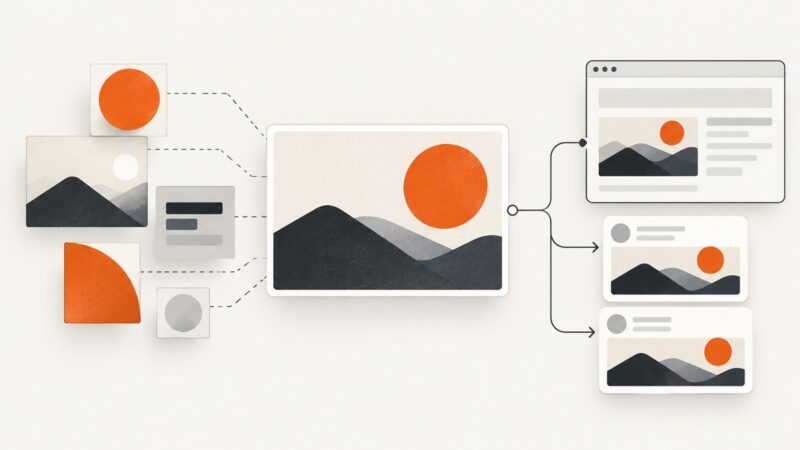
How to Generate Open Graph Images in Python
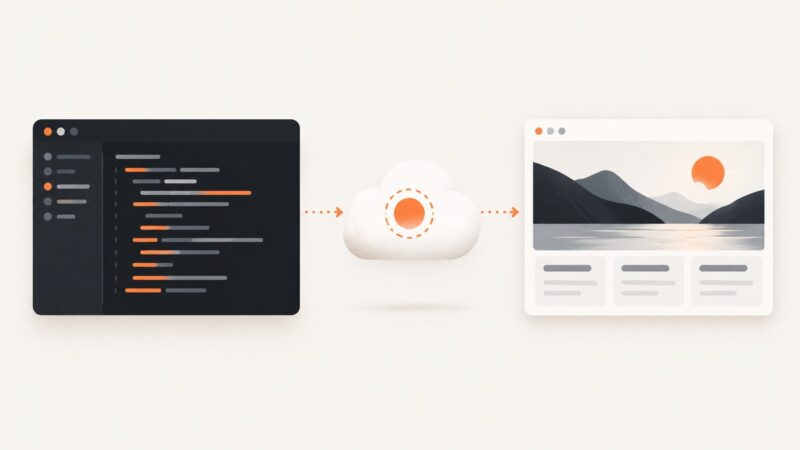
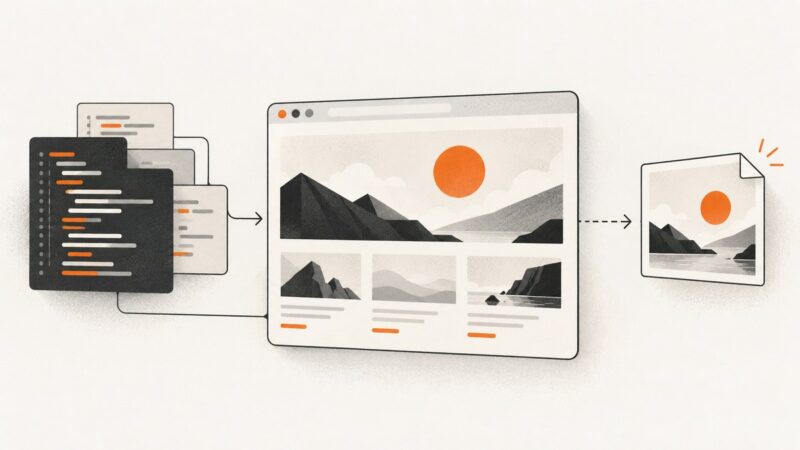
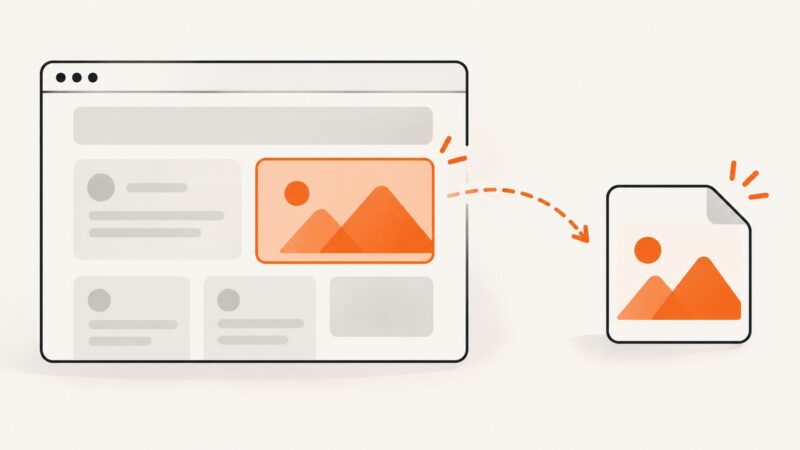
Create a share image with Pillow, publish it at a public URL, and connect it to your page with Open Graph metadata.
Blog
How to take clean screenshots, turn HTML into images and PDFs, run headless browsers, and give AI agents eyes. Written by the team that builds ScreenshotNeo.
Create a share image with Pillow, publish it at a public URL, and connect it to your page with Open Graph metadata.
Fix blank Puppeteer screenshots by proving page readiness, checking navigation, viewport, interception, visibility, and runtime errors.
Set request and response headers correctly in Go with runnable examples, context, auth, trailers, troubleshooting, and a ScreenshotNeo shortcut.
Add website screenshots to Astro at build time or through an on-demand endpoint. This guide covers ScreenshotAPI, secure routing, caching, and a ScreenshotNeo one-call option.
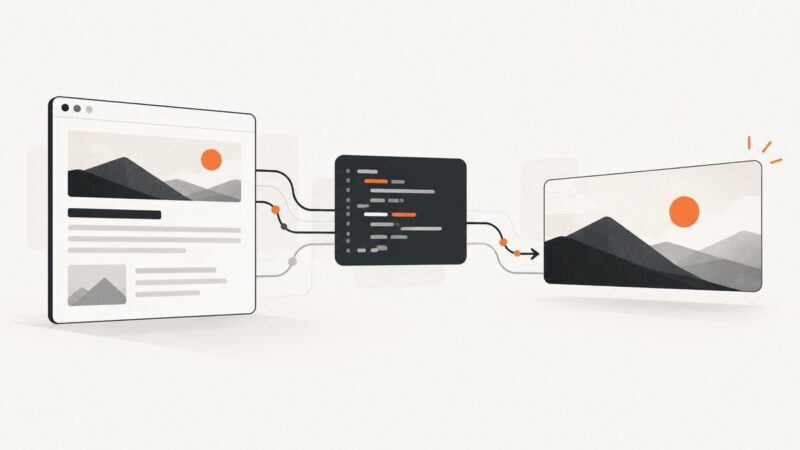
Run page JavaScript, wait for real readiness signals, and generate reliable PDFs with Puppeteer or Playwright.
Use Playwright to capture Astro pages in a browser, from local development to full-page production previews, with fixes for common failures.
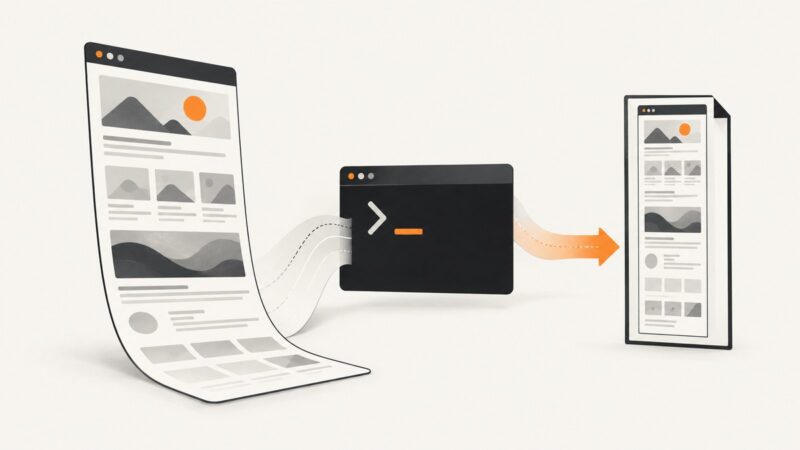
Learn how to capture an entire page with dom-to-image, handle long documents, missing assets and browser limits, and choose a server-side alternative.
Add custom HTTP headers in Java with HttpClient, HttpURLConnection, or a third-party client. See runnable examples, header behavior, and fixes for common errors.
Turn any screenshot into a link with Imgur, Google Drive, Dropbox, ShareX, or an automated screenshot API. Includes privacy, permissions, and fixes.
Convert a URL to PDF in Python with Playwright for JavaScript rendered pages or WeasyPrint for controlled HTML and CSS, with runnable examples and troubleshooting.
Use Symfony Panther to capture browser screenshots in end-to-end tests, or call a hosted screenshot API when you need remote captures.
Set reliable Requests timeouts, distinguish connect and read failures, retry safely, and diagnose stalled HTTP calls with runnable Python examples.
Learn how to capture a website viewport, full page, clipped region, or element, and choose the right format, scale, and output method.
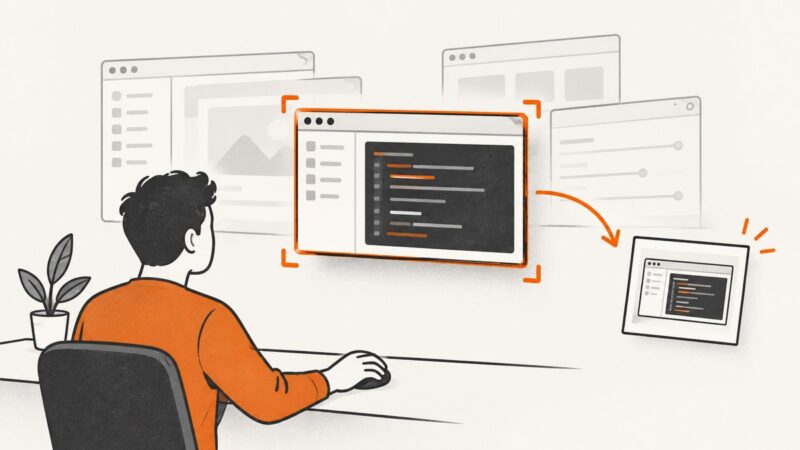
Capture one DOM element with Playwright using stable locators, control output and timing, troubleshoot failures, and compare an API alternative.
Use Puppeteer’s ElementHandle.screenshot() to capture one rendered element in headless Chrome, with reliable waits, cropping options, and fixes for common failures.
Generate reliable Remix OG images with route metadata, runtime rendering, hosted assets, or Playwright build steps—and fix stale previews.
Use wkhtmltoimage to capture a web page as an image, understand its size and timing options, and work around common rendering limits.
Capture a window by its HWND in C# with CopyFromScreen or PrintWindow. Compare their behavior, handle window bounds and DPI, and save screenshots safely.