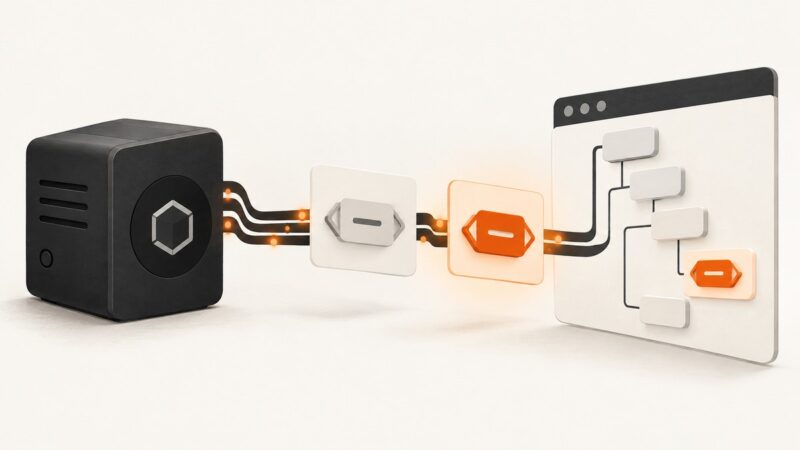
How to Generate Open Graph Images in SvelteKit
Build dynamic Open Graph images in SvelteKit with SvelteKit OG, prerendering, deployment guidance, troubleshooting, and an API alternative.
Blog
How to take clean screenshots, turn HTML into images and PDFs, run headless browsers, and give AI agents eyes. Written by the team that builds ScreenshotNeo.
Build dynamic Open Graph images in SvelteKit with SvelteKit OG, prerendering, deployment guidance, troubleshooting, and an API alternative.
Create, inspect, and troubleshoot Threads link previews with Open Graph images, metadata, sizing guidance, and a practical workflow.
Use CustomElementRegistry.whenDefined() to wait for registration. Learn what it guarantees, how to use it in Node and browser contexts, and how to diagnose a wait that never resolves.
Build a focused LinkedIn lead list, find a relevant reason to reach out, and follow up consistently. Here’s a practical workflow for turning prospect research into conversations.
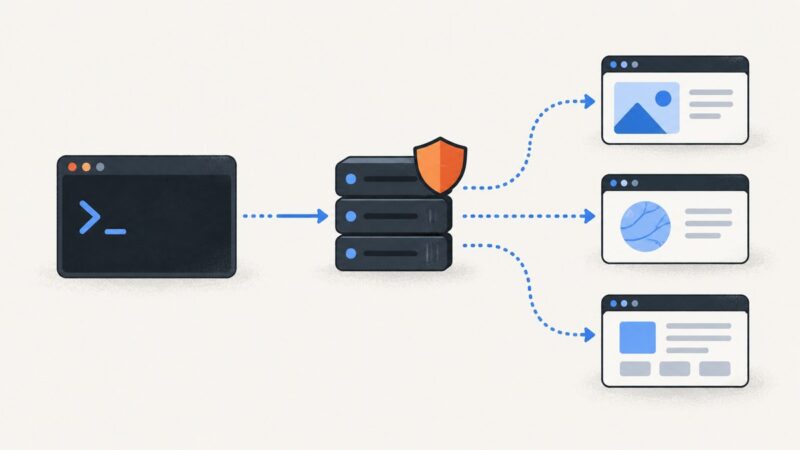
Configure HTTP, HTTPS, SOCKS, authentication, bypass rules, and troubleshooting for proxies in cURL and wget with runnable examples.
Capture one page element with Selenium using precise locators, scrolling, waits, in-memory bytes, troubleshooting, and a no-browser API option.
Capture the full rendered page in an ASP.NET Core app with Playwright for .NET, including setup, dynamic content, output options, and troubleshooting.
Use Google’s Geolocation API to estimate a location from a request IP, understand its accuracy radius, and display it on a Google Map.
Generate an Astro page PDF with Puppeteer or Playwright, style it for print, and decide when to build it statically or serve it on demand.
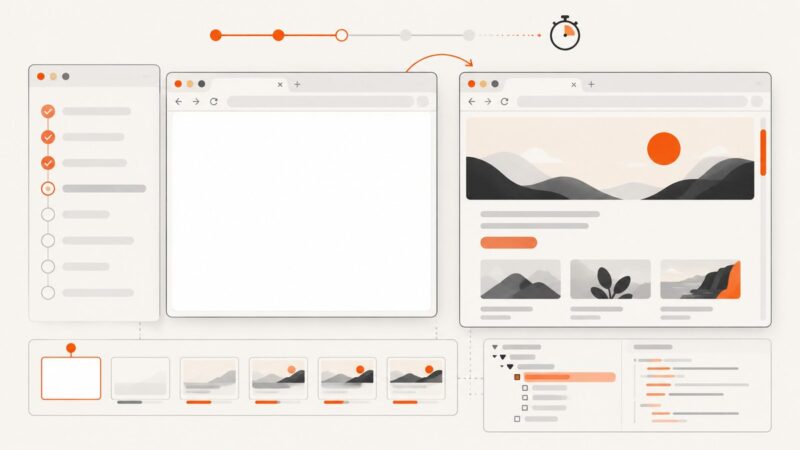
Blank Cypress screenshots usually come from timing, capture mode, browser state, or environment differences. Use this diagnostic path to find the cause.
Learn reliable CSS element selection in Playwright, including strictness, auto-waiting, advanced selectors, debugging, and screenshot automation.
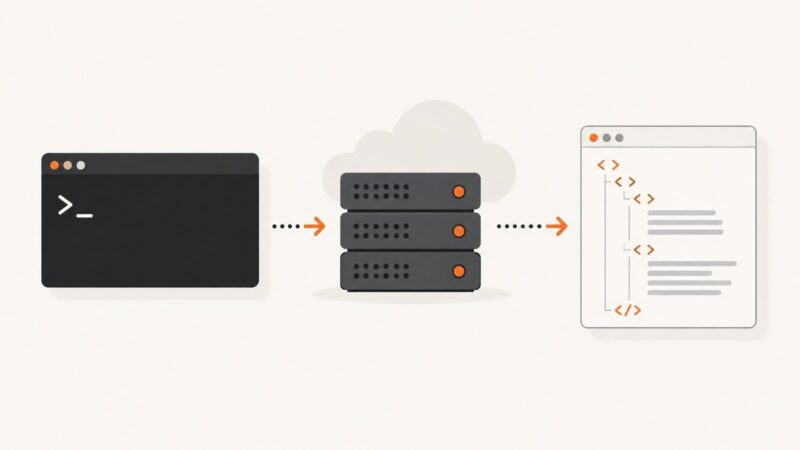
Use cURL to fetch, inspect, and save web pages, manage redirects and cookies, and tell when you need a JavaScript-capable browser.
Use Edge’s Screenshot tool to capture a full webpage or selected area, save or copy it, and automate captures with ScreenshotNeo.
Use curl's built-in parallel mode, set safe concurrency limits, save every response correctly, and choose the right approach for scripts and URL batches.
Render any web page as a PDF from NestJS with Puppeteer, print CSS, production safeguards, troubleshooting, and a hosted ScreenshotNeo option.
Capture a visible screen or an entire webpage in Edge, Firefox, or Chrome, then automate clean screenshots with ScreenshotNeo.
Use Edge’s built-in full-page capture first, then choose an extension or ScreenshotNeo when you need exports, automation, or cleaner screenshots.
Build an Express screenshot endpoint with Puppeteer or Playwright, return PNGs safely, and compare the hosted ScreenshotNeo option.