How to Take Screenshots with Gnome-Screenshot in Bash
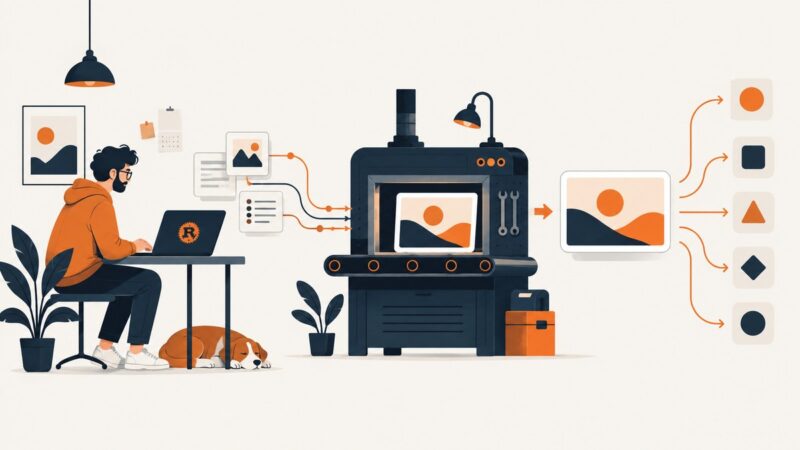
Capture your whole screen, active window, or a selected area from Bash with gnome-screenshot. Save to a predictable path, add a delay, or copy the result to your clipboard.
Blog
How to take clean screenshots, turn HTML into images and PDFs, run headless browsers, and give AI agents eyes. Written by the team that builds ScreenshotNeo.
Capture your whole screen, active window, or a selected area from Bash with gnome-screenshot. Save to a predictable path, add a delay, or copy the result to your clipboard.
Connect Model Context Protocol servers to VS Code, configure scopes and transports, secure credentials, use tools in Chat, and troubleshoot common failures.
Compare the best MCP servers for browser automation, search, page fetching, and crawling, with setup, security, and selection advice.
Convert a URL to PDF in Kotlin with Android WebView and PrintManager, handle JavaScript and print limits, or use ScreenshotNeo for one-call capture.
Site-Shot costs less for straightforward screenshots and country-level rendering. Urlbox offers more output formats and extraction; here’s how to choose by workload, price, and MCP needs.
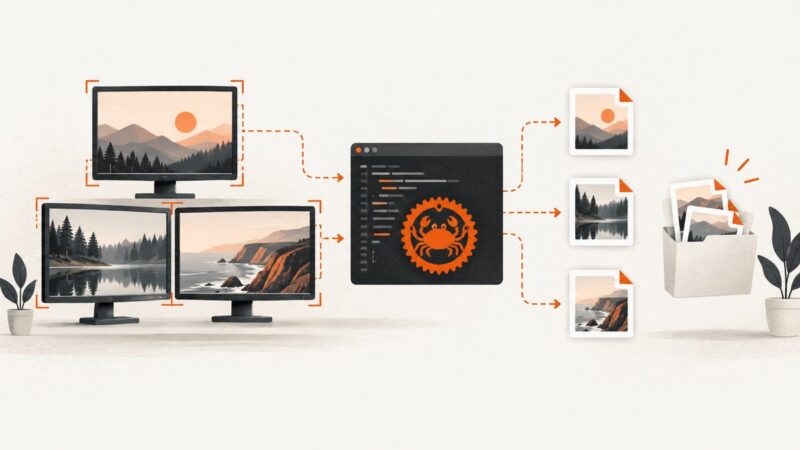
Capture monitors, windows, and regions in Rust with XCap, handle Wayland and errors, and compare local capture with ScreenshotNeo.
Compare Geekflare and ScrapingBee by credit pricing, options, platform scope, and target-site fit. Use a workload-based trial to choose with confidence.
LinkedIn prohibits scraping. Learn the 2026 rules, authorized API paths, compliance checks, and safe ways to capture pages you are allowed to access.
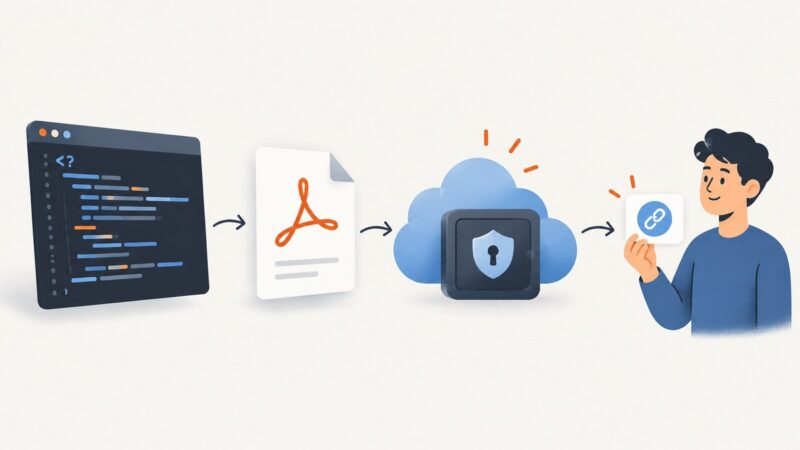
Render a PDF in PHP with Dompdf, store it privately, and create a time-limited signed link anyone with the URL can use.
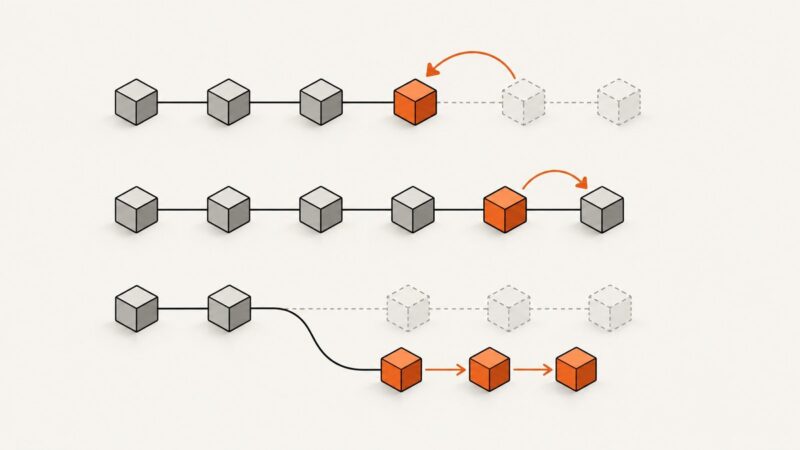
Understand what reset, revert, and rebase change, how each affects commit history, and which command to use for local or shared work.
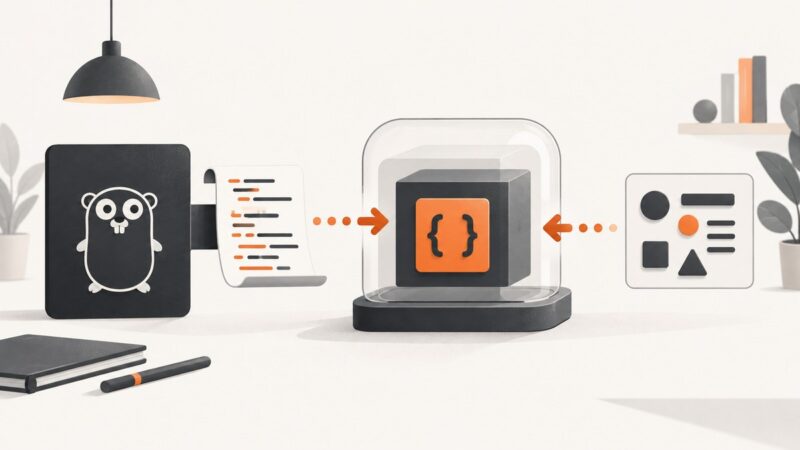
Run JavaScript source text inside Go with Goja, handle values and errors, call functions, and understand compatibility and security limits.
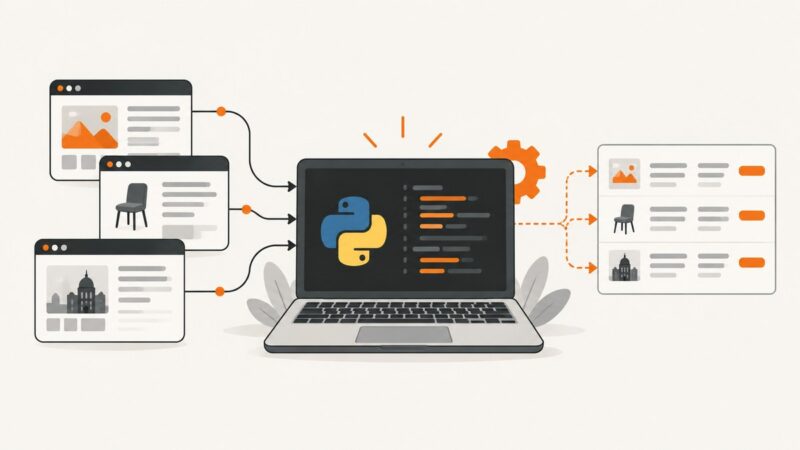
Yes—Python is a practical choice for web scraping. Learn when to use simple requests, Scrapy, or Playwright, with runnable examples and troubleshooting.
Build a dynamic Open Graph image endpoint in Rust, choose the right rendering approach, and serve stable, cacheable previews social crawlers can fetch.
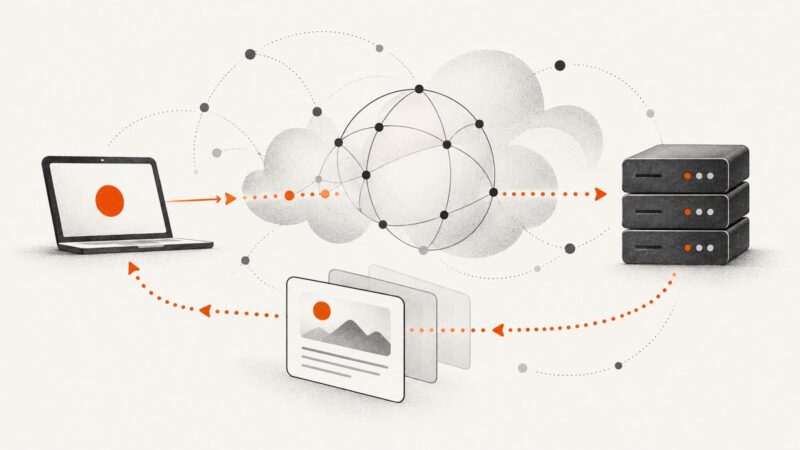
Learn what HTTP GET means, how URLs, headers, caching, retries, privacy, and GET bodies work, with runnable cURL, Python, and Node.js examples.
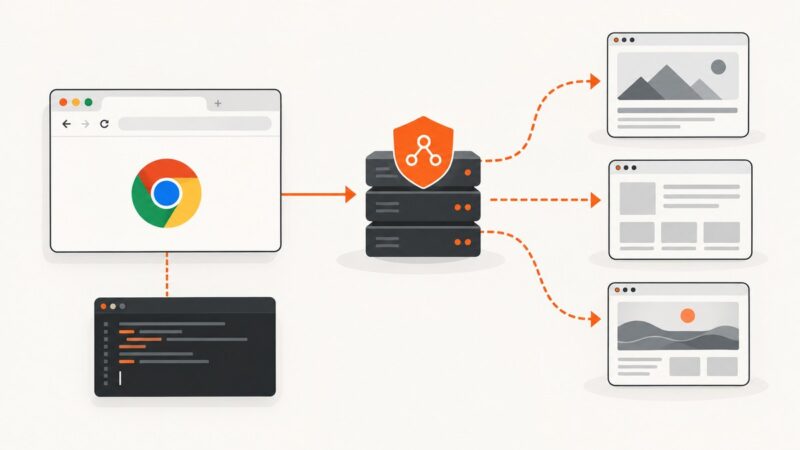
Configure HTTP and SOCKS proxies in Puppeteer, authenticate safely, isolate sessions, rotate endpoints, troubleshoot failures, and capture clean screenshots.
Learn the JavaScript mechanics for review-page parsing, pagination, and validation—while using G2’s permitted API or written consent for automated access.
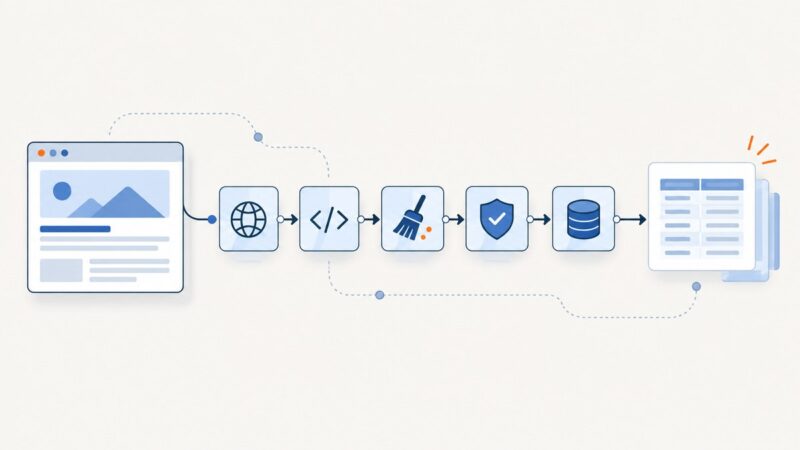
Build maintainable Python scrapers by separating fetching, parsing, cleaning, validation, and saving into reusable functions.
Learn what IP, TCP, UDP, HTTP, HTTPS, DNS, SMTP, IMAP, FTP and SSH do, how they work together, and when to use each.