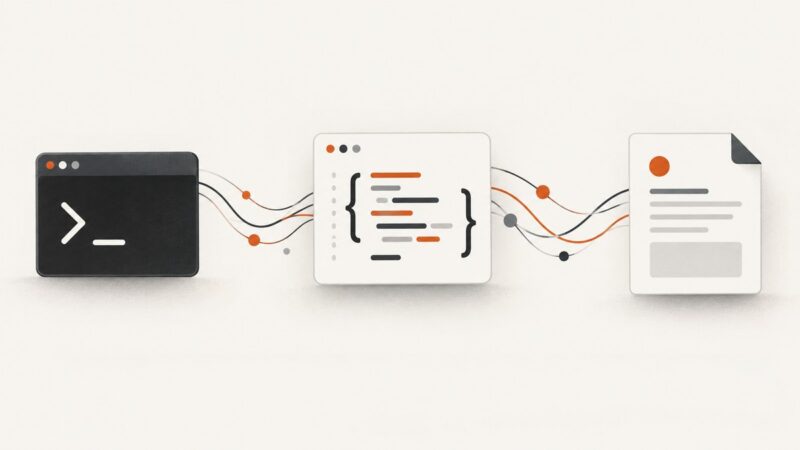
What Is a REST Client? Definition, Requests, Tools, and Code Examples
A REST client is any program that sends HTTP requests to an API and handles its responses. Learn how clients work, which tools to use, and how to write one.
Blog
How to take clean screenshots, turn HTML into images and PDFs, run headless browsers, and give AI agents eyes. Written by the team that builds ScreenshotNeo.
A REST client is any program that sends HTTP requests to an API and handles its responses. Learn how clients work, which tools to use, and how to write one.
Learn how to install Watir, control a real browser with Ruby, locate elements, synchronize tests, troubleshoot drivers, and capture reliable evidence.
Compare Rasa, Botpress, Amazon Lex V2, and Microsoft Bot Framework by architecture, control, integrations, operations, and team fit.
Export Highcharts charts to PNG, JPEG, SVG, or PDF with runnable browser, Node.js, Python, cURL, and ScreenshotNeo workflows.
Use PHP’s DOM and XPath APIs to select elements by attribute, read values safely, handle namespaces, and troubleshoot real HTML documents.
Use Etaoin and a headless browser to save a web page screenshot as PNG in Clojure. Learn setup, element captures, full-page limits, and troubleshooting.
Compare Polotno’s customizable editor SDK with Orshot’s hosted embed, including integration, control, rendering, pricing and how to choose.
Compare html2canvas, PhantomJS, and Urlbox by rendering model, browser support, cross-origin limits, automation, outputs, and cost—and find the right fit for your screenshot workflow.
Connect an MCP client to local or remote servers with practical TypeScript and Python examples, transport choices, capability negotiation, security, and troubleshooting.
Learn what Charles Proxy captures, how to inspect HTTP and HTTPS traffic, connect mobile devices, troubleshoot certificates, and automate screenshots.
Distinguish HTTP responses from transport failures in PHP, inspect error bodies safely, and handle cURL, Guzzle, Symfony, and streams.
Attach a screenshot, generate or edit HTML/CSS, and review the rendered result with ChatGPT or Codex. Here’s how to choose the right workflow and troubleshoot it.
Use Python’s s[:-1] slice to return every character except the final one, with examples, edge cases, Unicode notes, and alternatives.
MCP authorization is optional and transport-specific. Learn the HTTP OAuth flow, STDIO credential handling, token validation, and enterprise-managed access.
Translate cURL commands into Python Requests while preserving methods, parameters, headers, bodies, files, authentication, redirects, and errors.
Create course-completion certificates that are easy to print and simple to verify. Compare PDF, QR-linked, and standards-based credentials, with a practical issuance workflow.
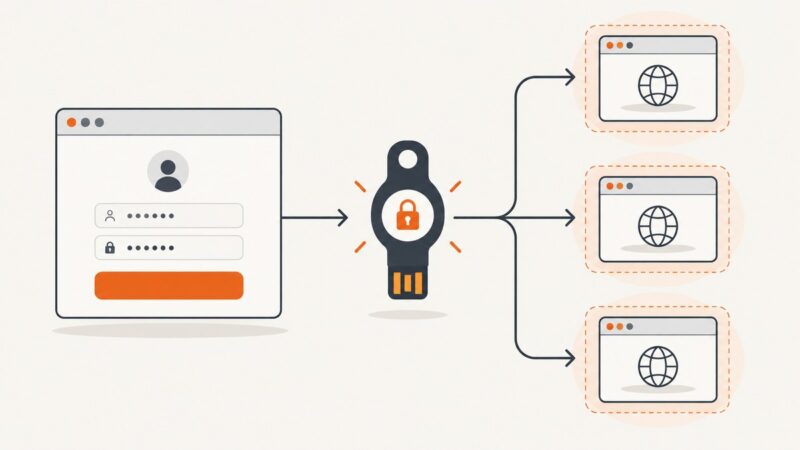
Learn how to handle two-factor authentication in Playwright: reuse login state safely, isolate parallel workers, and test passkeys with a virtual authenticator.
Capture an entire webpage in one image with Firefox, Edge, DevTools, Playwright, or ScreenshotNeo—including lazy loading and troubleshooting.