How to Capture an Instagram Post Screenshot
Learn how to screenshot any Instagram post on iPhone or Android, find the saved image, understand notifications, and automate captures with ScreenshotNeo.
Blog
How to take clean screenshots, turn HTML into images and PDFs, run headless browsers, and give AI agents eyes. Written by the team that builds ScreenshotNeo.
Learn how to screenshot any Instagram post on iPhone or Android, find the saved image, understand notifications, and automate captures with ScreenshotNeo.
Build a reliable e-commerce scraper with Scrapy, direct requests, Playwright, validation, retries, and compliance controls.
Use Chrome DevTools to copy a CSS selector, check what it matches, and handle common problems such as duplicate matches and Shadow DOM.
Learn how to capture pages behind a login with saved cookies or credentialed crawls, including limits, security, troubleshooting, and an API option.
Capture a URL manually in Chrome or automate viewport, full-page, and element screenshots with Playwright, Puppeteer, or ScreenshotNeo.
Learn how to view Git patches online, compare files visually, review safely, and choose between pull requests, standalone viewers, and local tools.
Choose Puppeteer for focused Node.js browser automation; choose Selenium for broader languages, browsers, and Grid orchestration.
Learn how SaaS, PaaS, IaaS, Desktop as a Service, and FaaS differ—and how to choose a model based on control, effort, and responsibility.
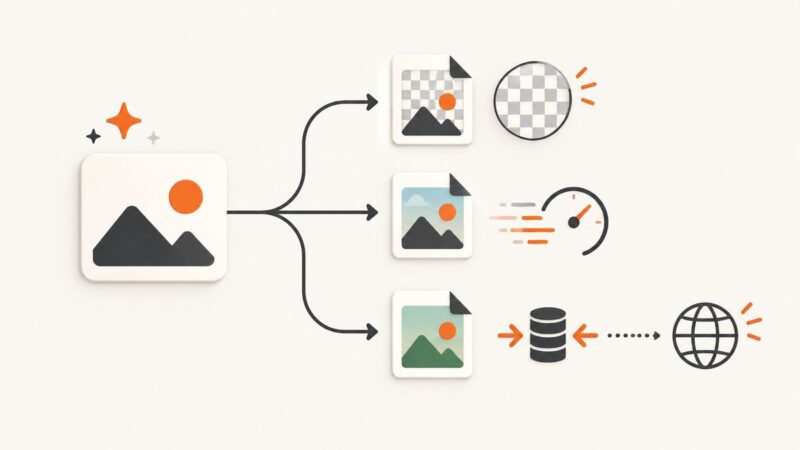
Choose PNG, JPEG, or WebP for image-generation requests based on transparency, speed, compression, and delivery requirements.
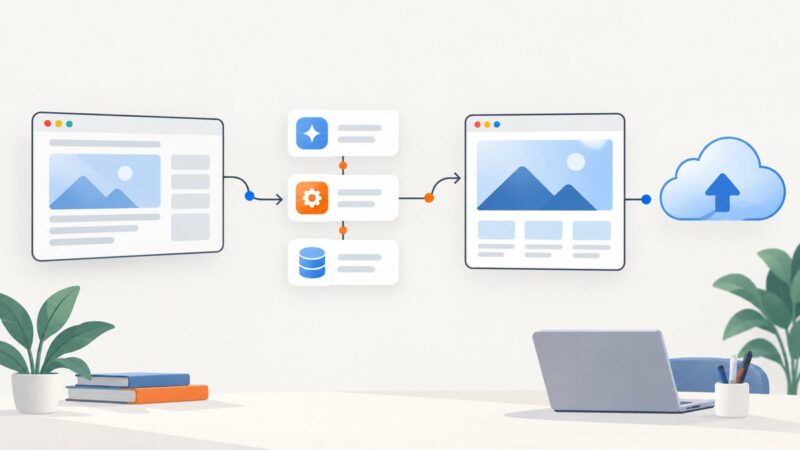
Build a Zap that captures a webpage URL, creates a screenshot, and sends the image wherever your workflow needs it.
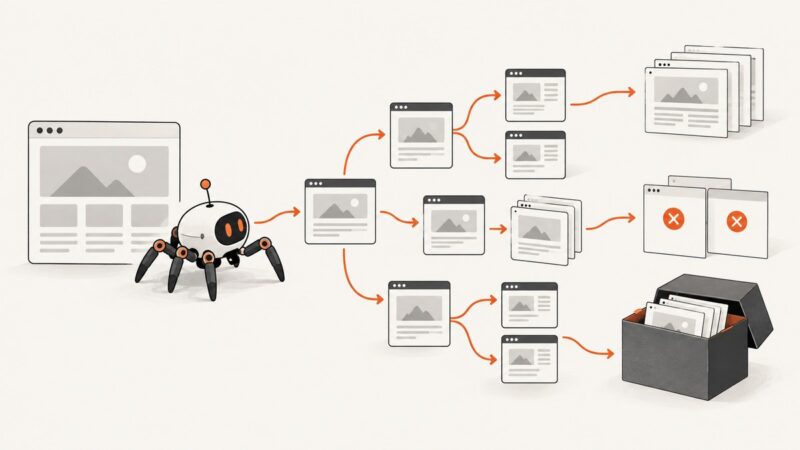
Crawl a site from a seed page, control link depth and scope, then choose screenshots, offline pages, or a web archive for the result.
Use Playwright to sign in, reuse authenticated state, wait for protected content, and capture secure pages safely in Python.
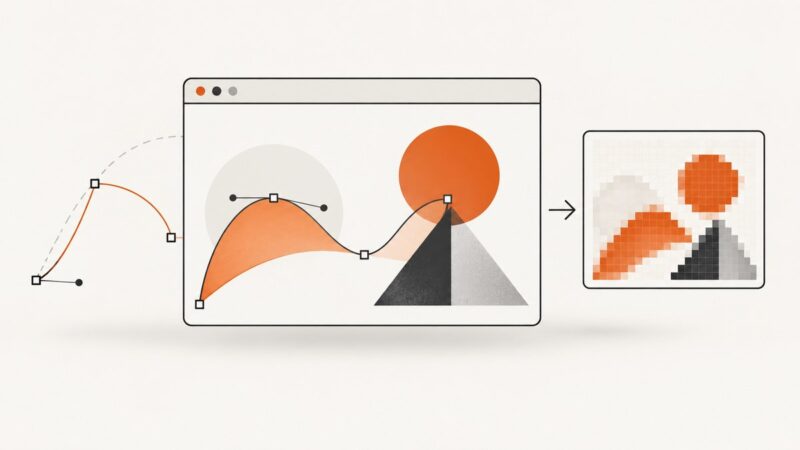
Screenshot APIs can capture SVG rendered in a browser, but that does not mean they return editable SVG. Learn how to capture SVG reliably and choose the right output.
A practical workflow to identify web fonts, verify the right license, document evidence, and catch implementation problems without treating a scanner as legal proof.
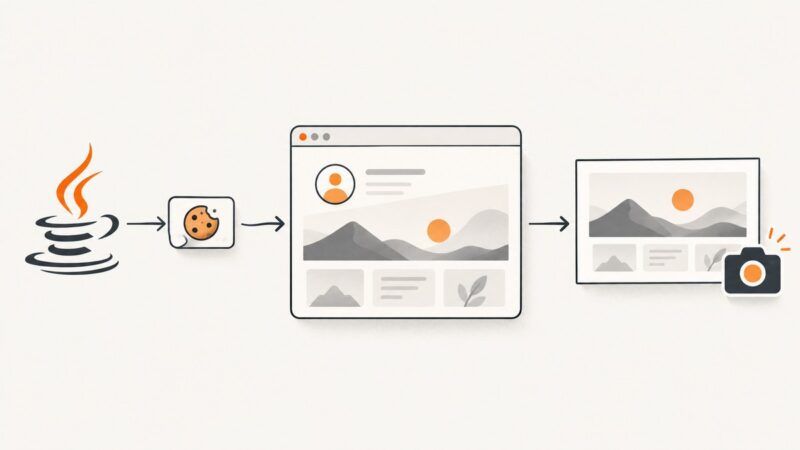
Set or restore browser cookies before a Java screenshot, verify the visitor state, and capture the right page with Selenium or Playwright.
Learn how scraping APIs fetch, render, and extract web data, when to use one, and how to weigh managed services against a DIY scraper.
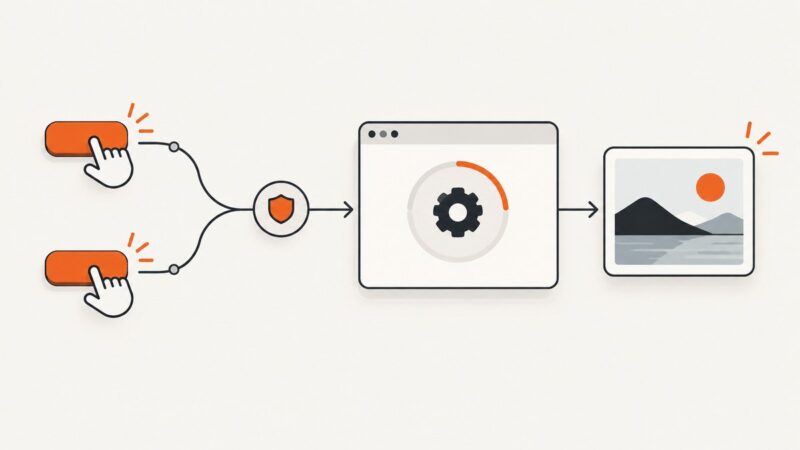
Prevent accidental duplicate screenshot jobs with a synchronous in-flight guard, clear pending UI, and server-side deduplication for retries.
Extract, clean, and debug HTML document titles with Cheerio, including encoded pages and JavaScript-rendered applications.