How to Protect Website Screenshot Captures
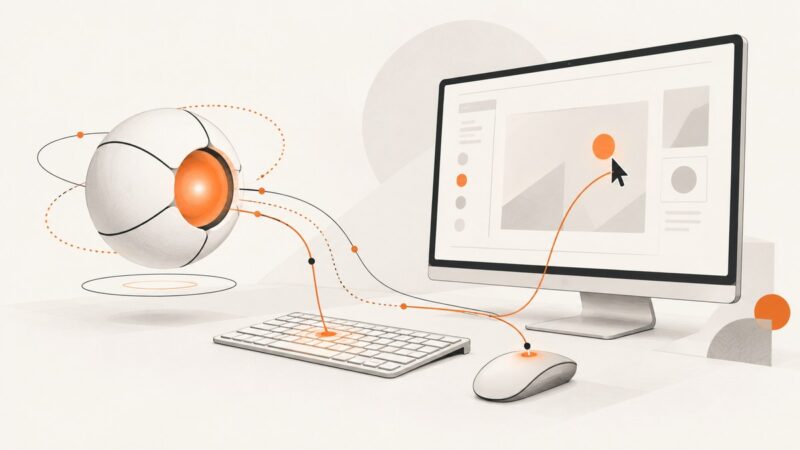
Learn what can and cannot stop website screenshots, from browser controls and watermarks to managed Edge policies and DRM.
Blog
How to take clean screenshots, turn HTML into images and PDFs, run headless browsers, and give AI agents eyes. Written by the team that builds ScreenshotNeo.
Learn what can and cannot stop website screenshots, from browser controls and watermarks to managed Edge policies and DRM.
Prevent PDF conversion failures in C# with input checks, font and form validation, typed exception handling, and output verification.
Learn what Claude Computer Use is, how the API agent loop works, how Cowork differs, and how to build reliable screenshot-driven automation.
Capture HTML tables with Python using pandas or Beautiful Soup, handle dynamic pages, clean results, and troubleshoot extraction failures.
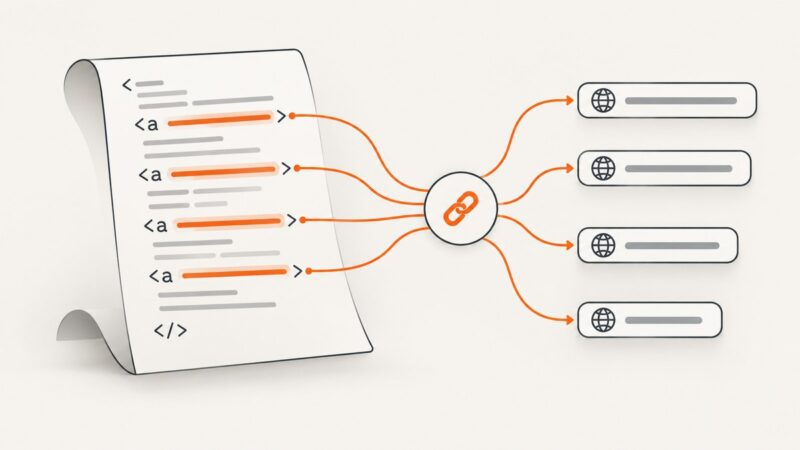
Use Cheerio to read one or every anchor’s href, keep raw paths or resolve them against a page URL, and handle markup that needs a browser.
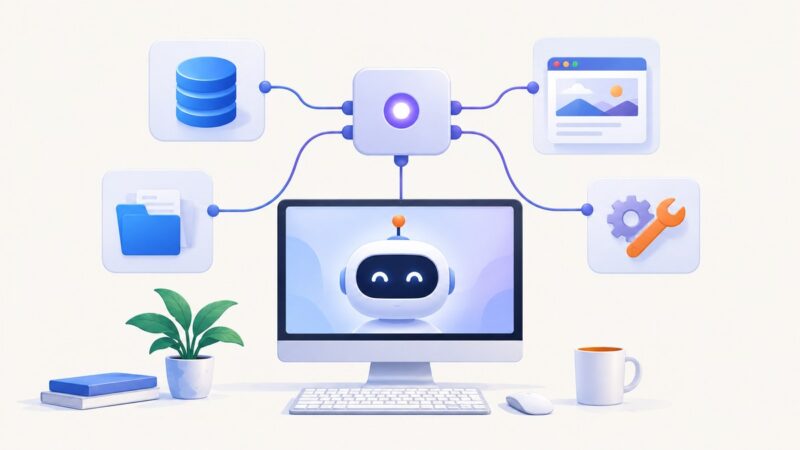
Connect MCP servers to Claude Desktop with DXT extensions or manual JSON, fix common errors, secure secrets, and add ScreenshotNeo for screenshots.
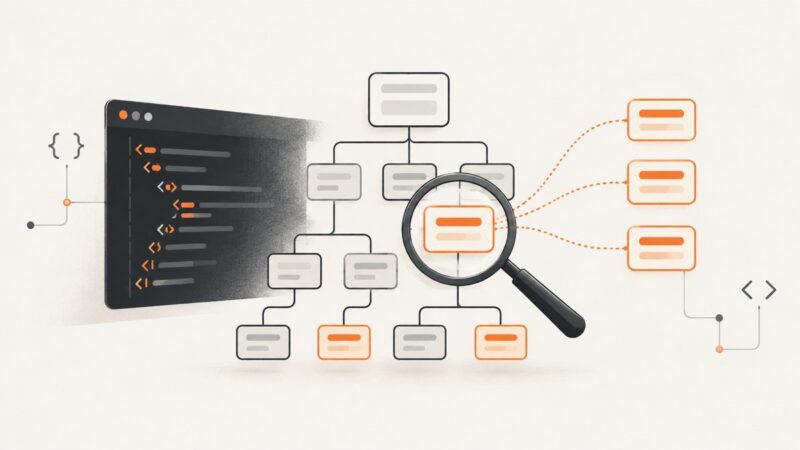
Load HTML with Cheerio, select every element with a class, and refine the result with tag, relationship, and scoped selectors.
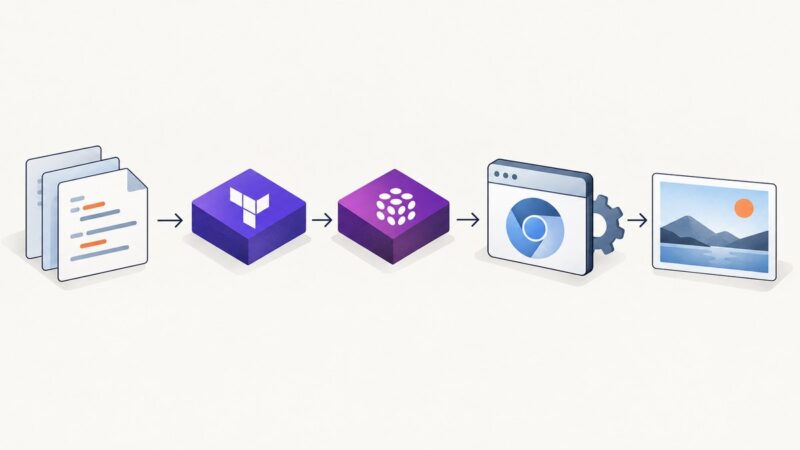
Learn how Terraform and Pulumi can manage screenshot API rendering, provider schemas, artifacts, retries, secrets, version pinning, and CI.
A practical, reversible workflow for profiling, normalizing, deduplicating, validating, and exporting scraped data with OpenRefine and code.
Screenshot capture priority depends on what you need to capture and which tools are available. Learn when to use background browser capture, desktop capture, or a foreground fallback.
Build a viaSocket Flow that captures a website and sends the image where your team needs it, with practical guidance for timing, errors, and recurring workflows.
Learn how to install chromedp, launch headless Chrome, run your first Go automation, debug visible sessions, and handle cleanup reliably.
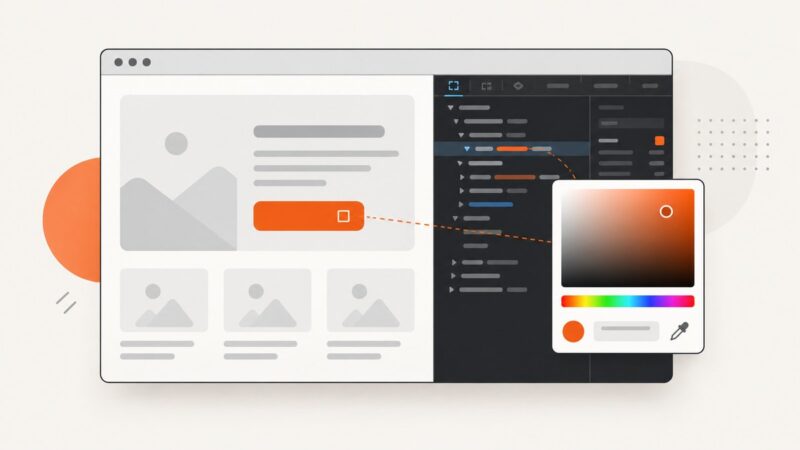
Open Chrome DevTools’ Color Picker, sample colors, switch CSS formats, check contrast, and avoid common gamut and eyedropper mistakes.
Install Claude Code in the terminal with npm, choose the right Windows and authentication route, and see what to verify before setting up IDE, web, or desktop access.
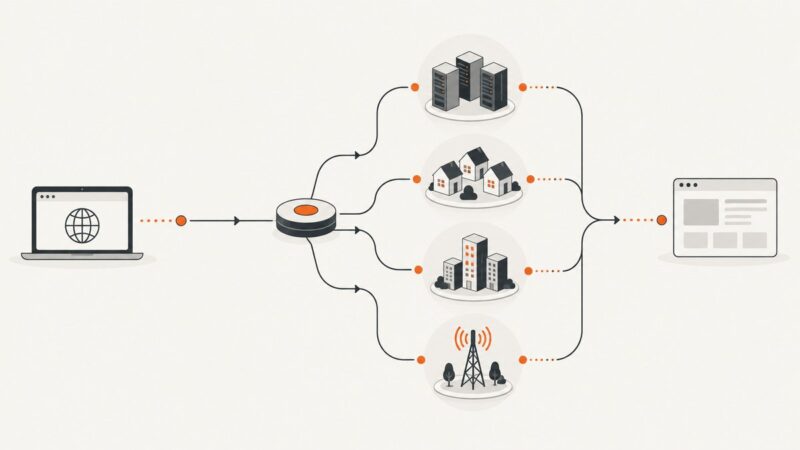
Understand datacenter, residential, ISP, mobile, rotating and sticky proxy modes, then choose the right setup for your scraping workflow.
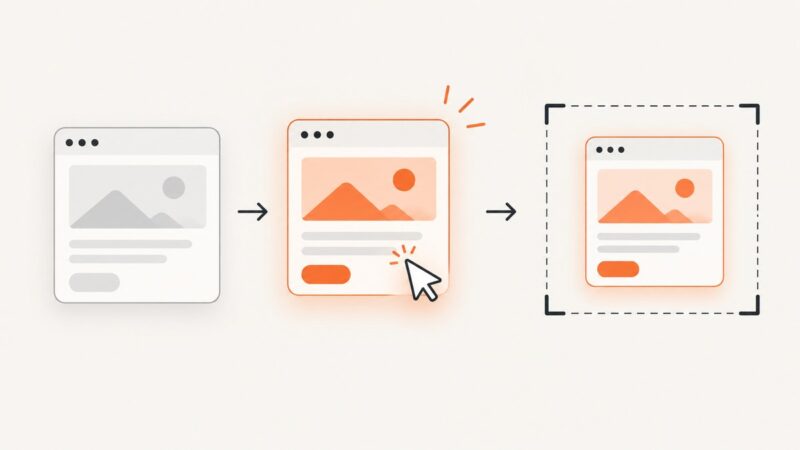
Learn how to capture reliable CSS and JavaScript hover states with Chrome DevTools, Playwright, Puppeteer, and ScreenshotNeo.
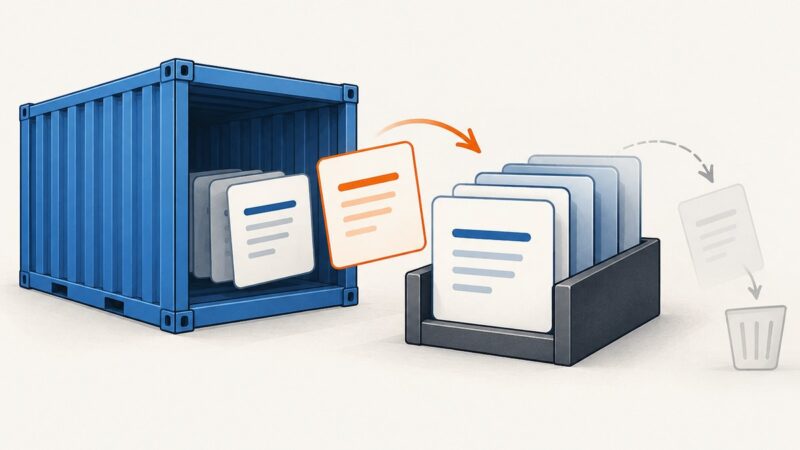
Use Docker’s log commands to inspect a container, follow live output, filter by time, and troubleshoot missing logs.
Test your Referrer-Policy, observe Referer headers, and prevent sensitive paths or query strings from leaking across origins.