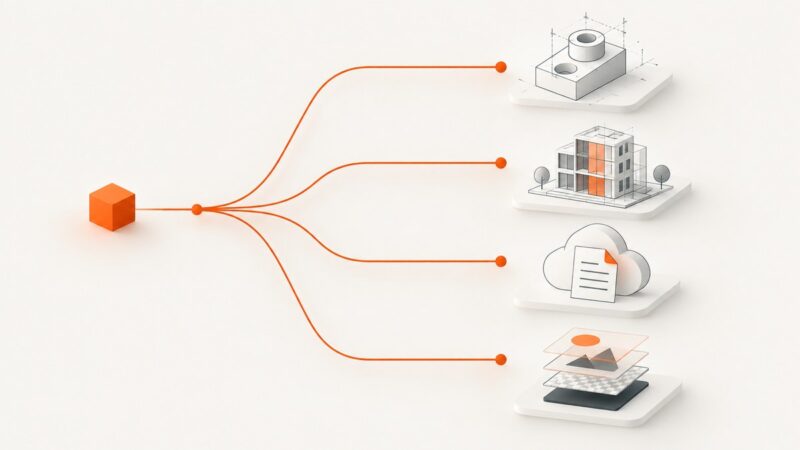
Design Automation APIs for Developers
A practical guide to choosing and integrating design automation APIs for CAD, BIM, cloud documents, and creative production workflows.
Blog
How to take clean screenshots, turn HTML into images and PDFs, run headless browsers, and give AI agents eyes. Written by the team that builds ScreenshotNeo.
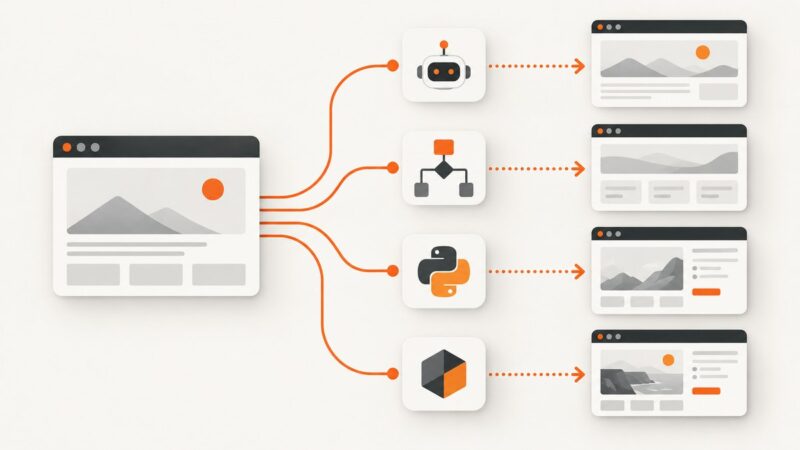
A practical guide to choosing and integrating design automation APIs for CAD, BIM, cloud documents, and creative production workflows.
Run Playwright MCP as a reachable HTTP server, connect an MCP client, and capture pages with browser_take_screenshot. Includes setup, security, state, and troubleshooting.
Learn a policy-aware way to collect Google results in Python, reduce blocks, handle errors, and choose an authorized API for production.
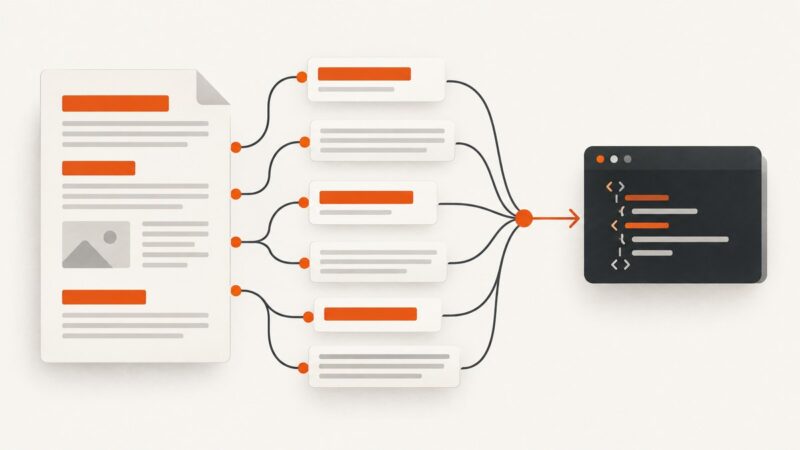
Learn how to turn bot checks, JavaScript shells and incomplete pages into accurate Markdown without bypassing access controls.
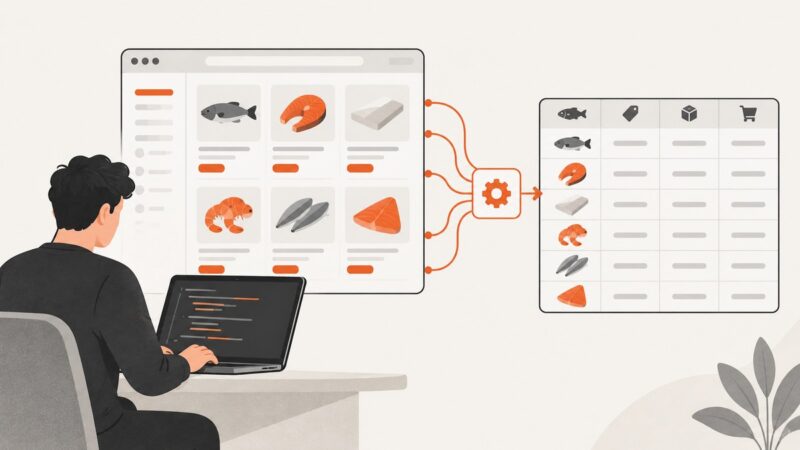
Learn when browser automation helps collect page data, how to inspect network requests with Playwright, and how to handle access, reliability, and cost.
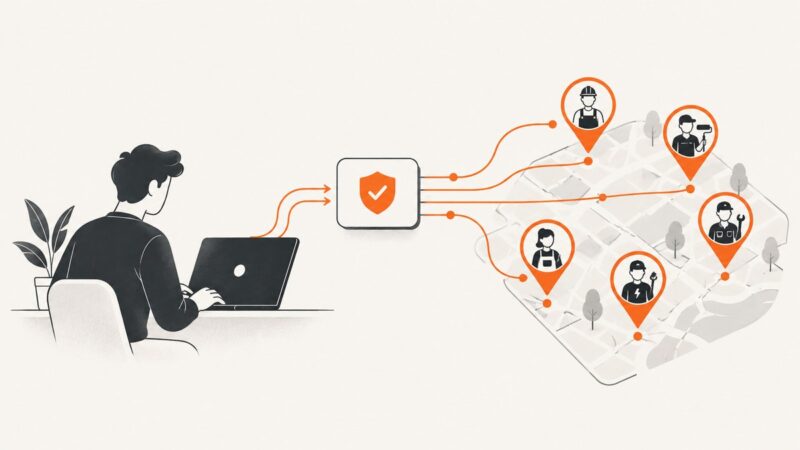
Use Thumbtack’s authorized Businesses Search API to find pros. Learn the OAuth flow, search-context approach, code structure, and the limits of automated page scraping.
Select several HTML tag types in one Cheerio query with a comma-separated CSS selector. See runnable examples, scoped searches, security tips, and fixes for common mistakes.
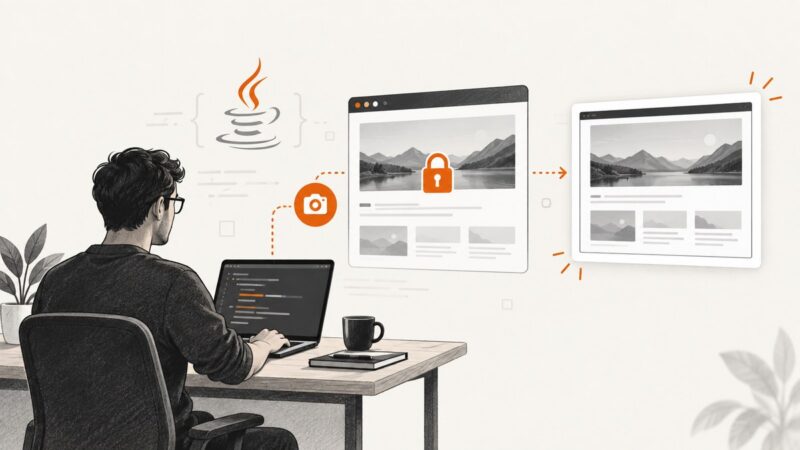
Java HttpClient retrieves HTTP responses but cannot render screenshots. Use Playwright Java or Selenium with authorized browser authentication to capture secured pages.
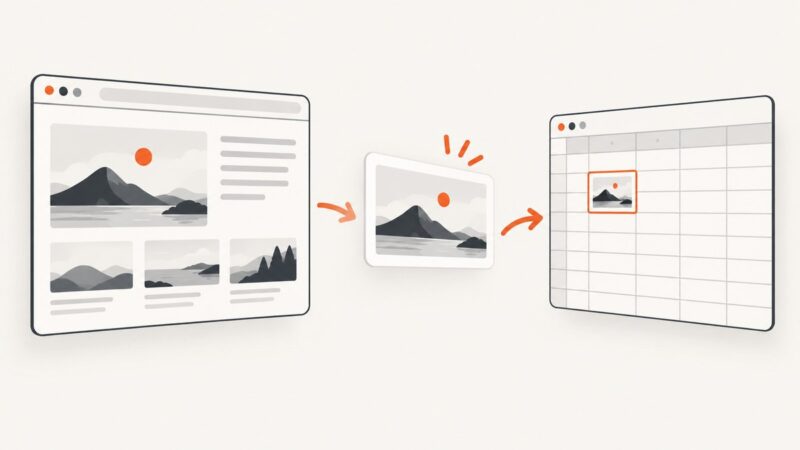
Google Sheets can insert screenshot images, but Apps Script does not render webpages. Learn the complete workflow, code, limits, and a faster API option.
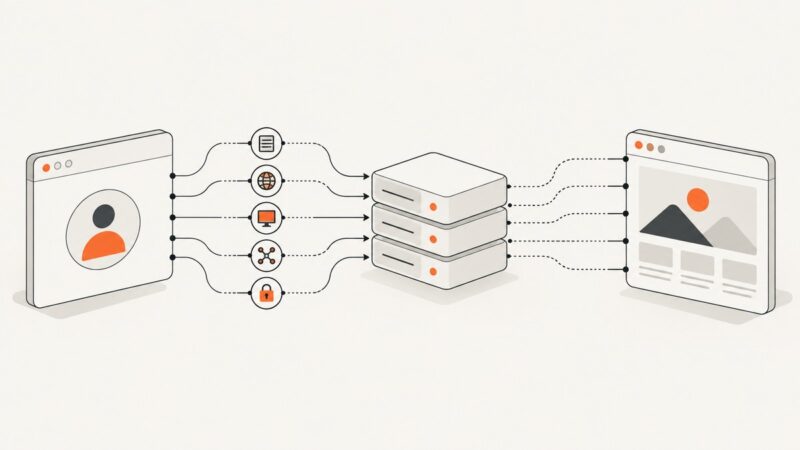
Choose the right screenshot API integration for MCP, Zapier, Make, n8n, Python, or Node.js, with runnable examples and trade-offs.
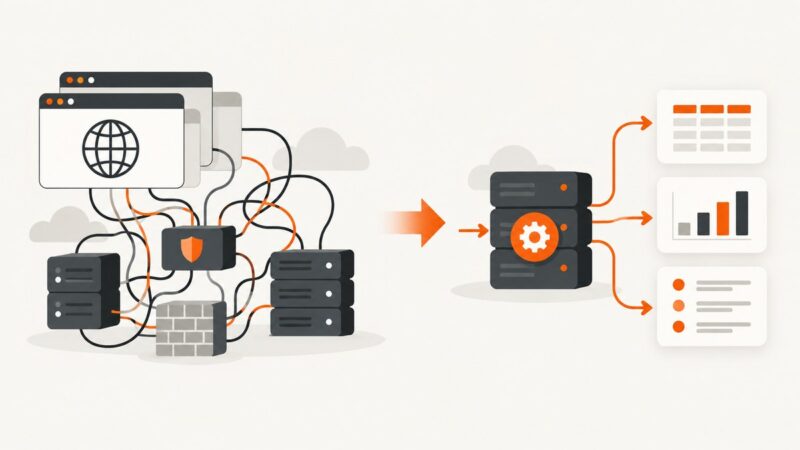
Design an enterprise browser automation platform with Selenium Grid or managed services. Covers architecture, scaling, security, CI/CD, private sites, reliability, and cost.
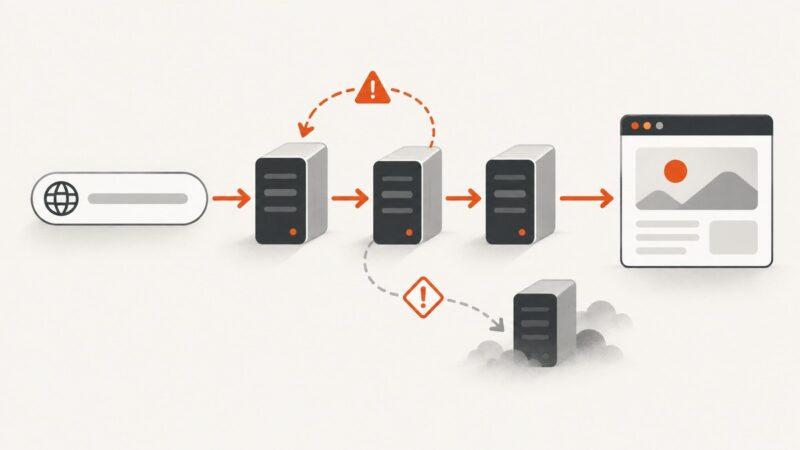
Learn how URL redirection checkers trace every HTTP hop, explain 3xx responses, find loops, and reveal SEO, security, and privacy issues.
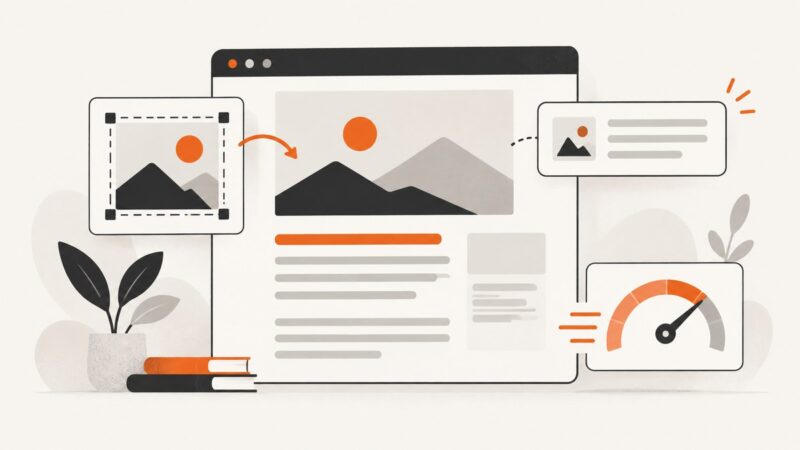
Learn when screenshots help SEO, how to capture and optimize them, write useful alt text, improve speed, and publish accessible images.
Learn when to use Colly, goquery, or chromedp for Go web scraping, with runnable code, limits, troubleshooting, and a browserless screenshot option.
Choose proxy browser fingerprints that stay consistent across user agent, locale, graphics, WebRTC, TLS, and session state.
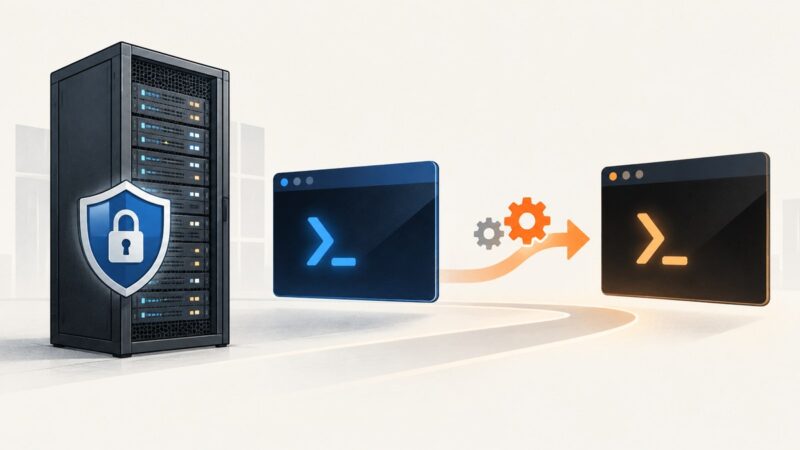
Check the PowerShell engine and edition running on Windows Server, then choose a supported update path for PowerShell 7 without disrupting Windows PowerShell 5.1.
Plan a safe move from Oxylabs or a custom scraping stack to an API workflow: map your workload, port requests, validate results, and compare real costs.
Learn to scrape Betta category pages responsibly with Python, BeautifulSoup, or Scrapy. Handle pagination, JavaScript, deduplication, and validation.