Open-Source Web Scrapers: Best Tools and How to Choose
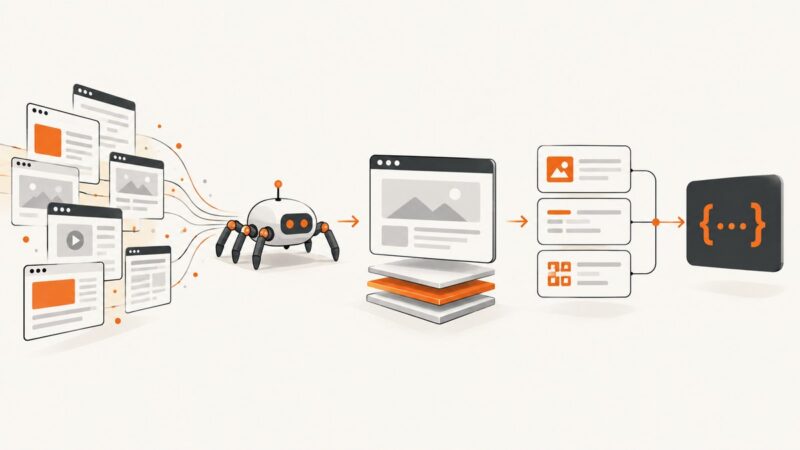
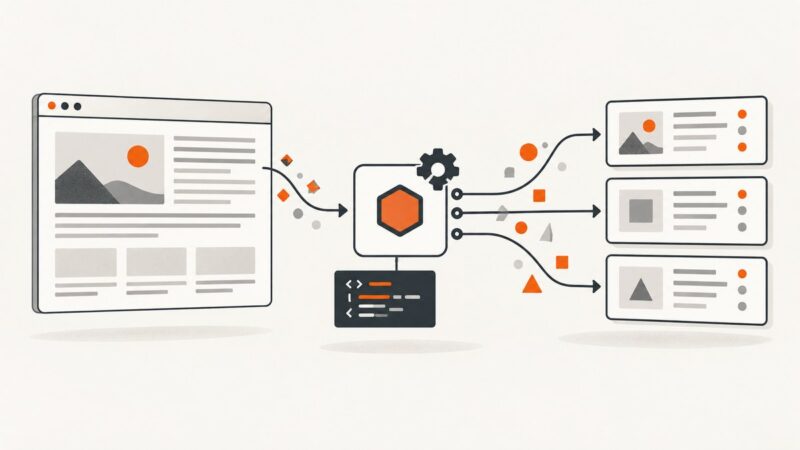
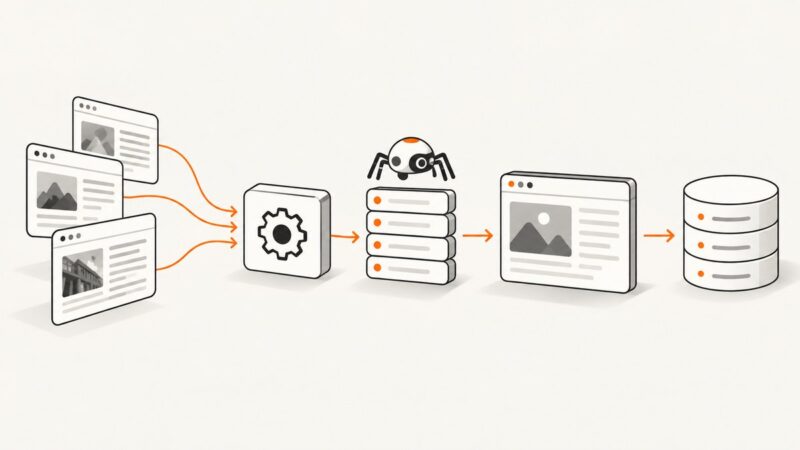
Compare open-source scrapers by page behavior, crawl size, language, debugging, politeness controls, and output needs.
Blog
How to take clean screenshots, turn HTML into images and PDFs, run headless browsers, and give AI agents eyes. Written by the team that builds ScreenshotNeo.
Compare open-source scrapers by page behavior, crawl size, language, debugging, politeness controls, and output needs.
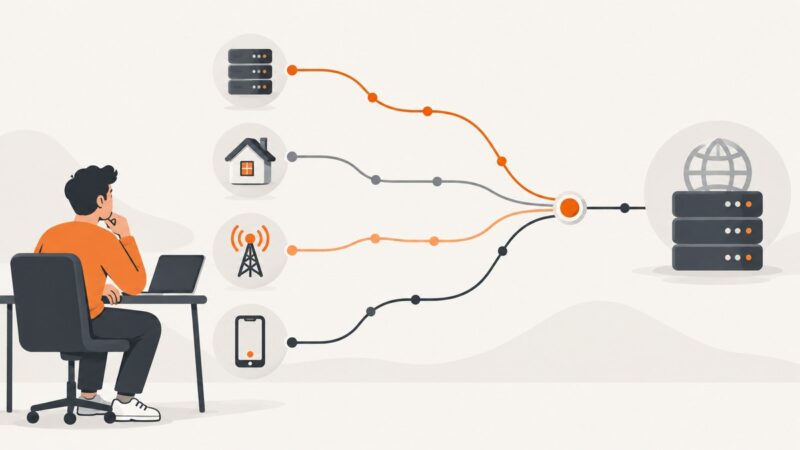
The best proxy depends on your target, session, location, scale and budget. Choose the proxy type first, then compare providers with a measured test.
Fetch HTML with HttpClient, preserve its base URL, then render a reliable PDF with PuppeteerSharp or iText pdfHTML.
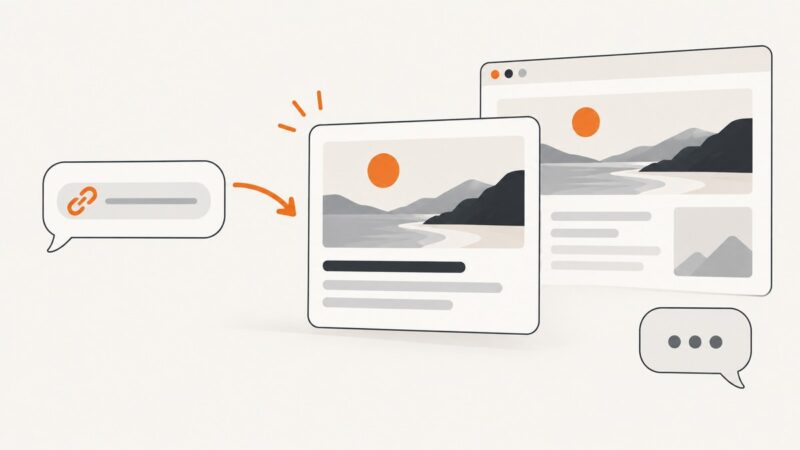
Add page-specific Open Graph metadata so Slack, Messages, and other services can build useful link previews. Learn what to check when a card will not appear.
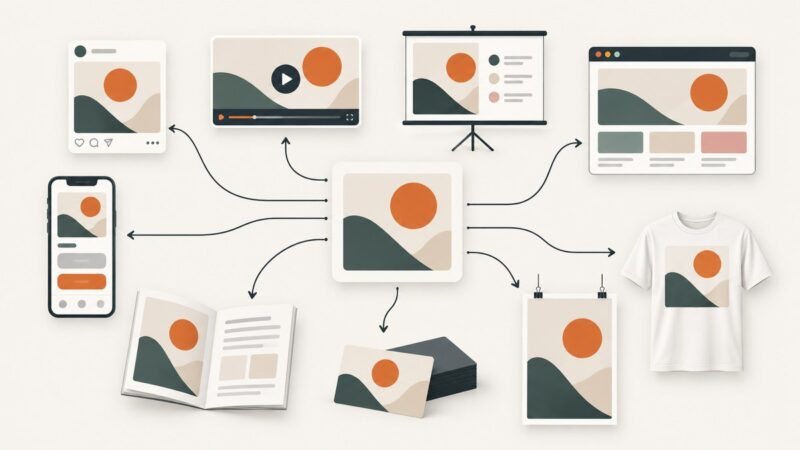
Design templates can become social graphics, websites, books, products, and more. Learn what to make, how to choose a template, export files, and avoid licensing mistakes.
Choose PDF settings for readable web page exports, from browser print dialogs to Playwright, Electron, and ScreenshotNeo.
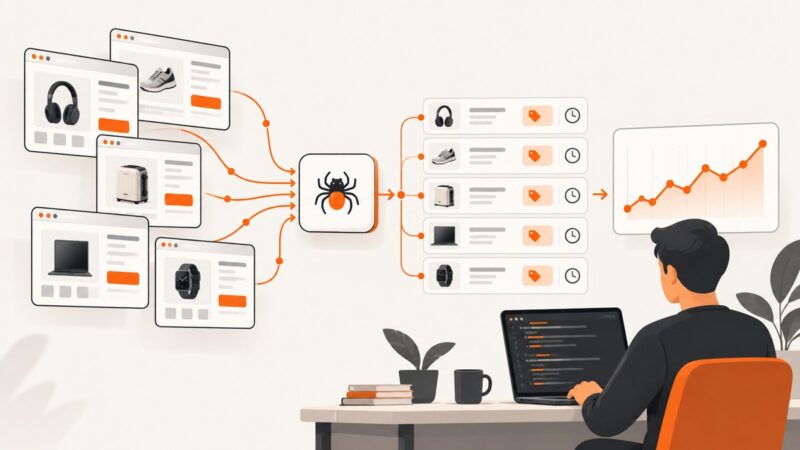
Build a reliable price scraper with Python, Beautiful Soup and Playwright, then add validation, scheduling, history and alerts.
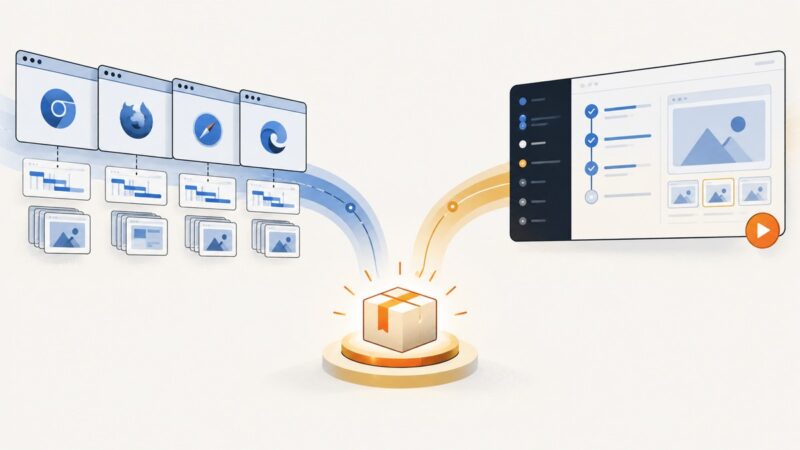
Choose the right way to collect website data: scraping APIs, crawlers, cloud browsers, or your own Playwright and Puppeteer code.
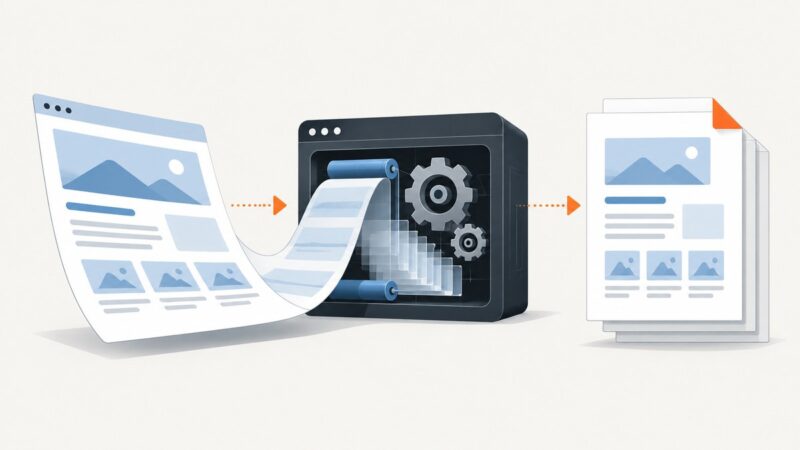
Convert a URL or rendered page to PDF with Playwright, Chrome’s print API, or a managed service. Learn the settings, code, and fixes for common failures.
Compare Playwright and Cypress by browser coverage, CI, debugging, authoring, and migration risk, then choose based on your team’s actual constraints.
Compare free screenshot API quotas, paid entry prices, limits, rendering controls, and the best low-cost choice for your project.
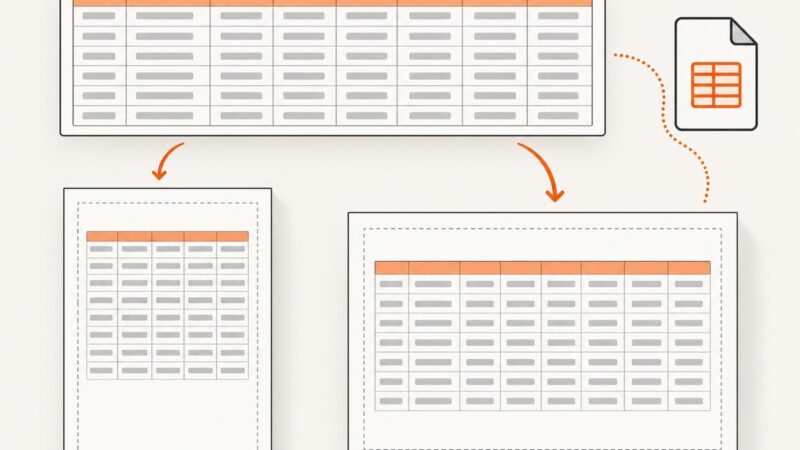
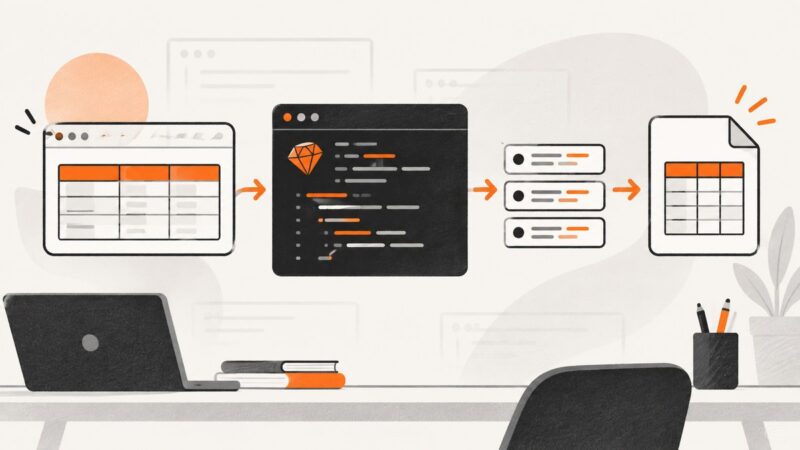
Capture HTML tables in Ruby with Nokogiri: select the right table, normalize spans, preserve UTF-8, export CSV, and automate screenshots.
Build a repeatable screenshot audit to spot brand drift across pages and devices, document fixes, and keep visual evidence useful without mistaking it for an accessibility audit.
Use Puppeteer to render a URL at a phone-sized viewport and save a screenshot, or use the Screen Capture API to record a browser surface with the user's permission.
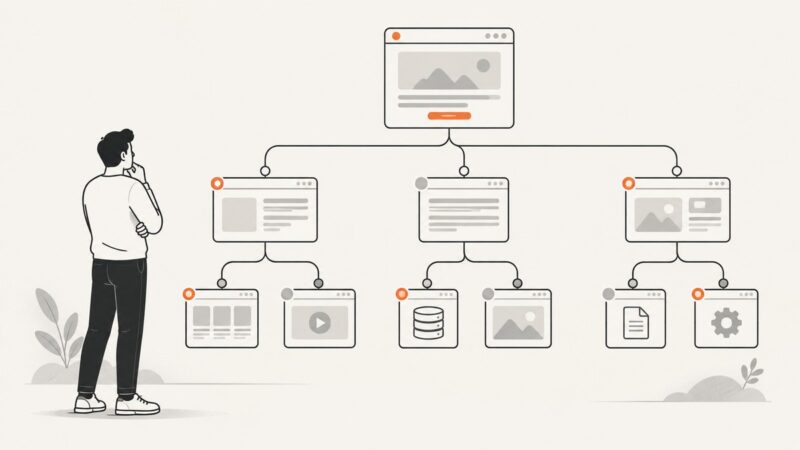
Use Python and Scrapy templates to discover site URLs, check HTTP responses, and report useful results without confusing crawl guidance with access control.
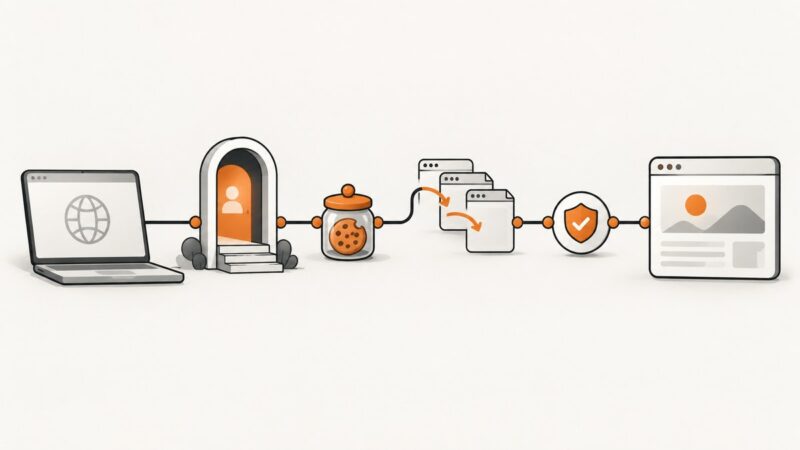
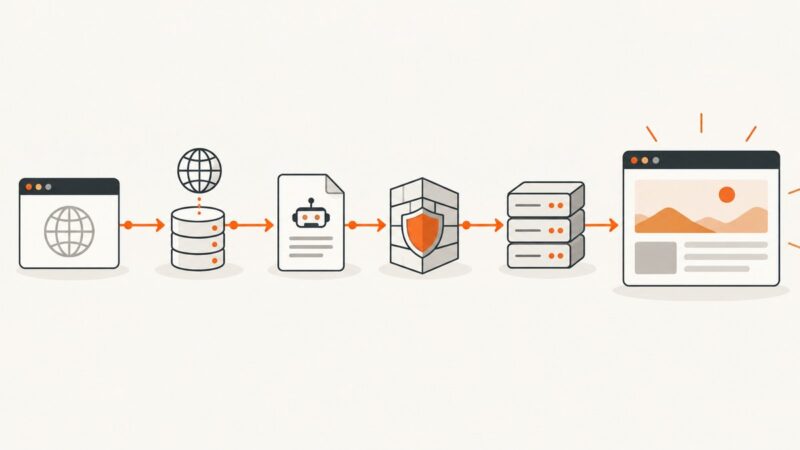
Diagnose blocked capture URLs systematically—from DNS and robots.txt to 403s, rate limits, WAFs, and rendering failures—with fixes and runnable checks.
Use Puppeteer’s page.evaluate for a direct jump, or wheel input when the site depends on user-like scrolling. Handle nested panels and infinite scroll with targeted, observable waits.
Learn Cheerio’s selectors, loaders, structured extraction, parser options, JavaScript-page limits, and production patterns for reliable Node.js scraping.