MCP Server Examples and Use Cases: A Practical Developer Guide
Explore practical MCP server examples, choose tools, resources, or prompts, and build a server that connects safely to AI hosts.
Explore practical MCP server examples, choose tools, resources, or prompts, and build a server that connects safely to AI hosts.
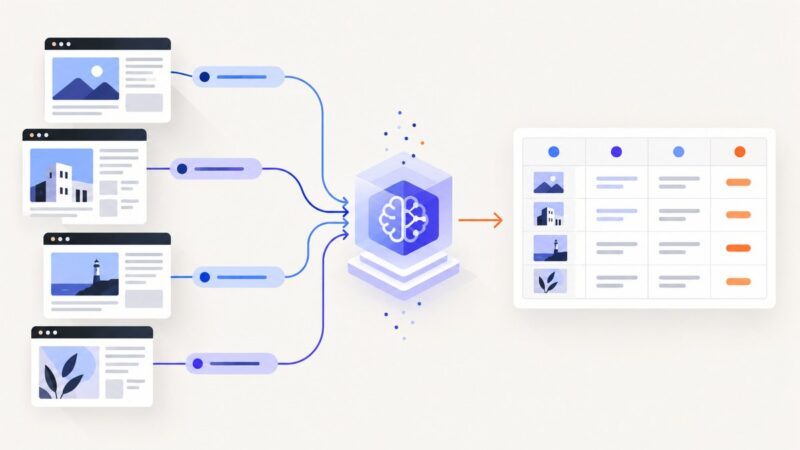
Use Gemini URL Context for known pages and Google Search grounding for discovery, then validate structured results in your own code.
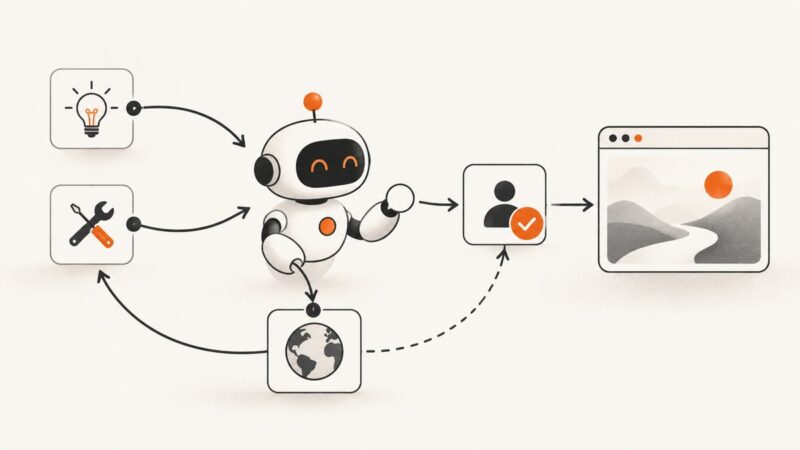
Learn what AI agents are, how their tool-using loop works, how they differ from chatbots, and how to build safer, reliable agent workflows.
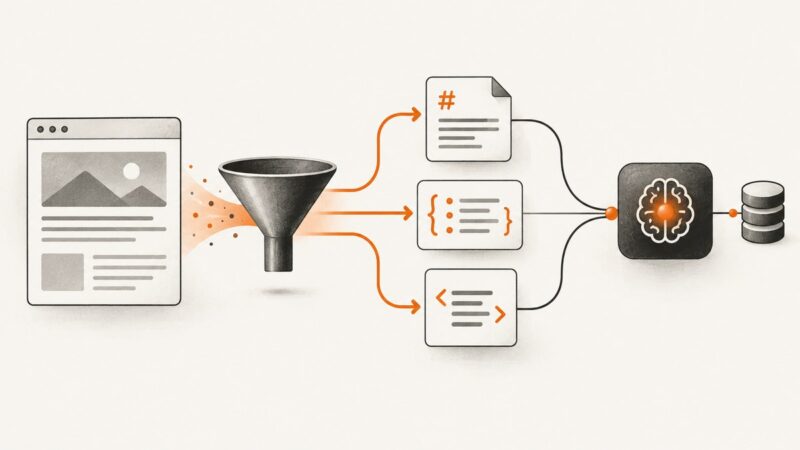
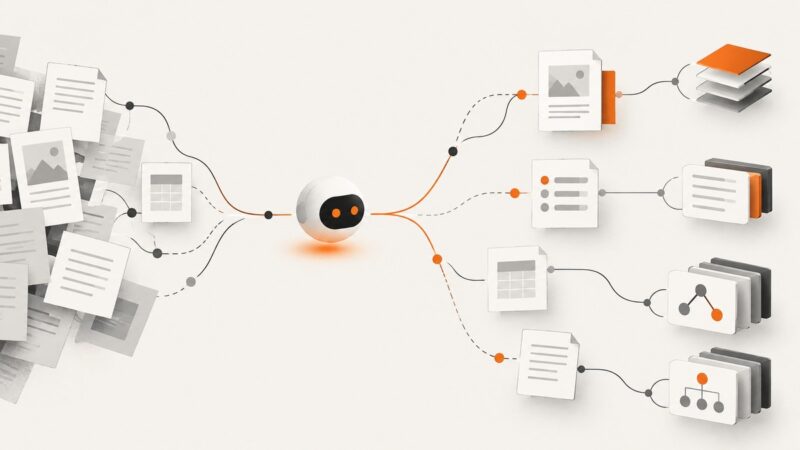
Choose Markdown for readable page content, JSON for known fields, and HTML when markup matters. Then match your scrape or crawl to the pages your RAG pipeline needs.
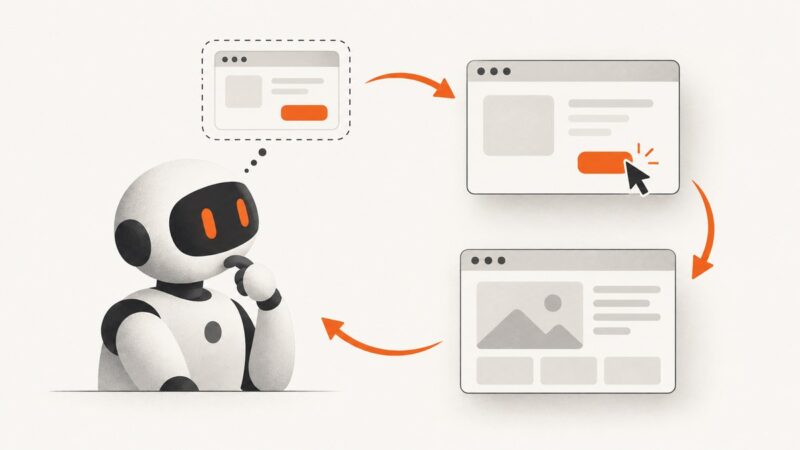
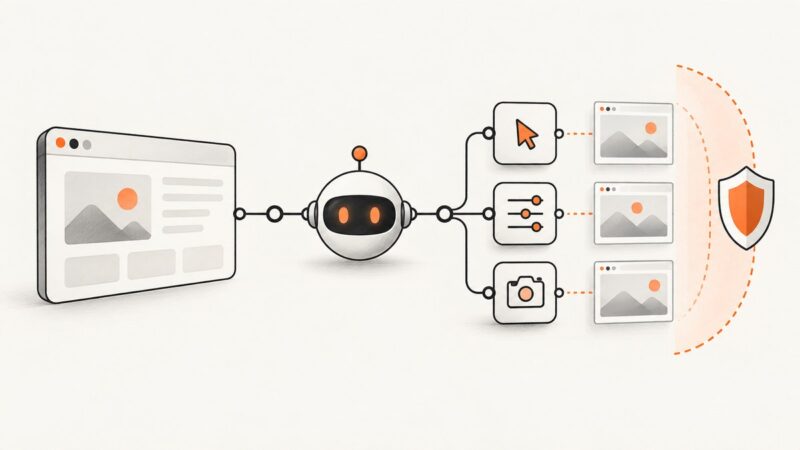
Build a bounded computer-use loop that observes a browser, executes approved actions, and verifies results. Includes code, safety controls, and troubleshooting.
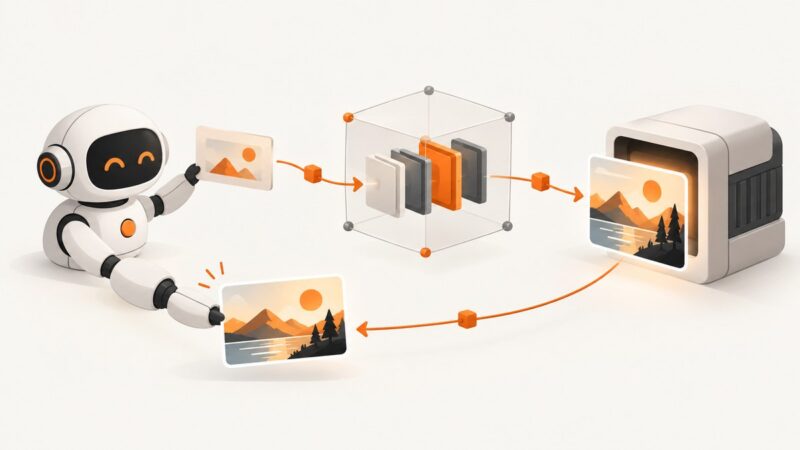
Connect an AI agent to an image-generation API with MCP: architecture, transports, tool design, image outputs, security, code, and troubleshooting.
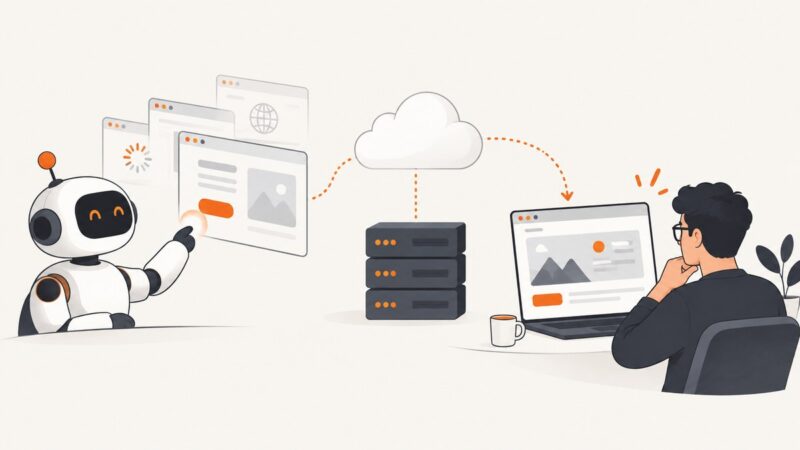
Connect an AI agent to a hosted browser, choose a deployment pattern, and handle sessions, compatibility, security, debugging, and screenshots.
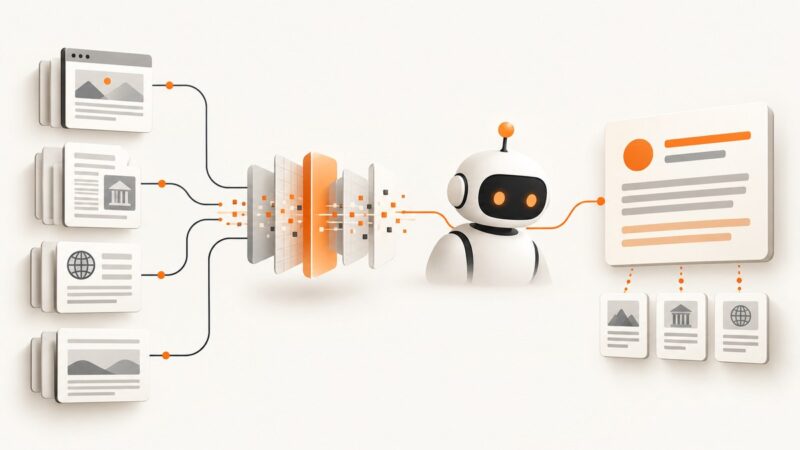
Compare search results with model-ready context, then choose a retrieval workflow that fits your agent, attribution needs, and budget.
Give a coding agent a clear data contract, safe access boundaries, and staged checks to build a scraping workflow you can review and maintain.
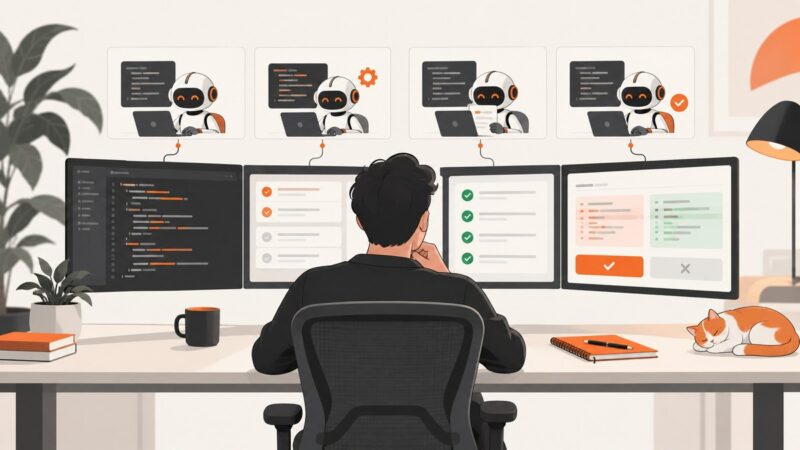
Learn what Devin Desktop is, how its agent workflow works, what it costs, and how to evaluate it safely in a real software team.
Build a grounded LangChain RAG scraper, choose HTTP or Playwright, secure browser tools, and automate clean captures with ScreenshotNeo.
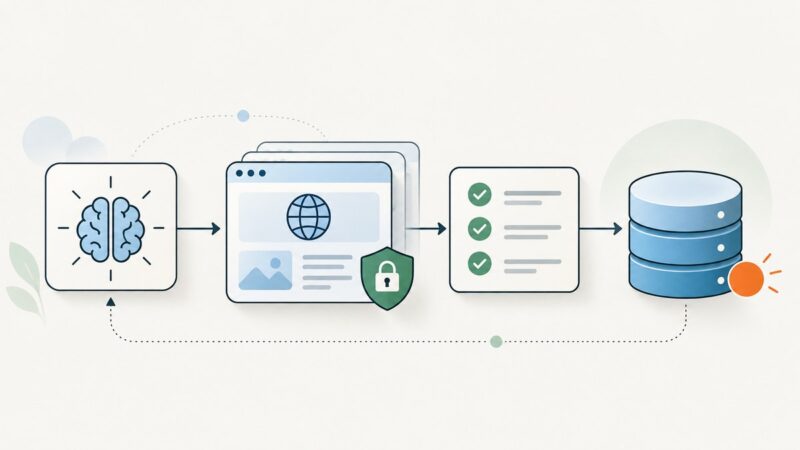
Design a provider-neutral search result schema with reliable citations, validation, normalization, and production troubleshooting for AI agents.
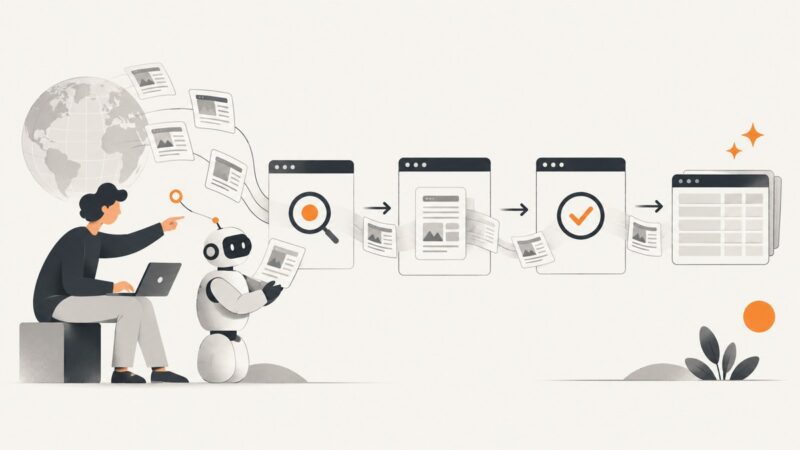
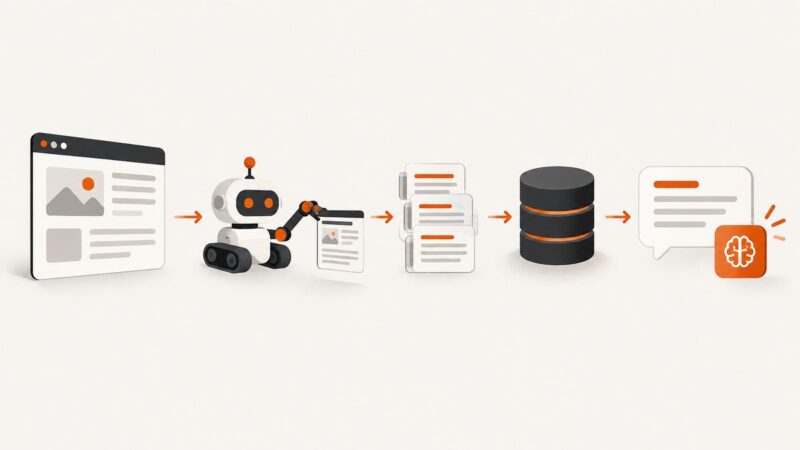
Build a reliable LLM scraping agent with a guarded crawl pipeline, typed extraction, evidence, validation, and a runnable Python example.
Learn how to grant browser agents narrow, revocable access to protected data with the right OAuth flow, token controls, and practical safeguards.
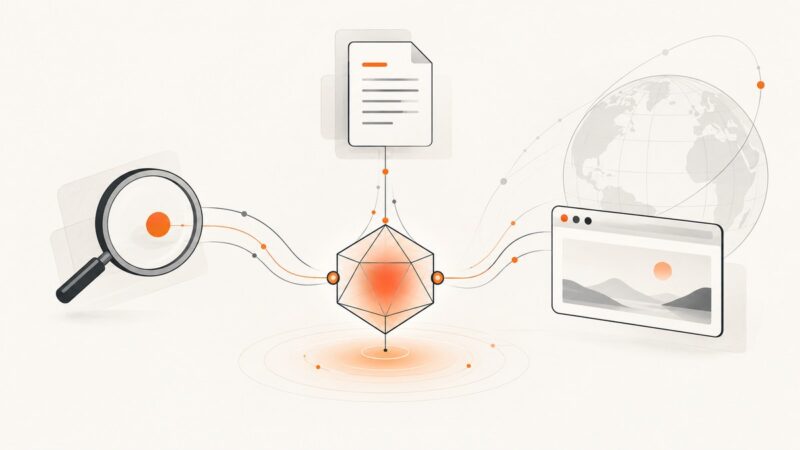
Learn when AI agents should use search, APIs, Markdown extraction, or browser automation—and how to combine them reliably.
Connect LangChain to Playwright or computer-use workflows, choose the right control model, and secure browser agents before exposing them to users.
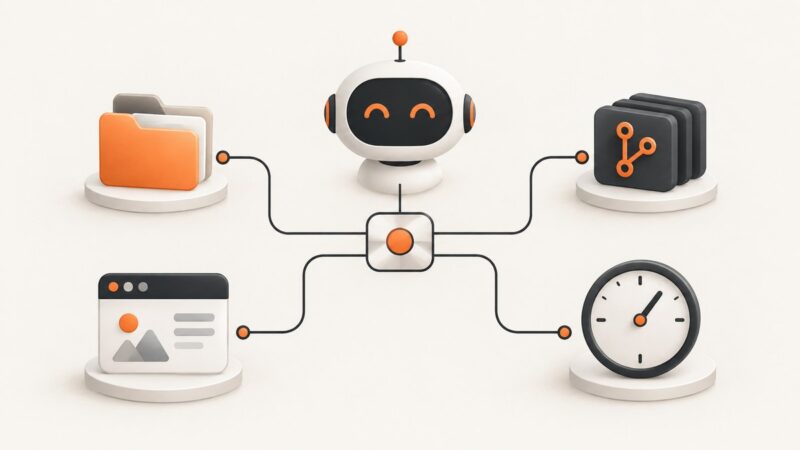
Learn what an MCP server does, how tools, resources and prompts work, and how to build, secure and connect one to AI clients.
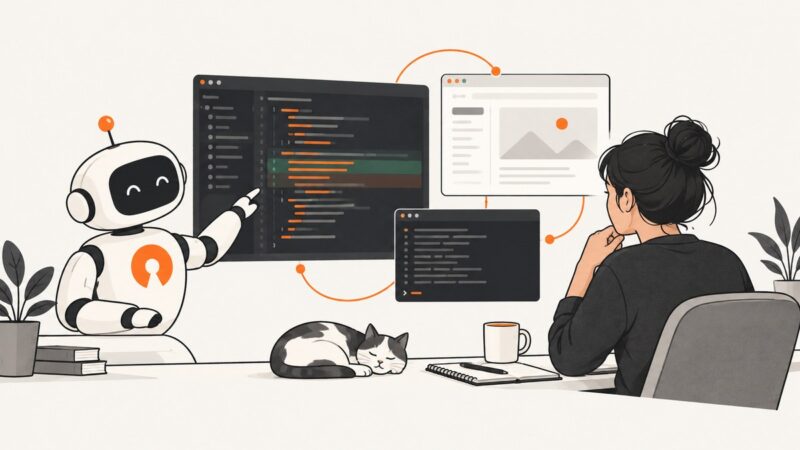
Learn how Cline plans and executes coding tasks across your editor, terminal and browser, with model choices, approvals, costs and privacy explained.