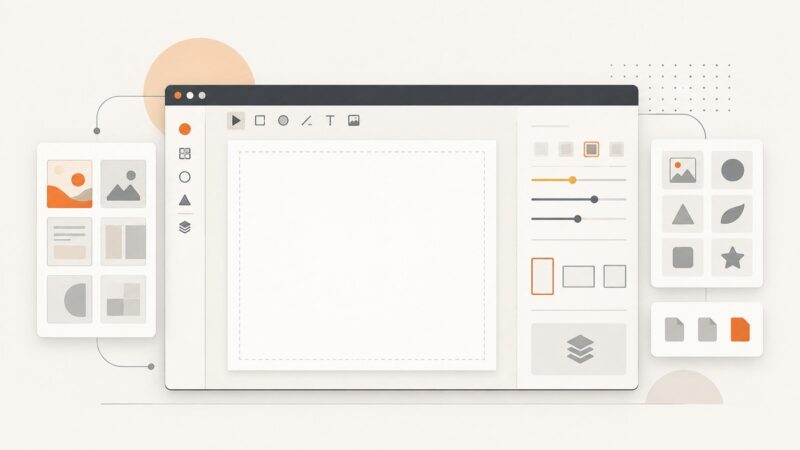
What Can You Configure in an Embedded Design Editor?
Control how users browse templates, work on the canvas, edit documents, and export designs. Here’s a practical map of Adobe Express Embedded Design Editor settings.
Step-by-step guides to capturing the web: screenshots, full pages, elements, devices and more.
Control how users browse templates, work on the canvas, edit documents, and export designs. Here’s a practical map of Adobe Express Embedded Design Editor settings.
Install Scrapy Splash, run it with Docker, write Lua renderers, troubleshoot WebKit limits, and choose a modern screenshot alternative.
Learn how to check hreflang tags, return links, language codes, and localized URLs—and understand what a checker can and cannot tell you.
Learn how Illustrator and Photoshop suggest fonts from images, what Figma’s font tools actually do, and how to improve your chances of finding a close match.
Use automated screenshots to catch visual regressions, review feature states, and decide when Playwright or Percy fits your workflow.
Learn how @media print, @page, page breaks, browser engines and Paged.js work together to create reliable printed pages and PDFs.
A practical XPath reference for Scrapy and lxml: extract text, attributes, lists and structured data while avoiding scope, position and namespace bugs.
Build a Scrapy spider, extract and export structured data, follow links, and troubleshoot dynamic pages with this practical guide to Scrapy 2.19.
A version-aware Python cheat sheet for everyday syntax, data types, control flow, functions, errors, and files, with links to the official docs for details.
Learn what Instagram location scraping means, what historical API access does and does not tell you, and how to plan authorized, privacy-conscious location research.
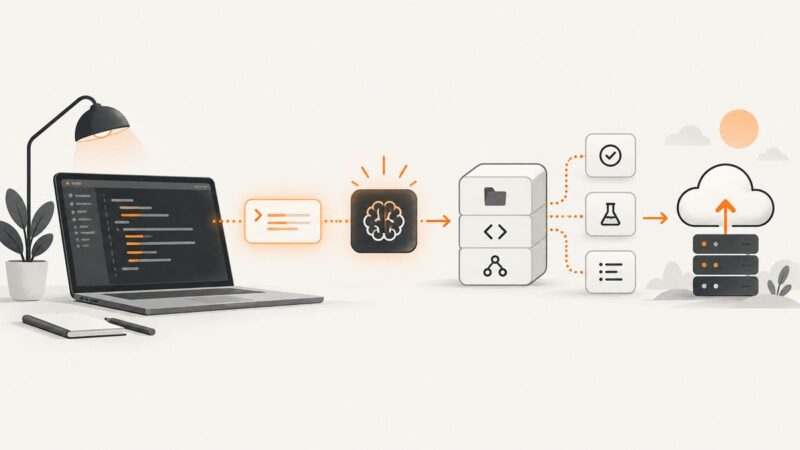
Learn how to use ChatGPT, Canvas, and Codex to write, debug, test, and ship code with a reliable developer workflow.
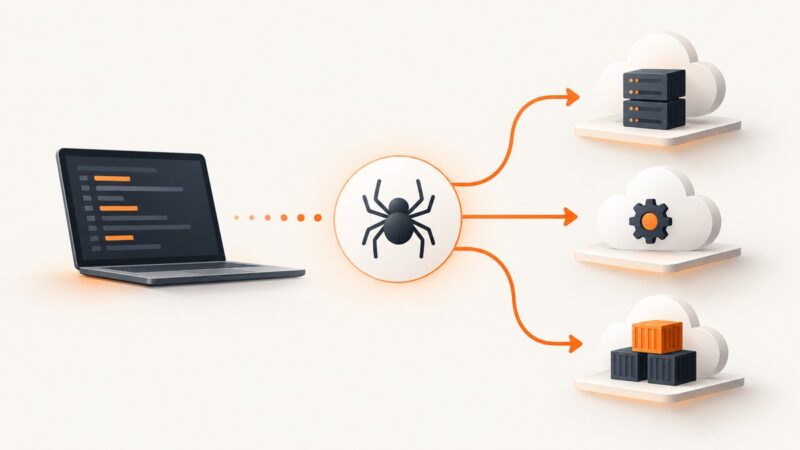
Keep your Scrapy spiders while moving hosting, fetching, or runtime to the cloud with a staged migration plan, code, compatibility checks, and rollback steps.
A REST client is any program that sends HTTP requests to an API and handles its responses. Learn how clients work, which tools to use, and how to write one.
Learn what Charles Proxy captures, how to inspect HTTP and HTTPS traffic, connect mobile devices, troubleshoot certificates, and automate screenshots.
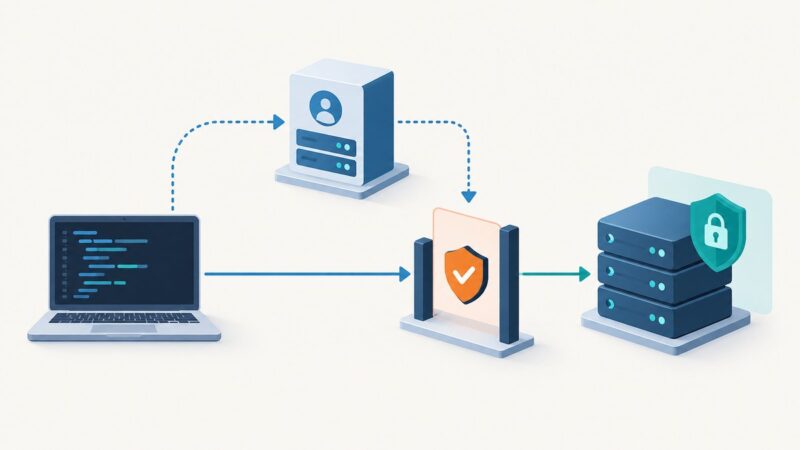
MCP authorization is optional and transport-specific. Learn the HTTP OAuth flow, STDIO credential handling, token validation, and enterprise-managed access.
Create Twitter/X card images, wire them to page metadata, verify live rendering, and automate screenshots with practical code and checks.
Compare immutable archives, audit trails, retention systems, discovery, and export controls for SEC, FINRA, CFTC, and other compliance programs.
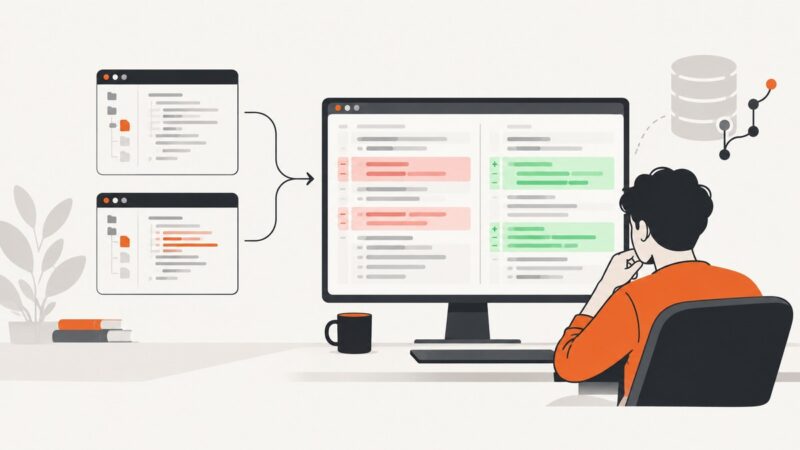
Learn how to view Git patches online, compare files visually, review safely, and choose between pull requests, standalone viewers, and local tools.