How to Generate Open Graph Images for Free
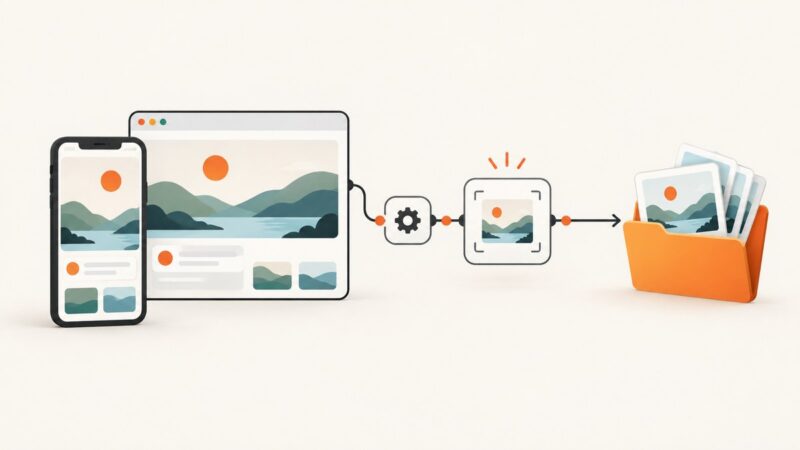
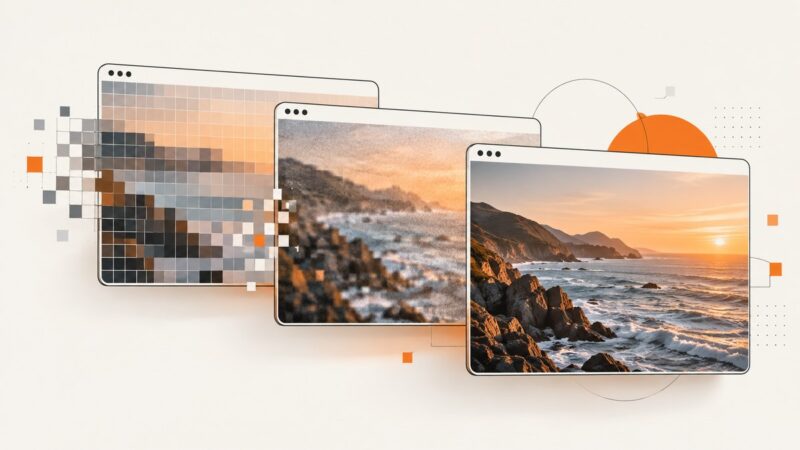
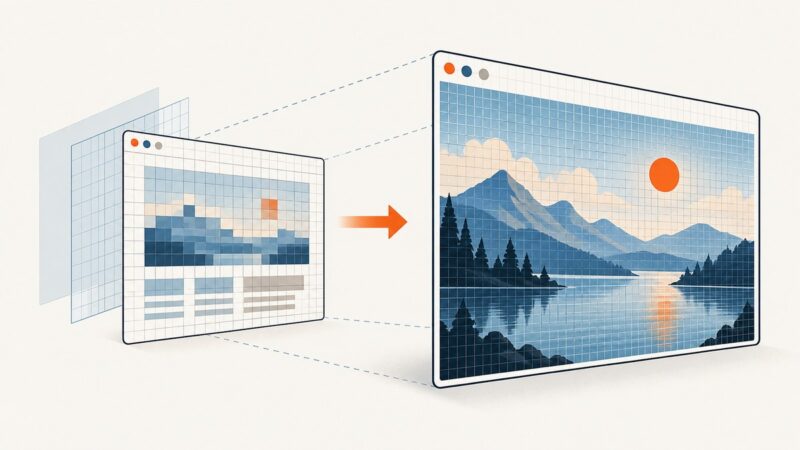
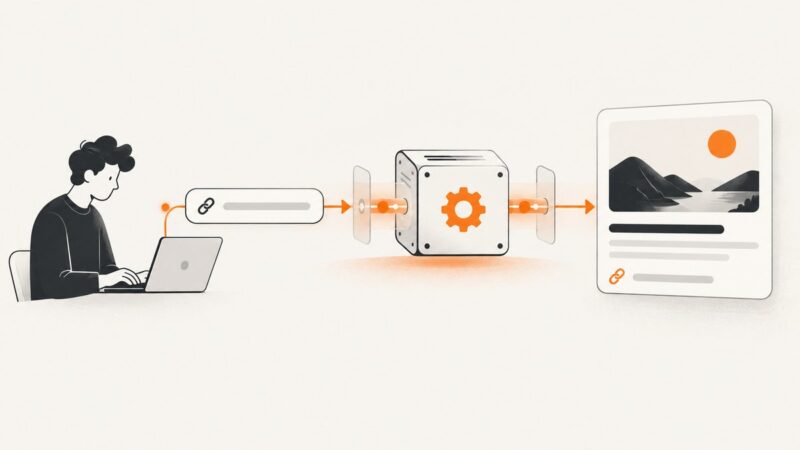
Create a free 1200×630 Open Graph image, publish it correctly, add metadata, and verify the social preview across platforms.
Create a free 1200×630 Open Graph image, publish it correctly, add metadata, and verify the social preview across platforms.
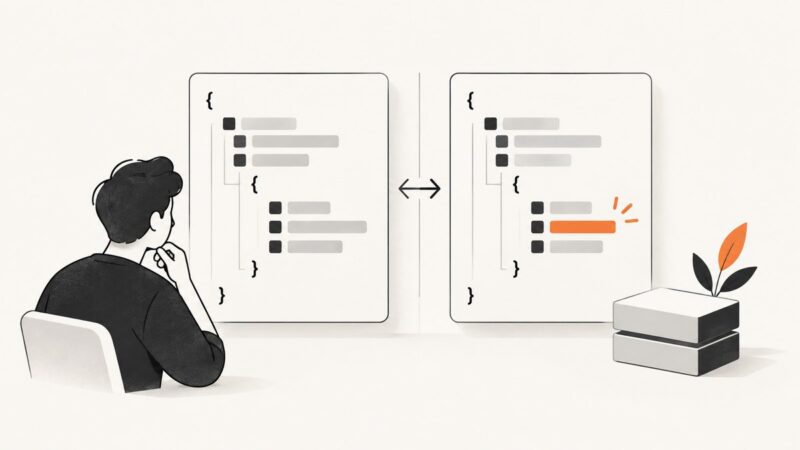
Learn to snapshot API responses with Jest, keep tests deterministic, review diffs safely, and decide when schema or contract tests add coverage.
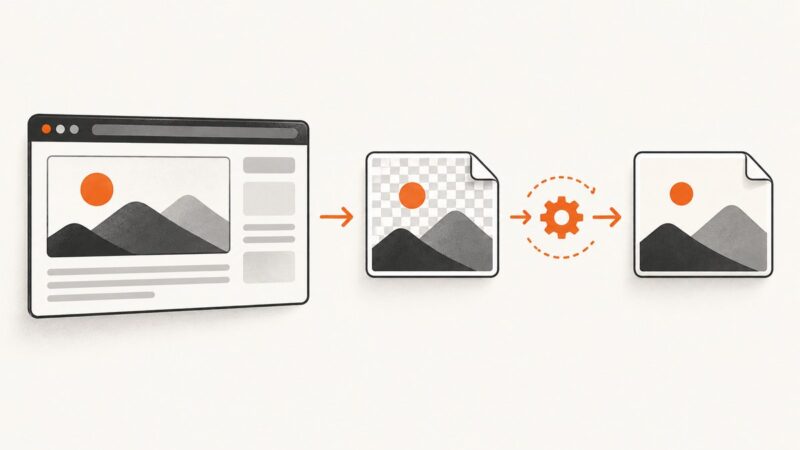
Capture Selenium screenshots as PNG, convert them correctly to JPG, handle transparency, and troubleshoot quality, paths, and automation failures.
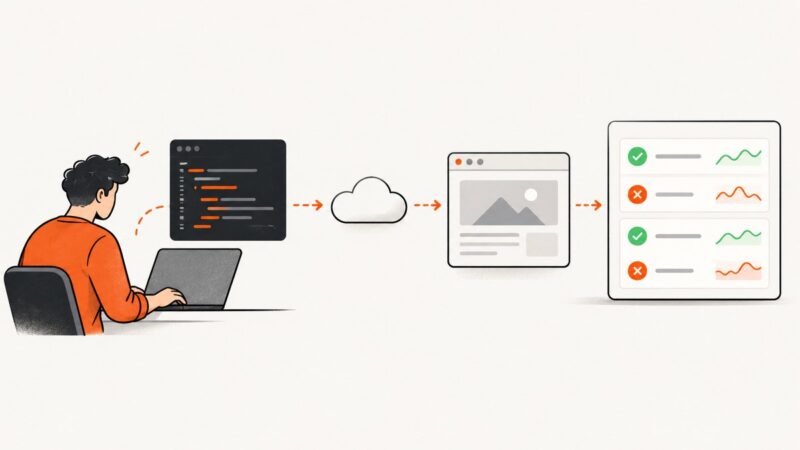
Build a reliable website monitoring script in Python with HTTP checks, Playwright, evidence capture, retries, alerts, and clear failure policies.
A screenshot saved on your device has no shareable URL yet. Learn how to upload it, copy the right kind of link, and check who can open it.
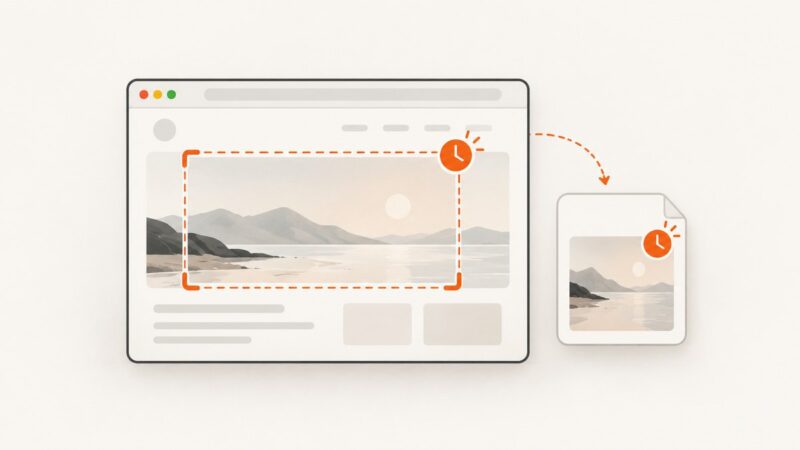
Add timestamps to Playwright screenshot filenames or visible pixels with runnable JavaScript, test attachments, overlays, and automation tips.
Detect supported screenshots of a visible Android activity with the API 34 callback. Learn what it reports, how to implement it, and when to use FLAG_SECURE or MediaProjection instead.
Capture a Chrome window or element with Selenium, save it as a PNG, or return image data for processing. Includes runnable Python examples and fixes for common errors.
Capture Playwright screenshots at exact test steps, record videos, create visual baselines, and troubleshoot artifacts in CI.
Learn how to install and use wkhtmltoimage, control image output and page rendering, handle common errors, and choose a modern screenshot API when needed.
Automate URL screenshots in Google Sheets with Apps Script, triggers, batching, error handling, and a faster ScreenshotNeo option.
Add a static Open Graph image to a Next.js route or generate one from route data with ImageResponse. Includes working App Router examples and troubleshooting.
Automate Flutter screenshots with integration_test, save PNG artifacts in CI, cover device matrices, and choose between goldens, emulators, and ScreenshotNeo.
Choose PNG for crisp, lossless UI screenshots, JPEG for smaller photographic captures, or WebP for modern compression. Here’s how to configure each format in Puppeteer.
Set Puppeteer’s screenshot resolution by choosing CSS viewport dimensions and a device scale factor. Learn how capture area, format, and quality affect the output.
Learn how to authenticate, request, parse, cache, and troubleshoot LinkPreview API responses in cURL, Python, Node.js, and production apps.
Set a timeout for one Playwright screenshot, choose the right shared default, and diagnose screenshot, test, and assertion timeout failures.
Hide scrollbars in Playwright screenshots with temporary CSS while keeping the page scrollable. Includes full-page captures, nested panels, troubleshooting, and runnable examples.