How to Capture a Full-Page Screenshot with Playwright in Python
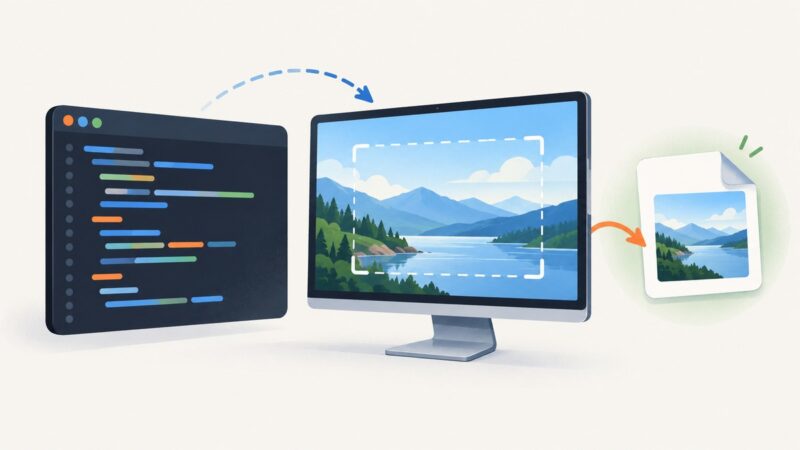
Capture and save a full-page screenshot with Playwright in Python. Learn sync and async setup, image options, dynamic-page handling, troubleshooting, and an API alternative.
Capture and save a full-page screenshot with Playwright in Python. Learn sync and async setup, image options, dynamic-page handling, troubleshooting, and an API alternative.
Copy text from a screenshot with built-in OCR on iPhone, iPad, Mac, Windows, or Google Lens. Learn how to fix recognition issues and verify results.
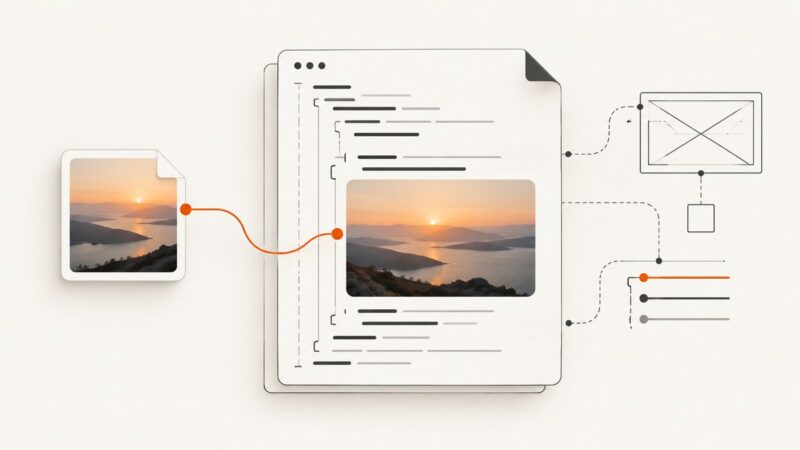
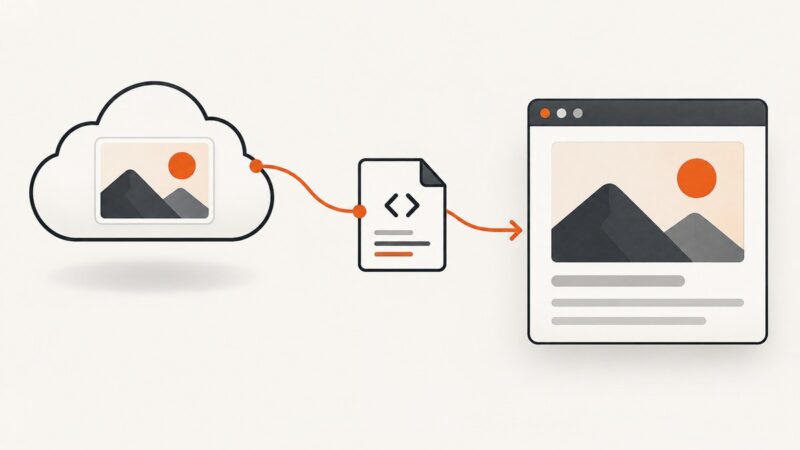
Add an image with HTML’s <img> element. Learn how to set its path, write useful alt text, size it, make it responsive, and fix common loading problems.
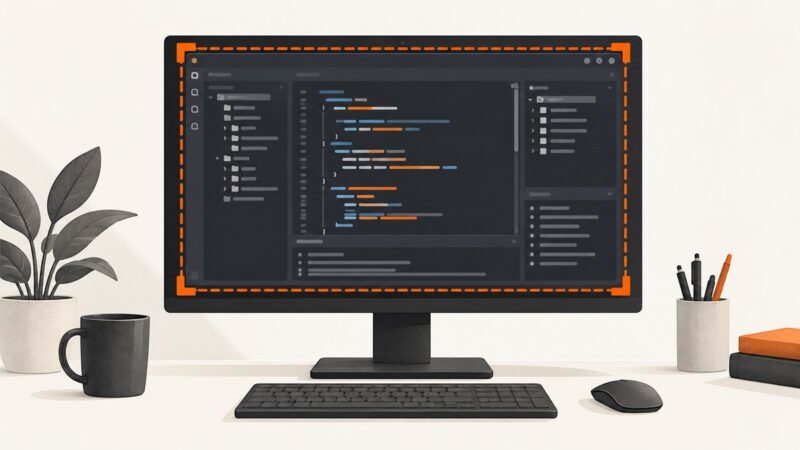
Learn three reliable ways to capture full screens, regions, and monitors as PNG files in Python on Windows, macOS, and Linux.
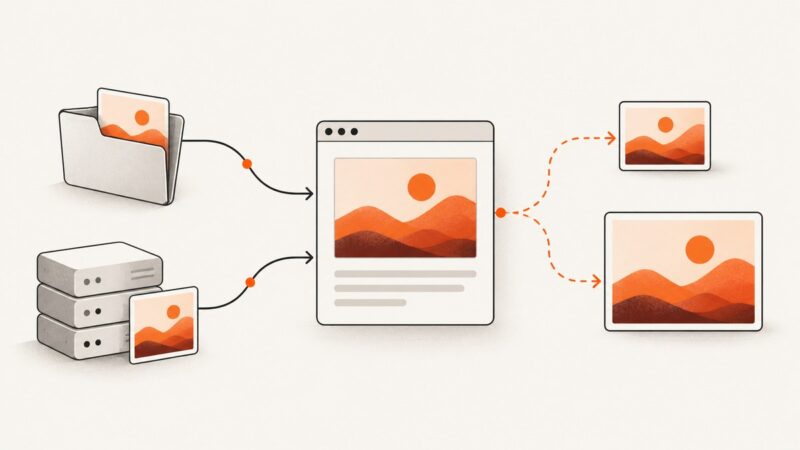
Learn how to add local and remote images with `img`, write useful alt text, choose responsive sources with `srcset` and `picture`, and fix broken images.
A practical guide to shrinking screenshot files while keeping text, UI edges, transparency, and fine detail readable.
Capture a SharePoint Online page with Windows Snipping Tool, choose the right mode, handle long pages and sharing, or automate clean shots with ScreenshotNeo.
Capture reliable Cypress screenshots after clicks, typing, and navigation with synchronization, scope options, CI storage, troubleshooting, and automation tips.
Learn browser_take_screenshot and Playwright page.screenshot for viewport, element, full-page, and visual regression captures.
Capture Visual Studio on Windows with Windows+Shift+S, Print Screen, the right snip mode, and practical fixes for menus, dialogs, and code.
Wrap an image in an anchor to make it a link. Learn how to set the destination, choose useful alt text, and troubleshoot common mistakes.
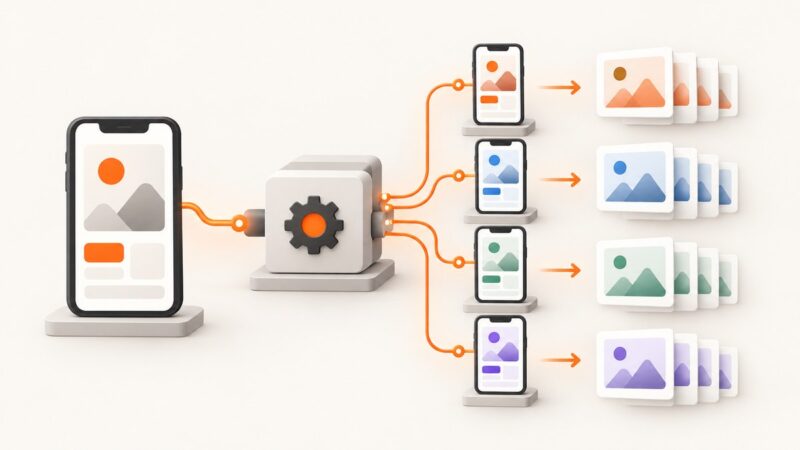
Build repeatable iOS and Android screenshot runs with Fastlane, localized devices, reviewable output, and reliable troubleshooting.
Learn the correct img syntax, accessible alt text, responsive images, dimensions, troubleshooting, and reliable remote-image checks.
Build reliable WordPress screenshot tests with Playwright, plugins, CI, and ScreenshotNeo. Covers baselines, dynamic content, diffs, failures, and cost.
When Claude Code cannot open a browser for remote MCP OAuth, copy its authentication URL and open it yourself. Here’s how to check each step if login still fails.
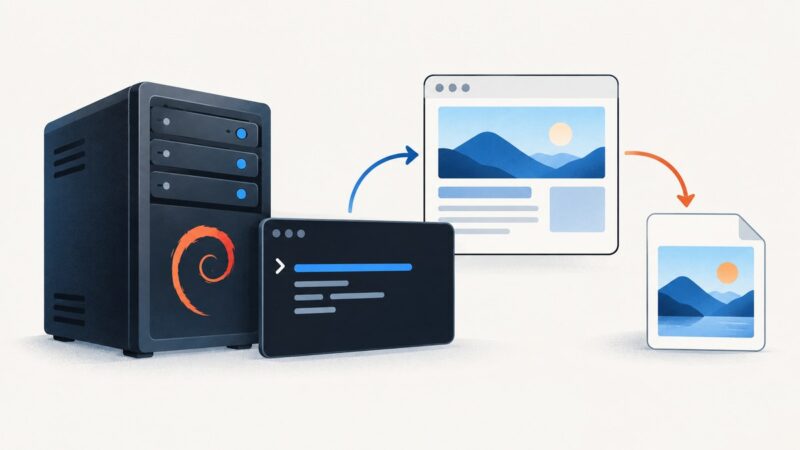
Install Debian’s wkhtmltopdf package to get wkhtmltoimage, verify the executable, and troubleshoot rendering issues.
Set Playwright screenshot width correctly with viewport, clip, fullPage, and CSS pixel guidance, plus runnable examples and fixes.
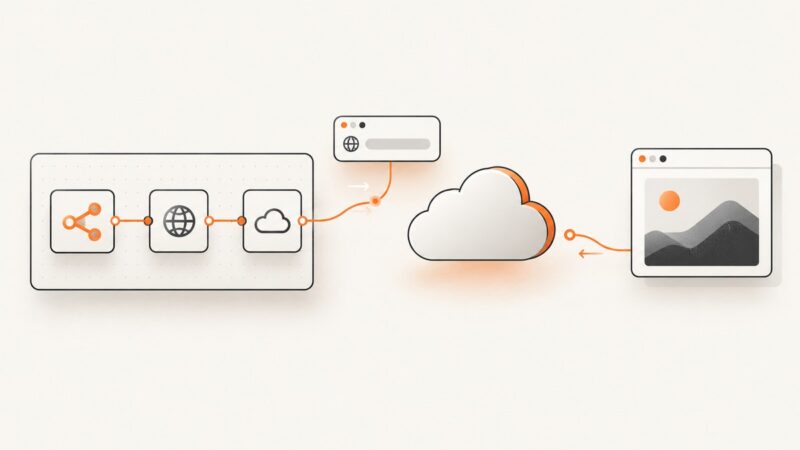
Build an n8n workflow that calls a screenshot API, stores the result, handles failures, and scales reliably—with a ScreenshotNeo shortcut.