How to Take a Screenshot Without the Print Screen Key
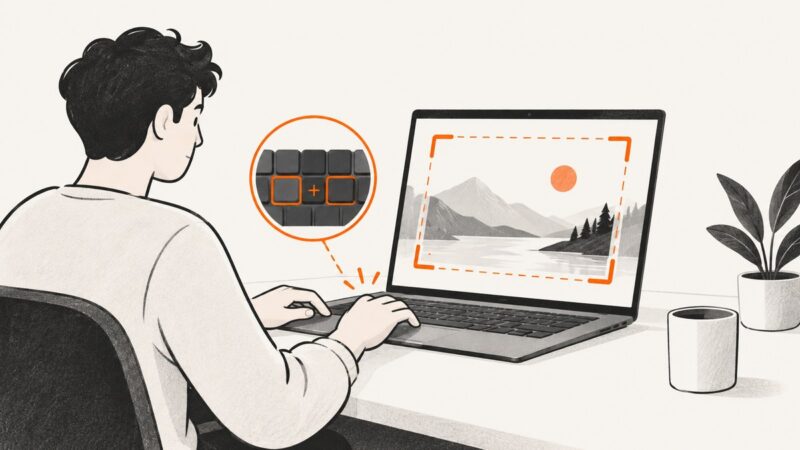
On Windows, press Win + Shift + S to capture without Print Screen. Choose a region, window, or full screen, then paste or save the screenshot.
On Windows, press Win + Shift + S to capture without Print Screen. Choose a region, window, or full screen, then paste or save the screenshot.
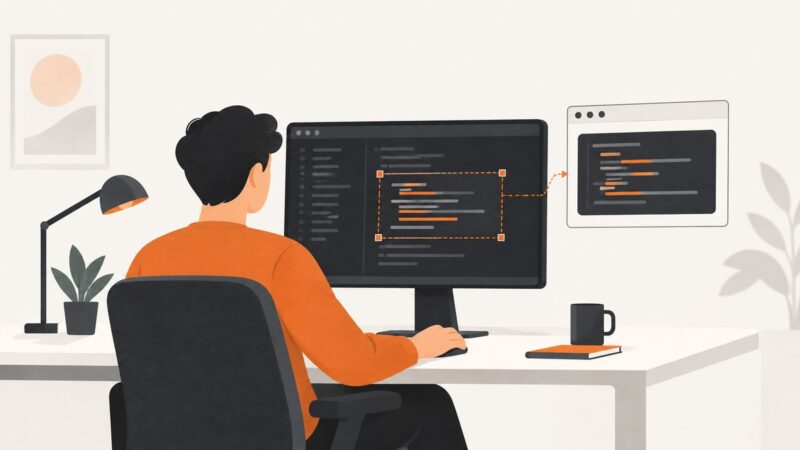
Capture a polished image of selected code or a screenshot of your VS Code window. Choose the right method, fix shortcut issues, and see when a web screenshot API helps.
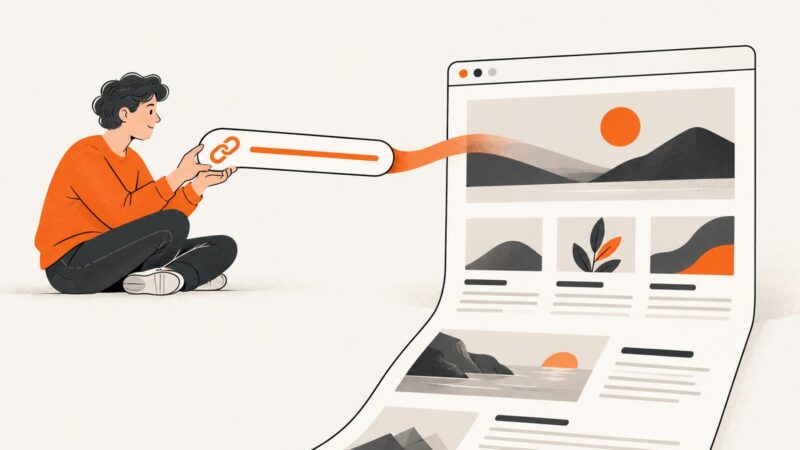
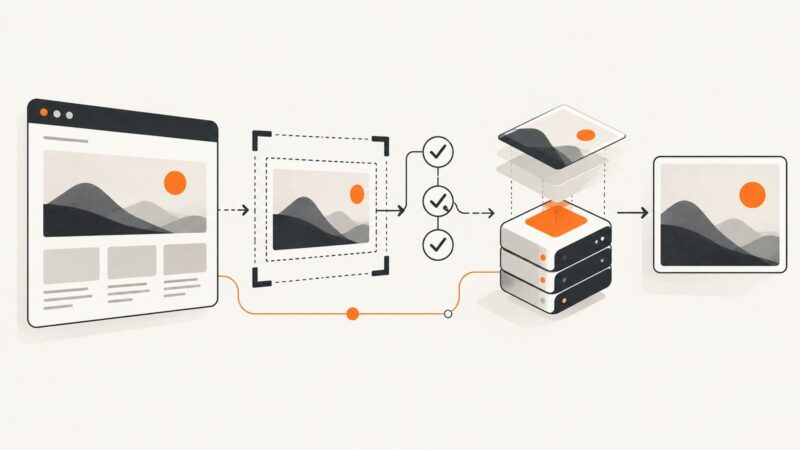
Learn how to turn any webpage link into a viewport, full-page, selected-area, or automated screenshot with browser and API workflows.
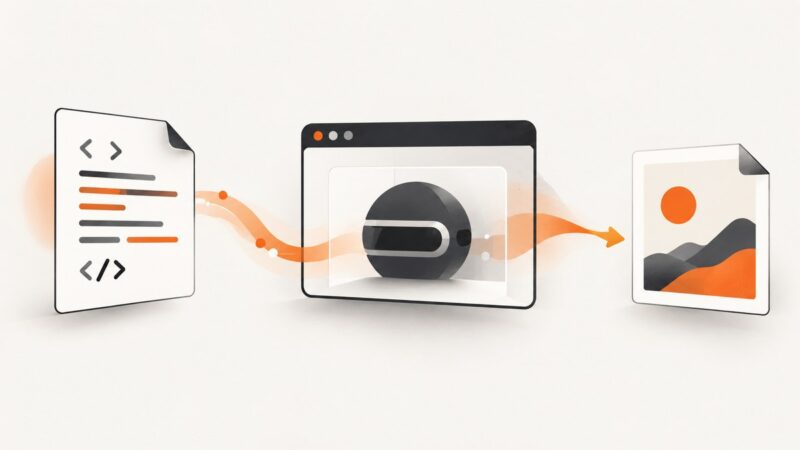
Render HTML templates to reliable PNG, JPEG, or WebP images with Puppeteer, with readiness checks, full-page capture, troubleshooting, and a hosted option.
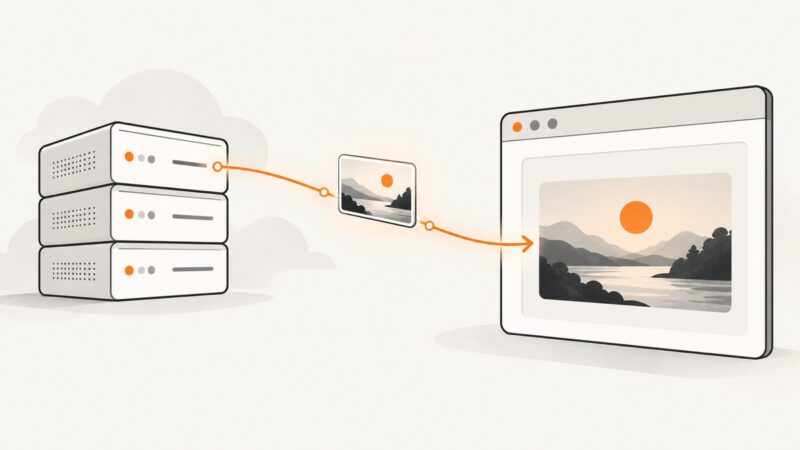
Display a remote image with HTML, or use JavaScript when you need to read its bytes, process it, or draw it to a canvas.
Hide chat widgets in Playwright or Cypress screenshots, use vendor APIs safely, and learn when CSS, masking, or coverage filters are the right fix.
Learn why website content is blurred or hidden, which capture methods work, and when to use an approved export or ScreenshotNeo.
Create a share image, publish correct Open Graph metadata, and troubleshoot why TikTok link previews fail to show it.
Capture an entire webpage in Chrome on Windows with DevTools, including content below the visible viewport. Follow the steps, find fixes for common issues, or automate captures with an API.
Learn why an app blocks screenshots, how to diagnose the cause, and the safe, authorized ways to save the information you need.
Capture a partial screenshot on Windows, Mac, or Chromebook with the built-in shortcut. Learn how to select, save, copy, and troubleshoot it.
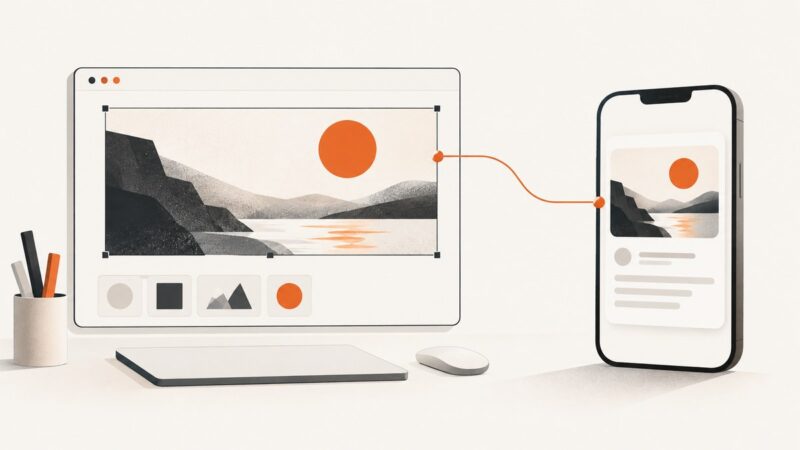
Configure Selenium’s Chrome mobile emulation, capture reliable screenshots, troubleshoot failures, and know when a real device is required.
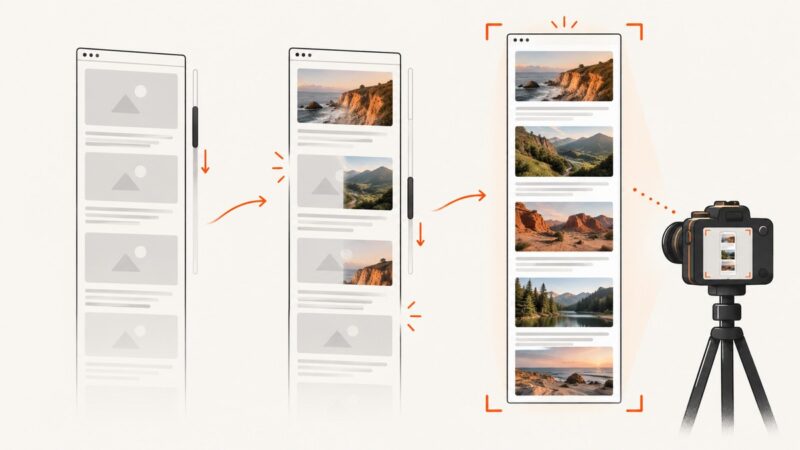
Learn why full-page screenshots miss lazy images and how to scroll, wait, capture, troubleshoot, and automate reliable results.
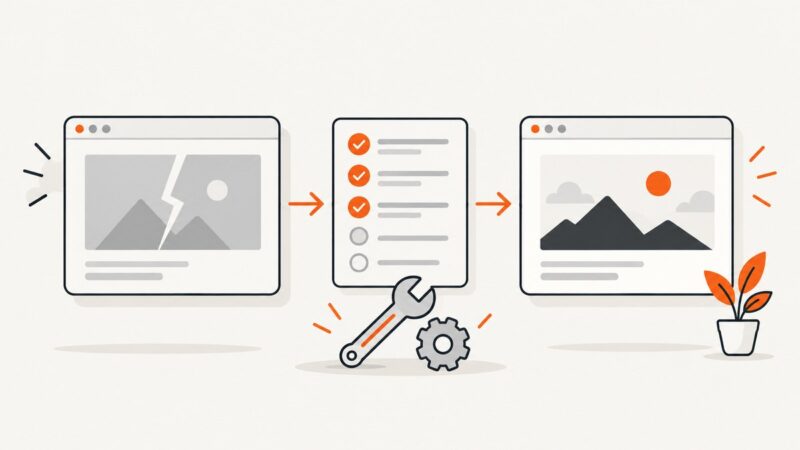
Diagnose browser, extension, Playwright, and managed Chrome screenshot failures with practical fixes, code examples, and a reliable API alternative.
Learn how to capture an entire webpage in Firefox, Edge, Chrome and with an API, including formats, troubleshooting and automation options.
Create an Open Graph image for a web link, add the metadata, and check the preview. Learn why this is different from an Instagram post image.
Learn how to capture reliable website screenshots with controlled viewports, readiness checks, stable animations, retries, and a hosted API option.
Capture an entire webpage in Microsoft Edge without scrolling, save it, fix missing options, and automate screenshots when browser capture is not enough.