How to Run Web Scraping from the CLI and CI Pipelines
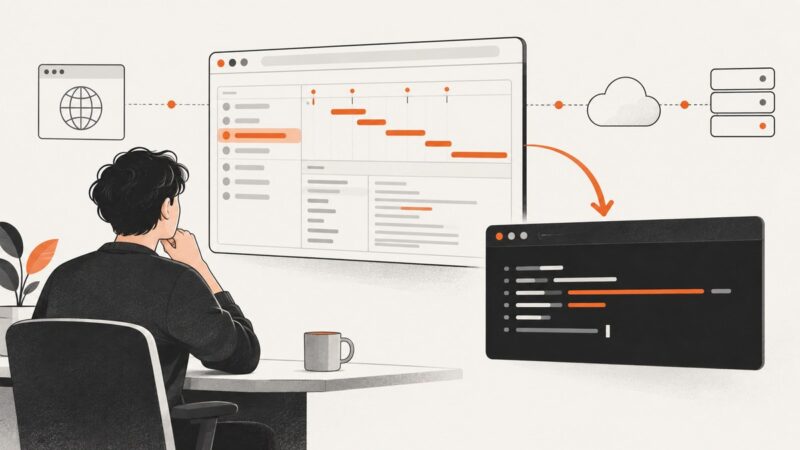
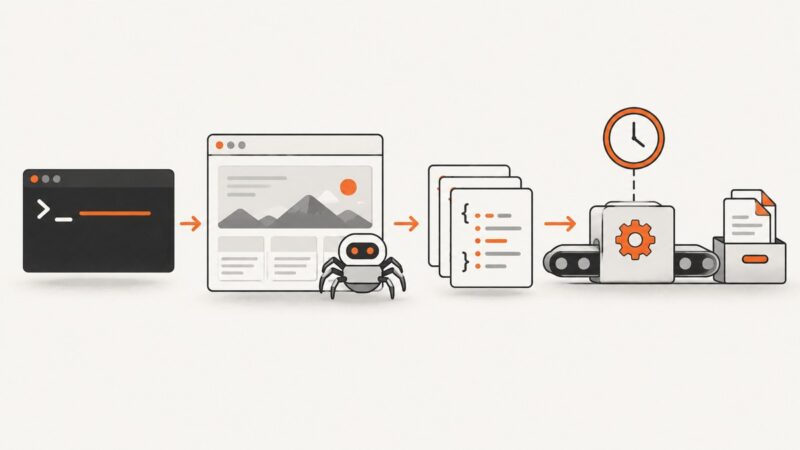
Build reliable command-line scrapers, run JavaScript pages in CI, schedule jobs, store artifacts, and troubleshoot Playwright failures.
Build reliable command-line scrapers, run JavaScript pages in CI, schedule jobs, store artifacts, and troubleshoot Playwright failures.
Register a new-document script before navigation, then wait for the page state your screenshot needs. See working Playwright, Puppeteer, and Chrome DevTools Protocol examples.
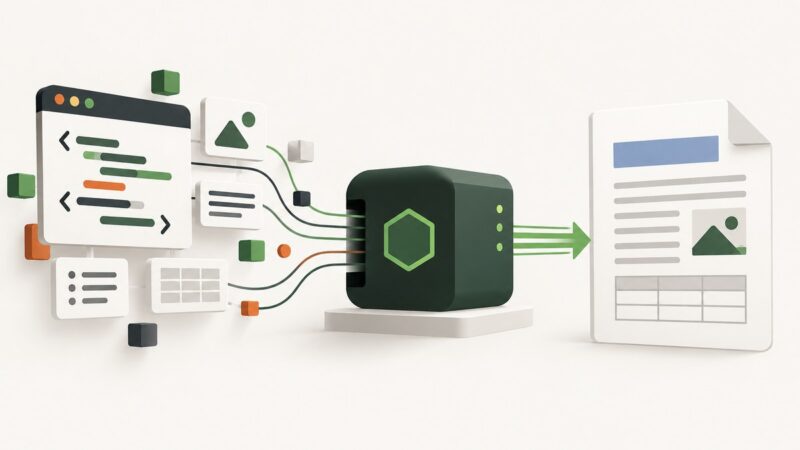
Convert HTML to DOCX in Node.js with html-to-docx, write the output safely, validate formatting, and learn when to build the document directly.
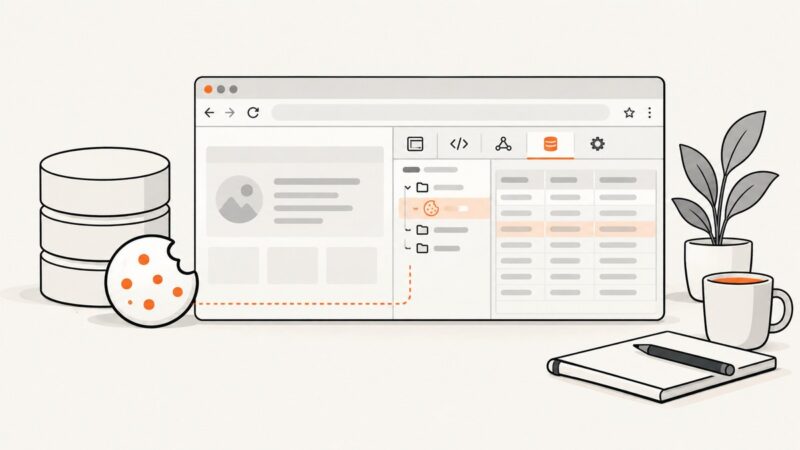
Edit, add, inspect, and delete cookies in Chrome DevTools with exact steps, field explanations, troubleshooting, and automation options.
Learn how to use Linux lsof to find processes, open files, sockets, deleted files, and mount blockers with practical commands and troubleshooting.
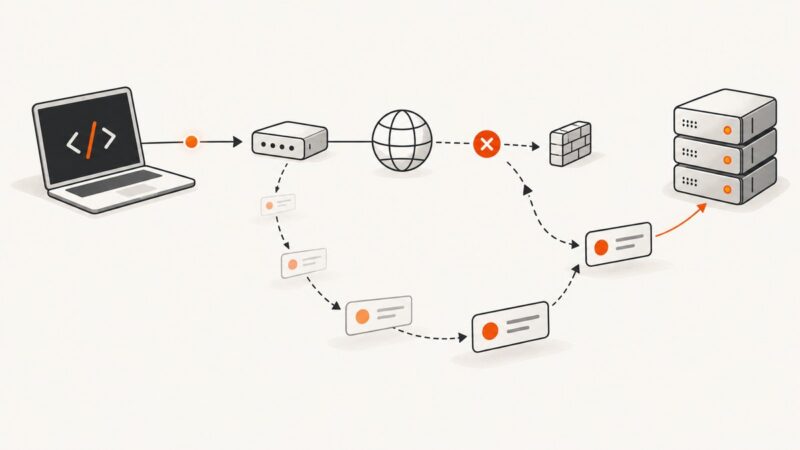
Build bounded Axios retries with exponential backoff, Retry-After handling, cancellation, mutation safety, and production troubleshooting.
Use a period before a class name to select matching elements in CSS. Learn how to combine classes, target descendants, escape unusual names, and fix selectors that do not work.
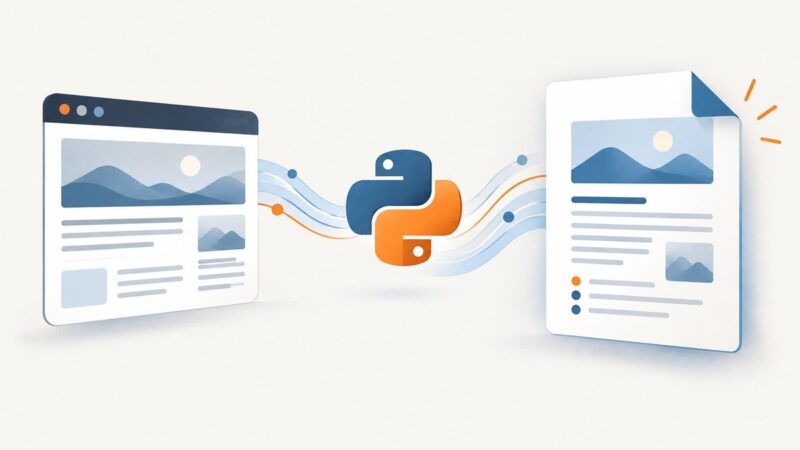
Learn how to fetch HTML, clean it with Beautiful Soup, and create structured DOCX files with python-docx—including images, tables, links, and troubleshooting.
HttpClient cannot wait for browser component initialization. Learn which readiness signal fits, when to use browser JavaScript, and how to poll a documented service endpoint in C#.
Learn the authorized way to collect Reddit posts, comments, communities, and public profile data in 2026 using Reddit’s API and pagination.
Learn what URL-to-Word conversion can and cannot do, how to create a DOCX workflow, and how to capture clean pages with ScreenshotNeo.
Learn what Instagram scraping allows, how to collect authorized data safely, process exports with Python, and avoid account, privacy, and copyright risks.
Fix Selenium’s Chromedriver path error with Selenium Manager, PATH setup, explicit Service paths, compatibility checks, and CI troubleshooting.
Avoid image scraper blocks by checking permission, identifying your client, limiting requests, and stopping when a site denies access.
Copy any Chrome network request as a reusable cURL command, understand its headers and tokens, and troubleshoot replay failures safely.
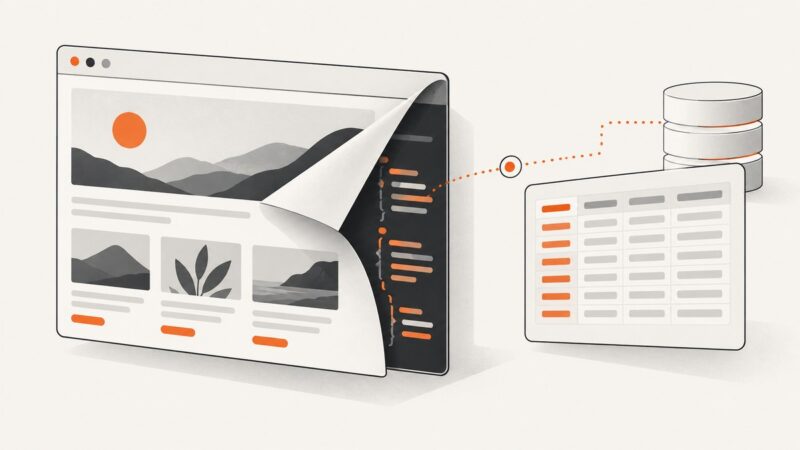
Learn how to find data loaded by JavaScript, inspect the request behind a page, and extract it responsibly with Playwright, Python, or Node.js.
Learn how to measure one file, total folders, symlinks, sparse files, errors, and disk capacity with practical Python examples.
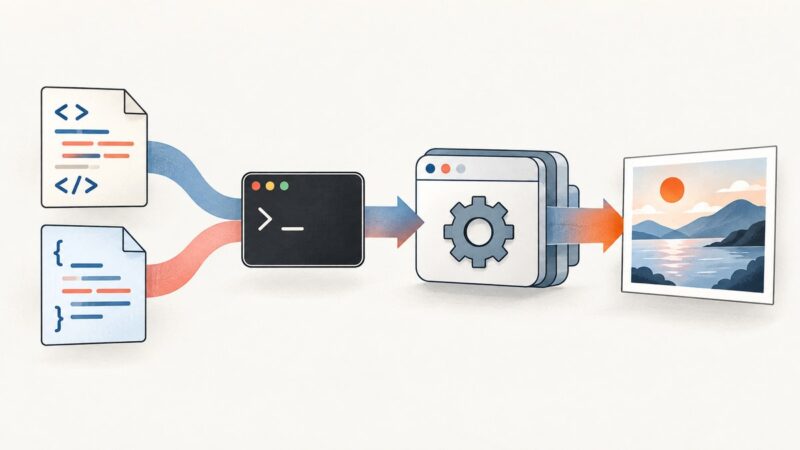
Convert supplied HTML and CSS to JPEG with cURL, or render a public webpage. Get runnable requests, output handling, options, and fixes for common errors.