How to Capture Website Screenshots in FlowMattic
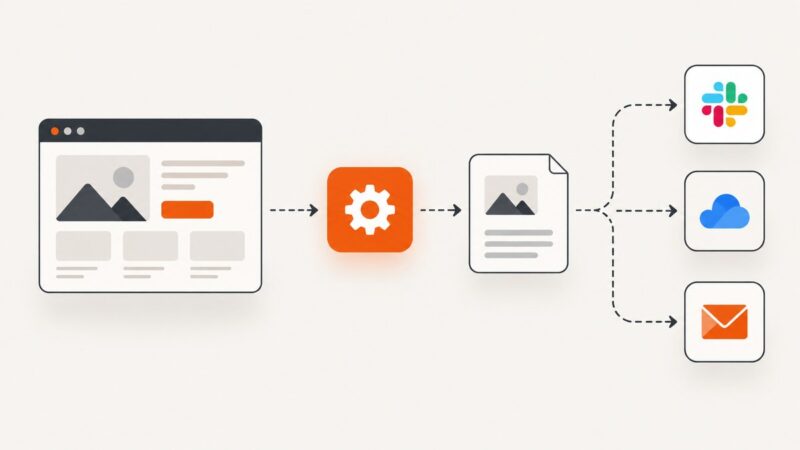
Capture viewport or full-page website screenshots in FlowMattic, send them to Slack or storage, troubleshoot failures, and automate the workflow.
Capture viewport or full-page website screenshots in FlowMattic, send them to Slack or storage, troubleshoot failures, and automate the workflow.
Check robots.txt scope, rules, freshness and retrieval errors before scraping. Build a reproducible technical assessment without treating it as legal permission.
Capture and save a TipRanks page beyond the visible browser window with Firefox or Edge, plus an optional Chrome extension and a screenshot API.
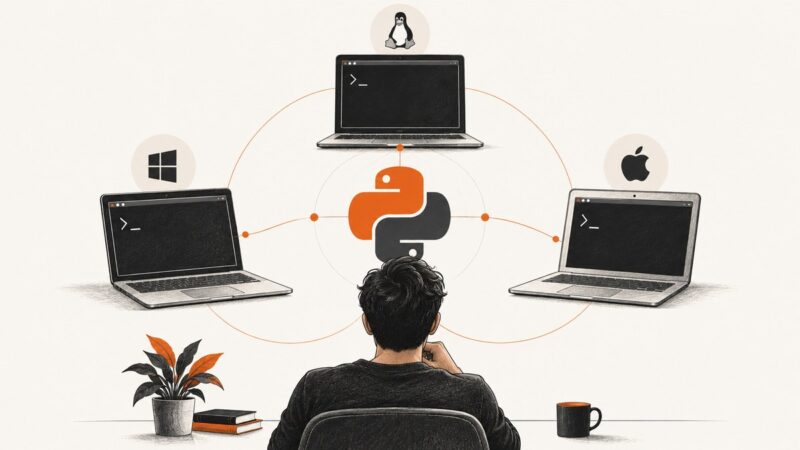
Check the Python interpreter your terminal or project uses on Windows, Linux, and macOS, and learn how to identify multiple installations.
Use YouTube Data API v3 to find videos and collect permitted metadata. Learn setup, Python, cURL, Node.js, pagination, quota, and caption limits.
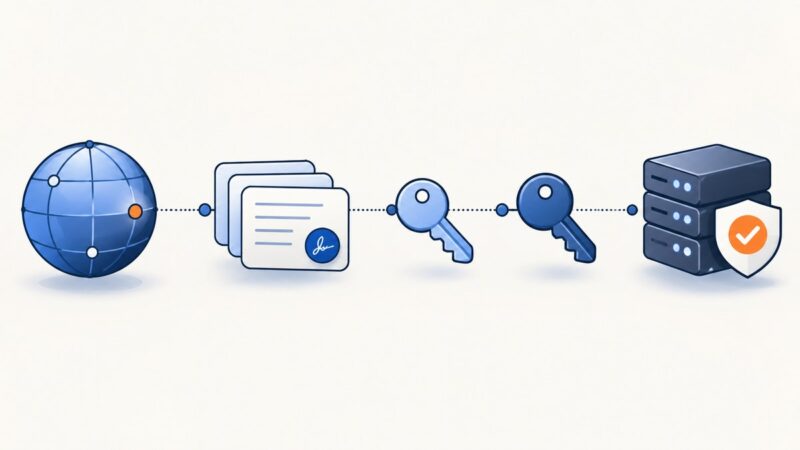
Learn how to test a domain’s DNSSEC chain, verify resolver validation, interpret SERVFAIL and NOERROR, and fix common diagnostic findings.
Build a custom GPT with uploaded reference files, clear instructions, and a practical testing workflow. Check current access rules, file limits, and troubleshooting tips.
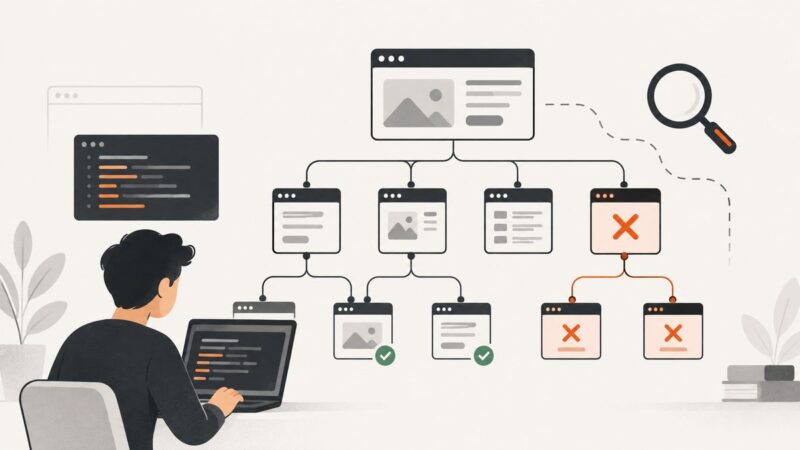
Find broken internal and external links with crawlers, Search Console, command-line checks, and a repeatable fix-and-verify workflow.
Learn how to diagnose CORS, CORP, COEP and COOP with DevTools, curl and reproducible preflight checks.
Learn how to inspect a live CSP header, evaluate its policy, and test changes in report-only mode before enforcing them.
Configure a repeatable Playwright browser session with cookies, viewport, locale, timezone, device emulation, and reliable troubleshooting.
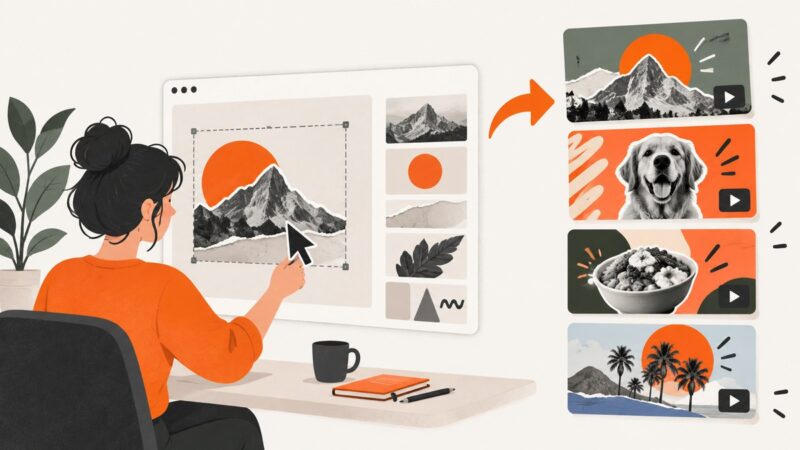
Create repeatable YouTube thumbnails from Canva or Adobe Express templates, meet YouTube’s current size rules, and automate source captures.
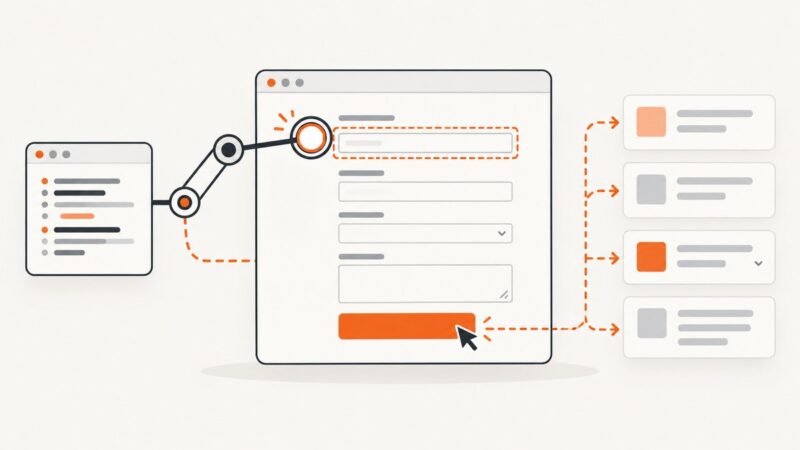
Learn a reliable Playwright workflow for finding, filling, submitting, and extracting web forms across frames and dynamic pages.
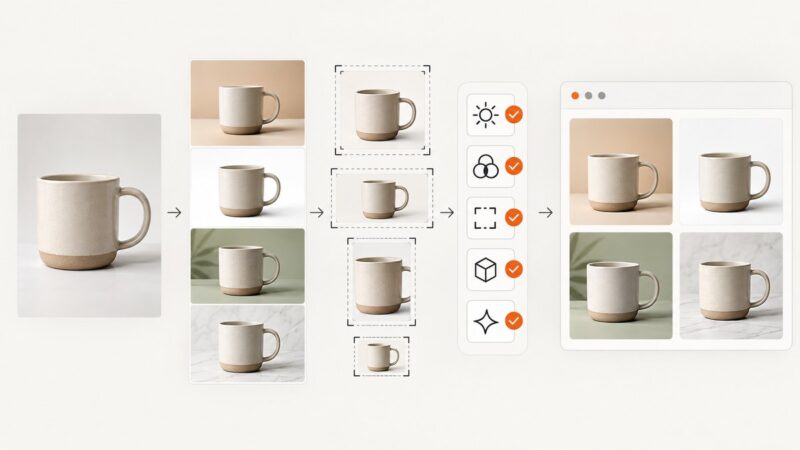
Build a reliable image pipeline for Shopify, Amazon, and ads: capture a source photo, generate controlled variants, validate every file, and publish safely.
Compare URL-to-Markdown APIs, get runnable cURL, Python, and Node.js examples, and learn how rendering, selectors, crawling, and retries affect results.
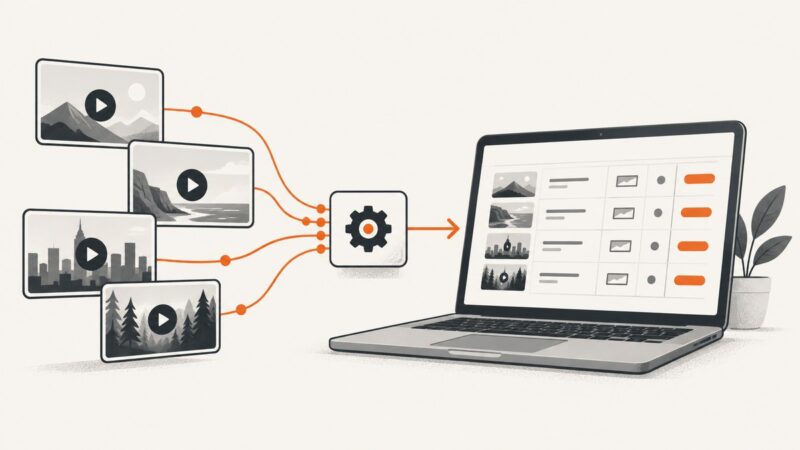
Turn a folder of photos into a video with Google Photos, Clipchamp or Apple Photos. Choose the right workflow, review the draft and export it cleanly.
Send template data and supported width and height overrides to a render API. Learn how to choose dimensions, handle aspect ratios, and troubleshoot output.
Align objects to a page or peers, distribute spacing, and control layer order in Figma, Canva, and Adobe Express.