How to Extract HTML, Metadata, and Links from a Website
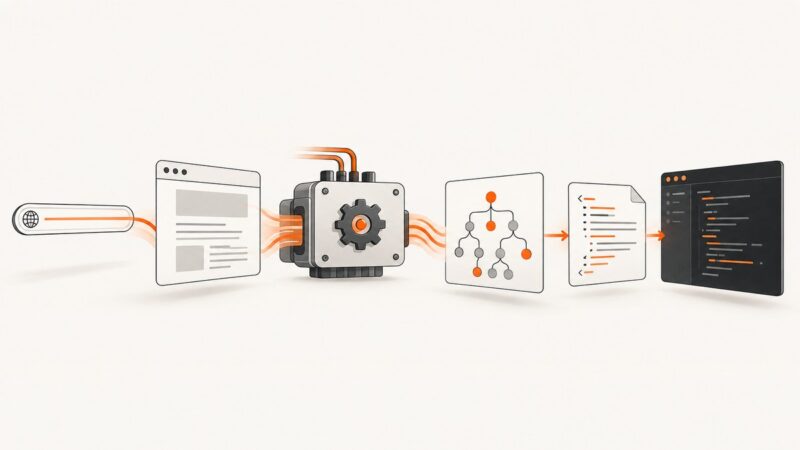
Fetch a page, parse its HTML, extract metadata, and resolve links with runnable Python, Node.js, and cURL examples—including JavaScript-rendered pages.
Fetch a page, parse its HTML, extract metadata, and resolve links with runnable Python, Node.js, and cURL examples—including JavaScript-rendered pages.
Show Puppeteer’s browser window, capture a login popup as a separate page, and understand when video recording is a different problem.
Learn when HTTP is enough, how to render JavaScript with Playwright, wait for page readiness, extract HTML safely, and use a managed API.
Create consistent event graphics for social, web, and print by duplicating a master template, recomposing each ratio, and exporting correctly.
Capture many URLs with Python using Playwright or a hosted screenshot API. Get runnable code, batching patterns, error handling, and practical guidance for choosing a workflow.
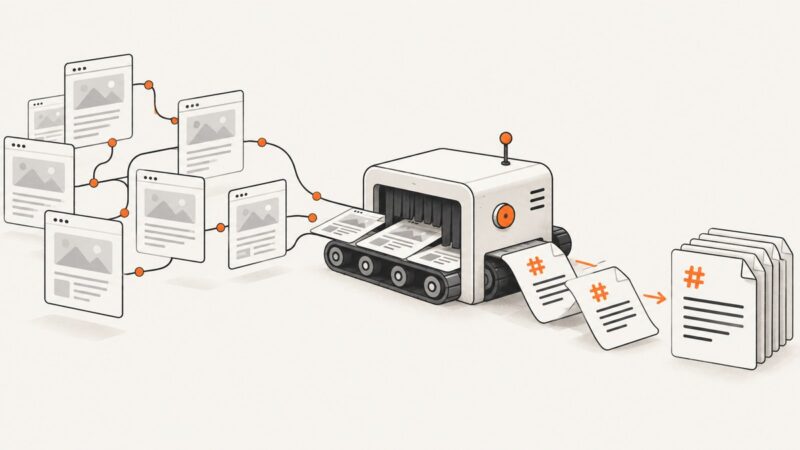
Learn how to crawl an entire website, extract clean content, and save every page as reliable Markdown for search, LLMs, and knowledge bases.
Generate image bytes, store them privately, and issue short-lived signed URLs for secure display or uploads.
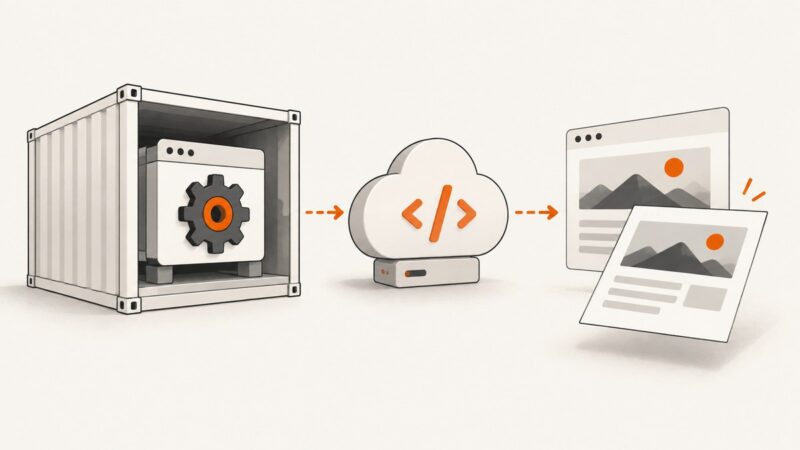
Package Playwright and its matching Chromium in a Lambda container, configure resources, and troubleshoot deployment issues.
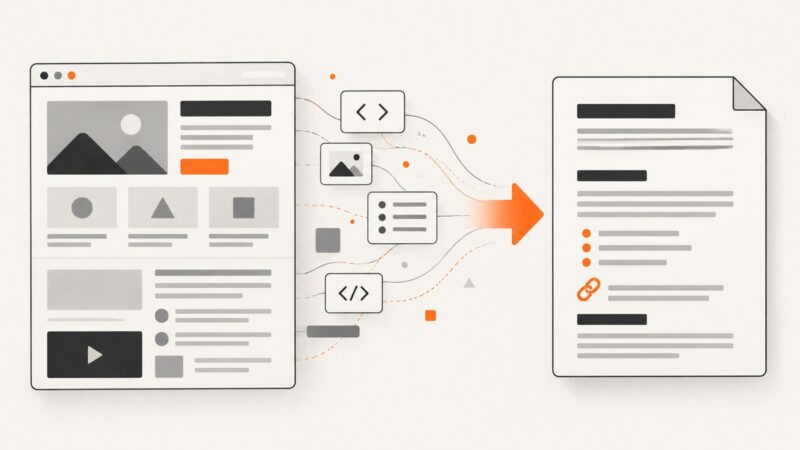
Convert an HTML file with Pandoc, or turn an HTML string into Markdown with JavaScript or Python. Choose options for your Markdown flavor and inspect structures that do not map cleanly.
Find the nearest Wayback Machine capture to a target date with the Availability API or CDX, then verify the replay and its assets.
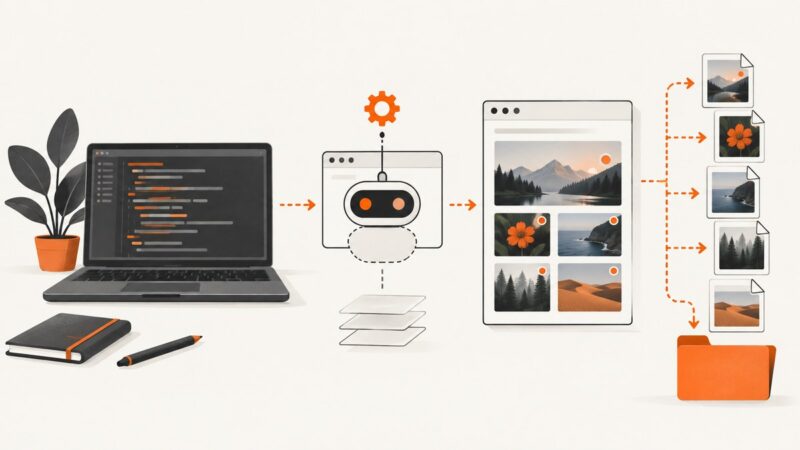
Collect image URLs from a rendered page with Puppeteer, then download and validate the original files in Node.js. Learn how to handle lazy loading, failures, and screenshots.
Control emoji artwork in Puppeteer by pinning fonts, browsers, CSS, and runtime environments for repeatable local and CI screenshots.
Learn how to preview Google Search layouts, capture reproducible website screenshots, and automate clean previews with Playwright or ScreenshotNeo.
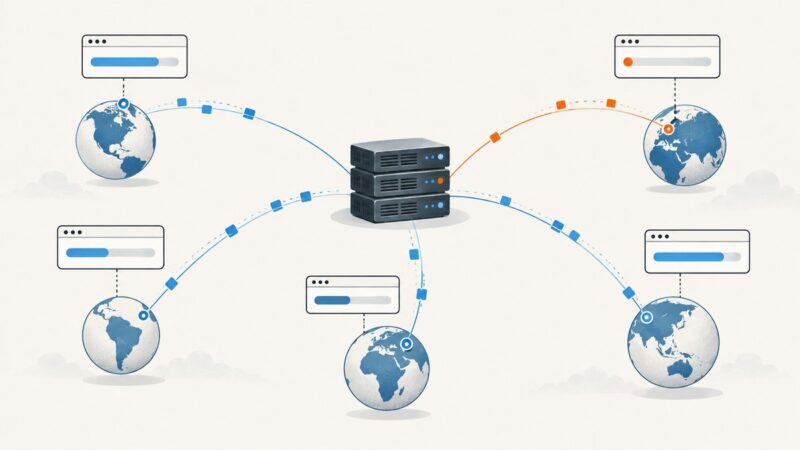
Measure browser TTFB and page load time, then run repeatable synthetic tests from a chosen country. Compare the two methods with clear metrics and runnable code.
Create a readable event banner for each social destination, and choose whether its countdown should be fixed, animated, or truly time-updating.
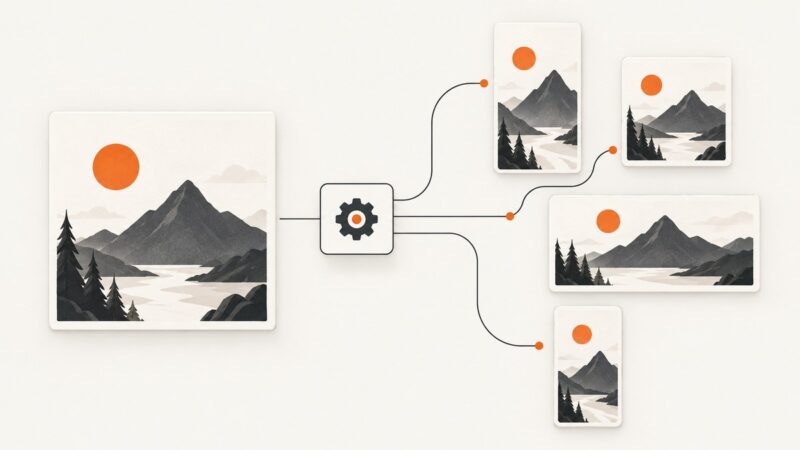
Build a reliable image-resizing pipeline with versioned presets, safe cropping, batch APIs, validation, and platform-ready exports.
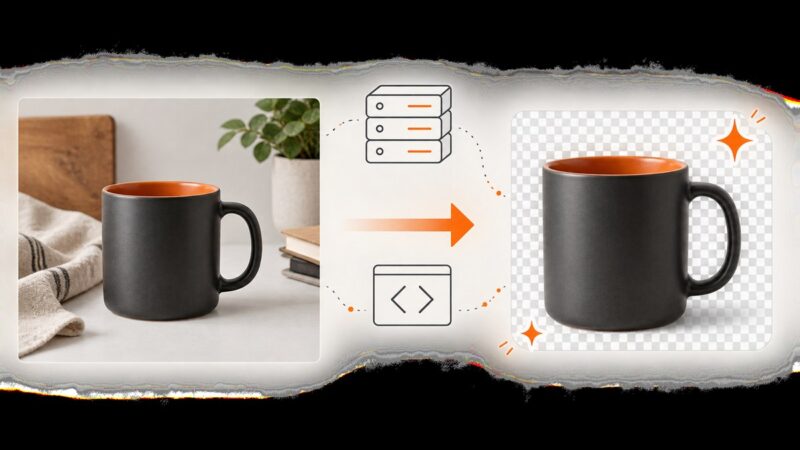
Build a reliable Node.js pipeline for removing product-photo backgrounds, processing batches, handling failures, and choosing hosted or self-hosted tools.
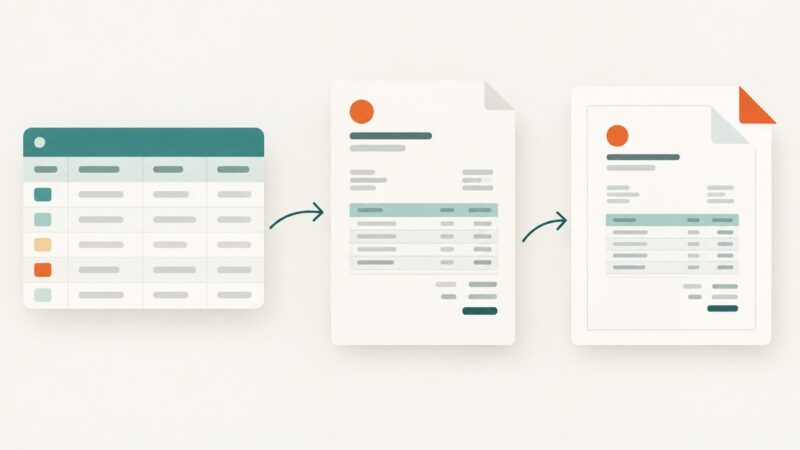
Create a one-off invoice PDF with Airtable’s Page Designer, or choose a document-generation workflow when you need repeatable output, automation, or attachments.