How to Generate Website Banner Images Automatically
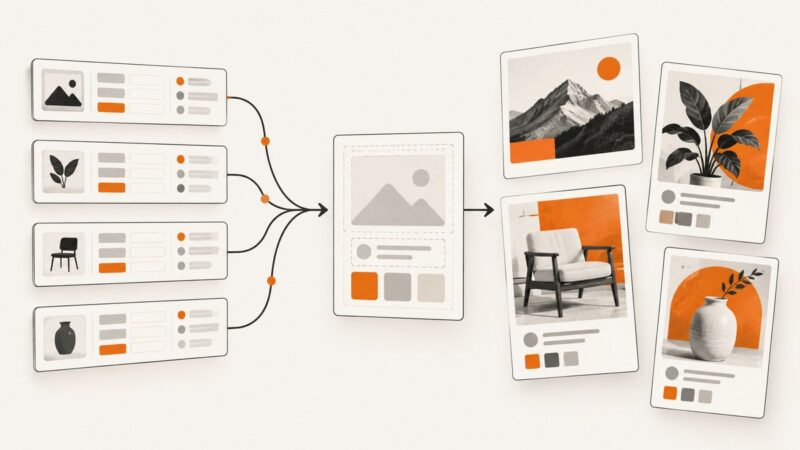
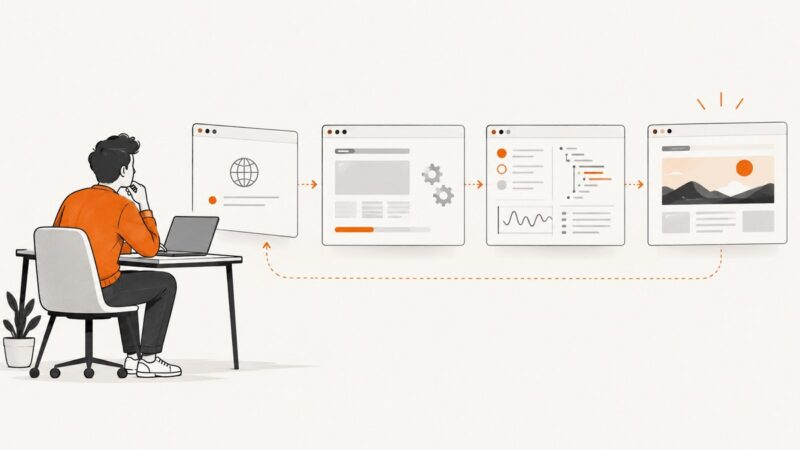
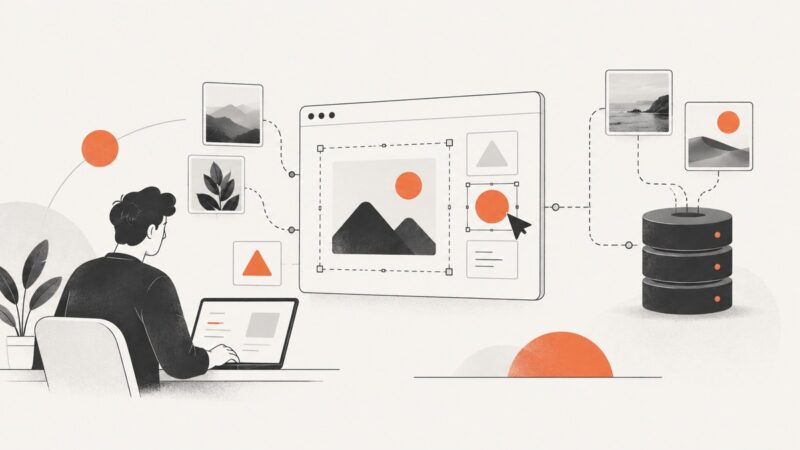
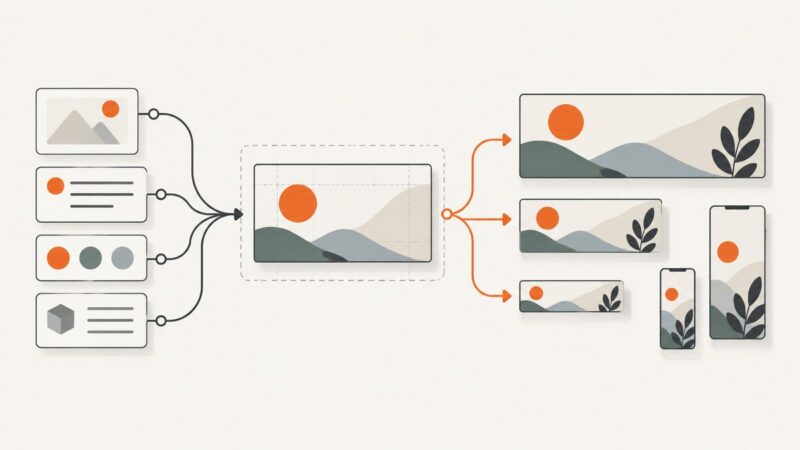
Build repeatable website banners with templates, APIs, AI artwork, validation, and an automated publishing workflow.
Build repeatable website banners with templates, APIs, AI artwork, validation, and an automated publishing workflow.
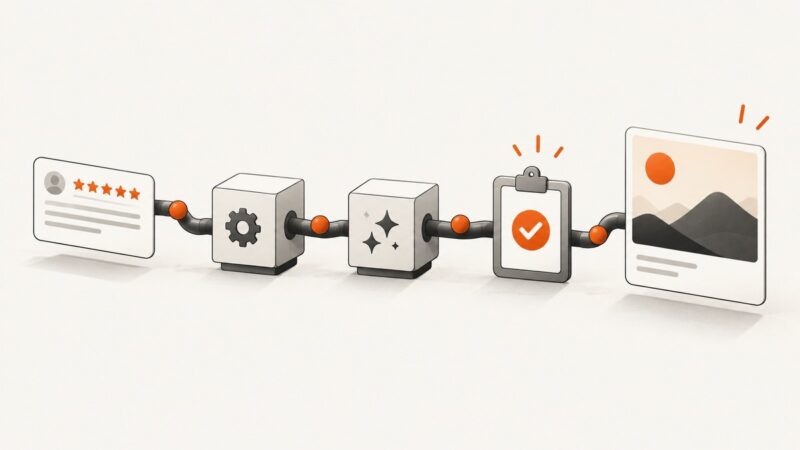
Turn new Google Business Profile reviews into branded images with a review trigger, a design step, and an approval workflow.
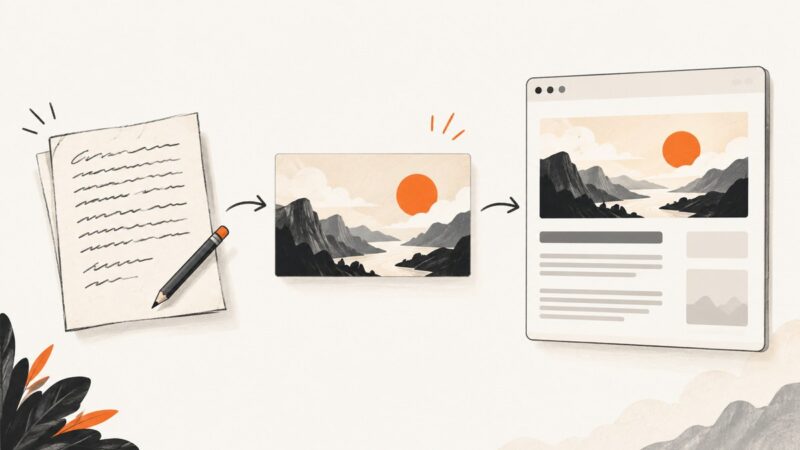
Create a branded image from a Google Docs draft, publish it as a public asset, and add the Open Graph metadata your page needs.
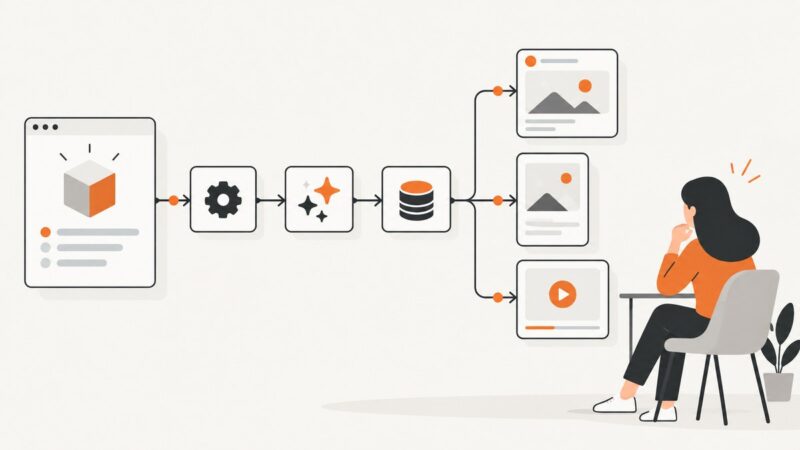
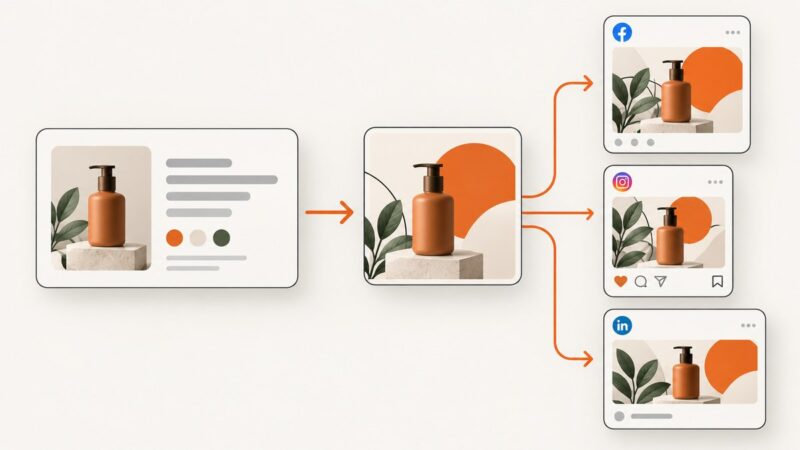
Build a Make scenario that turns product updates or blog posts into platform-specific social content, with review, publishing, and error logging.
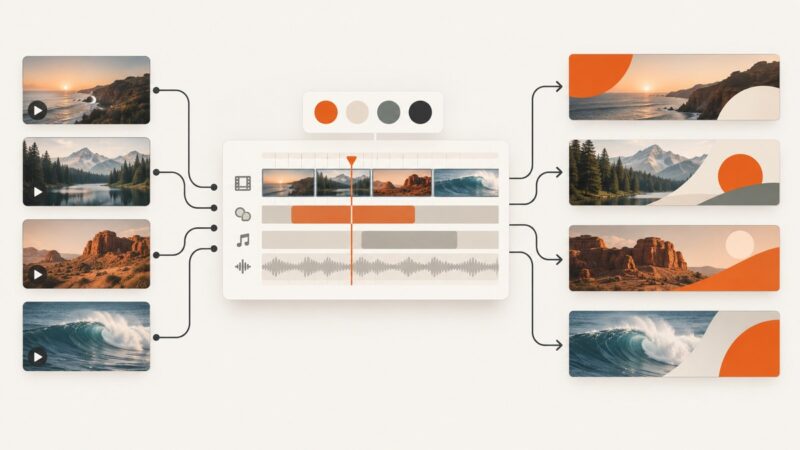
Build a repeatable pipeline that combines licensed stock clips, campaign data, and a reusable composition to render unique video banners.
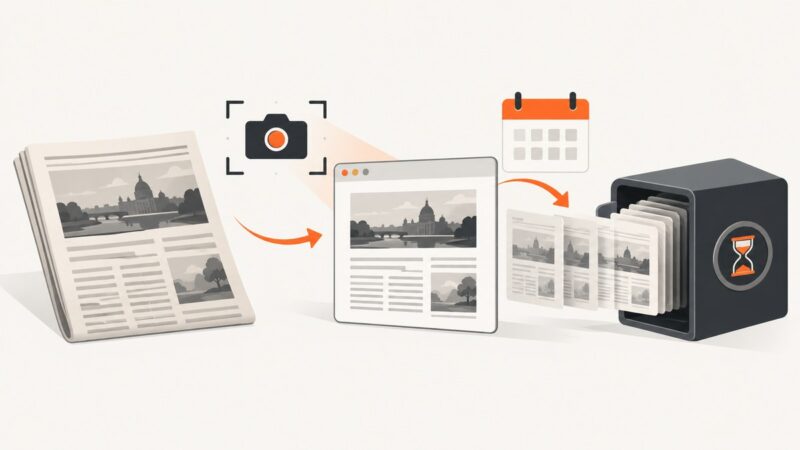
Learn how to preserve news articles with Wayback Machine captures, screenshots, metadata, verification steps, and repeatable workflows.
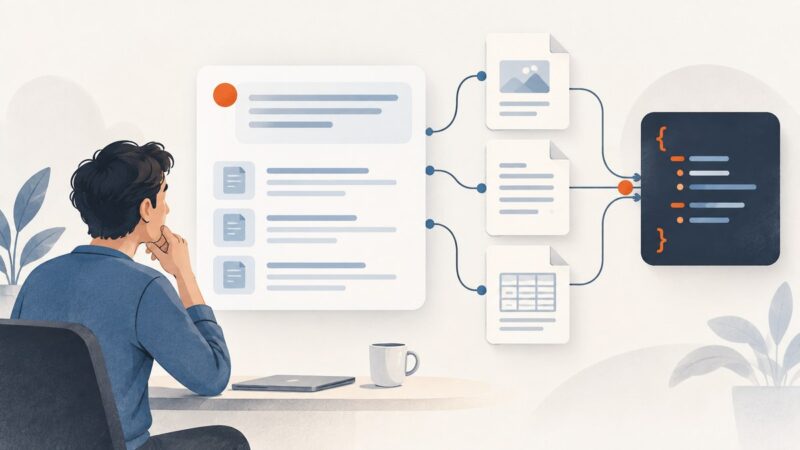
Get structured answers with source links and citation spans, and understand the limits of scraping Google AI Mode.
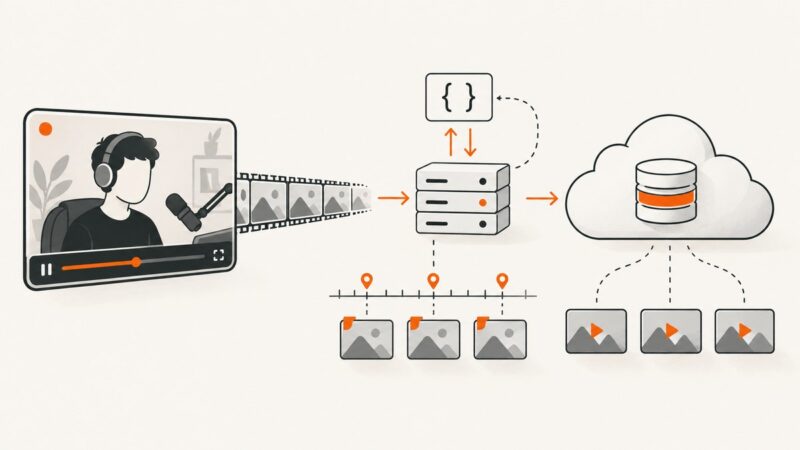
Learn the authorized ways to preserve Twitch broadcasts and automate clips at scale, with API workflows, limits, storage planning, and recovery tactics.
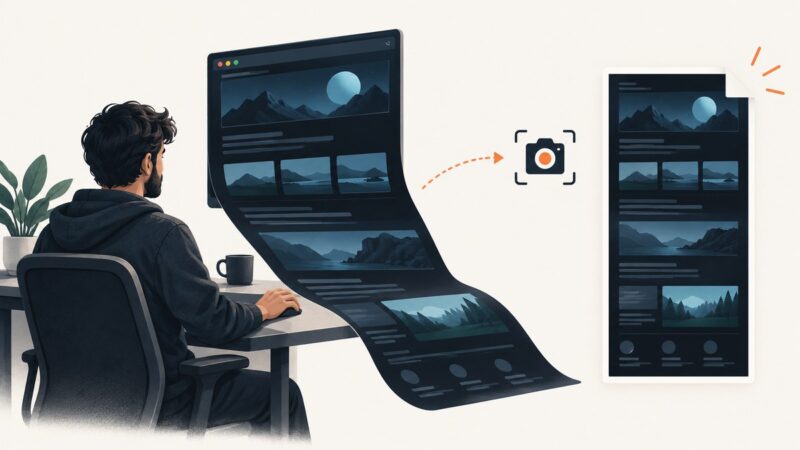
Render a website in dark mode, then capture the visible area or full page. This guide covers browser tools, automated code, troubleshooting, and clean API screenshots.
Map Airtable fields to dynamic image layers, filter records, store outputs, automate reruns, and troubleshoot reliable production workflows.
Diagnose blank images, timing bugs, auth failures, selectors, 401s, 429s, 503s, retries, quotas, and reliable screenshot API workflows.
Render onto a transparent layer, preserve alpha, and export as PNG—or keep vector artwork as SVG. Here are the code and editor workflows, plus fixes for white backgrounds and edge halos.
Connect Airtable to an image API with automations, scripts, webhooks, Zapier or Make—and save reliable results back to each record.
Build an asynchronous image-generation batch, track its job, and map each result back to its prompt. Includes runnable OpenAI examples and practical guidance for retries and limits.
Choose an editor architecture, embed it, and plan storage, autosave, and export. Includes runnable Polotno code, Canva options, and tradeoffs.
Learn how to replace or create an image background with Photoshop, ChatGPT Images, or Canva—and how to prompt, review, and refine the result.
Connect product data, a reusable template, validation, and a scheduler so every social promotion reflects the current offer.
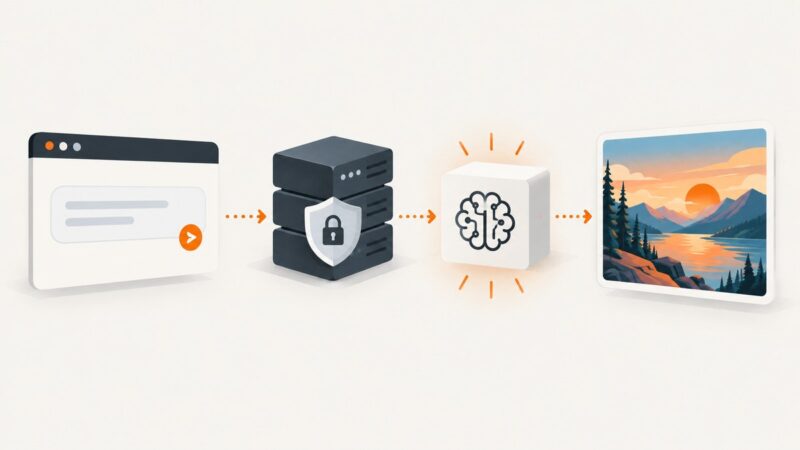
Build a secure image-generation flow with server-side API calls, the right endpoint, moderation, and reliable handling for slow requests and failures.