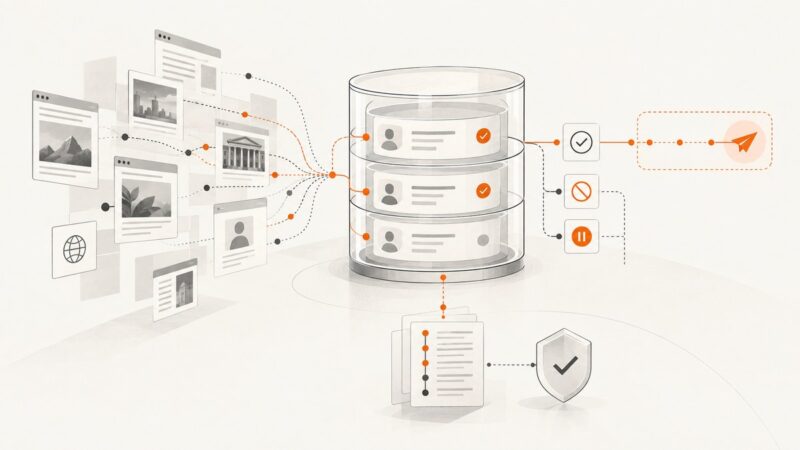
How to Add Website Screenshots to an Airtable Base
Add website screenshots to Airtable manually, with automations, scripts, or an API. Includes attachment limits, fixes, and runnable examples.
Add website screenshots to Airtable manually, with automations, scripts, or an API. Includes attachment limits, fixes, and runnable examples.
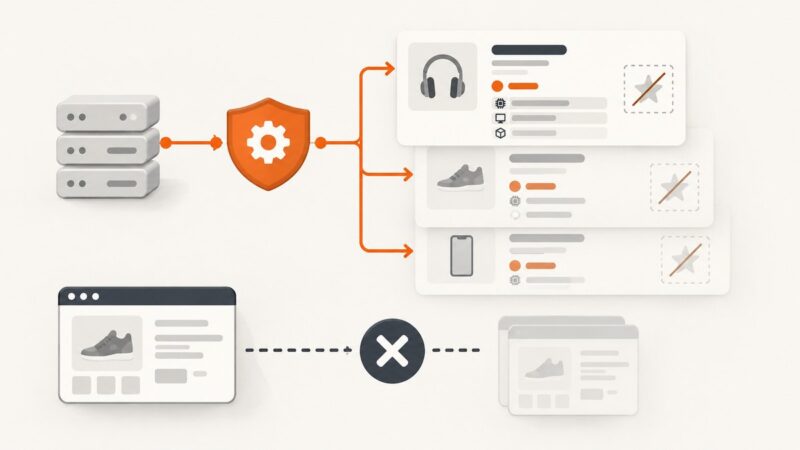
Build a reliable multi-country offer scraper with localized prices, currencies, availability, shipping, structured data, and rendered-table fallbacks.
Add circles, rectangles, and custom paths to SVG templates. Learn how viewBox coordinates, styling, layers, and editable variables keep shapes consistent.
Learn how to send an authenticated image-generation request, handle base64 image data, and save the result—without mistaking an API endpoint for a prompt-in-a-URL interface.
Build a reliable sitemap crawler that extracts, renders, audits, and exports every page title and meta description across your site.
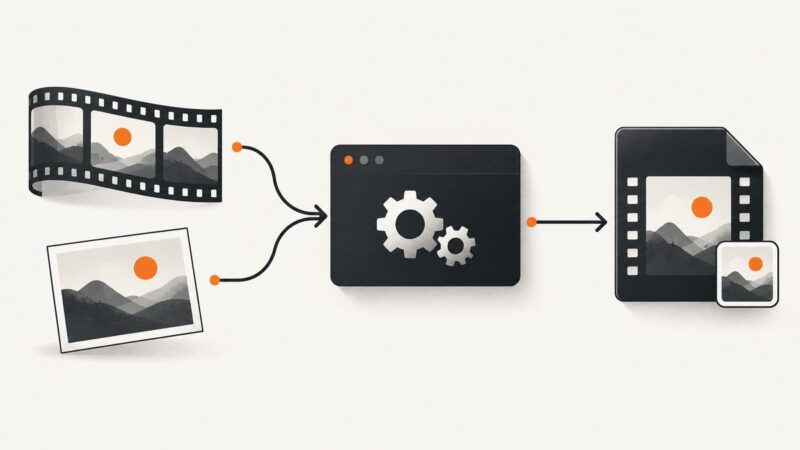
Embed cover art in an MP4 with FFmpeg’s attached_pic stream, preserve video and audio, verify the result, and troubleshoot compatibility.
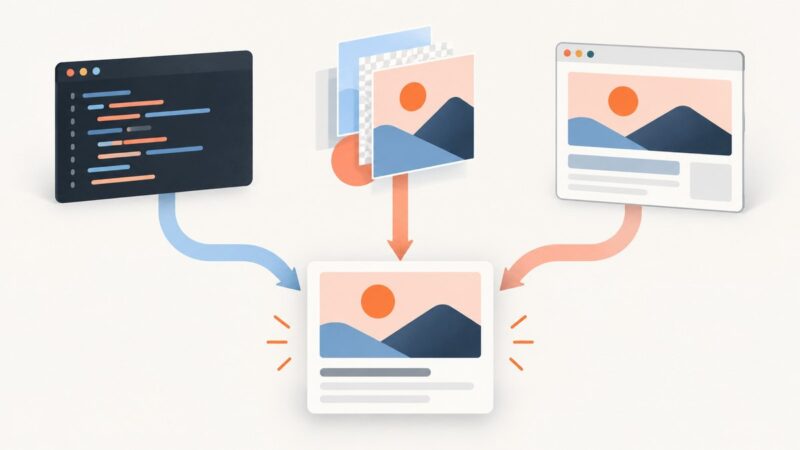
Generate a custom Open Graph image for every page with HTML and CSS, a reusable image template, or a headless browser. Compare the tradeoffs and see working examples.
Build a repeatable screenshot workflow to spot client-site changes, review what matters, and refresh agency portfolio evidence with approval.
Learn reliable ways to capture an entire webpage as one image or PDF, from Firefox and Edge to scripted browser workflows and ScreenshotNeo.
Change an image’s print resolution without changing its pixels, or resample it to meet a target size. Learn the Photoshop and GIMP steps and the math behind them.
Use Flipkart’s authorized Seller API for listing names, prices, and specs, understand why ratings are absent, and avoid prohibited page scraping.
Fix Python Requests SSLError errors by identifying the certificate, hostname, CA, proxy, or client-certificate problem and applying the right secure remedy.
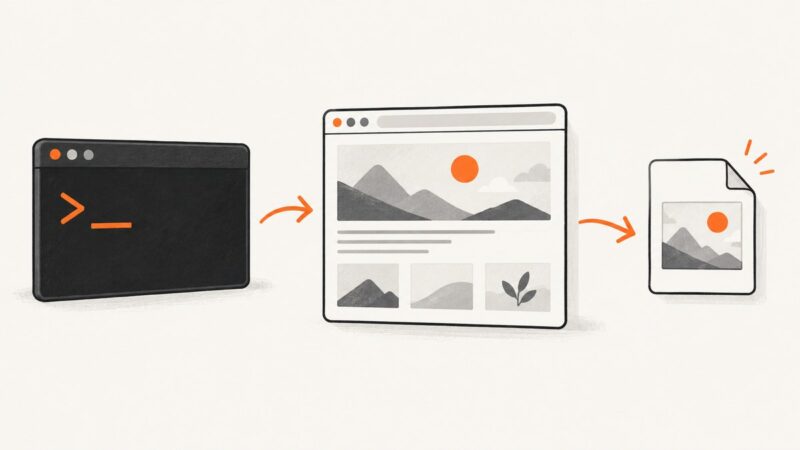
Run web captures from a terminal with a documented CLI, secure credentials, reusable options, CI patterns, troubleshooting, and a ScreenshotNeo shortcut.
Build a useful, auditable email database from public web data while documenting provenance, consent, objections, and campaign limits.
Speed up Playwright scrapers by waiting for the right content, trimming safe-to-skip requests, managing browser resources, and measuring results.
Build a price tracker that records comparable prices, spots meaningful changes, and alerts you without mistaking missing data for a price drop.
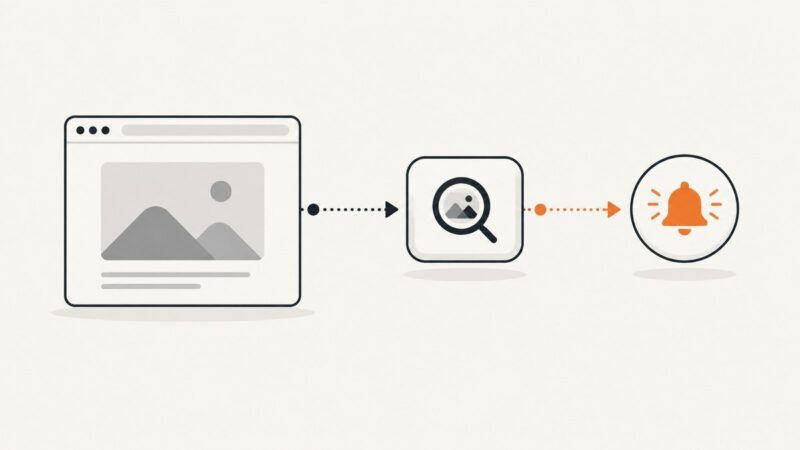
Learn how to detect broken website images, distinguish HTTP errors from network failures, and deliver reliable webhook alerts with runnable code.
Wait for the page’s used web fonts and relevant content to finish loading before capture. Here are runnable Playwright and Puppeteer examples, troubleshooting steps, and ways to make screenshots repeatable.