How to Capture Screenshots with Selenide
Selenide captures screenshots automatically when tests fail. Learn where they go, how to take named or in-memory captures, and how to control page-source artifacts.
Blog
How to take clean screenshots, turn HTML into images and PDFs, run headless browsers, and give AI agents eyes. Written by the team that builds ScreenshotNeo.
Selenide captures screenshots automatically when tests fail. Learn where they go, how to take named or in-memory captures, and how to control page-source artifacts.
Capture your desktop, choose a monitor, save PNG or JPG files, and troubleshoot screenshot-desktop on Windows, macOS, and Linux.
Capture a full display, a selected rectangle, or every monitor in Go with kbinani/screenshot, then encode the returned pixels as an image file.
Learn how the antodippo/flight-scraper Go project queries Kayak, emails results, handles scheduling, and where a managed capture API fits.
Learn how to render complete, scrollable-page screenshots with Playwright, Puppeteer, CDP, Firefox, and ScreenshotNeo, including waits, formats, failures, and cost choices.
Learn how browser MCP servers connect AI agents to Chrome, WebDriver and hosted sessions, with setup, security, troubleshooting and screenshots.
Choose a browser PDF API for familiar web rendering, or a paged-media converter for publishing controls. Compare Puppeteer, Playwright, and Prince, then build and validate a reliable PDF workflow.
Learn every Playwright screenshot option, from full-page and element captures to masking, animation control, formats, scaling, and visual tests.
Design website thumbnails that stay clear when cropped, load quickly, and appear correctly in Open Graph previews and search.
Diagnose Tomcat hangs methodically: verify logs and CATALINA_BASE, isolate deployment failures, capture thread dumps, and apply evidence-based fixes.
Capture your full desktop, a region, or a window with Pillow ImageGrab, with platform options, Retina handling, troubleshooting, and a hosted API alternative.
Fill a form with Playwright, wait for the rendered state, and capture the page or form element. Includes control examples, html2canvas trade-offs, and troubleshooting.
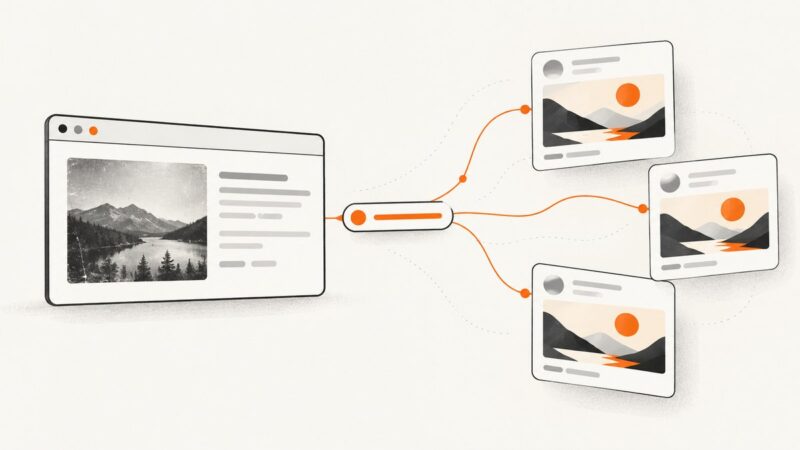
Change the image shown when your website link is shared, update Open Graph metadata, and refresh stale previews on social platforms.
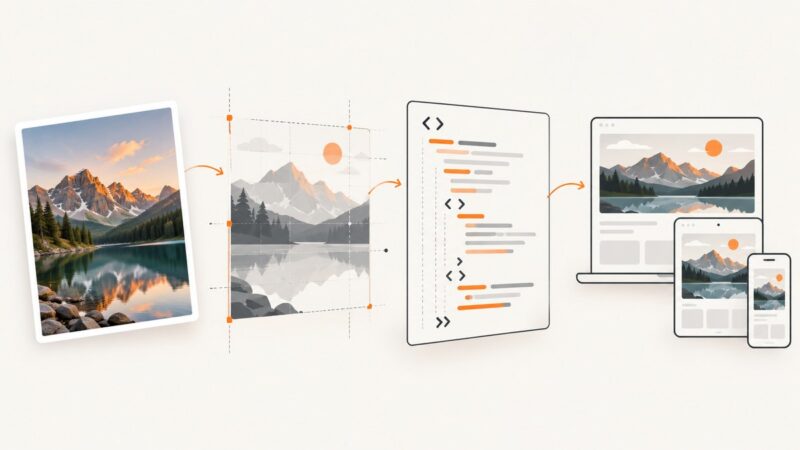
Learn four practical ways to turn an image into HTML: embed it, inline it, rebuild it with CSS, or generate a screenshot for reference.
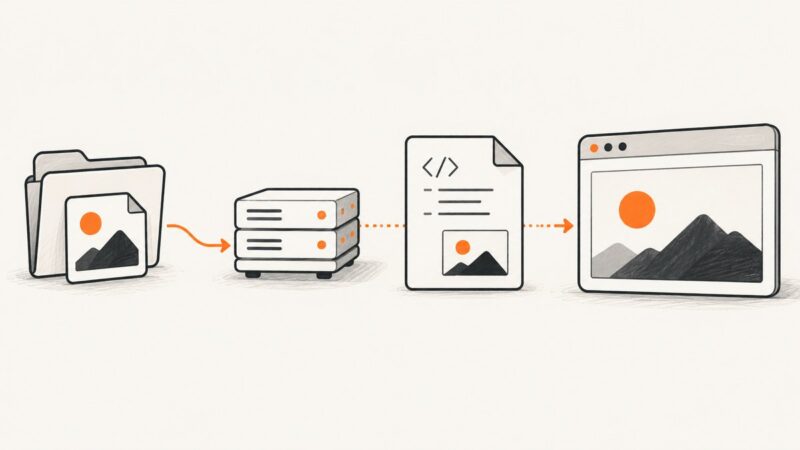
Learn how to put local, hosted, and responsive image URLs in HTML, fix broken paths, and automate page screenshots with ScreenshotNeo.
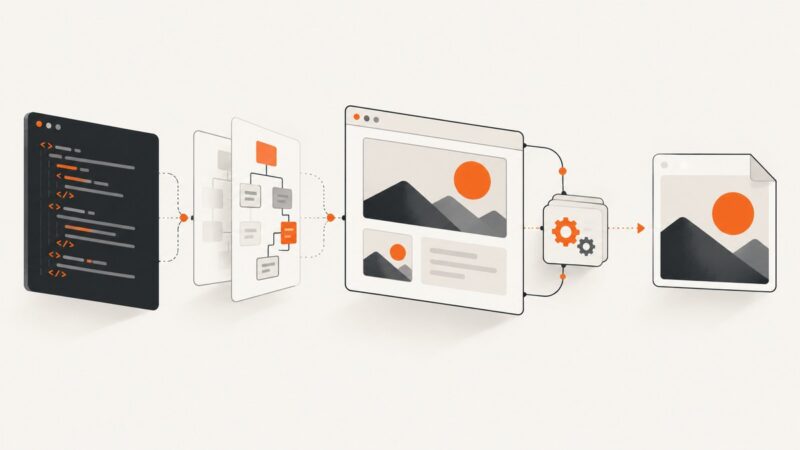
Learn three reliable ways to convert HTML into PNG, JPEG, or WebP: html2canvas, Playwright or Puppeteer, and ScreenshotNeo.
Choose a web archiving tool by workflow: historical lookup, interactive browsing, automated crawling, or a private local archive. Compare the leading options and learn how to check your captures.
Capture an entire webpage in desktop Chrome with DevTools, or automate full-page screenshots with Chrome, Python, Node.js, and cURL.