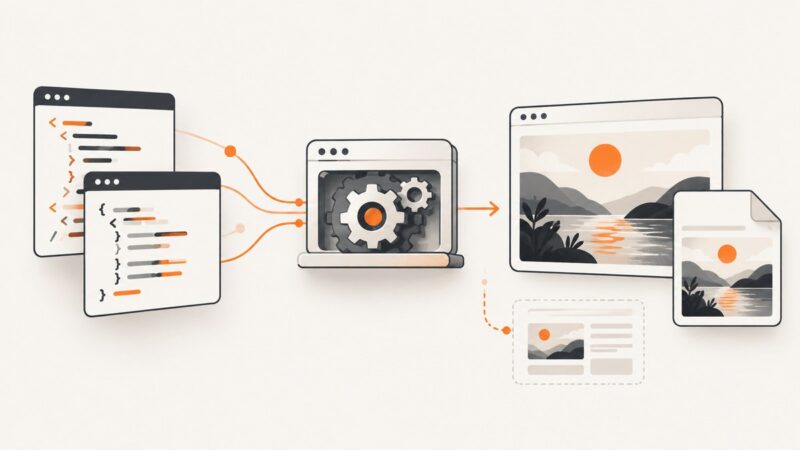
Best HTML to Image APIs in 2026
Compare HTML-to-image APIs by input type, capture controls, output, operations and cost, then choose a service that fits your rendering workflow.
Blog
How to take clean screenshots, turn HTML into images and PDFs, run headless browsers, and give AI agents eyes. Written by the team that builds ScreenshotNeo.
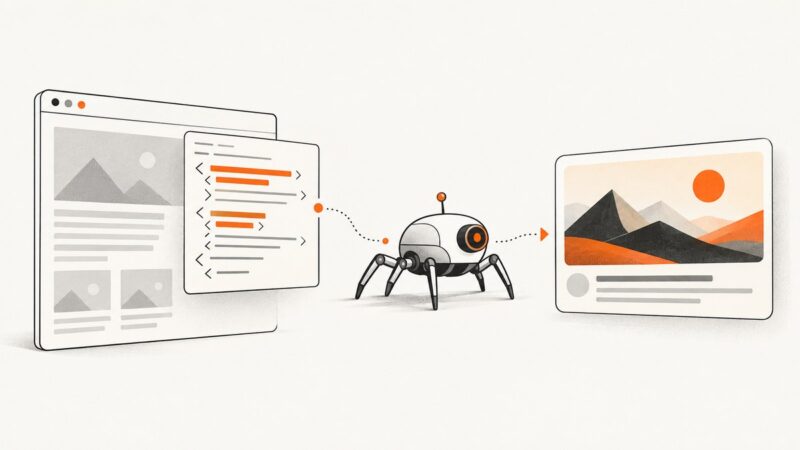
Compare HTML-to-image APIs by input type, capture controls, output, operations and cost, then choose a service that fits your rendering workflow.
Find out why a shared page shows no image, the wrong image, or an old one. Check its metadata, crawler access, image file, and platform cache.
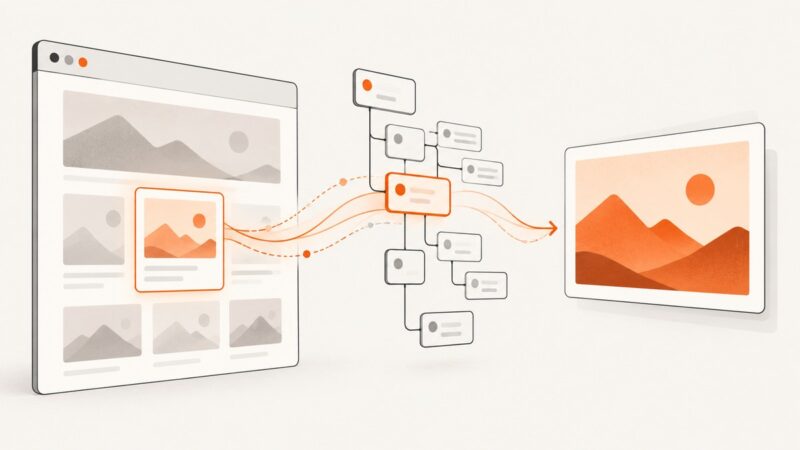
Capture one DOM element as PNG, JPEG, SVG, Blob, canvas, or pixels with dom-to-image, including filters, fonts, cross-origin fixes, and troubleshooting.
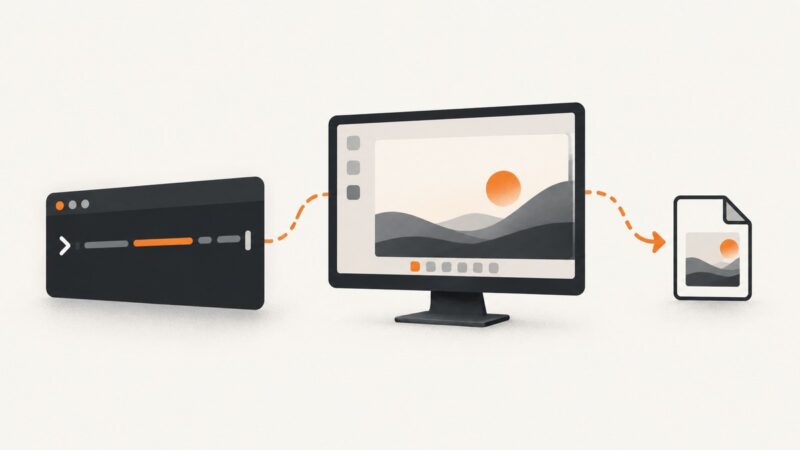
Capture Linux desktops from Bash with the right X11 or Wayland command, save or copy images, troubleshoot failures, and automate repeatable shots.
Cypress makes screenshot capture easy in JavaScript tests; Selenium gives you a portable WebDriver primitive. Here’s how to capture, compare, and choose.
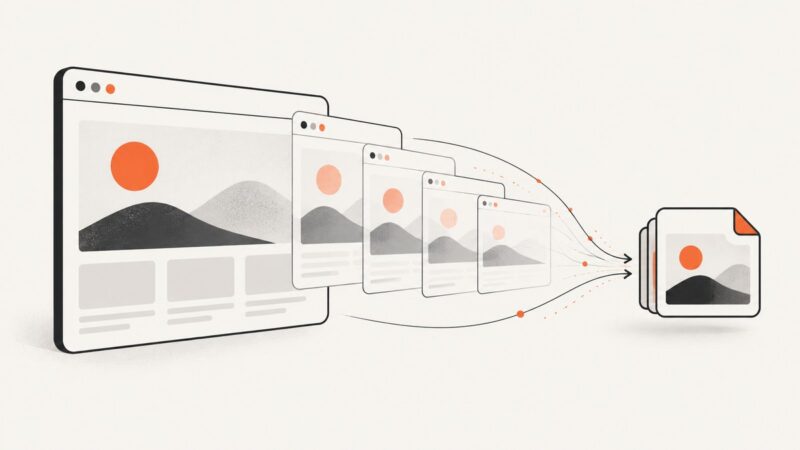
Capture a website as an animated GIF with an endpoint built for recording, then save and validate the result. Includes cURL, Python, Node.js, wait options, and troubleshooting.
A blank Pyppeteer screenshot can mean navigation failed, the app had not rendered, or the capture geometry hid the content. Diagnose it in order and use a reliable, runnable capture pattern.
Hide or remove cookie banners in wkhtmltopdf with targeted CSS, JavaScript timing, diagnostics, and a hosted ScreenshotNeo alternative.
Compare browser capture, Playwright, hosted screenshot APIs and cross-browser QA tools to choose the right website screenshot workflow.
Learn what X25519MLKEM1024 means, how its components fit together, how it differs from standardized TLS groups, and what to check before deployment.
Learn how to capture any website as a JPEG with Playwright or an API, including full-page shots, quality settings, errors, and production patterns.
Remove a cookie banner from a wkhtmltoimage screenshot with a targeted CSS rule or post-load script. Learn when cookies and site settings are the better choice.
Use Java Robot and ImageIO to capture windows, monitors, virtual desktops, and HiDPI displays, with fixes for permissions and headless errors.
Capture your desktop with PyAutoGUI, save the Pillow image, or limit it to a region. Includes setup notes, troubleshooting, and a browser screenshot alternative.
Learn how AI OG image generators work, how to create a 1200×630 social preview, and how to add it to your page metadata.
Capture a screen, window, or selected region in C# with CopyFromScreen and Windows.Graphics.Capture, then save reliable PNG files.
Learn how to receive embedded editor events on your backend with webhooks, signatures, idempotency, ordering protection, and browser fallback patterns.
Extract a still or a batch of images from video with FFmpeg, Premiere Pro, or Python/OpenCV. Choose the right frame, format, and workflow for your project.