GraphQL vs. REST: When to Use Each
Learn when GraphQL or REST fits your API, how to compare trade-offs, and how to choose an approach that stays reliable as clients and data change.
Blog
How to take clean screenshots, turn HTML into images and PDFs, run headless browsers, and give AI agents eyes. Written by the team that builds ScreenshotNeo.
Learn when GraphQL or REST fits your API, how to compare trade-offs, and how to choose an approach that stays reliable as clients and data change.
Capture a Reddit thread on iPhone, Android, Windows, or with an automated API, including long-page options, privacy checks, and troubleshooting.
Trace an empty PDF URL from the original endpoint to the browser link, then fix status, CORS, Blob, redirect, and download issues.
Compare Firefox’s built-in screenshot tool, GoFullPage and FireShot, with practical guidance on capture modes, privacy, exports and full-page workflows.
Save a full webpage as a PNG in Firefox, Edge, or Chrome, capture one element, and troubleshoot missing content in full-page screenshots.
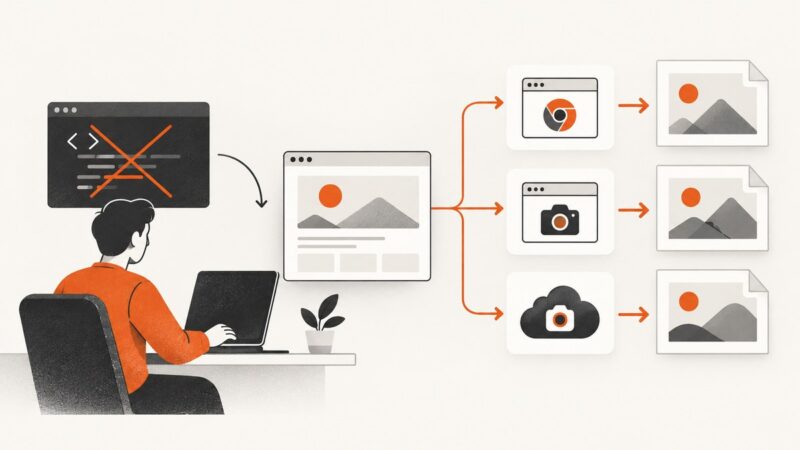
Compare Playwright, Puppeteer, hosted browsers and screenshot APIs, with runnable code and a practical guide to choosing a wkhtmltoimage replacement.
Usually, no: a regular website cannot detect a screenshot taken with your device. Learn what browser APIs can reveal, which exceptions matter, and how to capture pages reliably.
Learn Chromebook shortcuts for screen, region, window, and full-page website screenshots, plus an automated ScreenshotNeo option for developers.
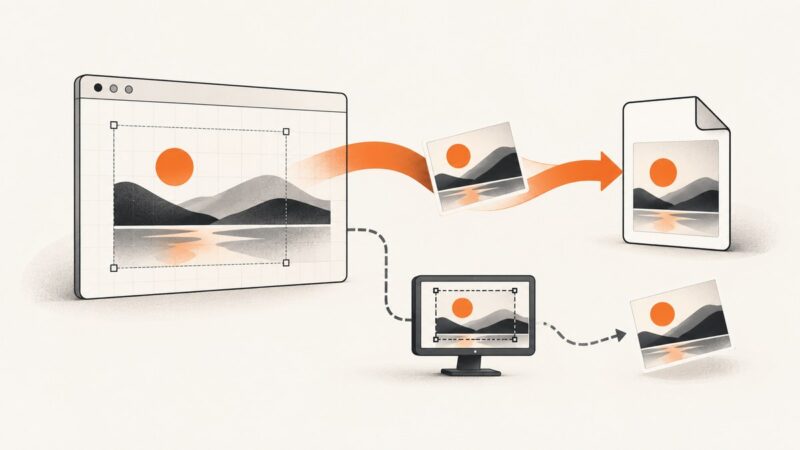
Learn how to download an image already rendered in a canvas, capture a user-selected screen, and choose the right approach for screenshots of other URLs.
Remove cookie banners from Selenium screenshots by clicking consent controls, restoring consent state, or hiding overlays safely before capture.
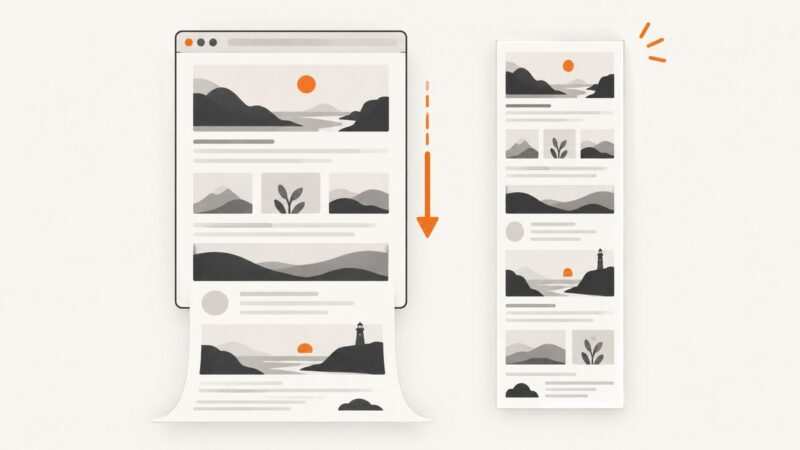
Capture a visible Wikipedia article on Windows, Mac, iPhone, or Android. Learn when scrolling capture works and when to save the page as a PDF instead.
Use wkhtmltoimage to save a URL or local HTML page as an image. Configure output, viewport, cropping and JavaScript waits, and troubleshoot common rendering issues.
Capture a website at phone-sized dimensions with Chrome, Firefox, Playwright, or ScreenshotNeo, including full-page and element screenshots.
Capture a visible page, a selected region, or a full webpage on Linux with Firefox, GNOME Screenshot, headless Firefox, or Puppeteer.
Learn the Pixel button shortcut, scrolling Capture more screenshots, alternative gestures, storage, troubleshooting, and a developer-friendly API option.
Capture an entire scrollable screen on a Pixel with Android’s built-in Capture more feature. Learn the steps, requirements, alternatives, and fixes when it’s missing.
Capture an entire webpage in Firefox with the built-in Screenshot tool, keyboard shortcuts, troubleshooting tips, and an automated API option.
Design permanent document links with stable IDs, immutable versions, authorization, revocation, and short-lived signed downloads.