Best Screenshot API for Web Directories in 2026
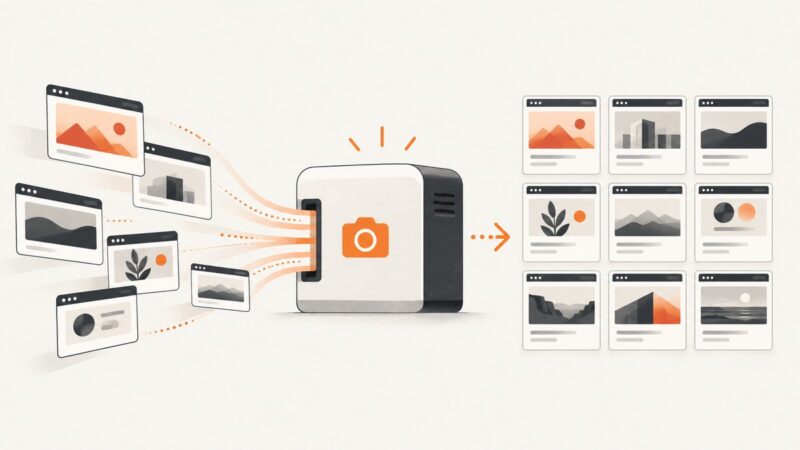
Choose a screenshot API for directory previews by render readiness, output, scale, and cost. Compare hosted APIs, browsers, self-hosting, and ScreenshotNeo.
Blog
How to take clean screenshots, turn HTML into images and PDFs, run headless browsers, and give AI agents eyes. Written by the team that builds ScreenshotNeo.
Choose a screenshot API for directory previews by render readiness, output, scale, and cost. Compare hosted APIs, browsers, self-hosting, and ScreenshotNeo.
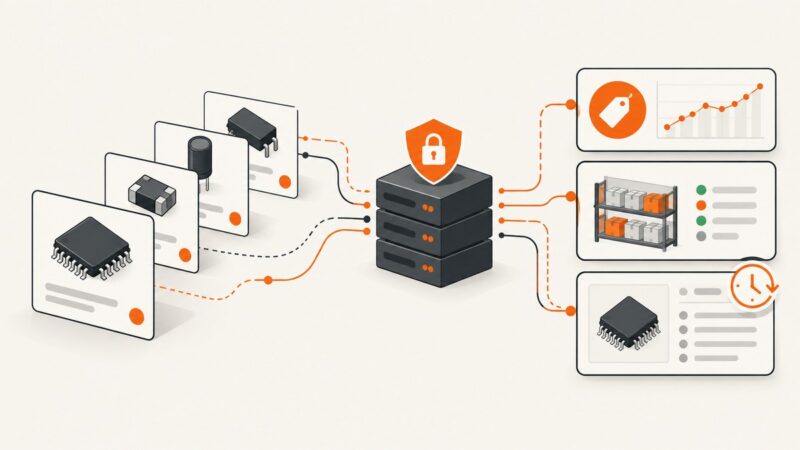
Use DigiKey’s Product Information API for compliant, current pricing, stock, and specifications—without scraping the public website.
A reliable workflow for cleaning, validating, deduplicating, and storing scraped data without losing the raw evidence or running out of memory.
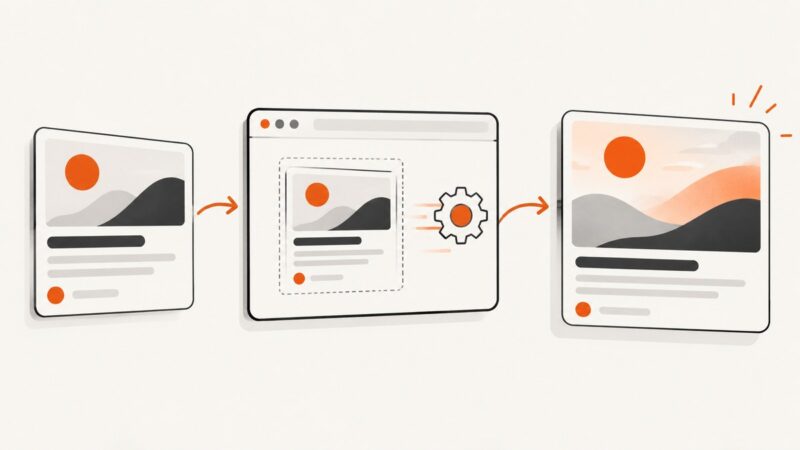
Build consistent 1200×630 social cards with Playwright, correct Open Graph metadata, cache-safe URLs, and a hosted ScreenshotNeo option.
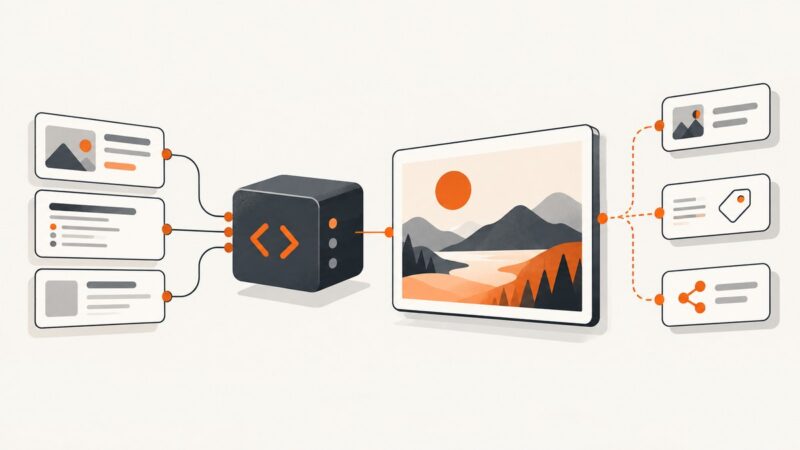
Create page-specific Open Graph images in ASP.NET Core with SkiaSharp, stable URLs, correct metadata, caching, and production troubleshooting.
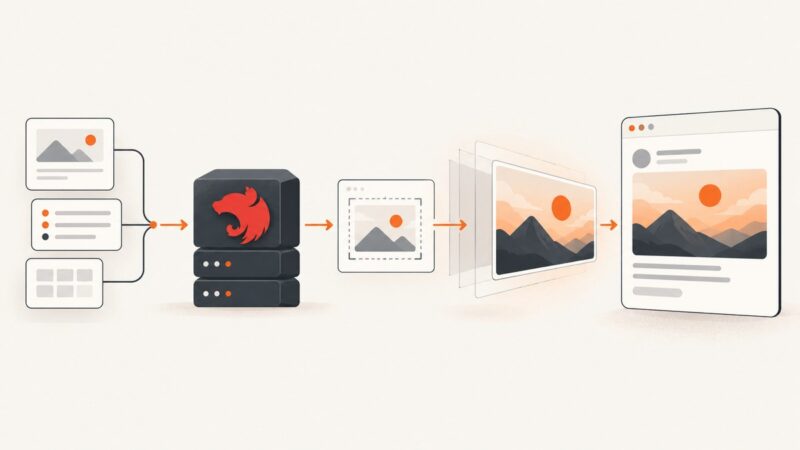
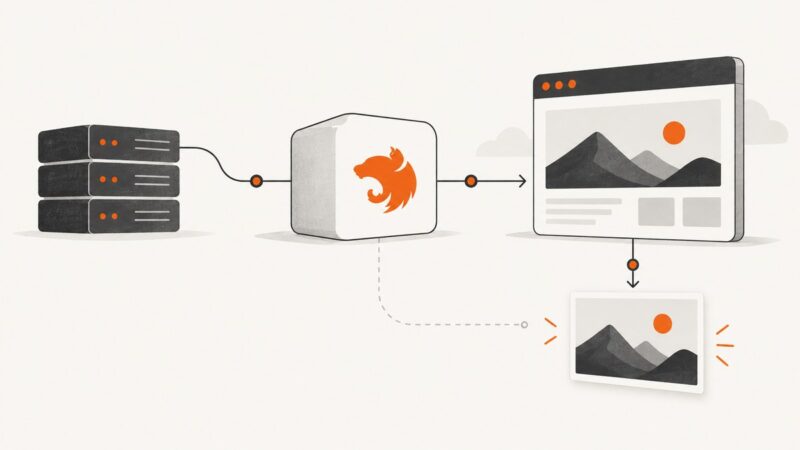
Build a dynamic Open Graph image endpoint in NestJS with PNG responses, metadata, caching, validation, troubleshooting, and production guidance.
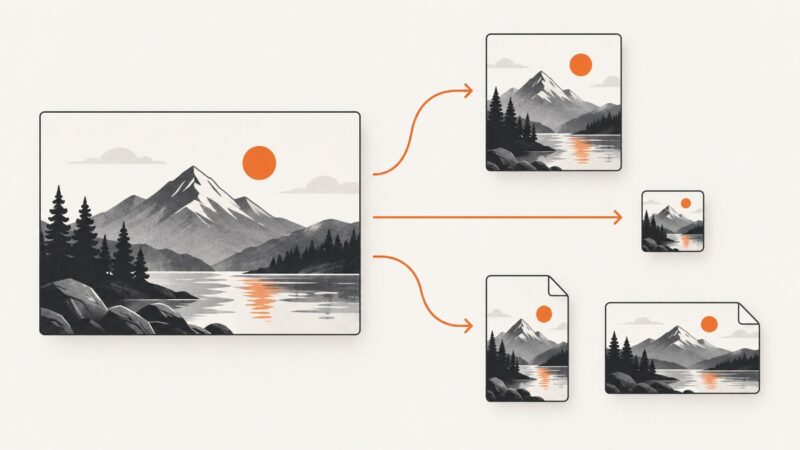
Learn how image transformation URLs request resized, cropped, or reformatted images, with provider-specific examples for Cloudinary and ImageKit.
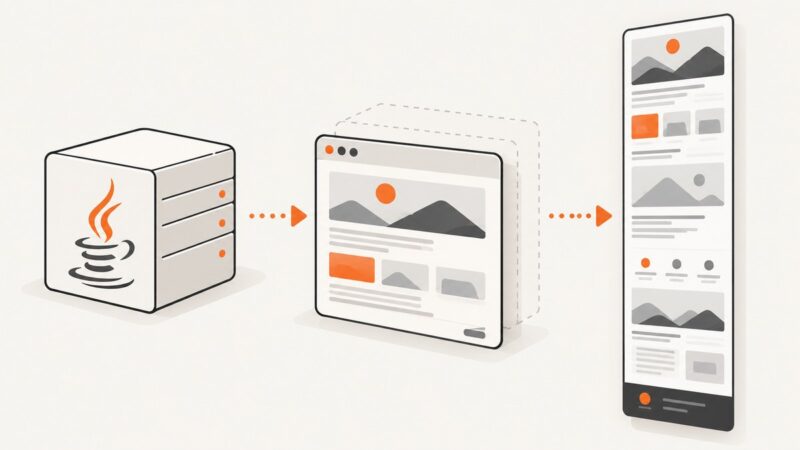
Build reliable full-page screenshots in Spring Boot with Playwright Java, readiness checks, security controls, troubleshooting, and a hosted API option.
Inspect og:image, verify what crawlers fetch, and fix missing or stale social previews with practical checks, code, and troubleshooting.
Generate website thumbnails at no cost with browser tools, Puppeteer, hosted APIs, and a reliable ScreenshotNeo workflow.
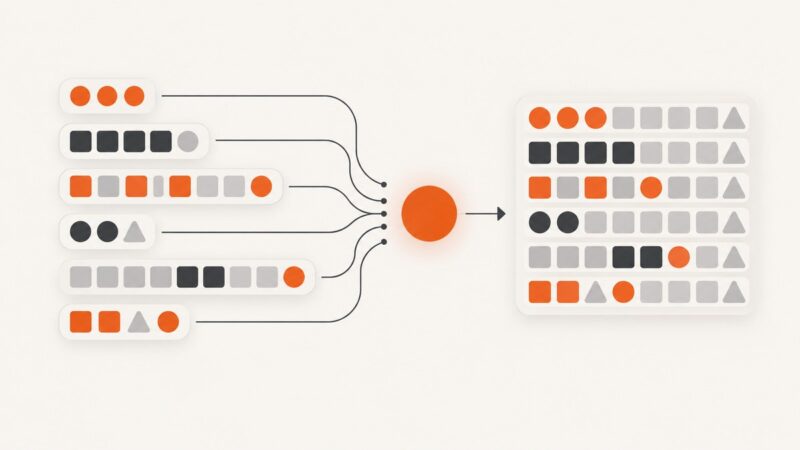
Learn how to pad variable-length sequences and arrays for batching, choose safe fill values, preserve masks, and avoid wasted memory or silent truncation.
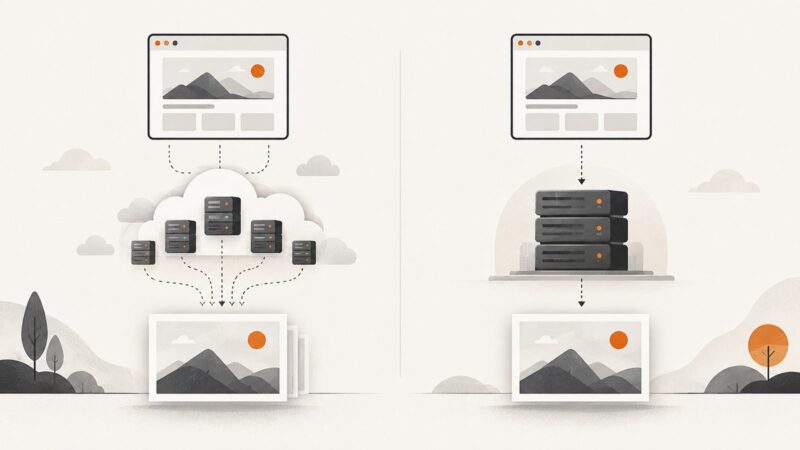
Compare Microlink and URL2PNG on capture controls, pricing, caching, authentication, and reliability—and see which screenshot API fits your workload.
Use Selenium’s Firefox API for a full-page PNG, or Chrome DevTools Protocol for Chromium. This guide covers runnable code, browser differences, troubleshooting, and a simpler API option.
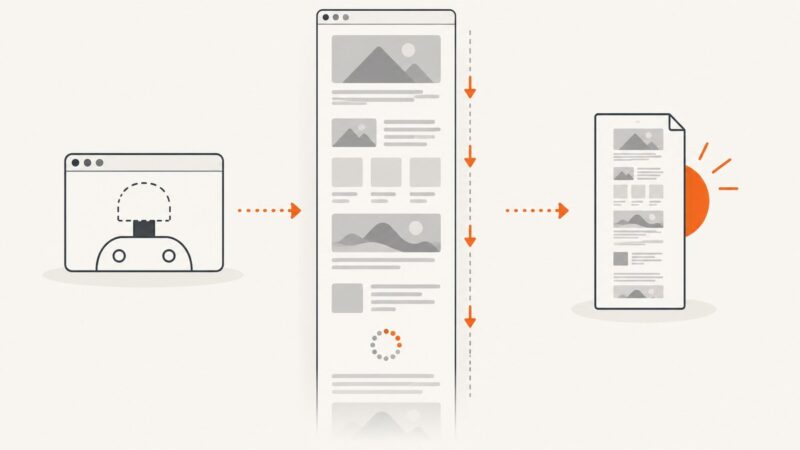
Capture an entire webpage in Headless Chrome with Puppeteer or Playwright, wait for dynamic content, and avoid common full-page screenshot problems.
PagePixels offers more documented workflow features; URL2PNG publishes fresh-render tiers, worker counts and overage rates. Compare the fit, then try ScreenshotNeo as a third option.
ApiFlash is the better default for most developers: it has a free tier and lower entry prices. Choose URL2PNG for dedicated workers, Fastly delivery and a no-queue service.
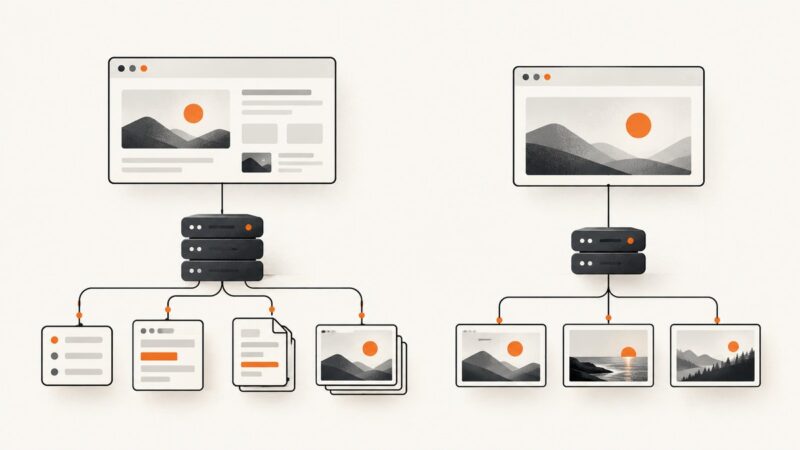
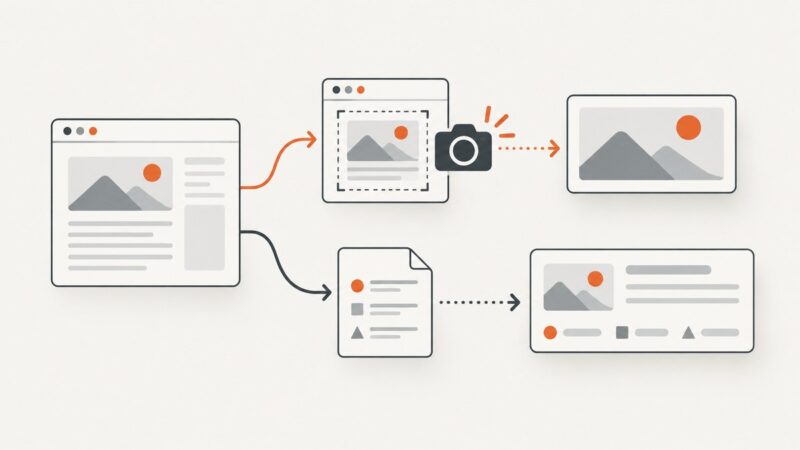
Choose between capturing a webpage as an image and extracting metadata for a rich link card, then automate the right workflow with Playwright or an API.
Build a NestJS screenshot service with Puppeteer: install a browser, wait for dynamic pages, return images safely, and handle production edge cases.