5 Best Browshot Alternatives for Scaling Website Screenshots
Compare screenshot APIs by monthly volume, request limits, batch workflow, and full-page behavior. Find the right fit for your workload and verify it with your URLs.
Blog
How to take clean screenshots, turn HTML into images and PDFs, run headless browsers, and give AI agents eyes. Written by the team that builds ScreenshotNeo.
Compare screenshot APIs by monthly volume, request limits, batch workflow, and full-page behavior. Find the right fit for your workload and verify it with your URLs.
Compare five Screenshot Machine alternatives by price, rendering controls, output formats, and workflow. Find the right fit for production, advanced capture, or a small budget.
Run one Playwright suite across Chromium, Chrome, Edge, Firefox and WebKit in CI, with cloud-provider guidance, fidelity caveats and working config.
Use Puppeteer, Playwright, or node-html-to-image to capture pages and convert HTML to PNG or JPEG in Node.js.
Run Playwright or Puppeteer on a remote browser, choose the right cloud setup, and handle versions, routing, retries, and data quality.
Learn how to track Bing rankings with Webmaster Tools, interpret average position, automate reporting, and separate organic rank from AI citation visibility.
Read localStorage with Playwright after navigating to the right origin, handle sessionStorage separately, and protect exported browser state.
Learn what still works after Bing Search API retirement: historical API patterns, safe HTML parsing, defensive Python code, and current alternatives.
Learn how Cloudflare Turnstile tokens, modes, validation, test keys, Playwright, and Cypress fit together, including timeout and duplicate errors.
Learn what public Instagram access permits, how Meta limits automation, and when an authorized API is the right route.
Use Etsy Open API v3 for compliant product, shop, and keyword data. Learn authentication, pagination, OAuth, limits, errors, and safer workflows.
Block image requests in Selenium with browser-specific settings, understand the tradeoffs, and troubleshoot common issues in Chrome and Firefox.
Configure per-client and global proxies in C# with runnable code, authentication, bypass rules, reuse guidance, troubleshooting, and ScreenshotNeo.
Choose Scrapy for high-volume HTTP extraction and Selenium for browser behavior. This guide compares both, shows hybrid designs, and explains when to use ScreenshotNeo.
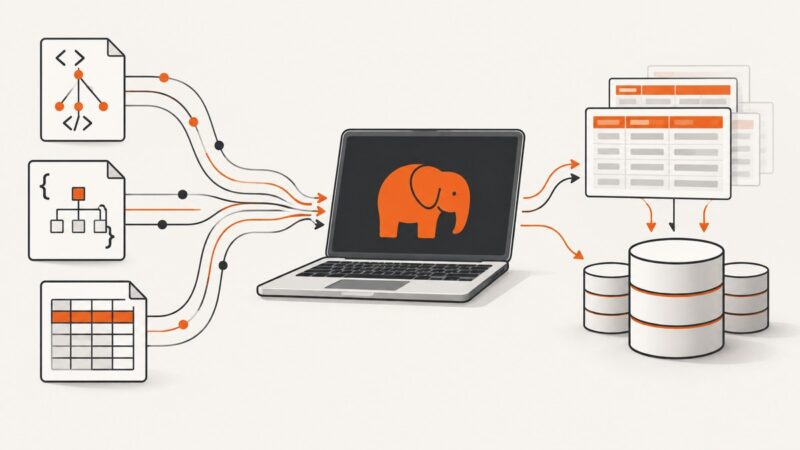
Choose the right PHP approach for XML, HTML, JSON, CSV, request input, or database rows—with runnable examples, validation guidance, and troubleshooting.
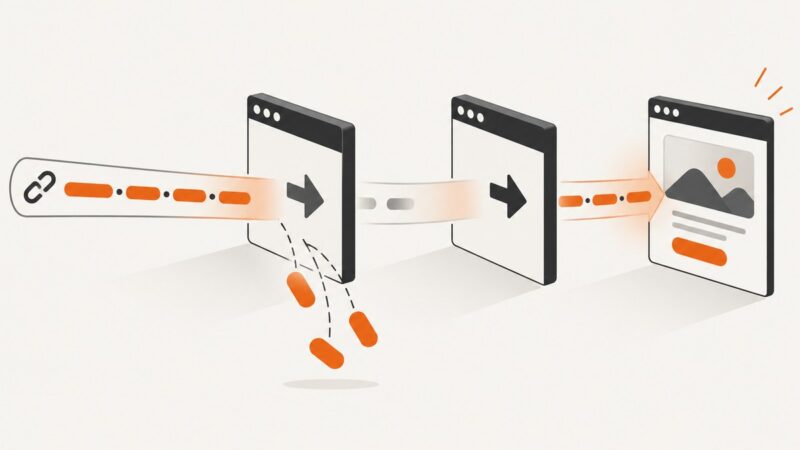
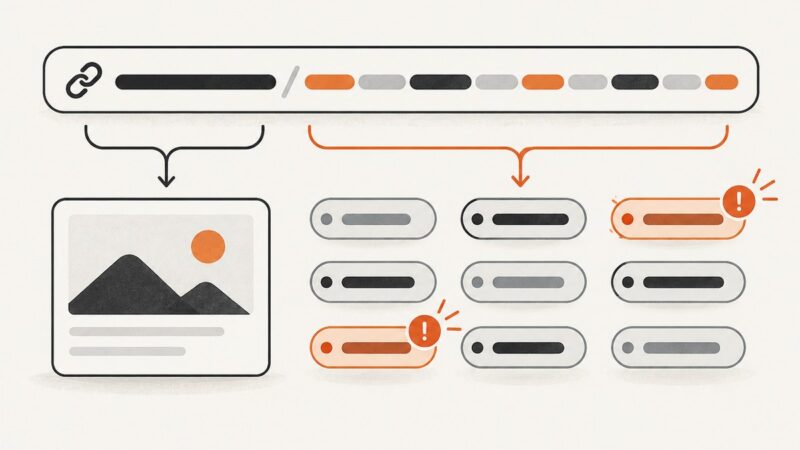
Validate UTM links before launch: check required fields, duplicates, naming, encoding, redirects, and why a structurally valid URL can still miss GA4 attribution.
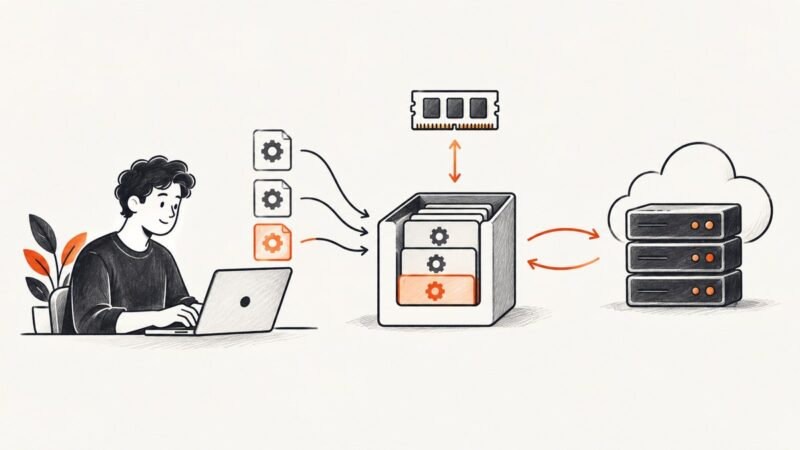
Learn when Python caching helps, how to use functools.lru_cache, Django and Redis, and how to handle keys, expiry, invalidation and stale data.
A screenshot captures a page under specific viewport, scale, device, and capture settings. Match those inputs to explain why its pixels differ from your browser view.