HTTP 428 Precondition Required: What It Means
HTTP 428 means an API requires a conditional request. Learn how to use ETags, fix 428 versus 412, and prevent lost updates.
Blog
How to take clean screenshots, turn HTML into images and PDFs, run headless browsers, and give AI agents eyes. Written by the team that builds ScreenshotNeo.
HTTP 428 means an API requires a conditional request. Learn how to use ETags, fix 428 versus 412, and prevent lost updates.
A 499 usually means the client closed its connection before the server finished. Learn how to trace the request, distinguish cancellations from slow origins, and reduce avoidable occurrences.
HTTP 418 is a joke status code from RFC 2324. Learn its meaning, history, 503 comparison, bot use, debugging steps, and code examples.
Learn five coding concepts that make no-code workflows easier to build and debug: data types, JSON, control flow, functions, and APIs.
Learn how browser extensions connect AI agents to pages and logged-in sessions, how permissions and prompt injection work, and how to test safely.
Build a browser agent locally with Playwright, then decide when a hosted free tier is worth the tradeoffs. Includes runnable code, safety checks, and troubleshooting.
Capture and verify localized pages from 49 countries with browser routing, locale controls, diagnostics, provider comparisons and runnable code.
Compare Scrapy, Apify, Octoparse, ParseHub and Bright Data by control, scale, dynamic pages, maintenance, exports and cost.
Compare five online DNS lookup tools, learn how to check A, MX, TXT, NS and DNSSEC records, and troubleshoot changes that have not appeared yet.
Compare seven mobile and 4G proxy providers by targeting, sessions, price, tooling, support, and sourcing so you can choose the right fit.
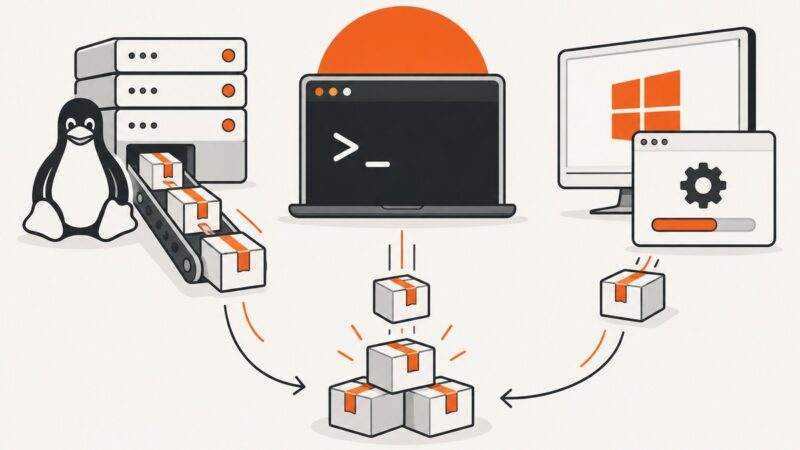
Install Python 3 safely on CentOS, Ubuntu, or Windows, verify it, create a virtual environment, and fix common setup errors.
HTTP 413 means a server or intermediary refused request content because it exceeded an acceptable size. Find the layer imposing the limit and choose the right fix.
HTTP 411 means a server requires a defined Content-Length. Learn how to inspect the request, fix known-length and streamed bodies, and trace gateways.
Compare six practical DNS tools, from dig and nslookup to DNSViz and Google Admin Toolbox, and follow a repeatable workflow for common failures.
HTTP 412 means a request condition did not match the resource’s current state. Find the failed validator, resolve the version conflict, and retry safely.
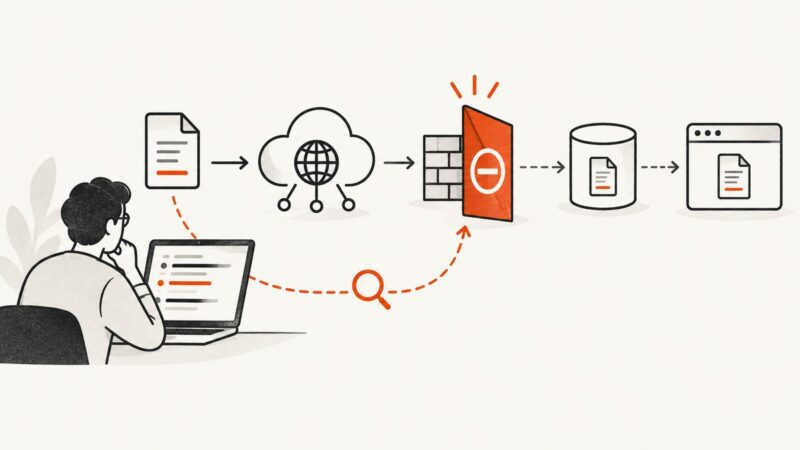
A 403 means a server understood your PDF request but refused it. Find the denying layer and fix CloudFront, S3, signed URL, WAF, and client errors.
HTTP 431 means a request’s headers exceed a limit set by a server or intermediary. Find the oversized field, reduce it, and retry.
HTTP 406 means the server cannot provide a representation matching your request headers. Learn how content negotiation works and how to fix it.