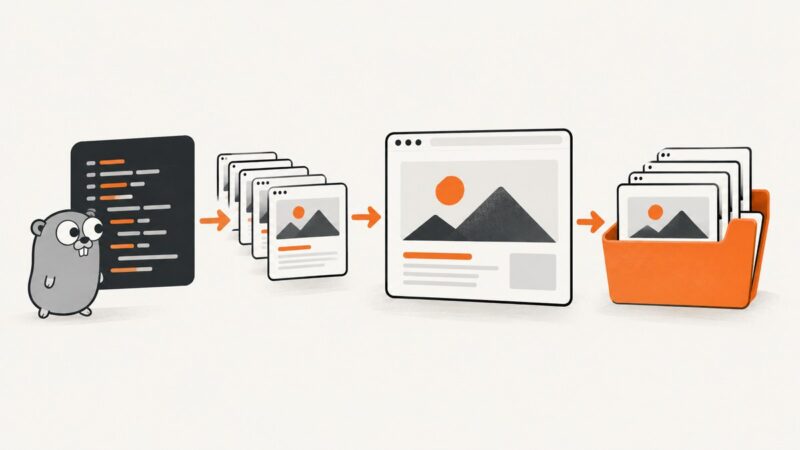
How to Take Bulk Screenshots with Playwright in Go
Capture many URLs reliably in Go with Playwright: reusable browser lifecycle, waits, full-page output, naming, failures, performance, and an API alternative.
Capture many URLs reliably in Go with Playwright: reusable browser lifecycle, waits, full-page output, naming, failures, performance, and an API alternative.
On most Android phones, press Power and Volume Down together. If that fails, try the Power menu or, on Pixel, the Recent apps shortcut.
Capture an entire webpage on iPhone, save it as an image or PDF, fix common problems, and automate clean screenshots with ScreenshotNeo.
Take a website screenshot for free with browser tools, Puppeteer, or Playwright. Learn how to capture a viewport, element, or full page, and troubleshoot common issues.
Add a button that saves a full-page image with html2canvas. Learn its rendering limits, troubleshoot missing content, and see when a screenshot API fits better.
Learn how to capture Selenium screenshots in Python and Java, save files, capture elements or full pages, troubleshoot failures, and automate reliably.
Capture a whole webpage on iPad, save it as an image or PDF, and troubleshoot when Full Page is missing.
Capture full pages or elements with Selenium in C#: complete code, file handling, troubleshooting, reliability tips, and a browser-free API option.
Use Samsung Scroll capture to save an entire webpage or document as one image, with fixes for missing controls and blocked apps.
Learn how to capture a visible section, full news article, or single page element on desktop, iPhone, and with an API.
Find the full-page screenshot shortcut for Firefox and Edge, the Chrome DevTools method, Safari’s documentation gap, and an API option.
Capture a webpage as editable Figma layers or import a flat screenshot, with steps, limits, troubleshooting, and an automated ScreenshotNeo workflow.
Capture the visible screen or a full webpage with built-in browser and OS shortcuts. Find the right steps for Edge, Firefox, Chrome, Windows, Mac, and Chromebook.
Get sharper, more reliable Puppeteer screenshots by controlling viewport, page readiness, lazy content, capture scope, and output format.
Capture an entire webpage in Chrome with DevTools, troubleshoot long or dynamic pages, and automate reliable screenshots with ScreenshotNeo.
Learn the fastest way to capture a homepage, from Windows and Mac shortcuts to full-page browser tools and an automated API workflow.
Capture responsive screenshots at mobile, tablet, and desktop widths, then check layout, interactions, accessibility, and image delivery with this practical workflow.
Install Puppeteer, run your first script, choose headless modes, and fix browser, Linux, CI, and hanging-script errors.