How to Take a Website Screenshot Without a Browser Extension
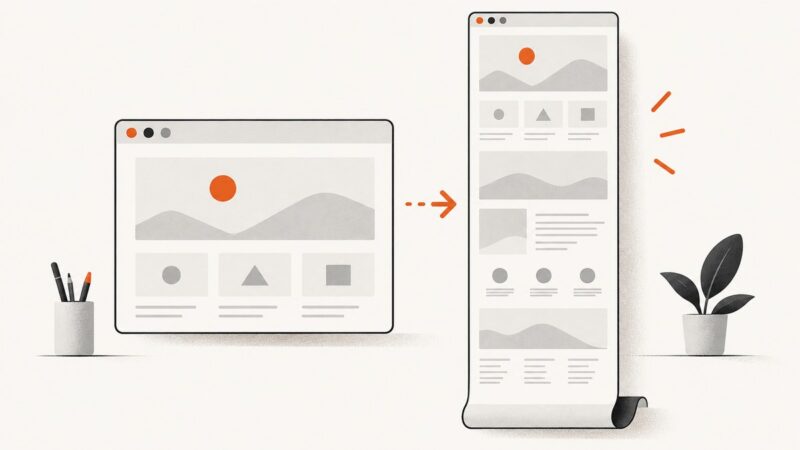
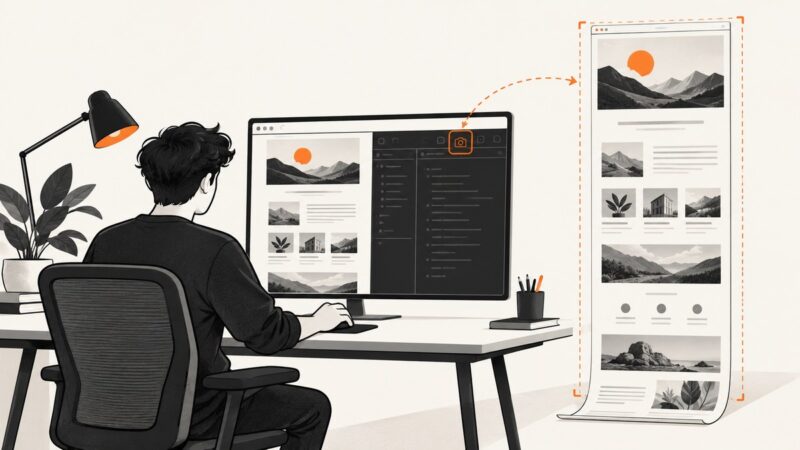
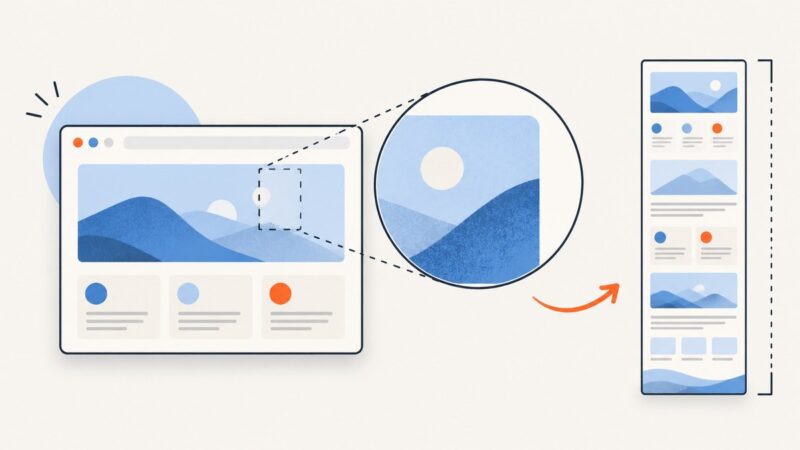
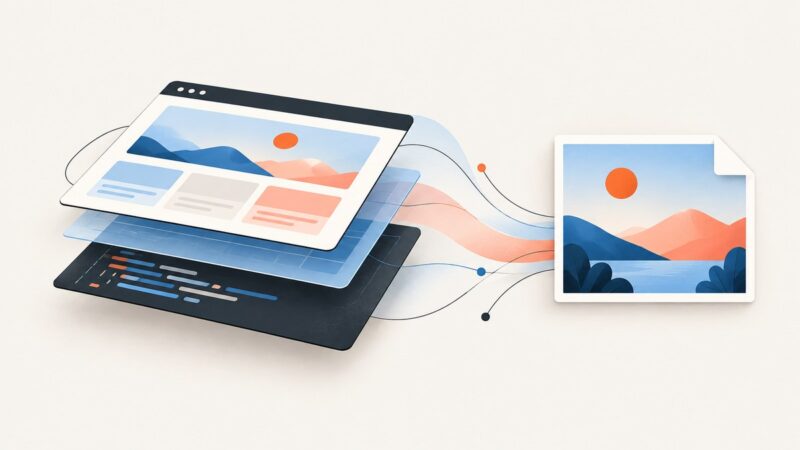
Capture a full webpage without an extension using Firefox, headless Chrome, Firefox CLI, Playwright, or ScreenshotNeo.
Capture a full webpage without an extension using Firefox, headless Chrome, Firefox CLI, Playwright, or ScreenshotNeo.
Firefox speichert ganze Webseiten direkt als Bild. Hier findest du die Schritte für Windows, macOS und Linux, Alternativen und Lösungen für typische Probleme.
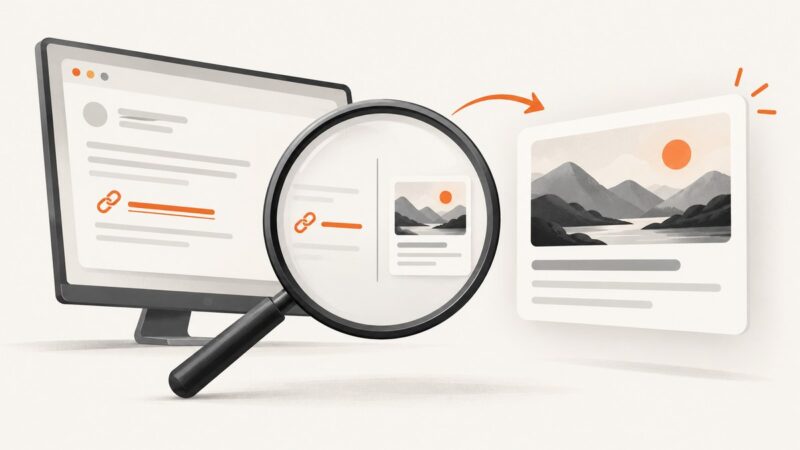
Missing a rich link card in Outlook? First identify your Outlook version and whether the problem is a missing preview, a disabled link, or message preview text.
Learn how to capture a Shopify storefront, page preview, or admin screen clearly and safely, on desktop, mobile, or with an API.
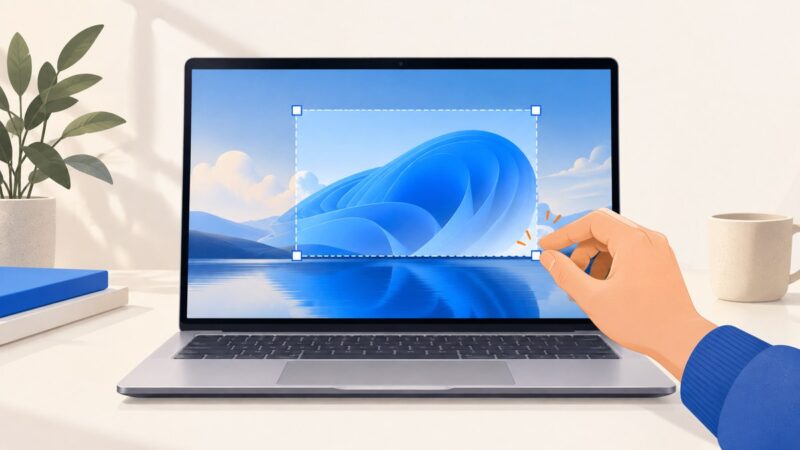
Learn every reliable way to screenshot an HP laptop in Windows 10 or 11, save the image, capture one window, fix shortcuts, and use Snipping Tool.
Capture viewport, full-page, and element screenshots in Python with Playwright or Selenium, tune output, fix failures, and use ScreenshotNeo when you want an API.
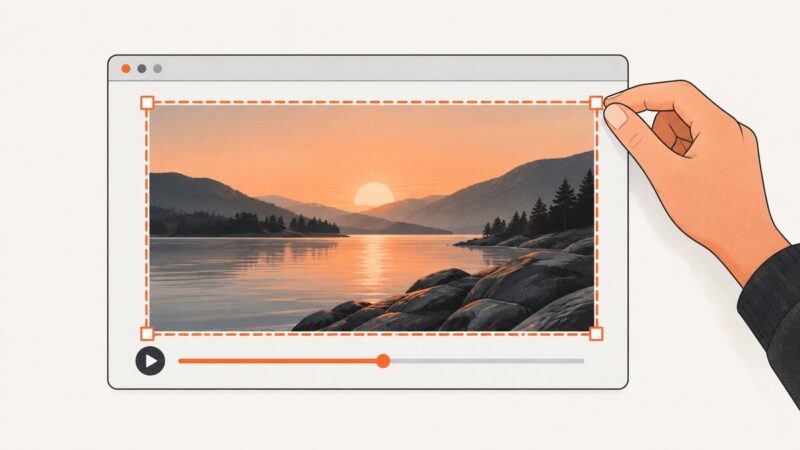
Pause a YouTube video on the right frame, then capture just the video or the whole screen on desktop and mobile.
Find out why a webpage screenshot is black and how to diagnose protected video, capture permissions, managed policies, and browser rendering issues.
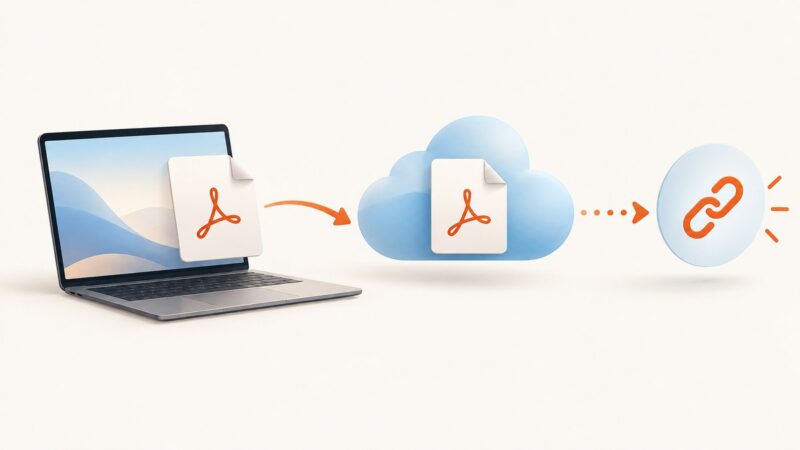
Put your PDF online, choose who can access it, and copy a shareable link. This guide covers Google Drive, Dropbox, and hosting it on your own site.
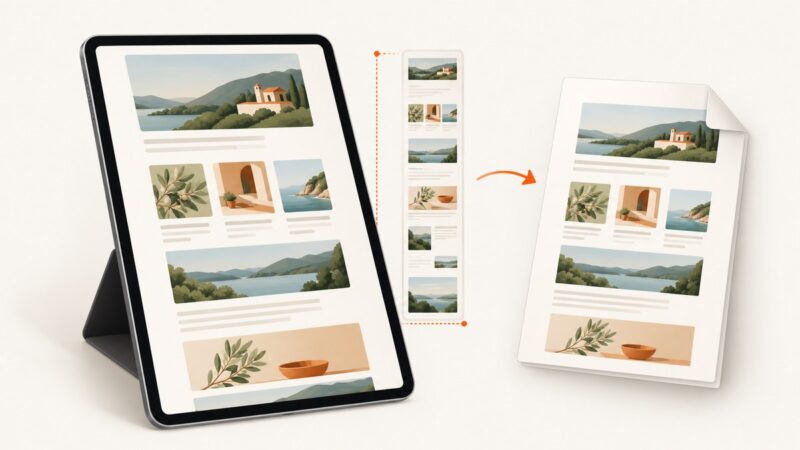
Learn the iPad button shortcuts, Safari Full Page capture, PDF saving, alternatives, troubleshooting, and an automated ScreenshotNeo workflow.
Build reliable marketing-report screenshots with dashboard schedules, analytics APIs, Playwright, or ScreenshotNeo, including code, troubleshooting, and cost guidance.
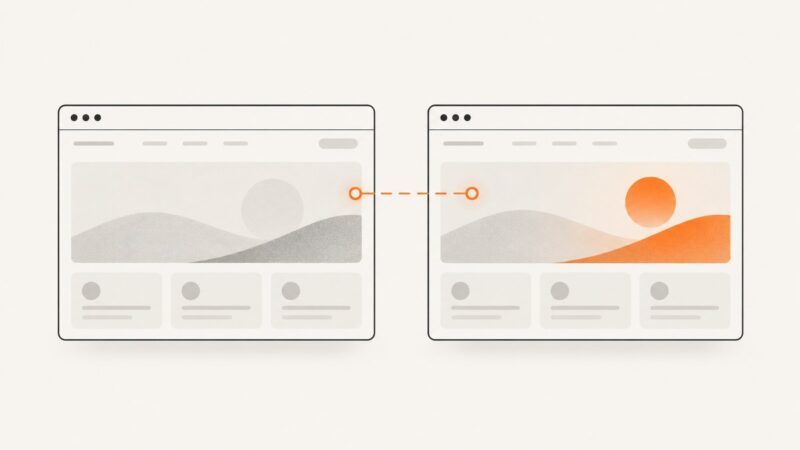
Make website screenshots sharper with the right device scale, viewport, and capture mode. Learn the Chrome, Firefox, and Playwright workflows, plus a no-setup API option.
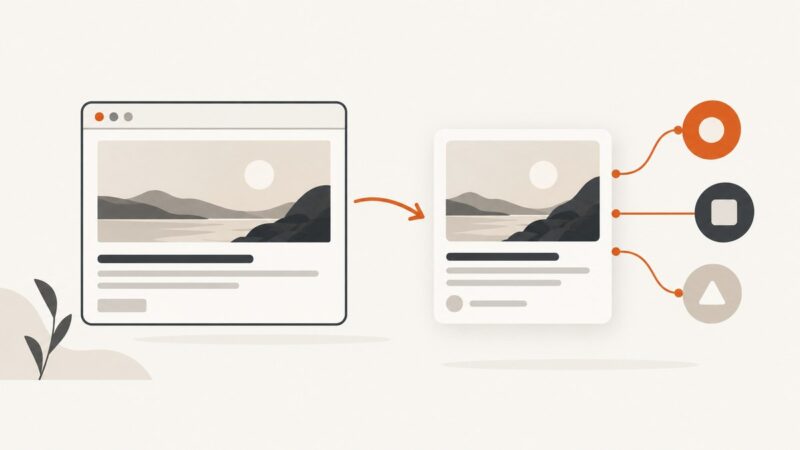
Learn how to generate reliable website preview images, add Open Graph metadata, automate screenshots, and validate link cards across social platforms.
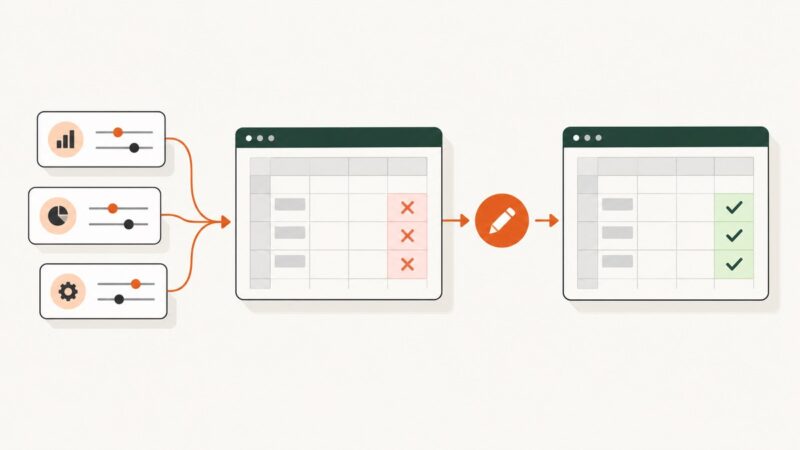
Learn how to regression test an Excel workbook with repeatable scenarios, trusted baselines, tolerance rules, automation, and troubleshooting.
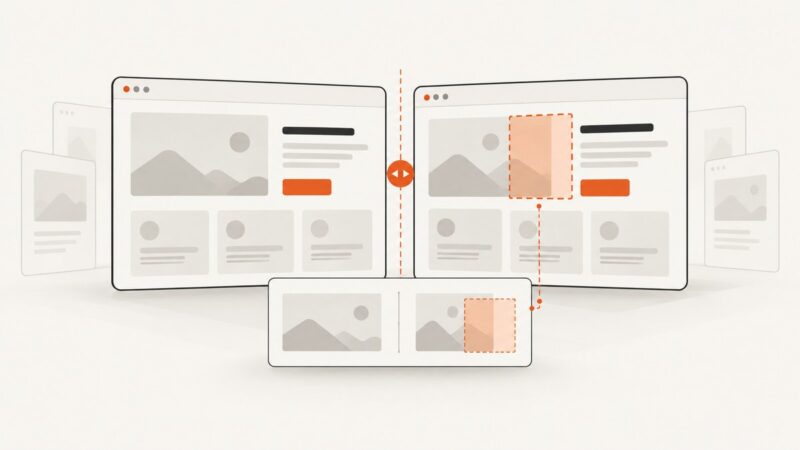
Set up WebdriverIO visual checks, choose screenshot scopes, stabilize captures, and review baseline changes with confidence in CI.
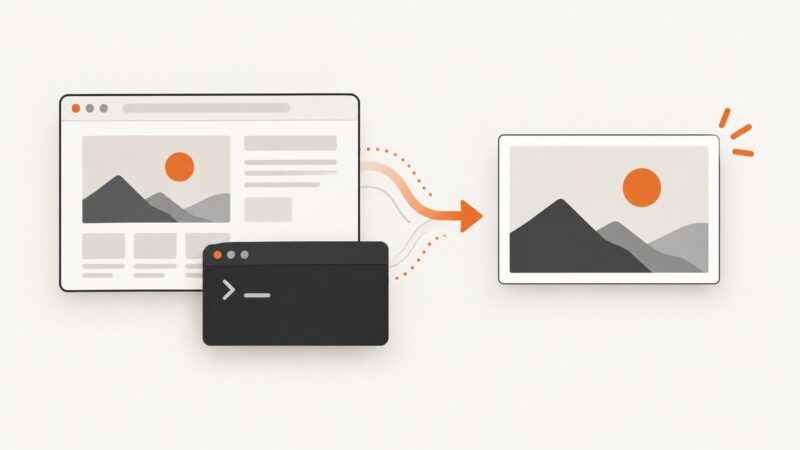
Convert HTML to an image online by choosing the right path for your input: a DOM element, raw HTML and CSS, or a webpage URL. Compare browser and hosted options, with runnable examples.
Build a repeatable screenshot monitor for your brand, campaigns, and competitors. Compare stable captures, filter noise, and alert with enough context to act.
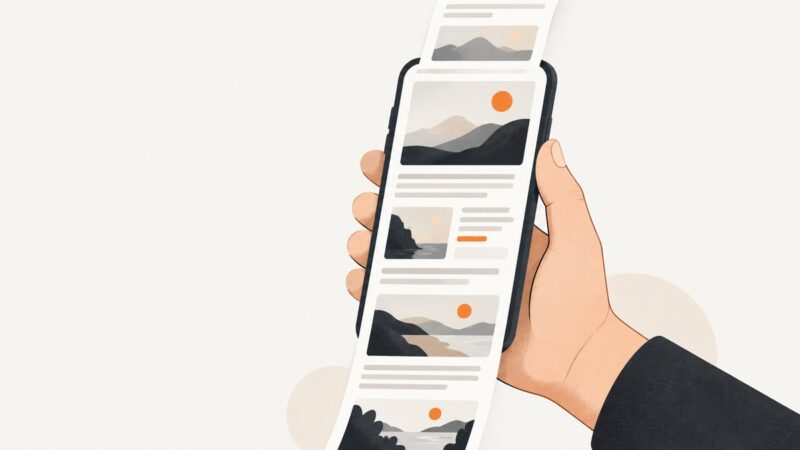
Capture a whole webpage or long screen on iPhone, Android, or Samsung Galaxy. Learn what to try when Full Page, Capture more, or Scroll capture is missing.