How to Generate Open Graph Images in PowerShell
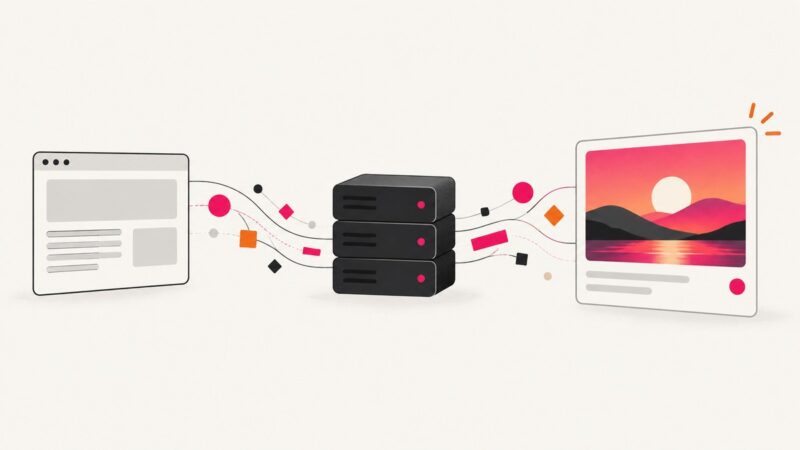
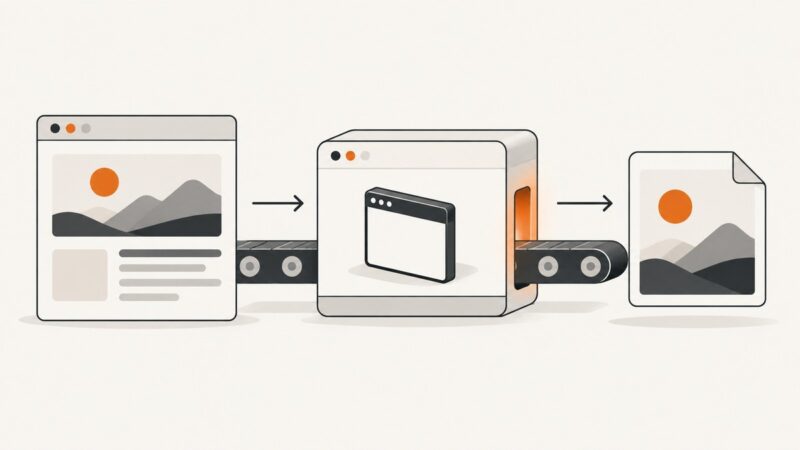
Create Open Graph images in PowerShell with ImageMagick: build an SVG card, render it to PNG, validate the output, and automate generation in CI.
Create Open Graph images in PowerShell with ImageMagick: build an SVG card, render it to PNG, validate the output, and automate generation in CI.
Build a Bun route that renders dynamic Open Graph cards as PNGs with Satori and resvg, then cache, validate, and serve them reliably.
Use the right shortcut for Firefox or Edge, or capture a full page in Chrome through DevTools. Learn how to save, copy and troubleshoot the result.
Use Selenium’s screenshot methods to get a Base64 string for the current window or an element, then embed, decode, or save the image.
Change the main image on a GoDaddy Websites + Marketing site, publish it, and learn what to check when you mean a social link preview.
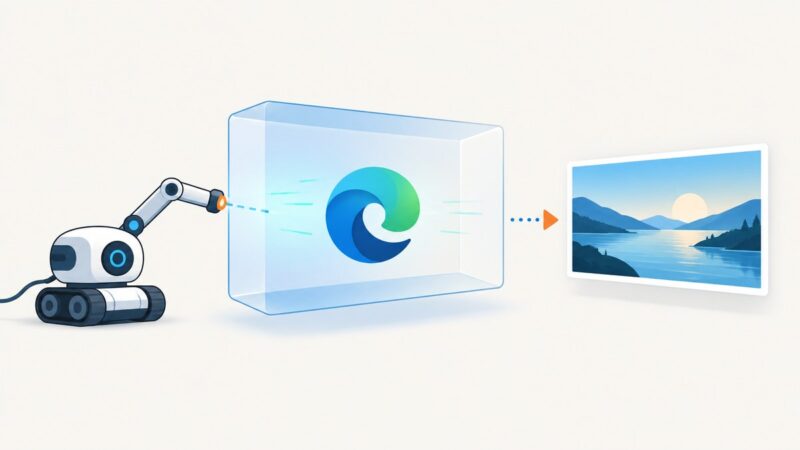
Run Microsoft Edge headless with Selenium 4 and EdgeDriver, wait for dynamic pages, save screenshots, troubleshoot failures, and automate captures reliably.
Find the og:image URL in HTML, resolve and validate it, handle JavaScript and cache issues, and automate extraction with Python, Node.js, cURL, or ScreenshotNeo.
Run wkhtmltoimage headlessly in Docker with pinned binaries, mounted files, fonts, security controls, troubleshooting, and a managed API alternative.
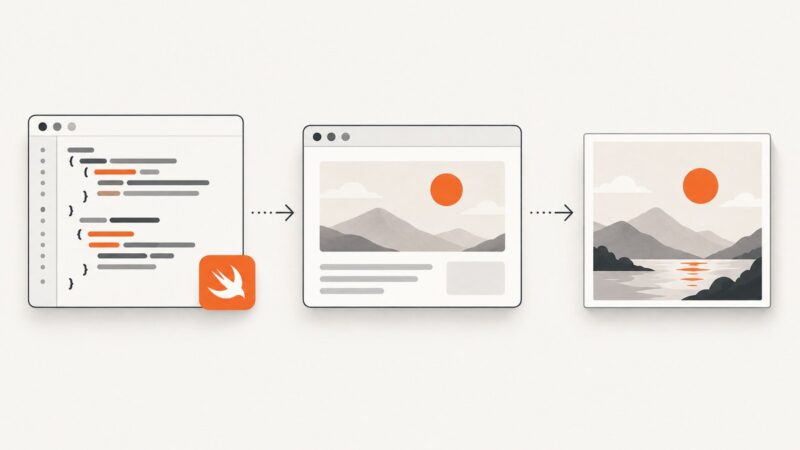
Learn which Swift screenshot API fits your job: XCTest, UIScreenshotService, Simulator tools, and a hosted ScreenshotNeo workflow.
Render HTML with WKWebView, capture it asynchronously, encode PNG or JPEG, and troubleshoot sizing, fonts, JavaScript, and long pages in Swift.
Create sharp, readable website thumbnails in Canva: choose dimensions, design for small cards, export PNG or JPG, and fix blurry results.
Render a live website in Rust with headless Chrome, wait for dynamic content, capture full pages or elements, troubleshoot failures, and compare ScreenshotNeo.
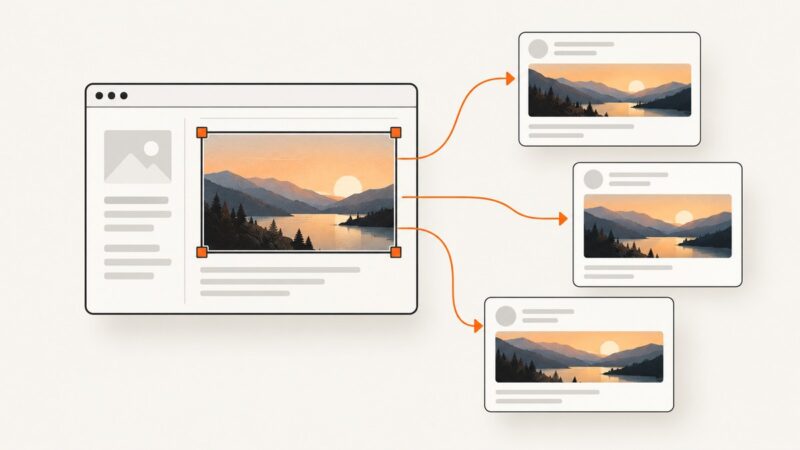
Set the right social sharing image with Open Graph metadata, choose a reliable size, and refresh stale previews on Facebook, LinkedIn, and X.
Save Playwright MCP screenshots exactly where you need them with filename paths, output directories, format options, troubleshooting, and automation tips.
Convert HTML generated in n8n to a PDF with a self-hosted Gotenberg renderer. Includes Docker setup, workflow configuration, layout options, troubleshooting, and a URL screenshot alternative.
Capture an entire webpage as a scrolling screenshot in Firefox or Chrome, export PNG or PDF, fix common failures, and automate captures with ScreenshotNeo.
Runnable Puppeteer examples for viewport, full-page, element, clipped, JPEG, PNG, buffer and base64 screenshots, plus troubleshooting and API options.
Find out why a website download fails, then work through fixes for missing files, network errors, permissions, storage, and security warnings.