How to Take Selenium Screenshots on Test Failure
Capture Selenium screenshots at the moment a test fails, attach them to pytest reports, avoid teardown races, and preserve reliable CI artifacts.
Capture Selenium screenshots at the moment a test fails, attach them to pytest reports, avoid teardown races, and preserve reliable CI artifacts.
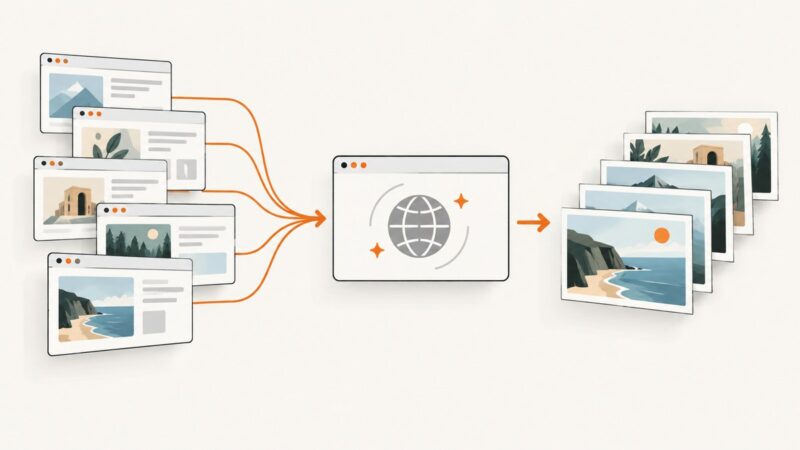
Learn how to capture any website online, including full-page, mobile, annotated, automated, and API screenshots, with practical code and troubleshooting.
Generate better Instagram leads with compliant targeting, consented capture, authorized APIs, scoring, validation and reliable follow-up.
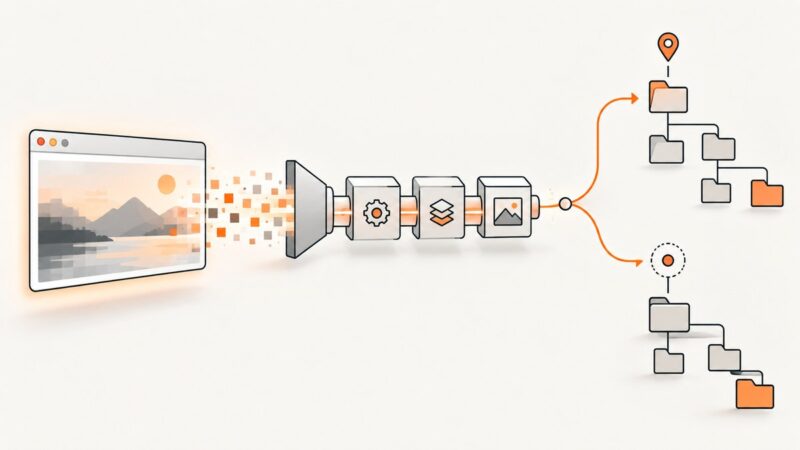
Capture many pages with Playwright .NET using reusable contexts, safe output names, per-page error handling, and measured concurrency.
Open a saved screenshot, preview an image loaded by a page, or capture a viewport, full page, or element with browser developer tools.
Learn how to generate AI images in HubSpot, create Breeze charts, fix access issues, and capture clean visual assets for your site.
Use Puppeteer’s device descriptors or set viewport, scale, and touch options yourself. Learn how to capture mobile screenshots and troubleshoot common mismatches.
Java does not choose a screenshot folder. Learn how Robot captures pixels, how ImageIO writes them, and how to locate every output reliably.
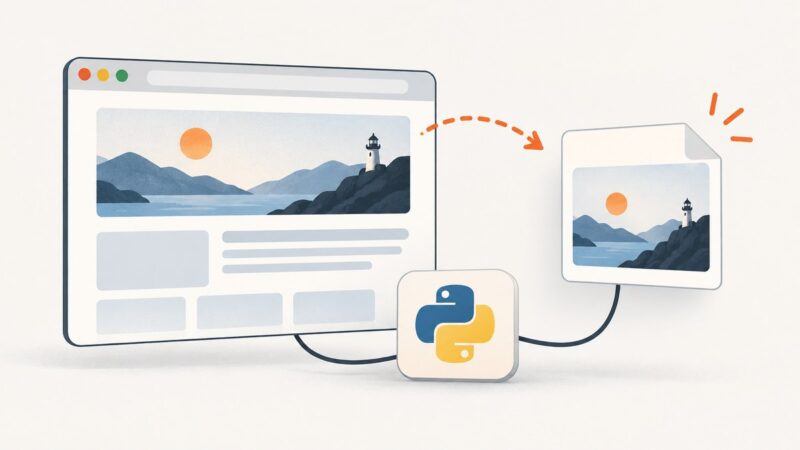
Save a Selenium screenshot as a PNG, capture one element, or return image bytes and base64. Includes runnable examples and fixes for common errors.
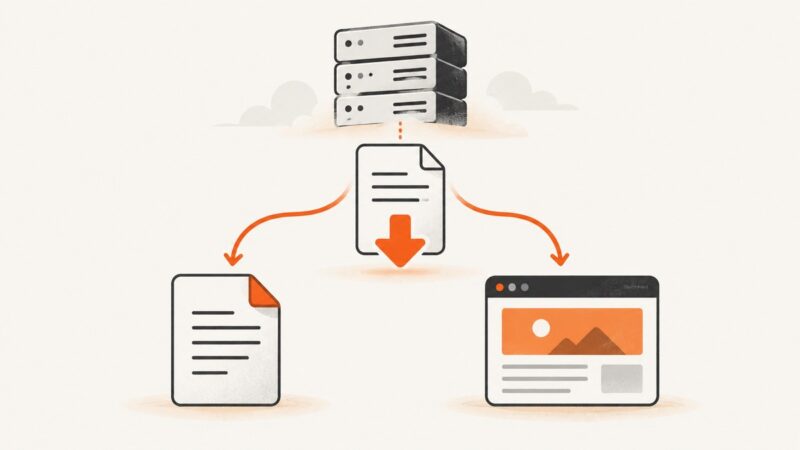
A .html download usually means the server returned a web page, not PDF data. Learn how to verify the response and fix browser and server causes.
Capture the visible screen or an entire webpage in Chrome, Firefox, Edge, or Safari on iPhone. Choose an image or PDF, and troubleshoot common capture issues.
Selenide captures screenshots automatically when tests fail. Learn where they go, how to take named or in-memory captures, and how to control page-source artifacts.
Capture a full display, a selected rectangle, or every monitor in Go with kbinani/screenshot, then encode the returned pixels as an image file.
Learn how to render complete, scrollable-page screenshots with Playwright, Puppeteer, CDP, Firefox, and ScreenshotNeo, including waits, formats, failures, and cost choices.
Diagnose Tomcat hangs methodically: verify logs and CATALINA_BASE, isolate deployment failures, capture thread dumps, and apply evidence-based fixes.
Fill a form with Playwright, wait for the rendered state, and capture the page or form element. Includes control examples, html2canvas trade-offs, and troubleshooting.
Change the image shown when your website link is shared, update Open Graph metadata, and refresh stale previews on social platforms.
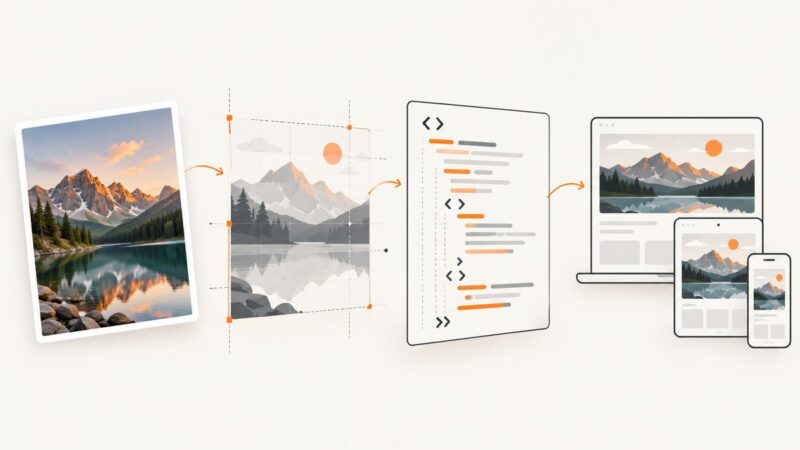
Learn four practical ways to turn an image into HTML: embed it, inline it, rebuild it with CSS, or generate a screenshot for reference.