How to Get an Image URL for HTML
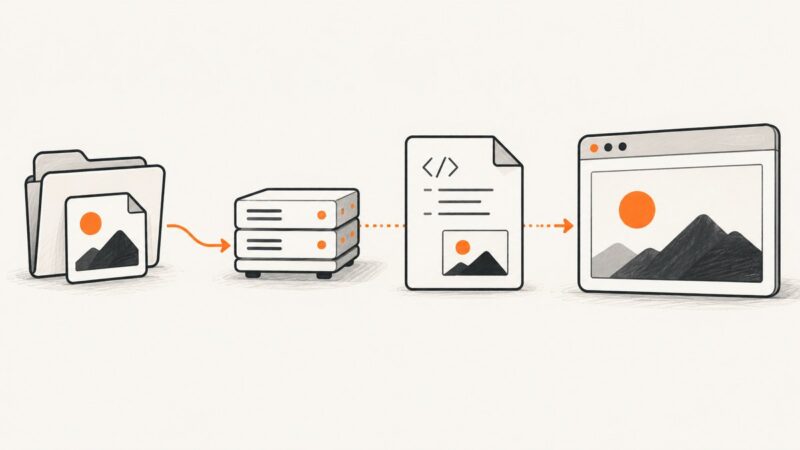
Learn how to put local, hosted, and responsive image URLs in HTML, fix broken paths, and automate page screenshots with ScreenshotNeo.
Learn how to put local, hosted, and responsive image URLs in HTML, fix broken paths, and automate page screenshots with ScreenshotNeo.
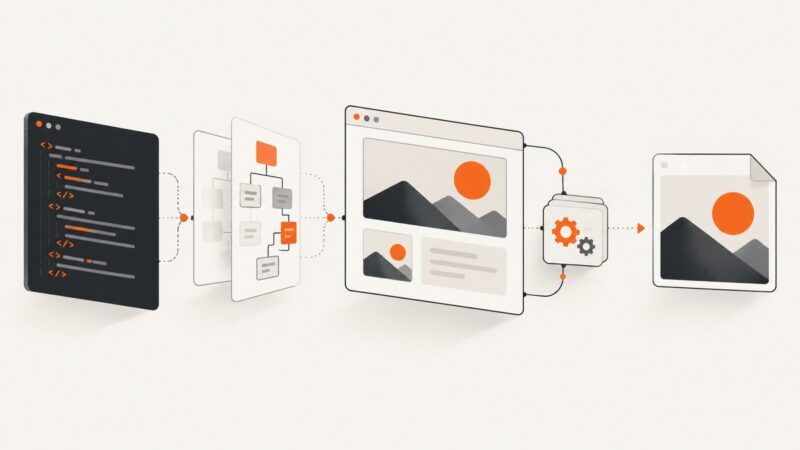
Learn three reliable ways to convert HTML into PNG, JPEG, or WebP: html2canvas, Playwright or Puppeteer, and ScreenshotNeo.
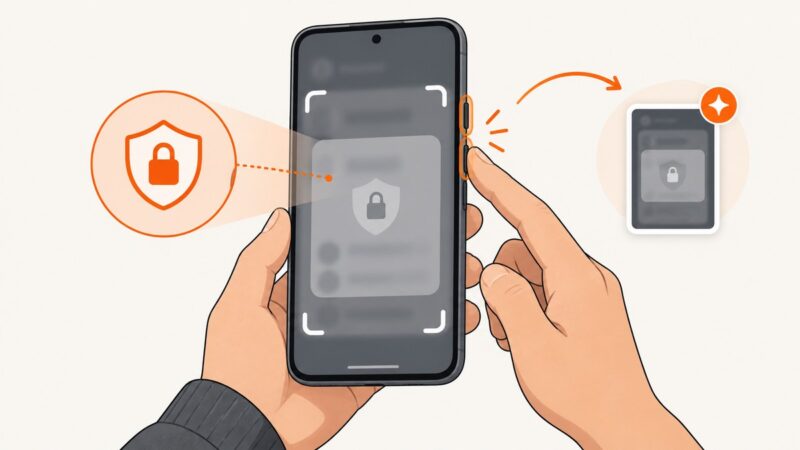
Find out whether Android screenshots are failing everywhere, blocked in one app, or saved somewhere unexpected—and follow the right fix.
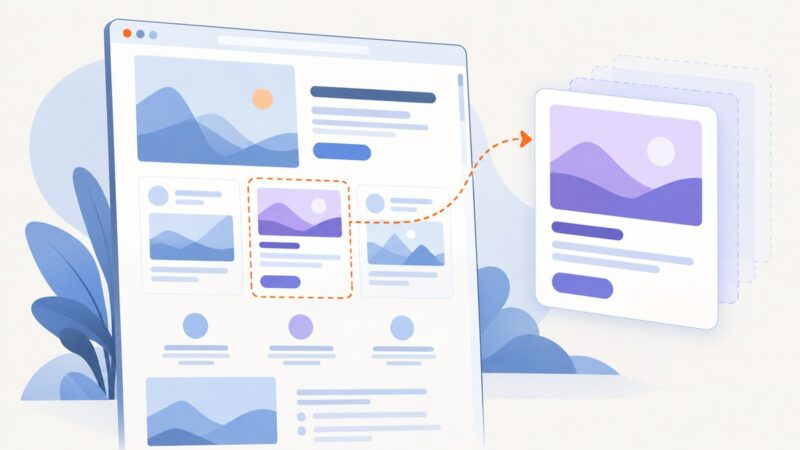
Make a clear website or YouTube thumbnail in your browser: choose a canvas, design for small screens, export it, and upload it.
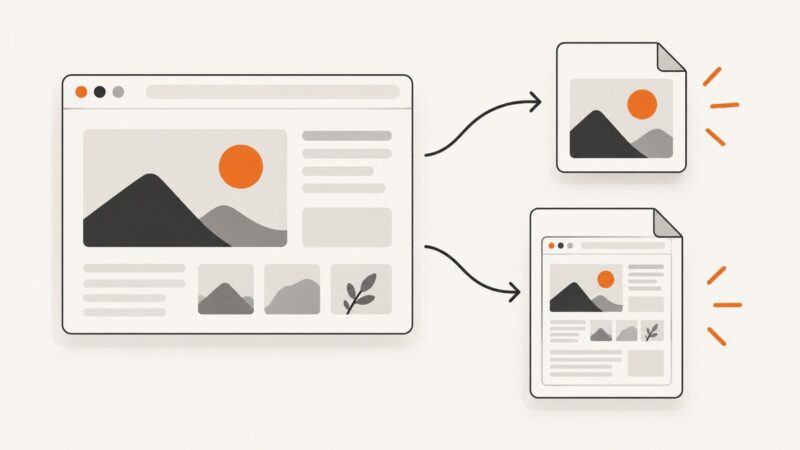
Save a complete web page as a JPEG with Firefox, Edge, Chrome extensions, image conversion, automation, and ScreenshotNeo.
Capture an SPA viewport, full page, or component reliably with Firefox, Playwright, Puppeteer, and ScreenshotNeo.
Learn how to save an image from a website or capture a webpage as a thumbnail, with browser steps, automation code, troubleshooting, and usage tips.
Capture screens from a terminal on Linux and Windows, choose the right session-aware tool, troubleshoot failures, and automate clean website shots.
Learn how to capture authenticated pages manually or with Playwright, reuse login state safely, troubleshoot failures, and automate reliable full-page screenshots.
An old social share image usually comes from stale page metadata, blocked image delivery, or a platform cache. Trace the source, then refresh the affected preview.
A fixed header or sticky element looks misplaced in a Firefox screenshot? Trace whether the cause is page layout or capture behavior, then reproduce and isolate it.
Fix cramped, stretched, overflowing layouts with a practical CSS and viewport debugging process that works across screen sizes.
Learn what Edge can preview, how tab previews and URL formatting work, and how to capture a clean preview of any webpage.
Mask private or unstable regions in Playwright screenshots with locators, custom colors, visual assertions, and reliable troubleshooting.
Capture the part of a news story on screen or save the full article. Follow the steps for iPhone, Android, Windows, or Chromebook.
Save Selenium’s current browser window as a PNG, check whether the write succeeded, and choose file, bytes, base64, or element capture for your workflow.
A practical test plan for screenshot APIs: HTTP contracts, image correctness, full-page behavior, selectors, visual diffs, failures, and CI.
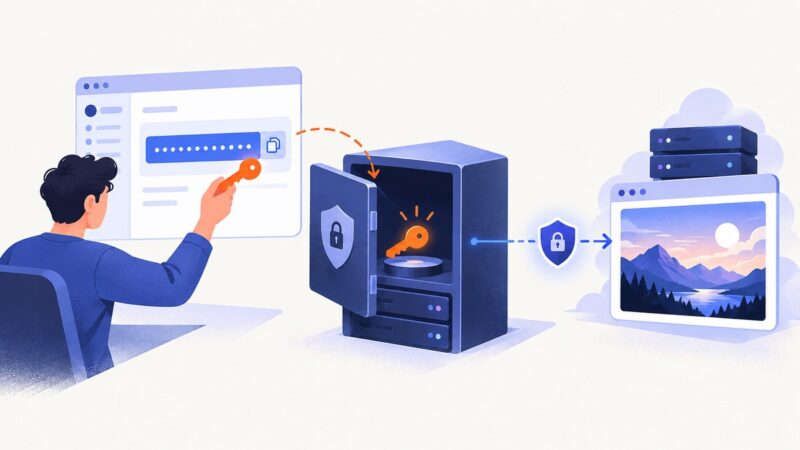
Learn where to get a screenshot API key, how to store it safely, proxy requests, sign public links, rotate leaks, and use ScreenshotNeo securely.