How to Submit a Form and Screenshot the Result
Submit a form through its normal validation flow, wait for the result to appear, then capture a clear screenshot with your browser or automation.
Submit a form through its normal validation flow, wait for the result to appear, then capture a clear screenshot with your browser or automation.
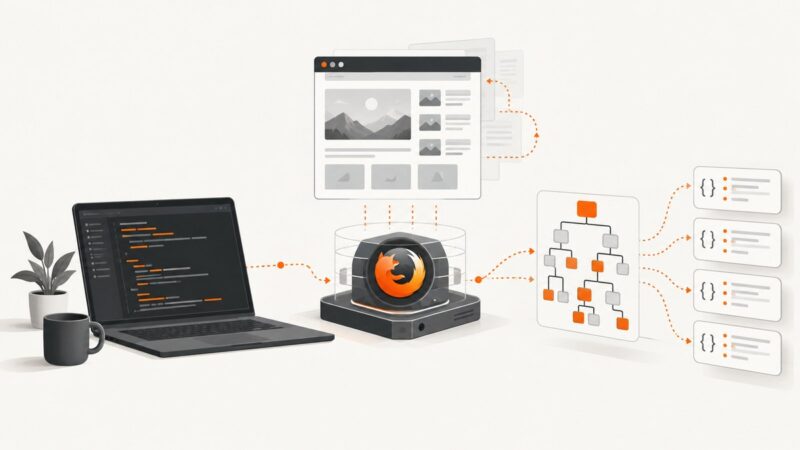
Learn Selenium and Playwright headless Firefox scraping with runnable code, waits, extraction patterns, troubleshooting, and production guidance.
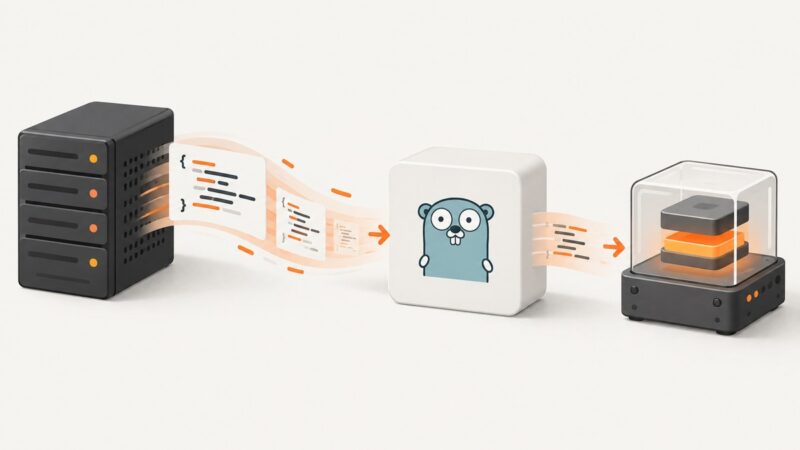
Fetch JavaScript with Go’s HTTP client, validate the response, and execute it with Goja. Includes complete code, runtime limits, troubleshooting, and a screenshot API option.
Build a Zapier workflow that turns a form, Discord message, or browser action into an AI-generated image—and save the result before its temporary link expires.
Connect WordPress to managed MySQL securely with Cloud SQL or RDS, configure credentials, verify access, and troubleshoot common failures.
Learn how to capture a complete webpage and split it into readable, ordered slices with Firefox, Playwright, Python, APIs, and AI workflows.
Automate visual regression checks with Playwright: create stable screenshot baselines, review changes, and troubleshoot noisy CI diffs.
Fix blurry or inconsistent screenshot text by verifying fonts, waiting for web fonts, controlling scale, and stabilizing the browser environment.
Use Puppeteer’s page.content() to read the current page’s full HTML, including the DOCTYPE. Learn when to wait, how to target elements and frames, and how to distinguish rendered DOM from the original response.
Set up useful infrastructure monitoring with a focused scope, core telemetry, dashboards, actionable alerts, and a practical troubleshooting workflow.
Turn Google Sheets order rows into branded invoice PDFs with Apps Script, Drive links, email delivery, retries, and bulk-processing guidance.
Generate dynamic Telegram link preview images with Open Graph metadata, HTML templates, and a reliable debugging workflow.
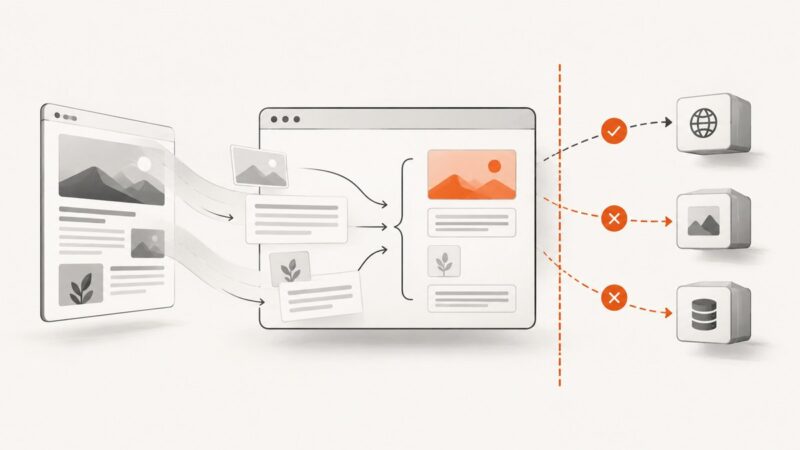
Learn how vanilla JavaScript fetches and parses pages the browser is allowed to read, and what to do when CORS blocks access.
Learn how to capture screenshots, upload them to FTP or SFTP, preserve test-result attachments, verify transfers, and automate the workflow.
Use yfinance carefully to retrieve Yahoo Finance data in Python, validate symbols and delays, handle failures, and understand automation limits.
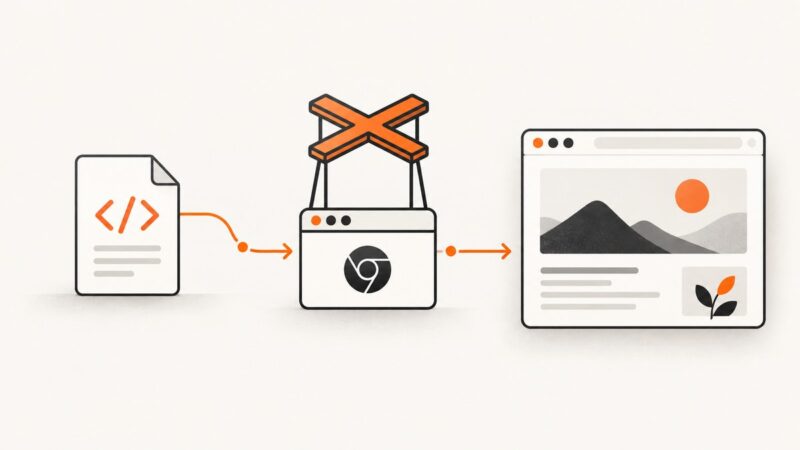
Learn when to use file://, page.setContent(), or a localhost server in Puppeteer, with runnable code, diagnostics, security guidance, and ScreenshotNeo.
Capture an entire scrollable webpage in Firefox or Playwright, handle dynamic content, and choose the right format for repeatable screenshots.
Create an image for a Reddit link preview, add the right metadata, and troubleshoot missing or incorrect previews with a practical checklist.