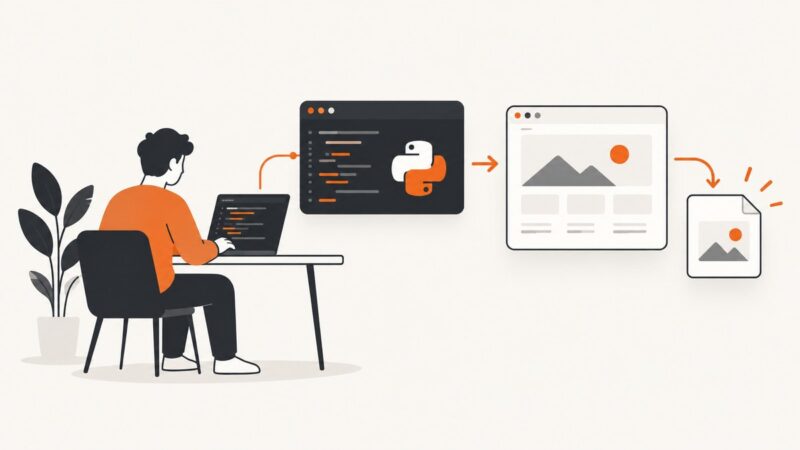
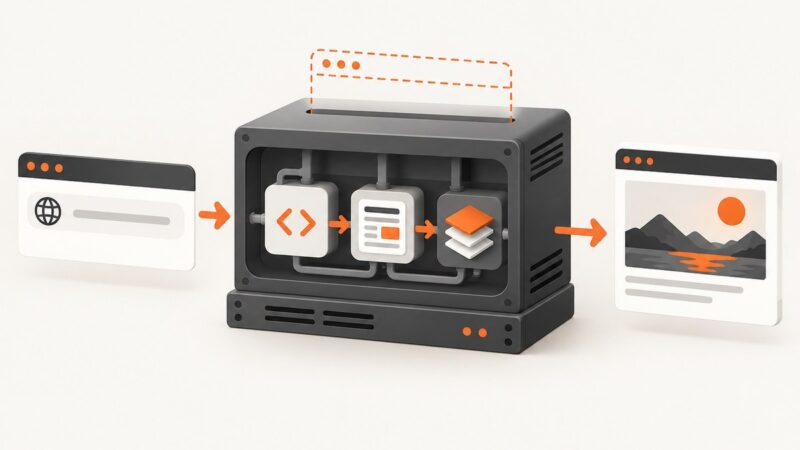
How to Turn Web Form Submissions into Branded PDFs
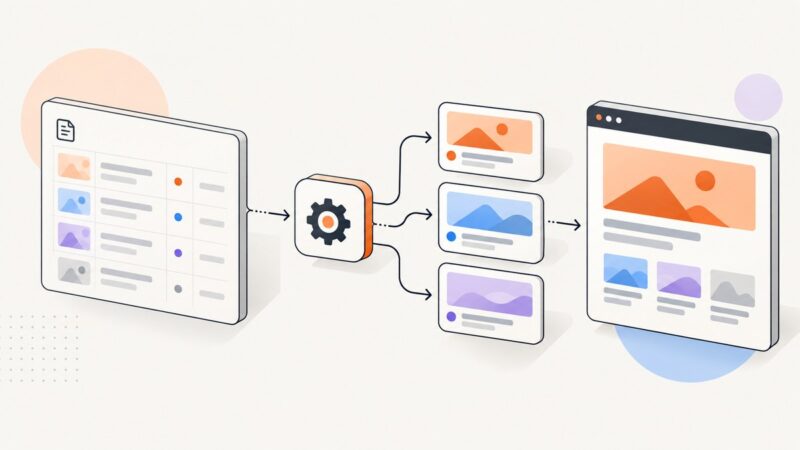
Capture form data, validate it, merge it into a branded template, render a PDF, and deliver it reliably with no-code or API workflows.
Capture form data, validate it, merge it into a branded template, render a PDF, and deliver it reliably with no-code or API workflows.
Automatically create and update Open Graph images for Notion blog posts. Connect page changes to a renderer, then publish a durable image URL as og:image.
Use curl -I to inspect HTTP headers without downloading a response body, with practical examples, diagnostics, automation tips, and alternatives.
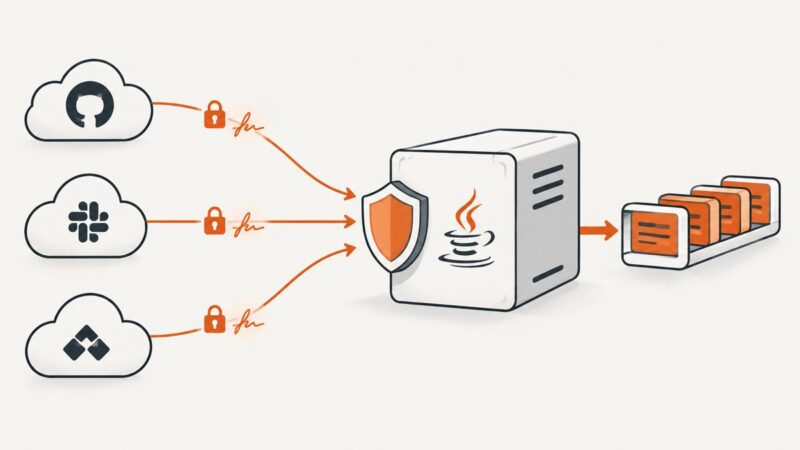
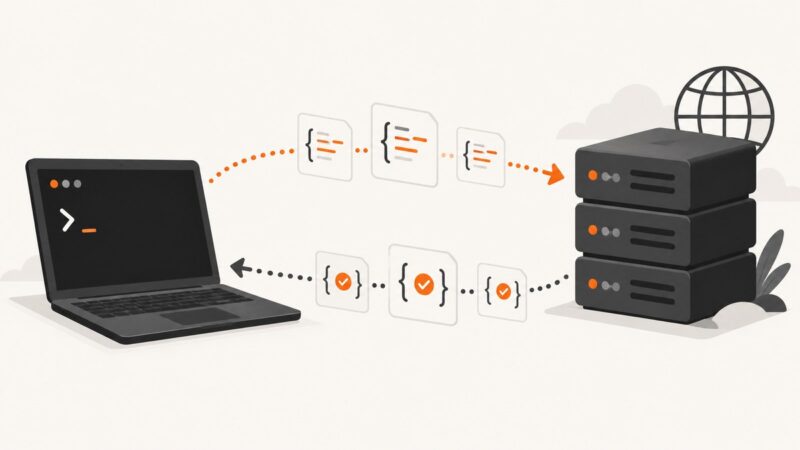
Build a secure Java webhook endpoint with raw-body HMAC verification, idempotency, retries, and production troubleshooting.
Render HTML, templates, and live pages as reliable images from PHP using hosted browser APIs, with complete code, options, debugging, and ScreenshotNeo.
Google Maps scraping can violate Maps Platform terms. Learn the supported Places API workflow, runnable request examples, usage limits, billing, and alternatives.
Use Playwright for .NET to capture a rendered webpage as WebP. Learn setup, quality and scale options, full-page and element captures, and common fixes.
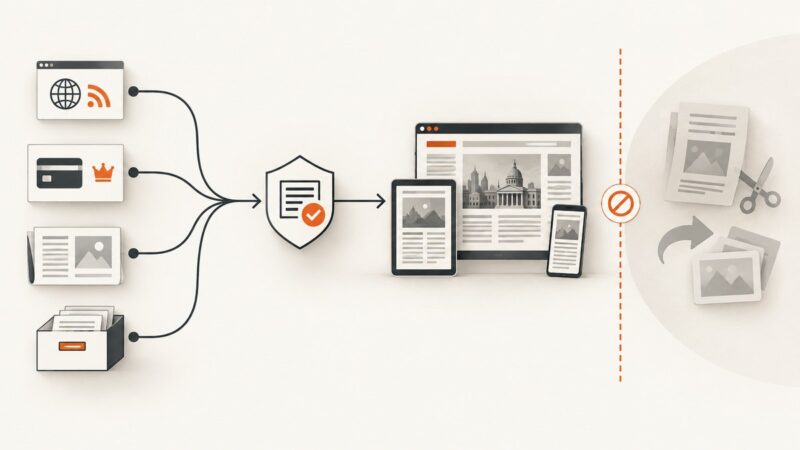
Build a reliable news ingestion workflow with RSS, licensed feeds, or careful HTML extraction, while preserving provenance and respecting publisher rights.
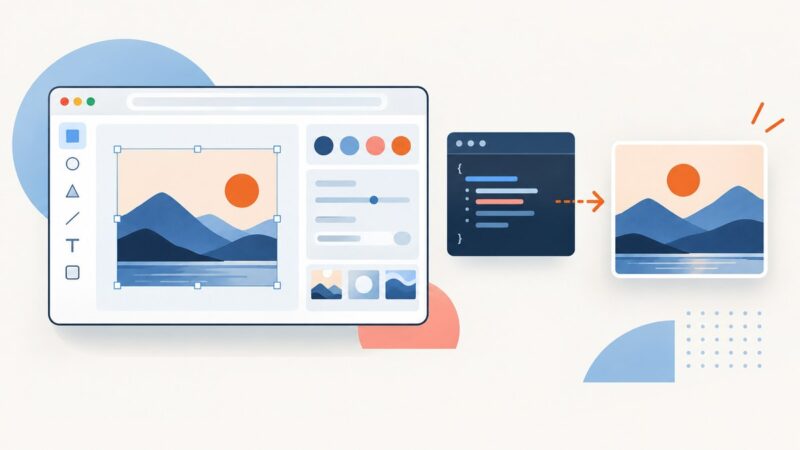
Embed Figma or Canva safely with responsive iframes, APIs, SDKs, permissions, troubleshooting, and a static ScreenshotNeo capture option.
Start with AZCentral’s RSS feeds, subscription, eNewspaper, and archives. Before automating article retrieval, check current site rules and separate access from reuse rights.
Send POST requests with curl using form data, JSON, files, or custom headers. See runnable examples, authentication tips, and fixes for common errors.
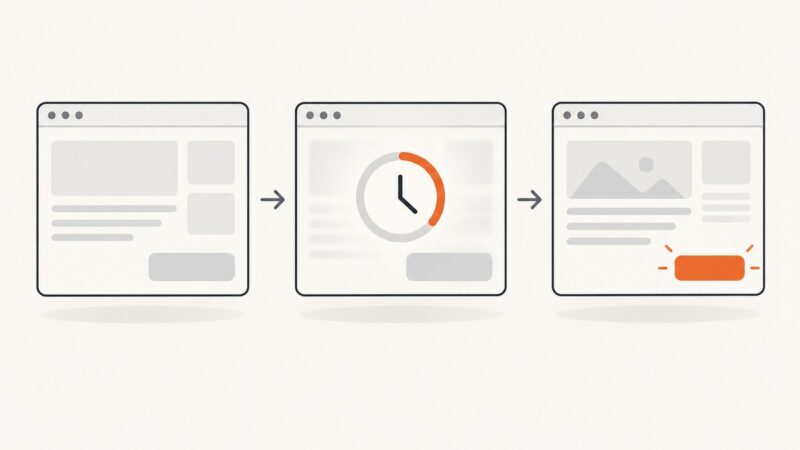
Use Selenium’s CSS selector locator to find one or many elements, wait for dynamic content, and troubleshoot selectors that stop matching.
Use Playwright to capture a website from Python, save viewport, full-page, or element screenshots, and handle formats, timing, and common failures.
Clear cached files to fix stale pages and broken layouts. Follow safe steps for Chrome, Firefox, Edge, and Safari without deleting passwords or bookmarks.
Learn how to collect Apple product page data responsibly, parse permitted HTML and JSON-LD, and handle JavaScript rendering, errors, and change tracking.
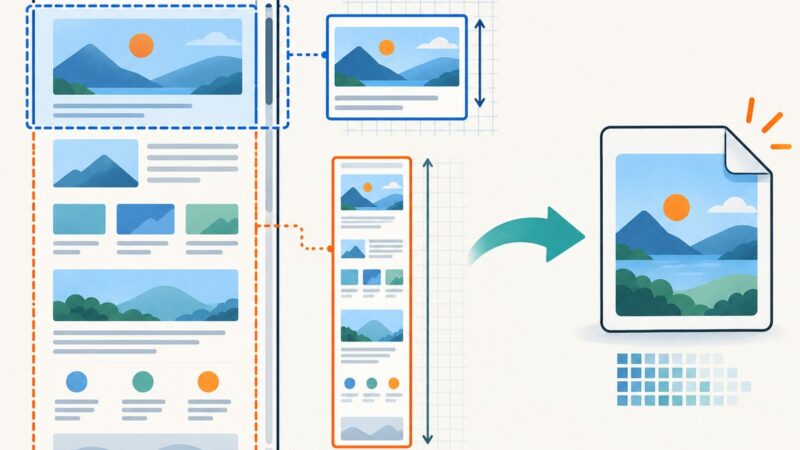
Set CSS viewport dimensions before navigation, choose the right capture mode, and avoid mobile, scaling, and full-page screenshot mistakes.
Use a browser proxy to open and capture blocked pages, understand limits, and automate reliable screenshots when VPN routing is not enough.
Capture a website from PHP with a hosted screenshot API or Spatie Browsershot. Compare setup, full-page options, security and troubleshooting.