Control Scrolling into View When Taking Screenshots by Selector
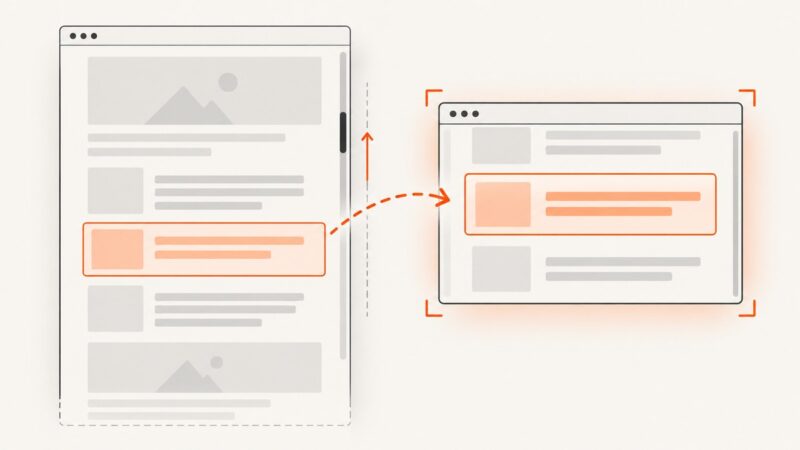
Playwright scrolls a selected element into view before capturing it. Learn how to control that step, choose the right capture scope, and troubleshoot missing content.
Blog
How to take clean screenshots, turn HTML into images and PDFs, run headless browsers, and give AI agents eyes. Written by the team that builds ScreenshotNeo.
Playwright scrolls a selected element into view before capturing it. Learn how to control that step, choose the right capture scope, and troubleshoot missing content.
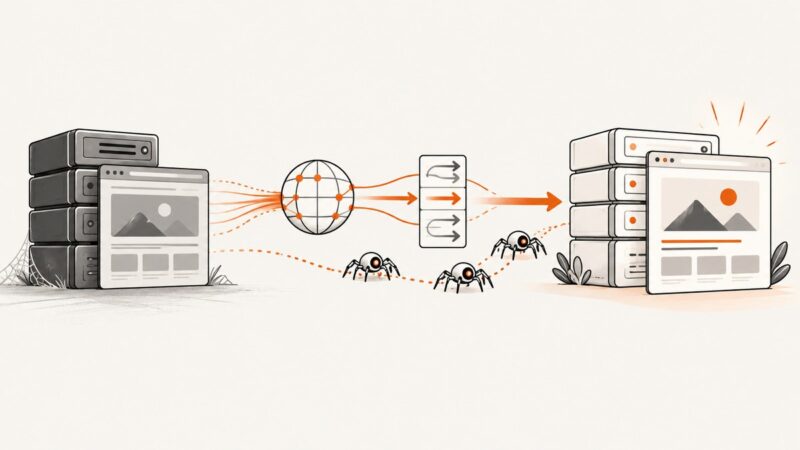
A practical migration playbook for moving large websites while protecting URLs, search visibility, traffic, and operational reliability.
Compare browser SDKs, hosted REST APIs and persistent sessions, then choose the right screenshot workflow with runnable code and practical settings.
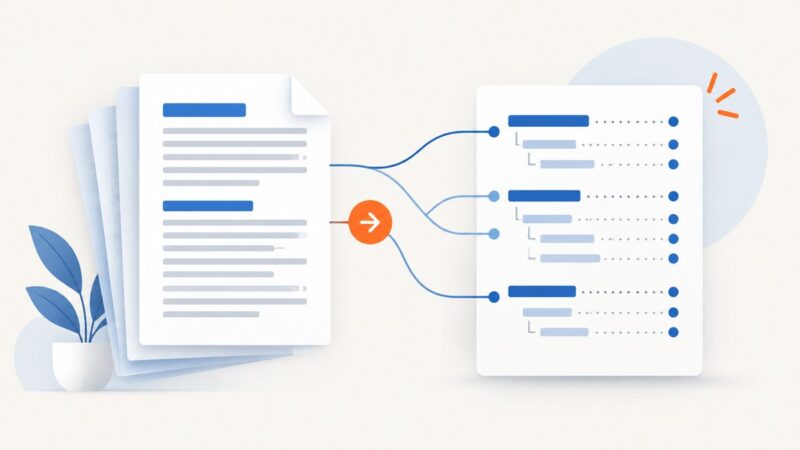
Learn how to add an automatic, refreshable table of contents to a DOCX file in Word, fix missing entries, and keep page numbers accurate.
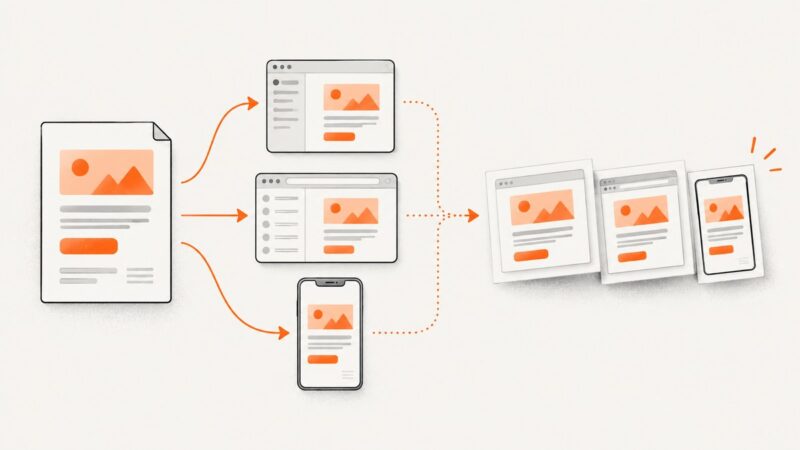
Capture responsive websites at mobile viewport sizes with Playwright, APIs, or device emulation. Includes full-page code, troubleshooting, and production tips.
Build accessible infinite scrolling and Load more controls with IntersectionObserver, request guards, pagination, crawlable URLs, and robust error handling.
Capture ESP-transformed HTML emails across Gmail, Outlook and mobile, automate screenshots in CI, and troubleshoot visual defects before sending.
Build a FastAPI endpoint that captures website screenshots with Playwright, supports full-page images, and handles errors safely in production.
Use PHP cURL to fetch raw HTML, then render it safely with Dompdf. Includes complete code, remote assets, troubleshooting, and a browser-free API option.
Render Flask pages as PNG, JPEG, or WebP with Playwright. Learn how to capture HTML safely, return image bytes, handle assets, and troubleshoot production issues.
Capture an entire rendered page from a Flask route with Playwright, return it as PNG bytes, and handle timeouts, untrusted URLs, and long-running jobs.
Learn how to fill, verify, and capture form fields with Playwright, Chrome DevTools, cURL, Python, Node.js, and ScreenshotNeo.
Choose the right source, extract fields from HTML with Python, and handle pagination, dynamic pages, validation, and crawler rules.
Learn how to scroll lazy-loaded pages, verify content, and capture complete full-page screenshots with Playwright, Puppeteer, or ScreenshotNeo.
Build repeatable 1200×630 Open Graph images in Bash with SVG, ImageMagick, safe text escaping, metadata, testing, and publishing advice.
Learn to parse Schema.org Microdata, including nested items and itemref, with runnable Python, JavaScript, validation, and production troubleshooting.
Capture Android screens in Kotlin, detect screenshot events, or render website URLs. Choose the right API and follow runnable examples for each task.
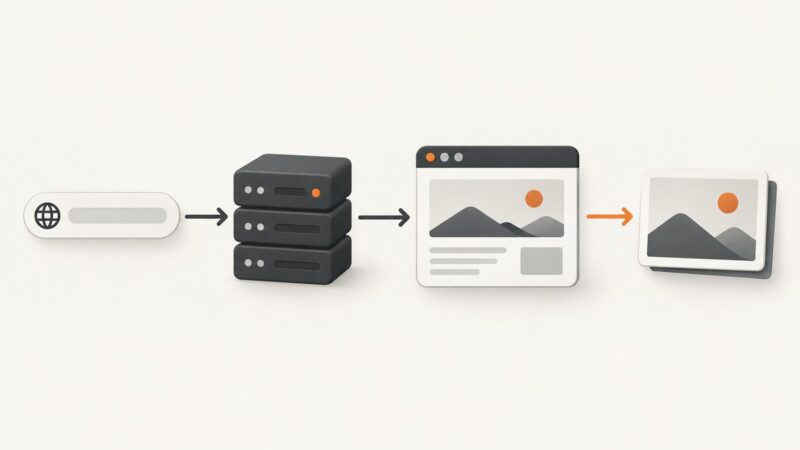
cURL sends the request; a rendering API turns HTML or a webpage into PNG. See both workflows, runnable examples, output handling, and fixes for common errors.