How to Capture Full Web Pages on Different Devices
Learn how to capture an entire scrolling webpage on iPhone, Android, Edge and Windows, plus an API workflow for automated screenshots.
Blog
How to take clean screenshots, turn HTML into images and PDFs, run headless browsers, and give AI agents eyes. Written by the team that builds ScreenshotNeo.
Learn how to capture an entire scrolling webpage on iPhone, Android, Edge and Windows, plus an API workflow for automated screenshots.
Learn how automation functions observe, click, type and verify browser state with Playwright, structured actions and safe production patterns.
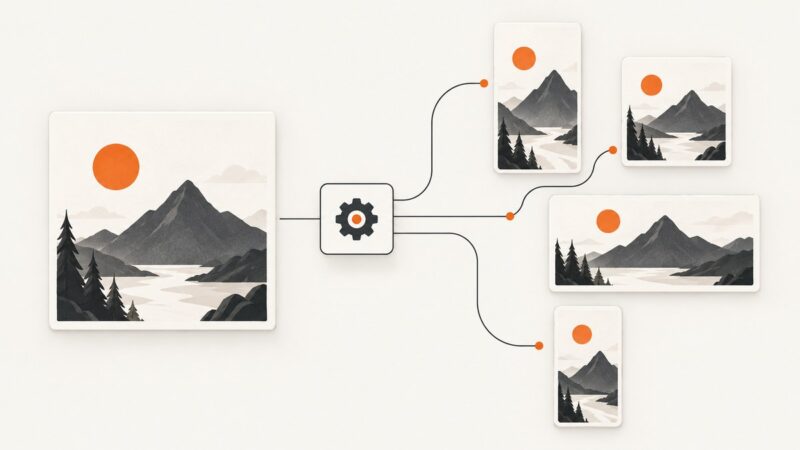
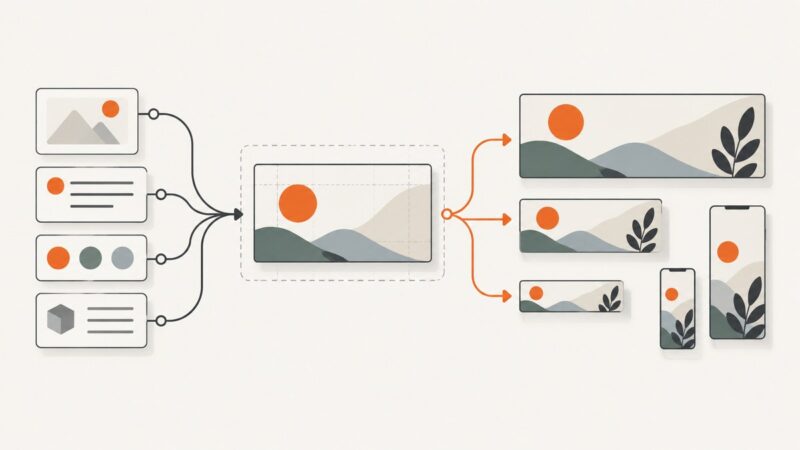
Build a reliable image-resizing pipeline with versioned presets, safe cropping, batch APIs, validation, and platform-ready exports.
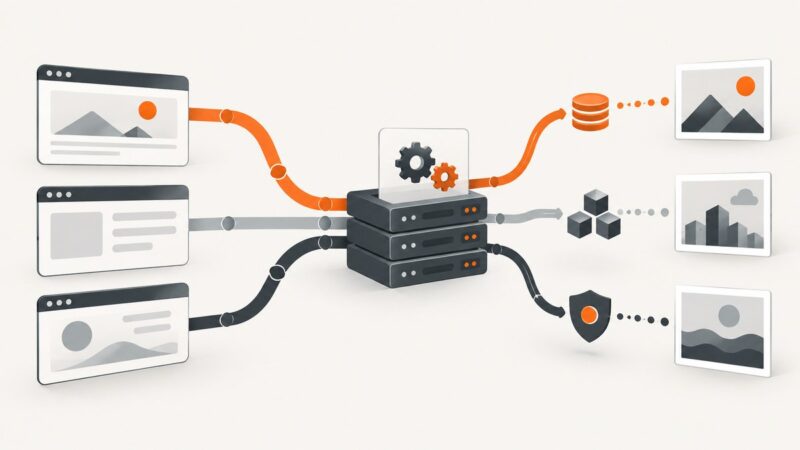
Compare ScreenshotOne, ScreenshotAPI.net, and CaptureKit by price, volume, rendering controls, and workflow fit—and see when ScreenshotNeo is a better alternative.
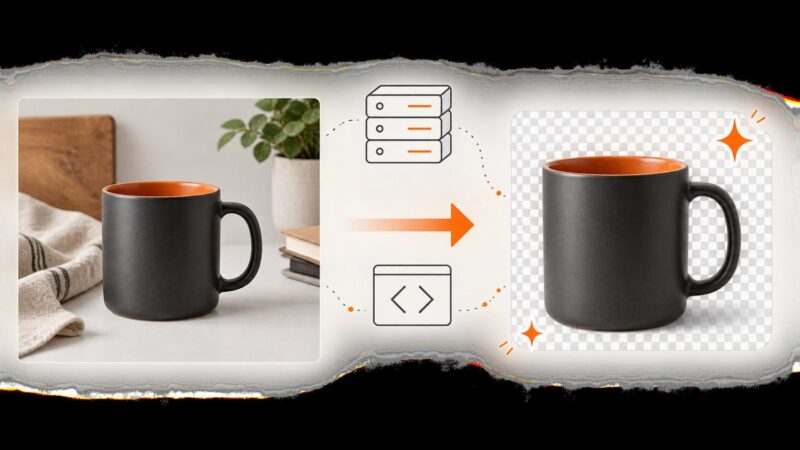
Build a reliable Node.js pipeline for removing product-photo backgrounds, processing batches, handling failures, and choosing hosted or self-hosted tools.
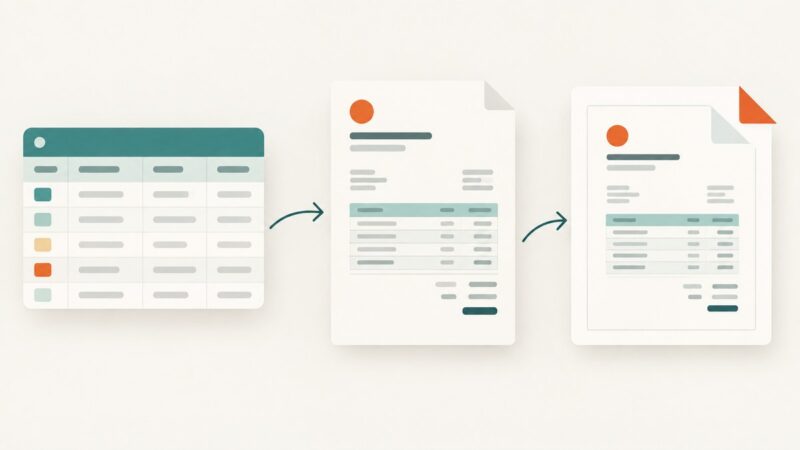
Create a one-off invoice PDF with Airtable’s Page Designer, or choose a document-generation workflow when you need repeatable output, automation, or attachments.
Build a competitor price tracking workflow that collects fresh offers, matches products accurately, flags MAP issues and supports controlled repricing.
Build repeatable website banners with templates, APIs, AI artwork, validation, and an automated publishing workflow.
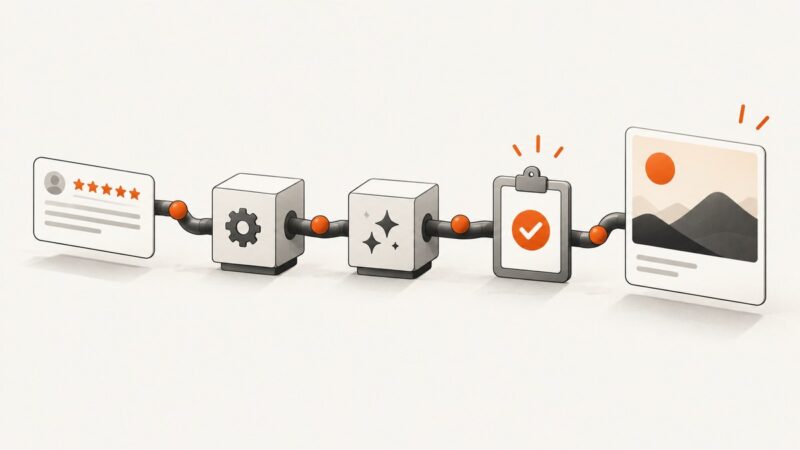
Turn new Google Business Profile reviews into branded images with a review trigger, a design step, and an approval workflow.
Choose a Puppeteer alternative by separating framework needs from browser infrastructure, with practical Playwright, Selenium, hosted-browser and API guidance.
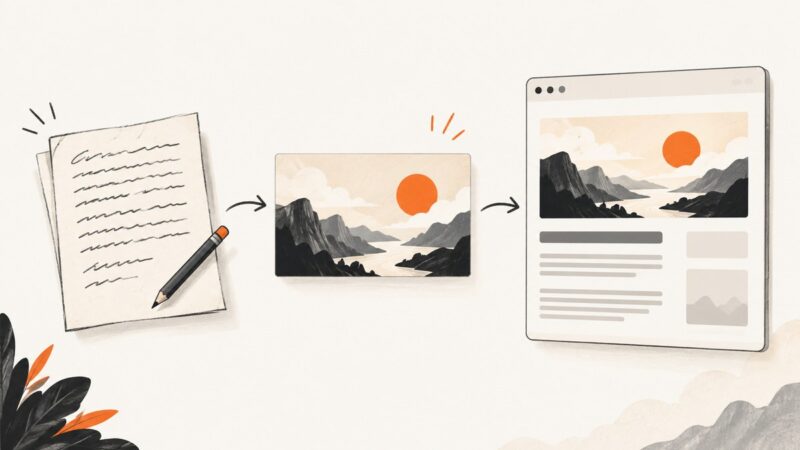
Create a branded image from a Google Docs draft, publish it as a public asset, and add the Open Graph metadata your page needs.
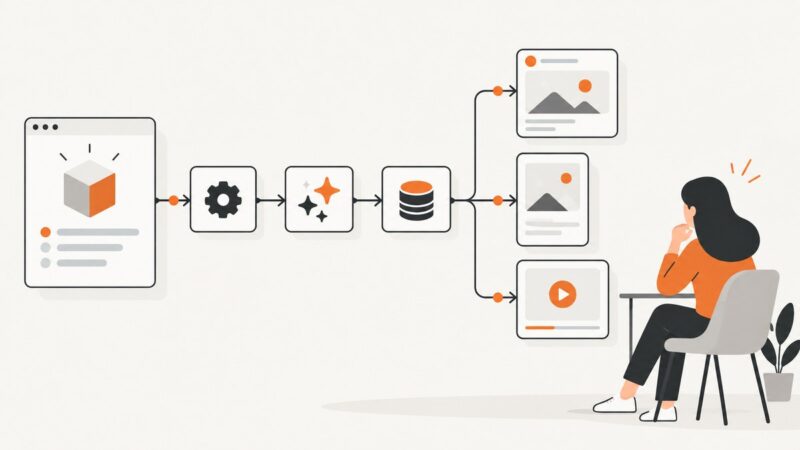
Build a Make scenario that turns product updates or blog posts into platform-specific social content, with review, publishing, and error logging.
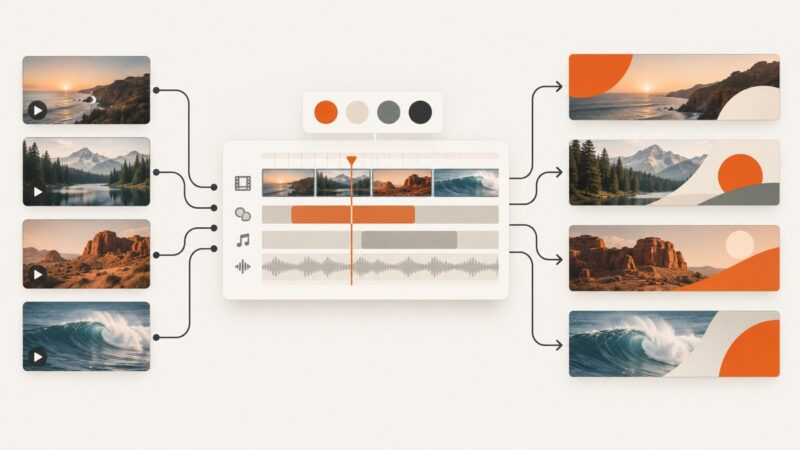
Build a repeatable pipeline that combines licensed stock clips, campaign data, and a reusable composition to render unique video banners.
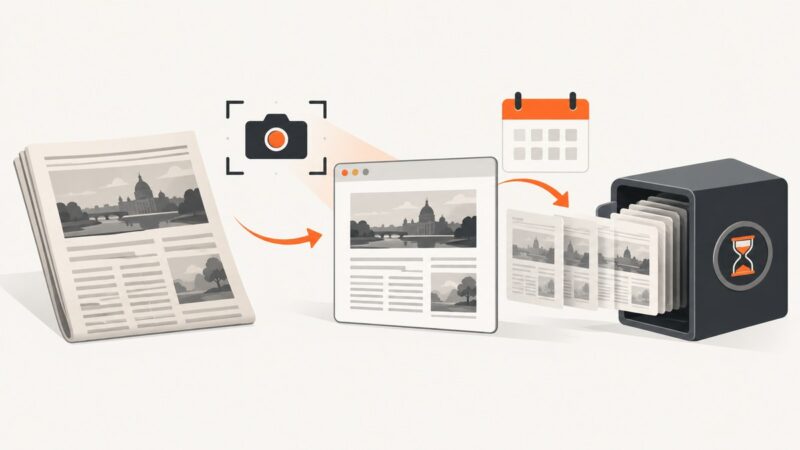
Learn how to preserve news articles with Wayback Machine captures, screenshots, metadata, verification steps, and repeatable workflows.
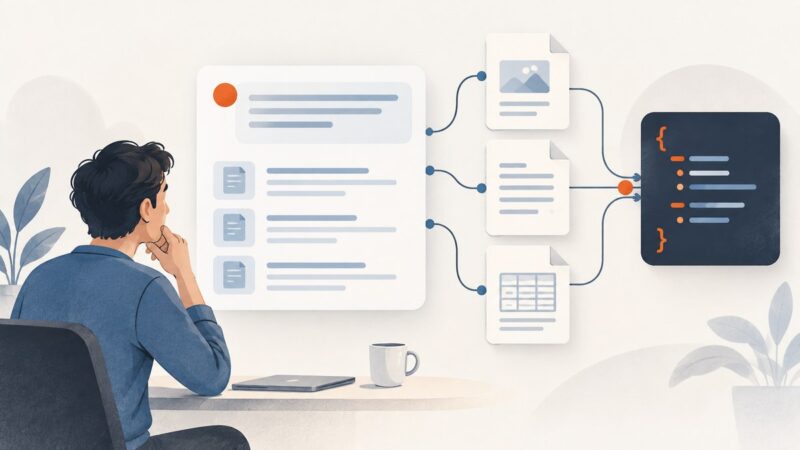
Get structured answers with source links and citation spans, and understand the limits of scraping Google AI Mode.
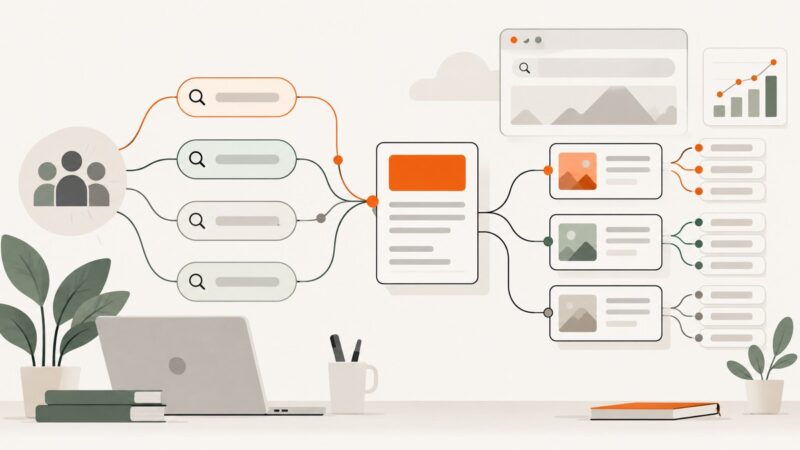
Build a blog keyword plan from real audience needs, search intent, and evidence. Learn how to find, evaluate, group, and revisit topics without treating estimates as promises.
Learn where AI agents fit in creative marketing, how to build a reliable workflow, what to automate, and where human review remains essential.
Use a screenshot API to render dynamic Open Graph cards from HTML. Learn the workflow, metadata, caching, runnable examples, and common fixes.